So if I do things in order… :
I just restored my backup, but there isn’t a zigbee2mqtt (nor z2m) folder. And that’s because no z2m container was created 
So if I do things in order… :
I just restored my backup, but there isn’t a zigbee2mqtt (nor z2m) folder. And that’s because no z2m container was created
Restarting Gladys might help after restoring the backup.
Nope, that didn’t do anything
Are you sure the backup went fine on your Raspberry Pi? You can see the backup task in Gladys’ administration section.
Normally it’s run every day at 11:00 PM, but z2m must be available in order to back it up.
Yes yes, I had checked and I even posted a screenshot above
I tried rereading the discussion, so this part surprises me a lot — even without a z2m backup, Gladys should have started a z2m container, and therefore created the z2m folder… since you already had this config on the Pi…
Ah… That’s messy
I don’t really know where to start with this problem.
I’m trying to enable z2m from Gladys / then stop the Zigbee2mqtt container and copy the database backup file there, then restart and select the correct USB port from Docker?
I’m posting updates as I make progress. I had doubts about the time of my last Gladys backup — in fact it was made after my first migration tests, which explains the absence of z2m.
I just restored the previous backup and find myself with a weird situation:
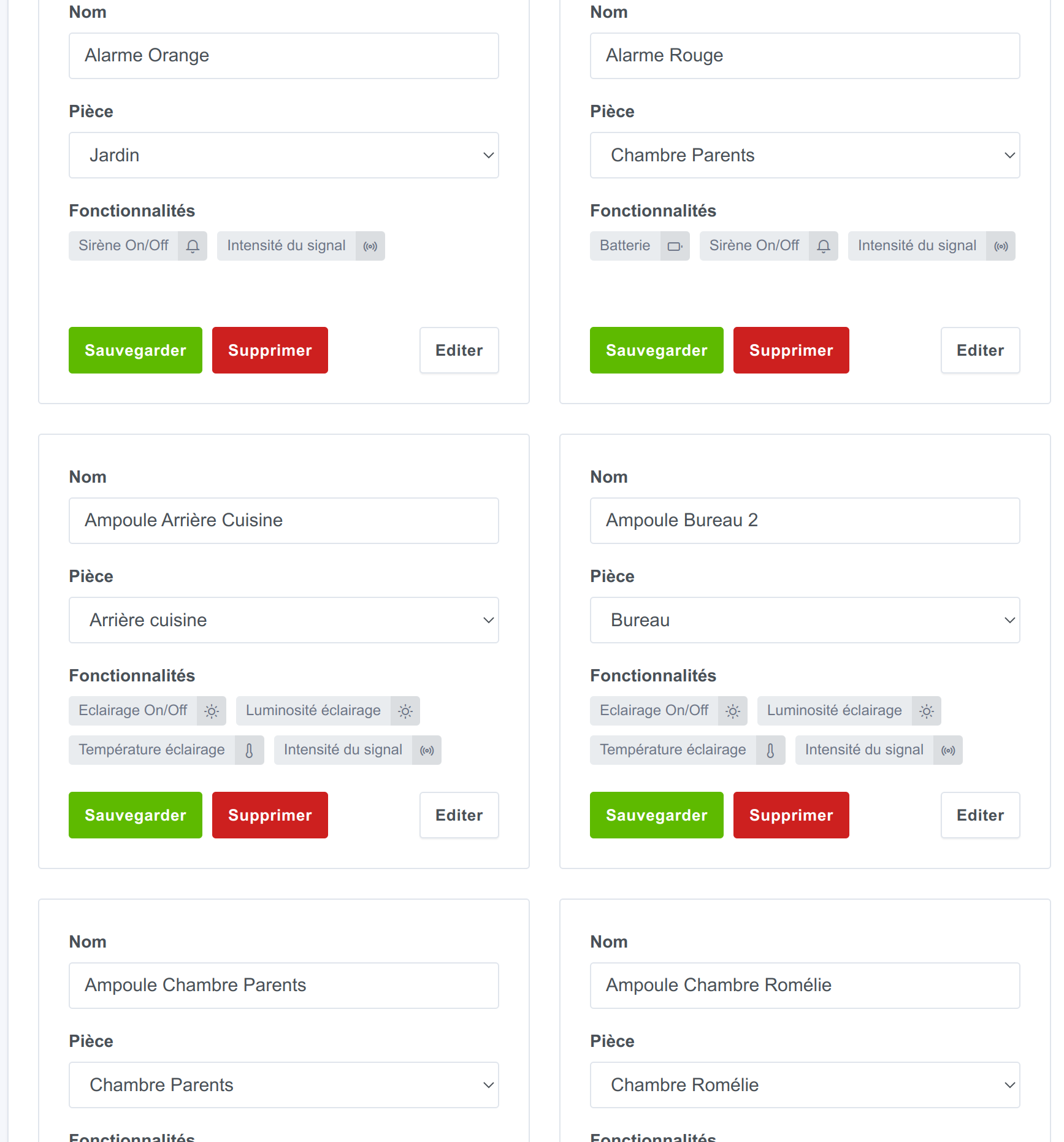
In Gladys I can see all my z2m devices:
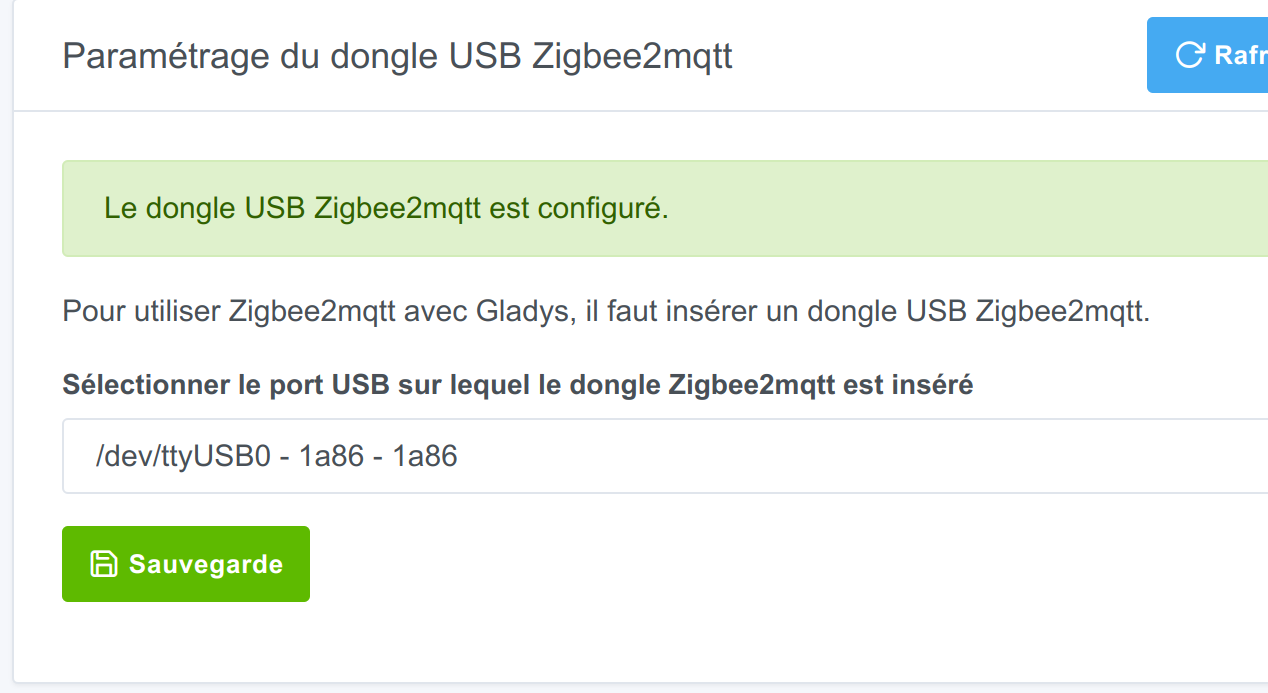
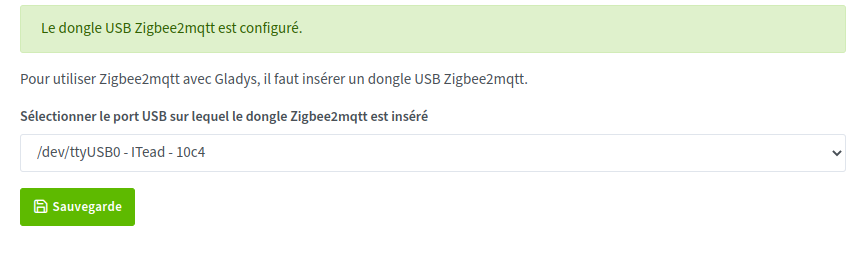
The dongle is set by default to /dev/USB0 (I haven’t touched that):
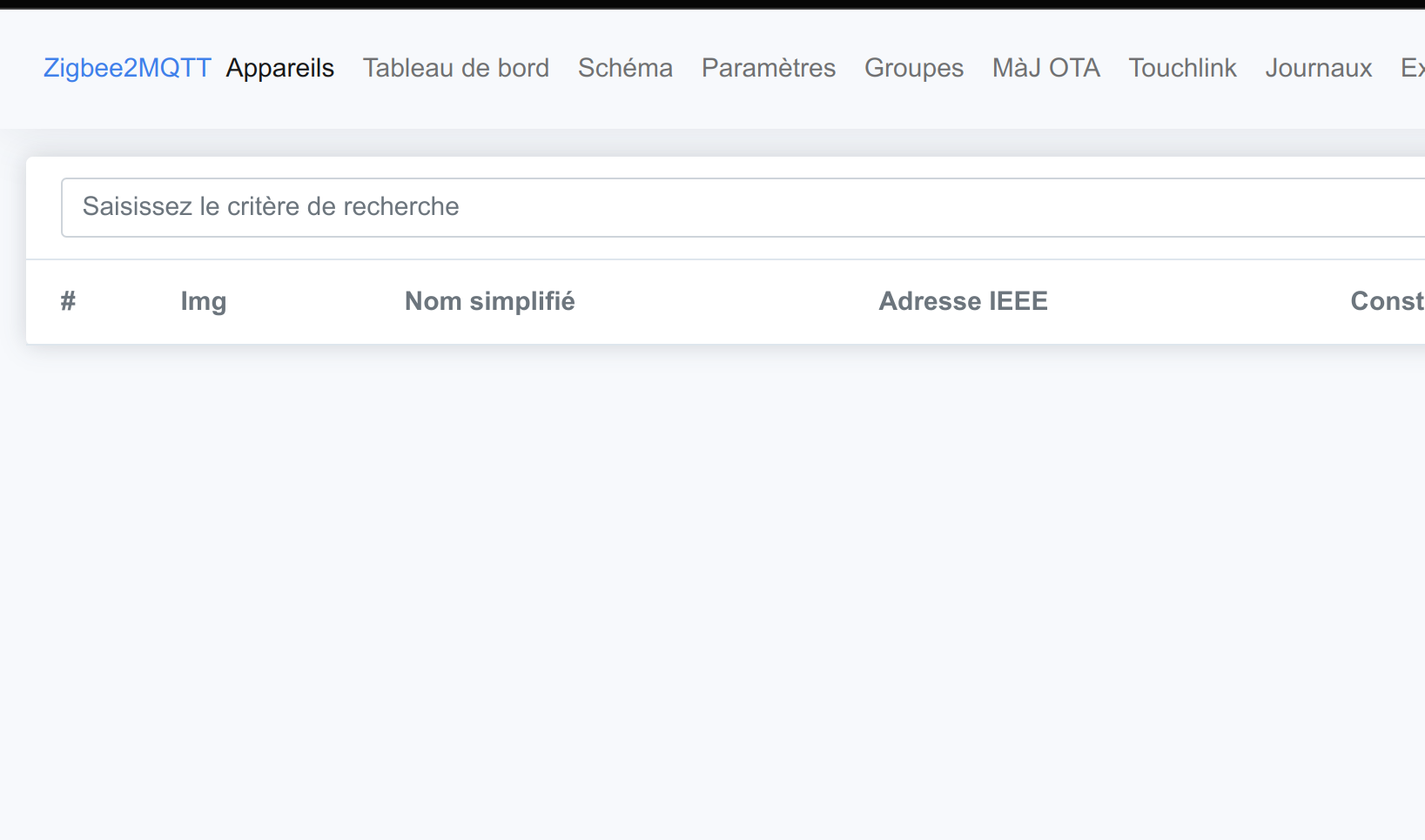
However I have no devices in the zigbee2mqtt interface:
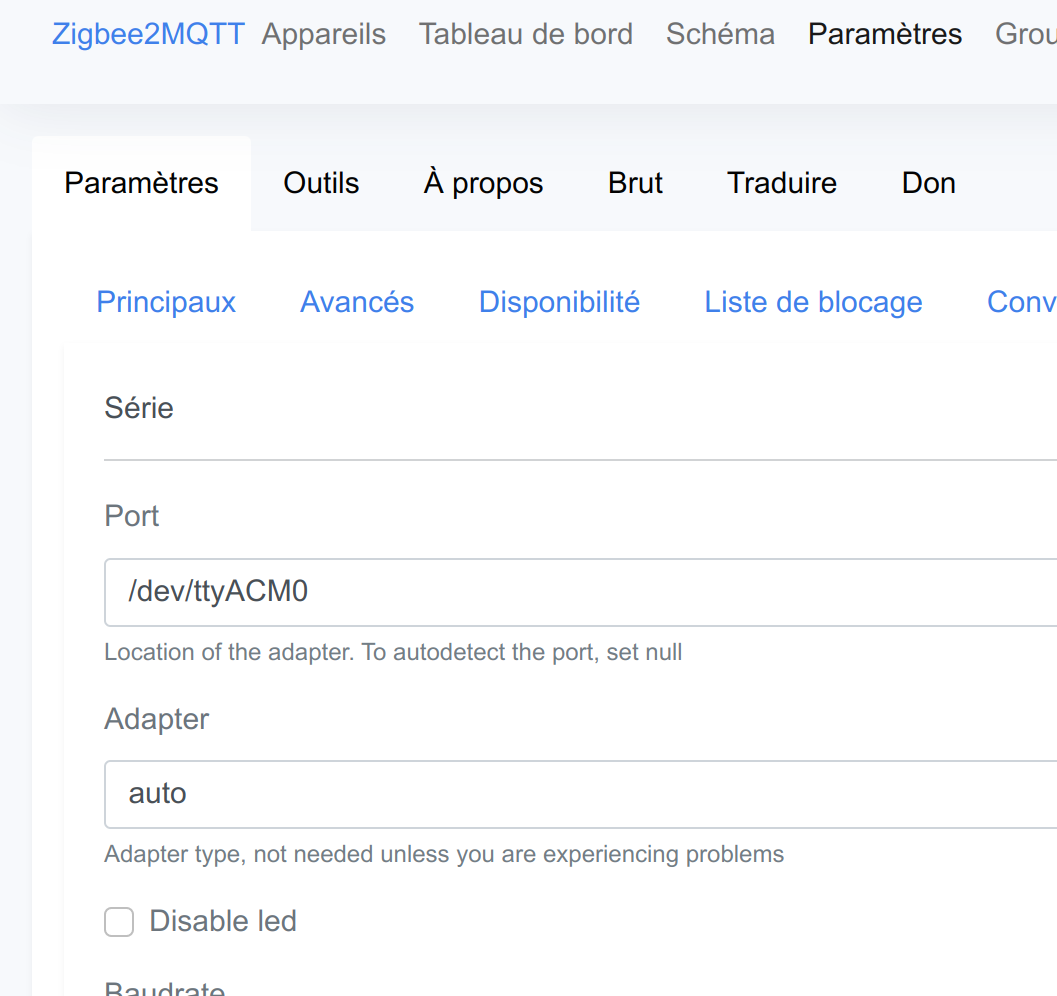
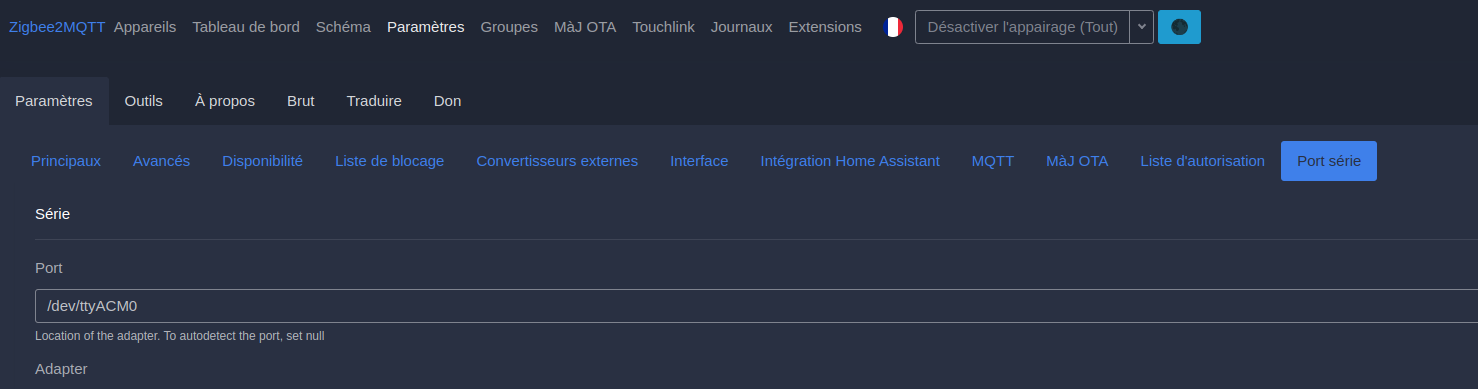
And in the settings the serial port is set by default to /dev/ttyACM0:
I’m floundering, so I guess the ports need to match but I don’t know which one to change ^^ … 
If you don’t have the z2m folder generated after restoring the backup, the z2m application will not be pre-configured (or configured as before).
But I admit it’s starting to get annoying.
Yes yes, sorry — to clarify: after restoring the penultimate backup I do have the folders present. I think that’s why I see all my devices.
Out of curiosity (I shouldn’t have) I changed the
Most importantly, keep your working Raspberry Pi safe; that way you can always manually retrieve the z2m config if needed.
Yes, I don’t touch it.
Actually I don’t understand how Gladys manages (apparently) to find my dongle on ttyUSB0 while zigbee2mqtt doesn’t access it and only starts if it’s configured on ttyACM0.
Ok…
So I can leave it as is. I tried a PERMIT JOIN, nothing magically appeared ^^
Does your configuration.yaml file that was imported onto your NUC contain the list of devices?
No, none of that.
I even tried copying the contents of database.db from my backup to my NUC but it gave me a JSON format error, I think
Ah, however, I notice that in the configuration.yaml on my RPi the file names are indeed present!
Personally, when I tried to make manual backups of z2m I copy the three z2m files.
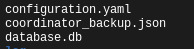
You can try putting these three files from your Pi onto the NUC and see if it works.
I’ll try 
Personally, I’ve already done about ten restorations by copying these files, and it has always worked.
Afterwards we’ll still need to understand what happened in your case