If you installed Gladys with the official Raspberry Pi OS image, your instances will update automatically in the coming hours. It can take up to 24h, don’t panic.
If you installed Gladys with Docker, make sure you’re using Watchtower (See the documentation )
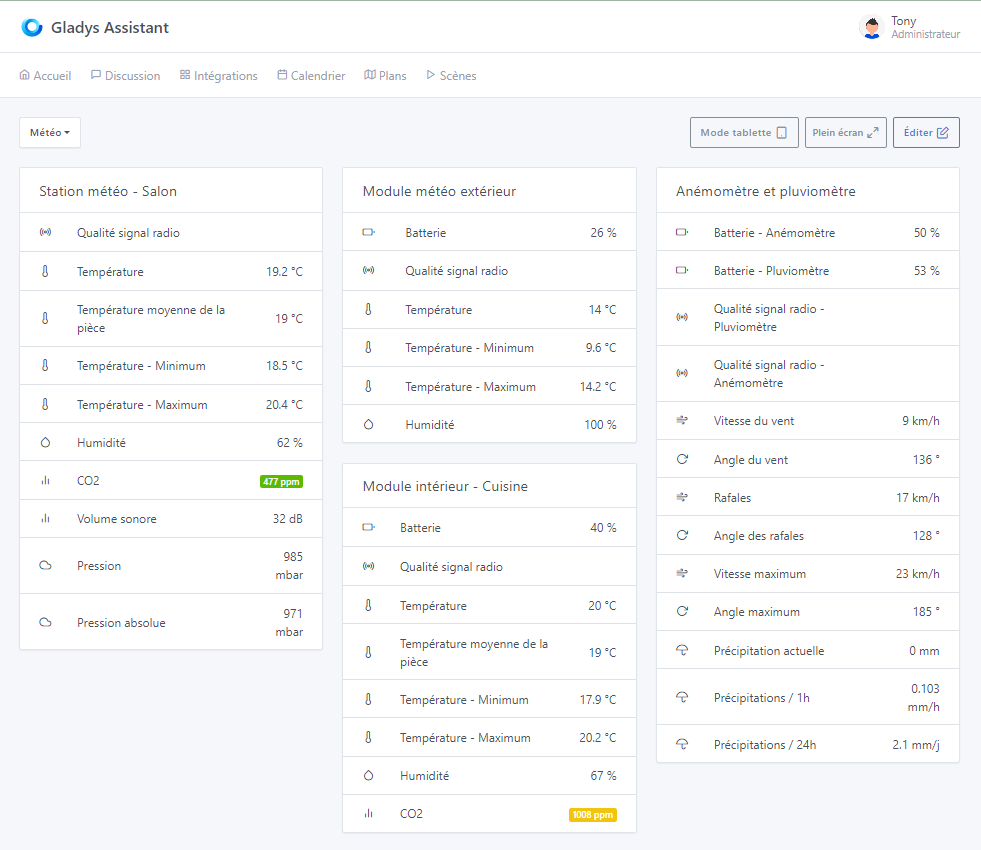
v4.38 has been deployed on my side for a few minutes… Two clicks and all my Netatmo weather station data are available in Gladys! It’s so great, the simplicity
Thanks @Terdious and @pierre-gilles
And it couldn’t have come at a better time since until now I was relying on a Node-RED flow to fetch this data (from this page) which broke down… last night! (probably due to Netatmo’s change of authentication mode that was announced for Feb 29, I didn’t have time to check…)
Enjoy it, and don’t hesitate to create a dedicated thread if you have any feedback on the integration (bugs, inconsistencies, or even if everything’s fine and you want to share your setup )
I’m having a lot of fun with Gladys thanks to the training from @pierre-gilles and I admit I hadn’t returned to the site for a while, but the documentation is top-notch.
Many thanks for this Netatmo integration. I took the plunge and bought the weather station. However, I think I’ve found a bug.
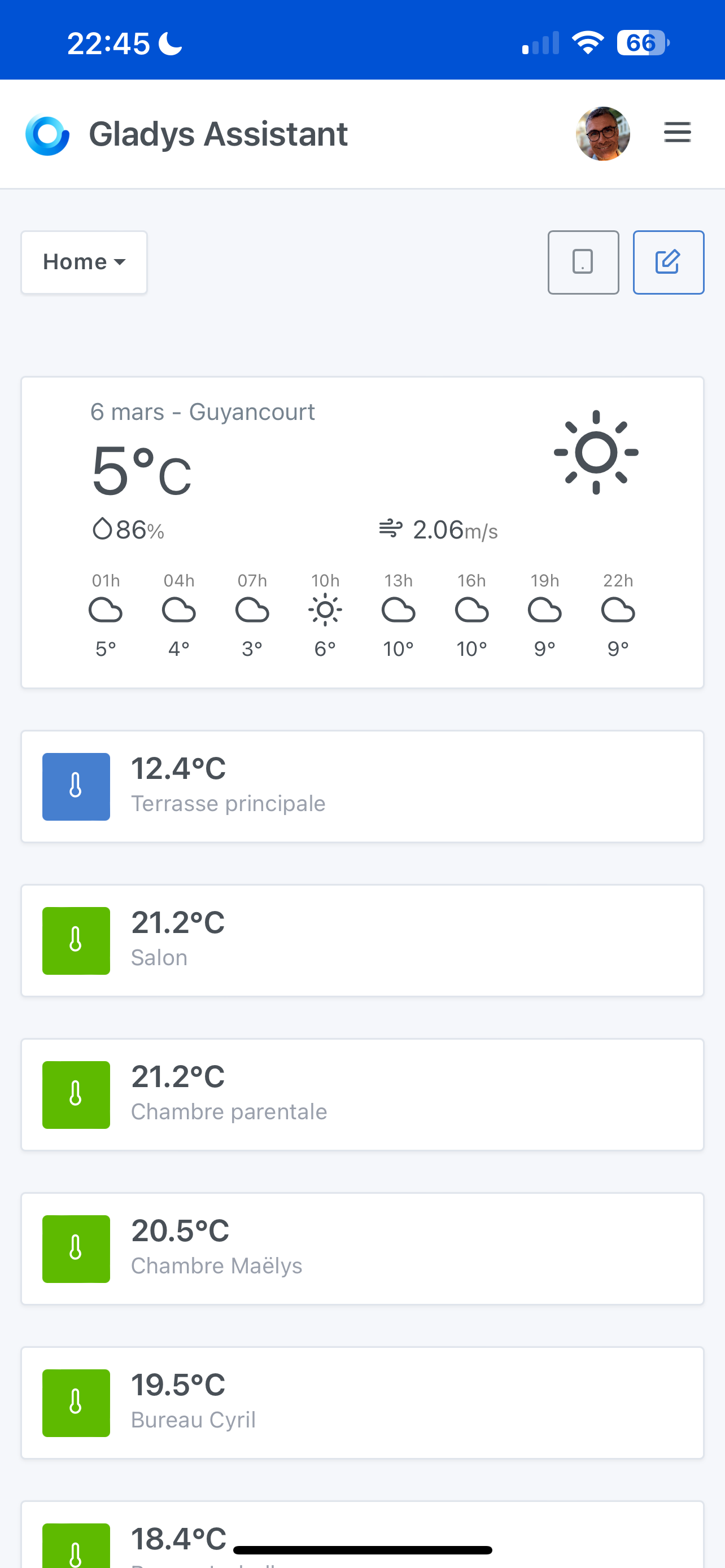
In a dashboard, if I use the widget « room temperature » and select the terrace where the outdoor station is located, the temperature displayed is not the outside one, but I imagine one of the other two. However, the value doesn’t really correspond to a minimum or a maximum either; it’s as if it’s an average or a median value, strangely.
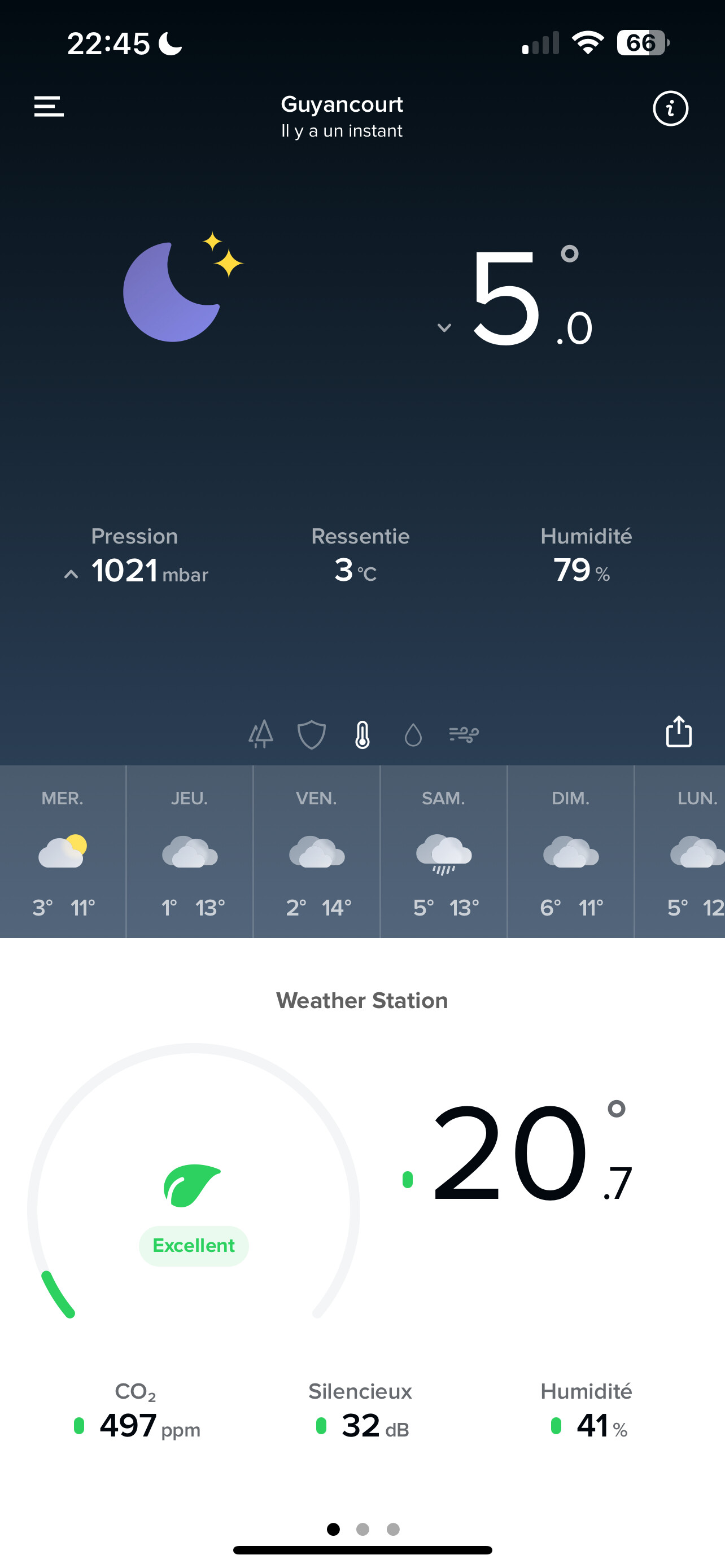
Below you can see the discrepancy between the temperature reported by OpenWeather and that of the main terrace.
For the living room temperature corresponding to the indoor module, I also consistently see a discrepancy compared to what’s shown by the native Netatmo app. In short, I wonder if the widget is returning the correct value for the weather station.
Another surprising detail: I realize that my phone and my iPad do not display the same values on this Dashboard… is there any caching in the PWA app that could explain all these discrepancies? I installed the Netatmo station today and initially the external module showed 20° before I put it outside. Cached values could explain my strange readings and the discrepancies between devices.
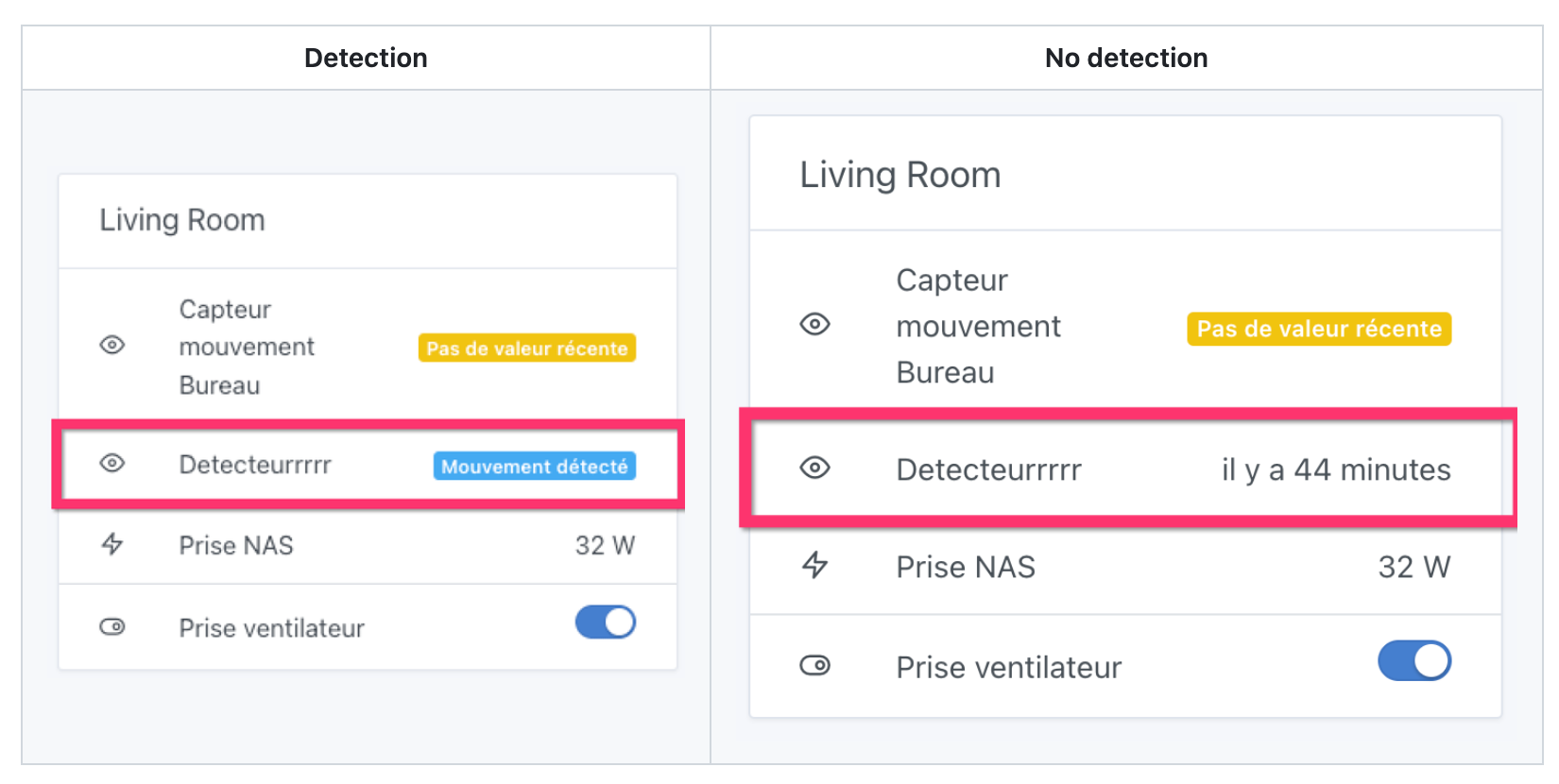
Regarding the room temperature widget, indeed it is the average of all devices reporting a recorded temperature in the same room, you can find the information you need in the documentation:
Do you have other devices that report a recorded temperature for the Terrace in Gladys?
To check you can go into the dashboard editor and select a « Room device » block which will allow you to verify all the devices / features of the Terrace room. Select all the features that correspond to a temperature, you should be able to find the devices that increase the averaged value easily.
My mistake, even in the Netatmo login panel it clearly states that it is an average temperature and I didn’t think to check the widget documentation… RTFM I’ll remember that in the future.
However, I confirm that I only have one device per room that provides a temperature.
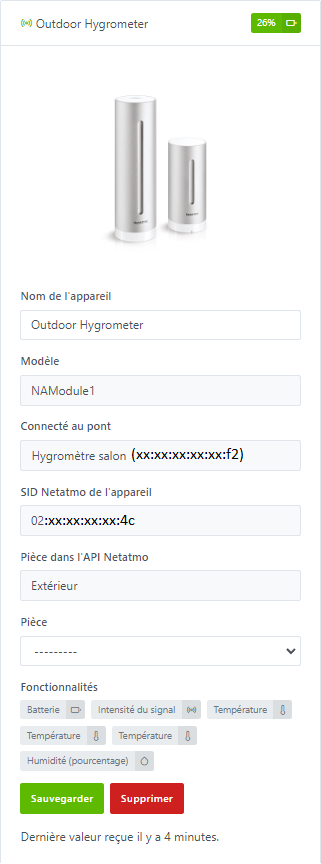
On the terrace, I only have the outdoor module of the Netatmo weather station.
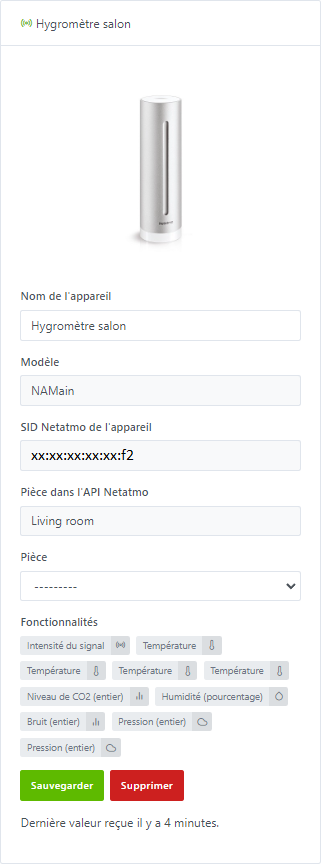
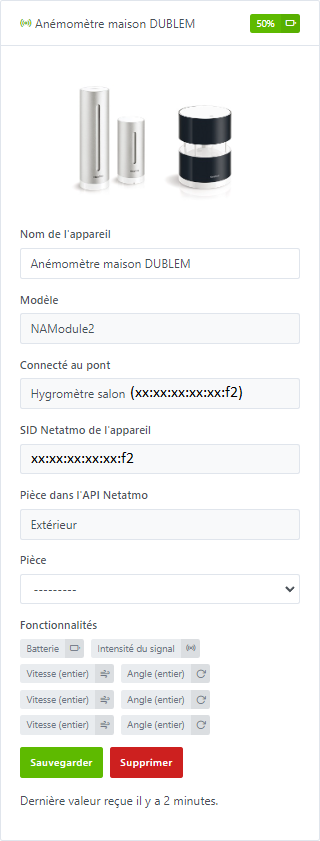
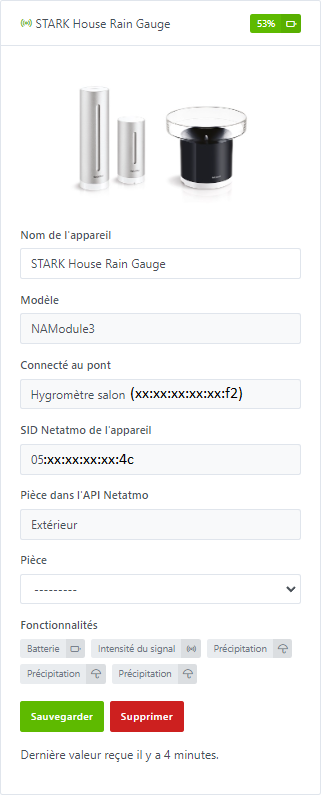
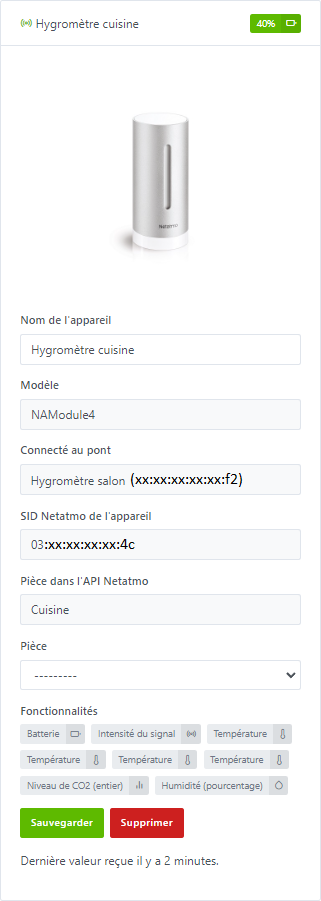
However, the module returns 3 temperature values according to the integration documentation (and I confirm when I check the integration in Gladys):
the current temperature, as well as
the min temperature over the last 24 hours and
the max temperature over the last 24 hours.
In this case, it’s the current temperature that interests me and not the average with the min and max of the last 24 hours.
Having an average across multiple devices is fine, but it should be an average of the current temperature in that case. That’s what I would naturally expect
Also, I confirm that if I select the room’s device and then select the temperature I’m interested in (the current temperature), I do get the expected value.
I hadn’t mentioned it, but indeed it’s an iPhone and an iPad and I did think of doing a swipe down, which didn’t have the expected effect. That seems to match the issue you mention.
Aaahh !! But yes, in this case you’re right, the fact of having the min/max skews the average of this widget… maybe something to consider on this subject. @pierre-gilles what do you think? Should we create a new ‹ type › of feature?




 )
)
 If you think of any content I should cover in the training, tell me!