Wow it’s really great all these Z-Wave bug reports! Awesome!
I agree with all the responses from @link39, he’s more of an expert than me on the subject
I’d be happy if you could explain the issue to me. We can call each other if you prefer to do it orally, for example today is fine for me Or written communication works too!
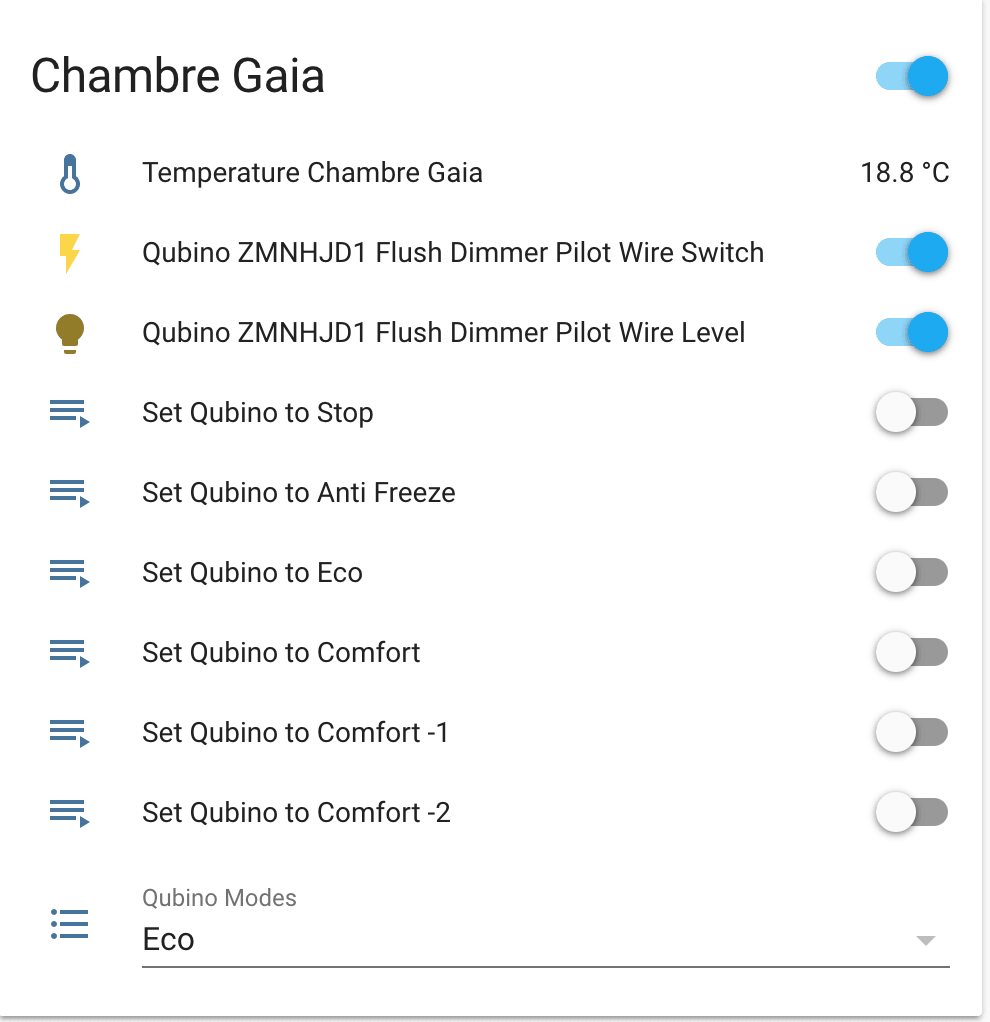
I completely agree with you, if I had this kind of module I would like to change the modes easily.
I looked at how other software handles this. On the home assistant side, you can trigger a script/scene from the home page via an On/Off button. This scene will then apply the configuration change to the module. This may not be the best way to do it, but it allows you to bypass the problem.
Another solution would be to make sure that modules of this type display the « config » type comClass on the dashboard. Need to think about the impacts and feasibility.
Otherwise, without necessarily doing it on a case-by-case basis, we could make it so that the user can add a « config » type comClass to the dashboard.
I think this is a reflection to be had at the same time as the configuration view, but it’s not a small development in my opinion
T0: OK
T1: OK
T2: OK - The increment doesn’t bother me. You mentioned a server, so you probably have virtual COM ports that increment each time a new device connects.
T3: Not normal. Same observation with « CTRL + F5 » to force a refresh? Is it the information that is not up to date or is the dashboard completely crashing?
T4: There is really a problem here. Your Z-Wave devices should always be in the « setup » section and that is not the case. Gladys detects nothing on the key, it’s empty.
I have the impression that your key loses its configuration when it is no longer powered. You said you also had the problem when rebooting your server, so same observation, the key is no longer powered and the configuration is lost. Moreover, the problem was already present with version 3.
Therefore, I suspect a problem with the key.
Another hypothesis, as it is a battery-powered device, they only stay awake for a few minutes. Therefore, you see them when you pair them. This would imply that sleeping devices are not displayed in the interface. I can check this point with one of my devices.
To be sure, you can:
Press the detector three times before going into « setup ». This would wake up your equipment and maybe you will see it in the list.
Try including your devices on another Z-Wave key and see if you have the same behavior.
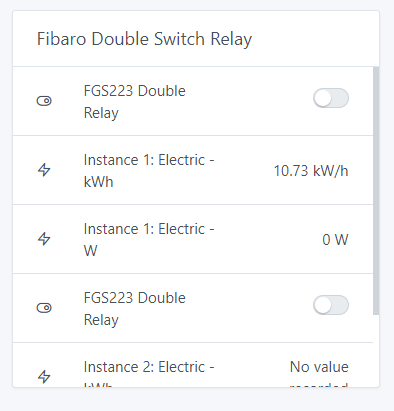
Only downside, in the display, the instance name does not appear for the switch. So we have twice: FGS223 Double Relay. As it is, it would be necessary to rename the feature manually to identify them. I’ll see if I can find a better way to do it.
I have an Aeon stick gen 5. It’s really good because it has a battery. You can move around with it to pair your devices, which is handy when it’s already plugged in behind a switch in the wall ^^. The only downside is that it’s more expensive than the others. Around €45/€50.
Before you go ahead and buy a new key, I’ll check the behavior of the battery-powered devices. We could also look at your logs.
These are two different pairing modes. I always use Add out of habit. The « Add secure » encrypts the communication between the key and the device. I’ve never tested it, I know it improves security by encrypting the frames.
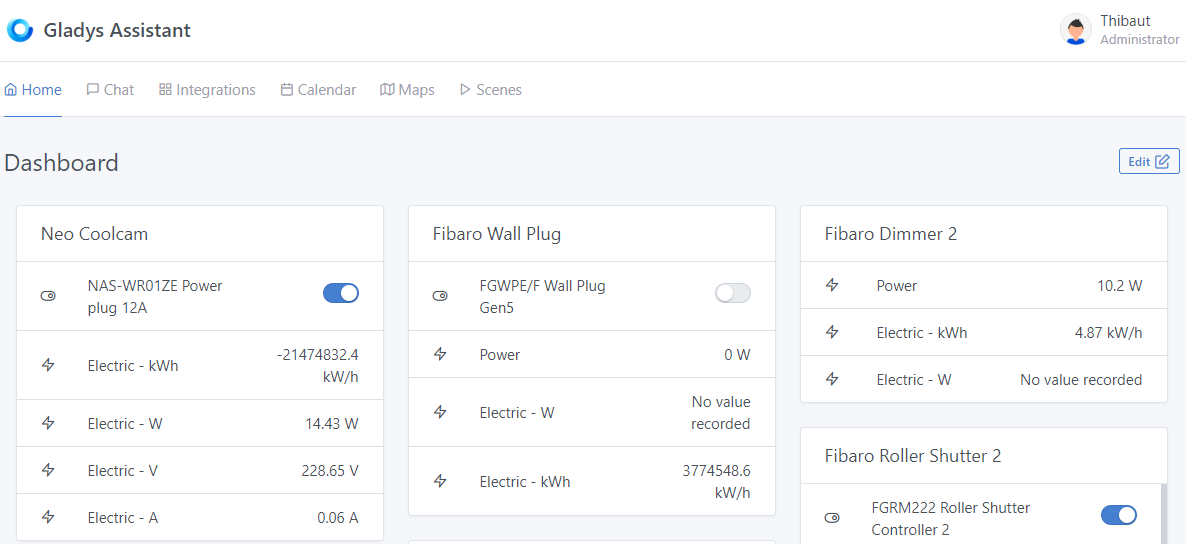
I’d love to consume in the negative ^^. This is the value indicated in Open-zwave. So, it’s okay on Gladys’s side. It comes either from my outlet or from open-zwave.
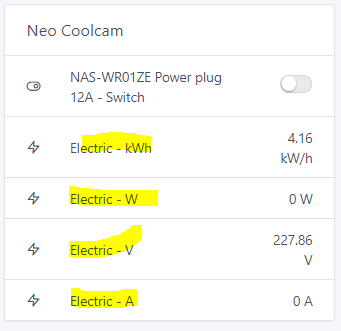
I have trouble understanding how the « props » object works on the front end. While I figure it out, I’ve concatenated it with the featureName to keep track. But it needs improvement.
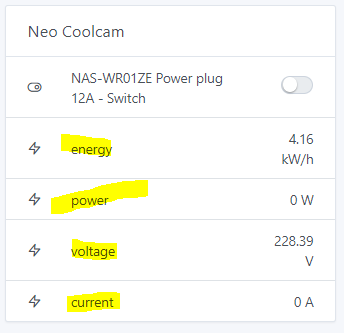
Still on the front end, I notice that in the « device in room » box, we display the device feature name.
This information is filled based on the information sent by the device. There is therefore no guarantee that it is consistent within zwave, and even less so with other services.
I just checked on my installation. When I go to setup, sleeping devices do not appear. Device detection only triggers when the page is first opened. Therefore, it would be necessary to display the sleeping nodes (devices) with a special indication so that we know they are there but that they need to be woken up to be configured, for example.
That said, @tpelab this does not explain why the information does not update in your dashboard.

 Or written communication works too!