How to populate the compatibility list on the site?

Hello everyone,

The Integrations page on the site lets newcomers know which devices are compatible with Gladys.

This list is maintained by you, the Gladys community, via an online spreadsheet!

For now, this page is far from exhaustive, but with your help that can change :slight_smile:

How to feed the compatibility list on the site?

  1. Join the Airtable list via this link which lets you become a contributor to this shared document.
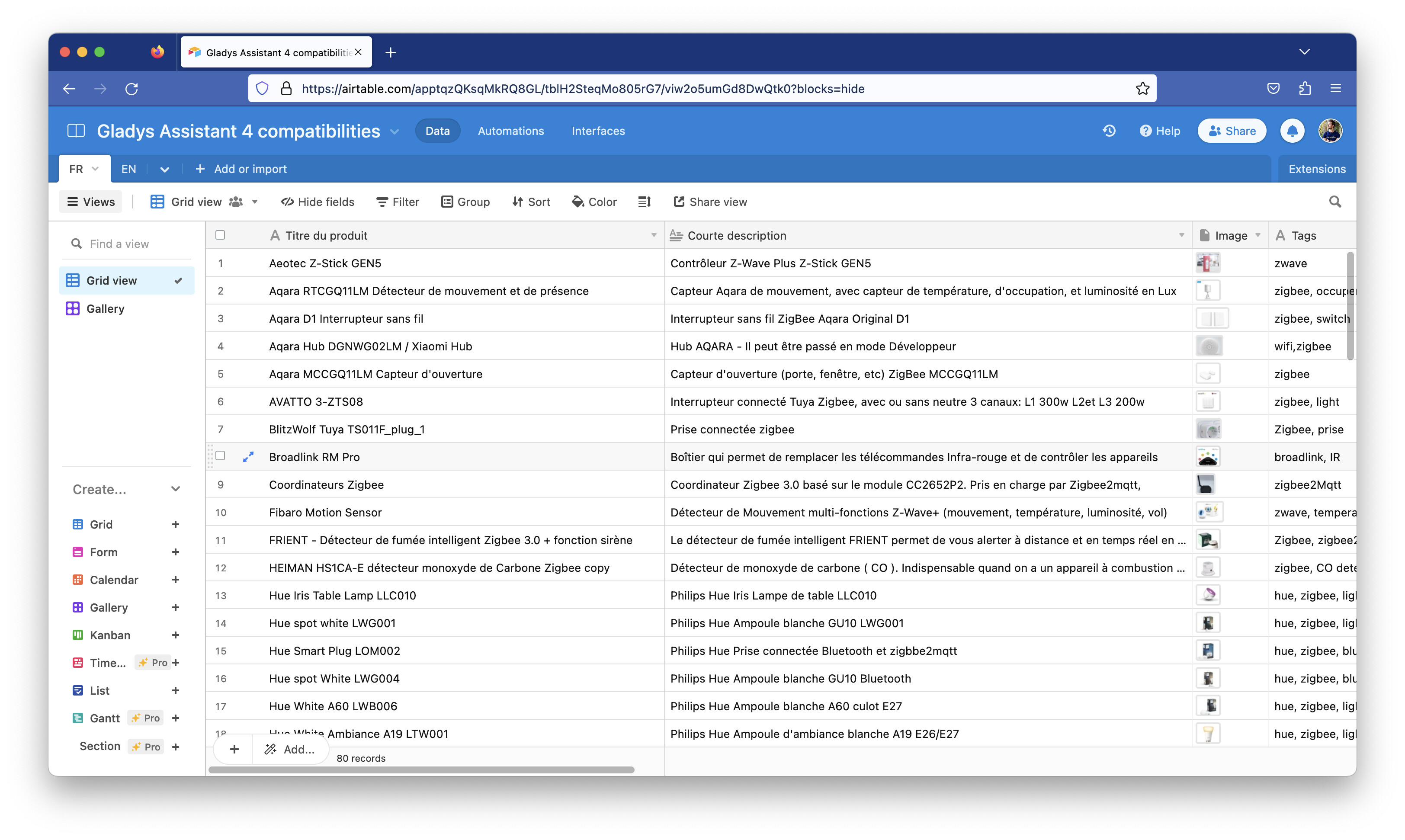
  1. Browse the list and compare it with the hardware you have at home that works with Gladys. If any devices are missing, now is the time to add them to the list!

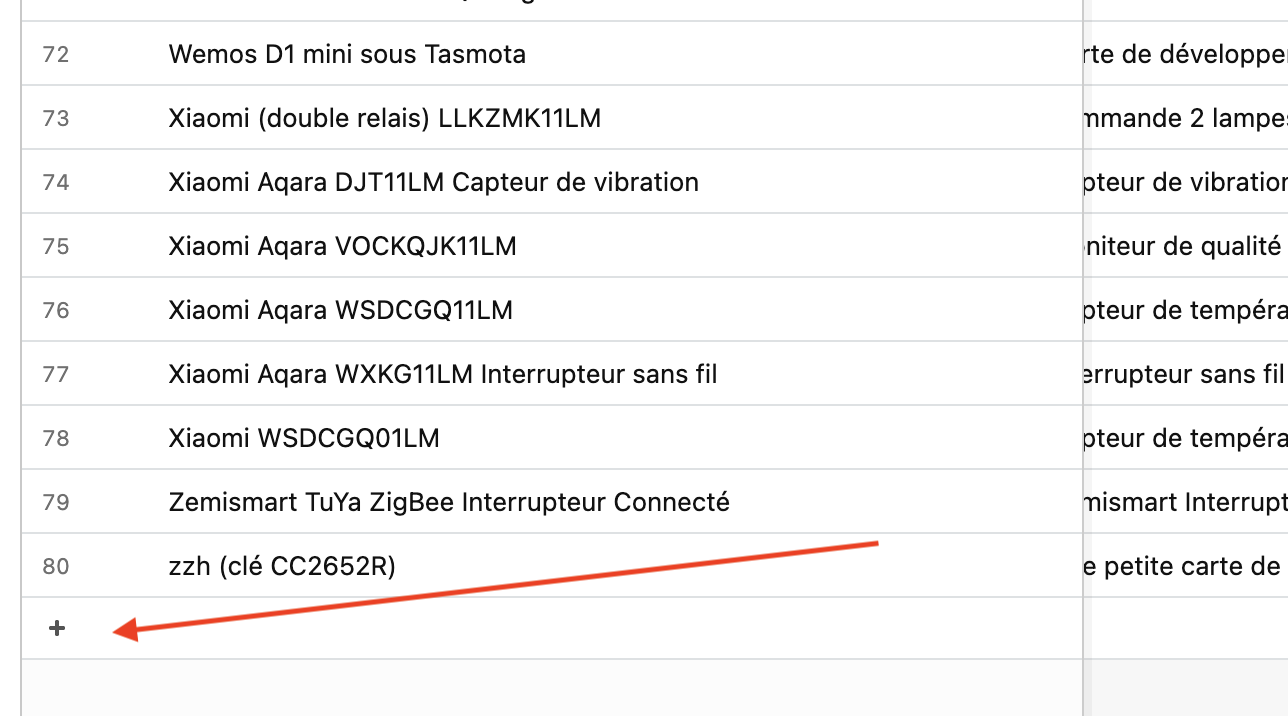
  2. Adding a device is very simple.

Click the « + » at the bottom of the page to add a row:
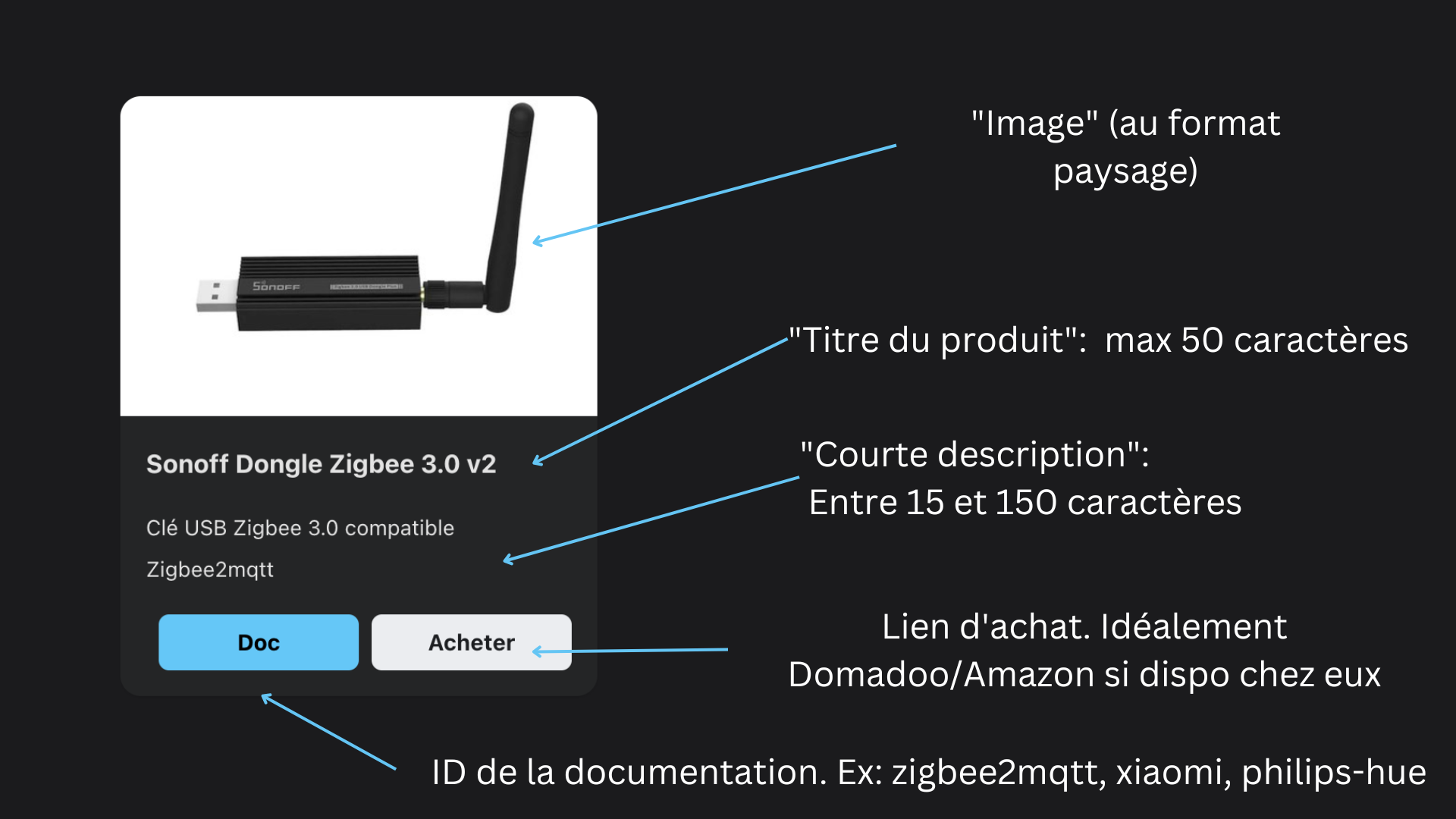
Each row has several fields, which should be filled in like this:
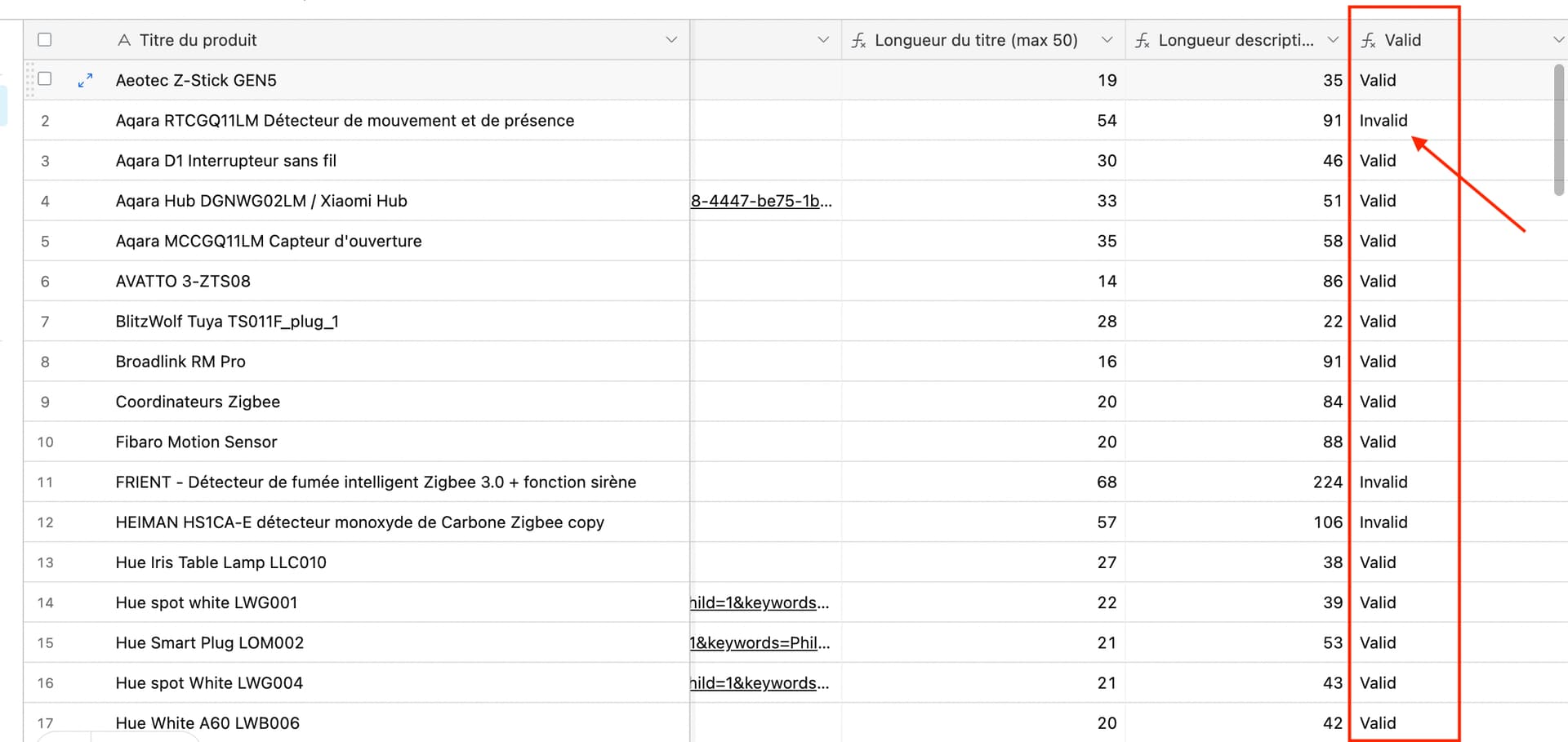
At the end of the table, there is a « Valid » column that tells you if your row is valid (Is the description too short? Is the title too long?)
The « Documentation ID » field corresponds to this:
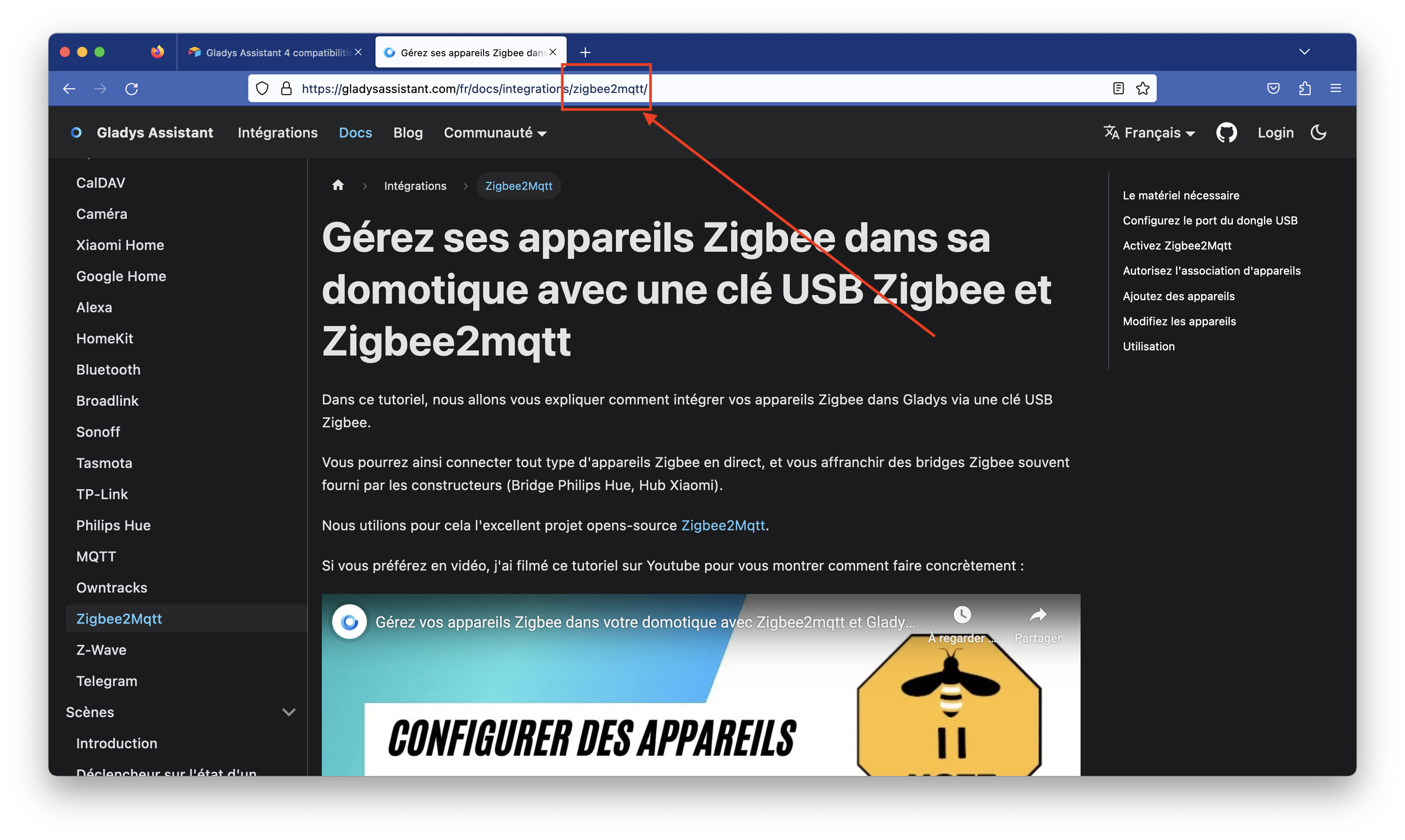
It will be used to create the redirect link to the doc.

For the image, choose a landscape-format image of good quality, preferably the image from the manufacturer’s site to keep it as clean as possible :slight_smile:

The « tags » field is currently not used, so don’t bother filling it in for now.

For the purchase link, put a link to whatever makes the most sense to you (best value for money). The project is partnered with domadoo.fr and amazon.fr, so if the item is available from those sellers, that’s better, but it’s not mandatory ^^ From my experience, Domadoo is generally very well positioned price-wise, ships very quickly, and their customer service is top-notch.

For our partners, there is no need to add special tags to the URL; they are added automatically on the site.

  1. The « FR » tab feeds the compatibility page on the French site, and the « EN » tab feeds the English site. Remember to fill both :wink: For the English page, remember to link to US sites (amazon.com for example, which is different from amazon.fr)

Thanks to those who will take the time to populate these lists :pray:

Synchronize the site with the Airtable list

The first part of this tutorial is for a general audience, the second part is more technical but not very complicated.

The site gladysassistant.com is a static site generated by Docusaurus and hosted on Cloudflare.

To synchronize the site with the Airtable list, I coded a small helper in the site’s repo ( GitHub - GladysAssistant/v4-website: Gladys Assistant website ) that allows syncing the two.

  1. Clone the site repo
git clone https://github.com/GladysAssistant/v4-website
cd v4-website
  1. Install the dependencies

(Assumes you have Node LTS + Yarn installed on your machine)

yarn
  1. Create a « personal access token » on Airtable

Go to https://airtable.com/create/tokens
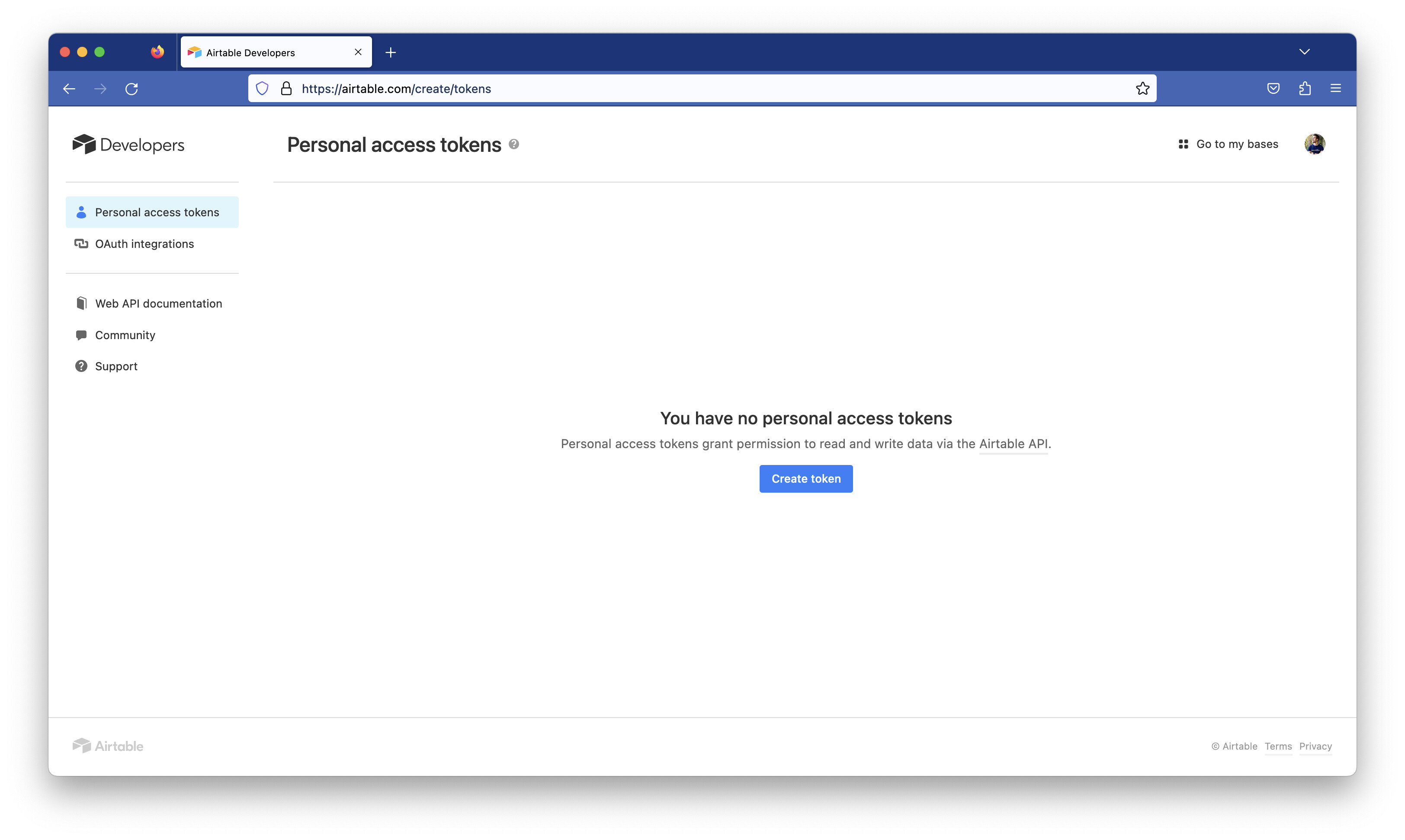
Click « Create token », and fill in the form like this:
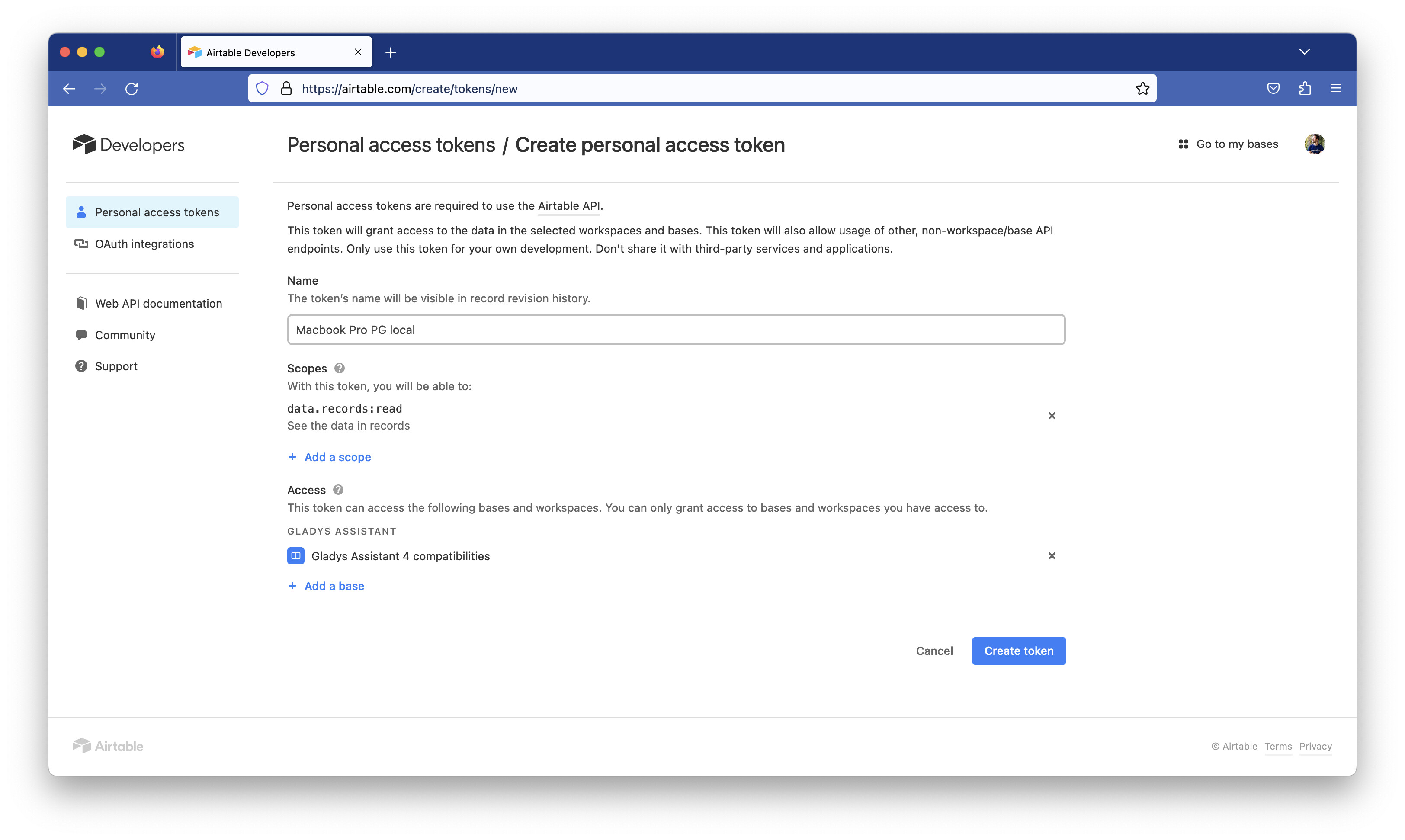
You should get an API key!

  1. Create a .env file at the root of the cloned repo locally, with the following content:
AIRTABLE_API_KEY=VOTRE_CLE_API
  1. Run the command:
npm run load-integrations

This script will fetch all the spreadsheet content via the Airtable API and will download all the images.

  1. View the changes locally

To view the French site locally:

npm run start-fr

To view the EN site locally:

npm start
  1. Integrate the changes into the live site?

If you want the changes to be integrated into production, either:

  • Notify me here so I can sync the two myself
  • Make a PR with the tutorial above :slight_smile:

Questions / feedback?

Thanks to everyone who will make the effort to populate this list.

Don’t hesitate if you have any questions.

If you think this page/process could be improved, don’t hesitate either — it’s far from a perfect process, and everything is open-source :slight_smile:

2 Likes

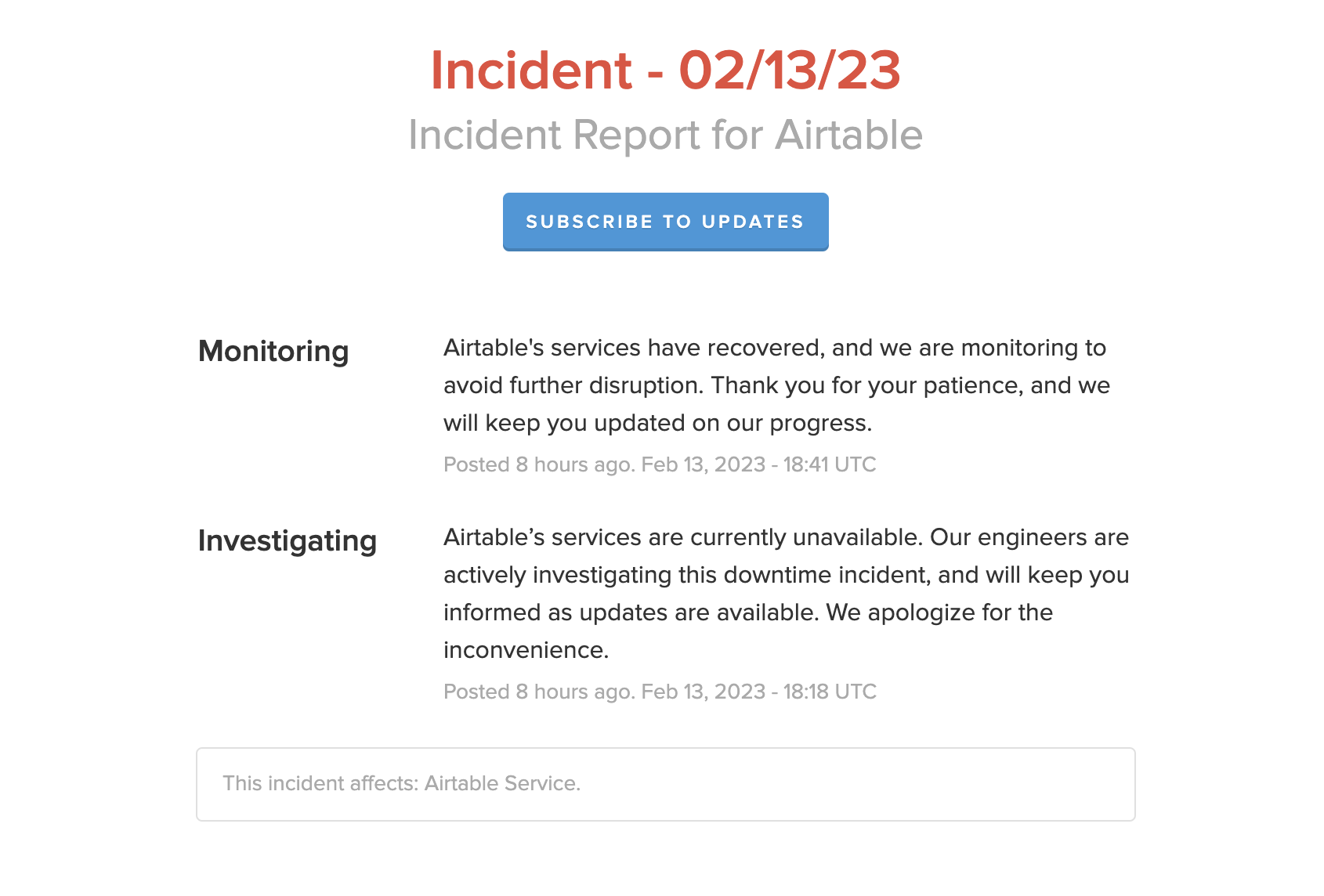
Too bad, Airtable isn’t accessible… Service unavailable :confused:

No luck, they’re usually pretty stable :stuck_out_tongue:

It was back in 20 minutes!

@pierre-gilles I just performed the operation on my side, having added 2 devices.

Unfortunately I get far too many differences that have nothing to do with my changes:

  • devices in a different order
  • devices not present in Airtable
  • devices that are not « mine » (v4-website not up-to-date yet)
  • a « bmp » image for one of the devices (fixed in Airtable)
  • devices in only one of the languages
  • duplicates (title is case sensitive)

I just created this PR to sort the devices by title (and trim the labels / remove double spaces). This will make things clearer when generating the lists from Airtable.

For the next steps:

  • I will make another PR to generate the missing devices
  • I will probably add alerts if devices are not in both languages
  • add a check for the image extension (only allow png or jpg)
2 Likes

Thanks for the PR @AlexTrovato! :pray:

Indeed, there were changes on Airtable that aren’t just yours (this post probably has something to do with it!), when you sync with Airtable it synchronizes everything so it’s not just your additions.

Good catch, maybe we should add validation for that too. I thought Airtable automatically converted to jpeg (they already do resizing, for example).

+1

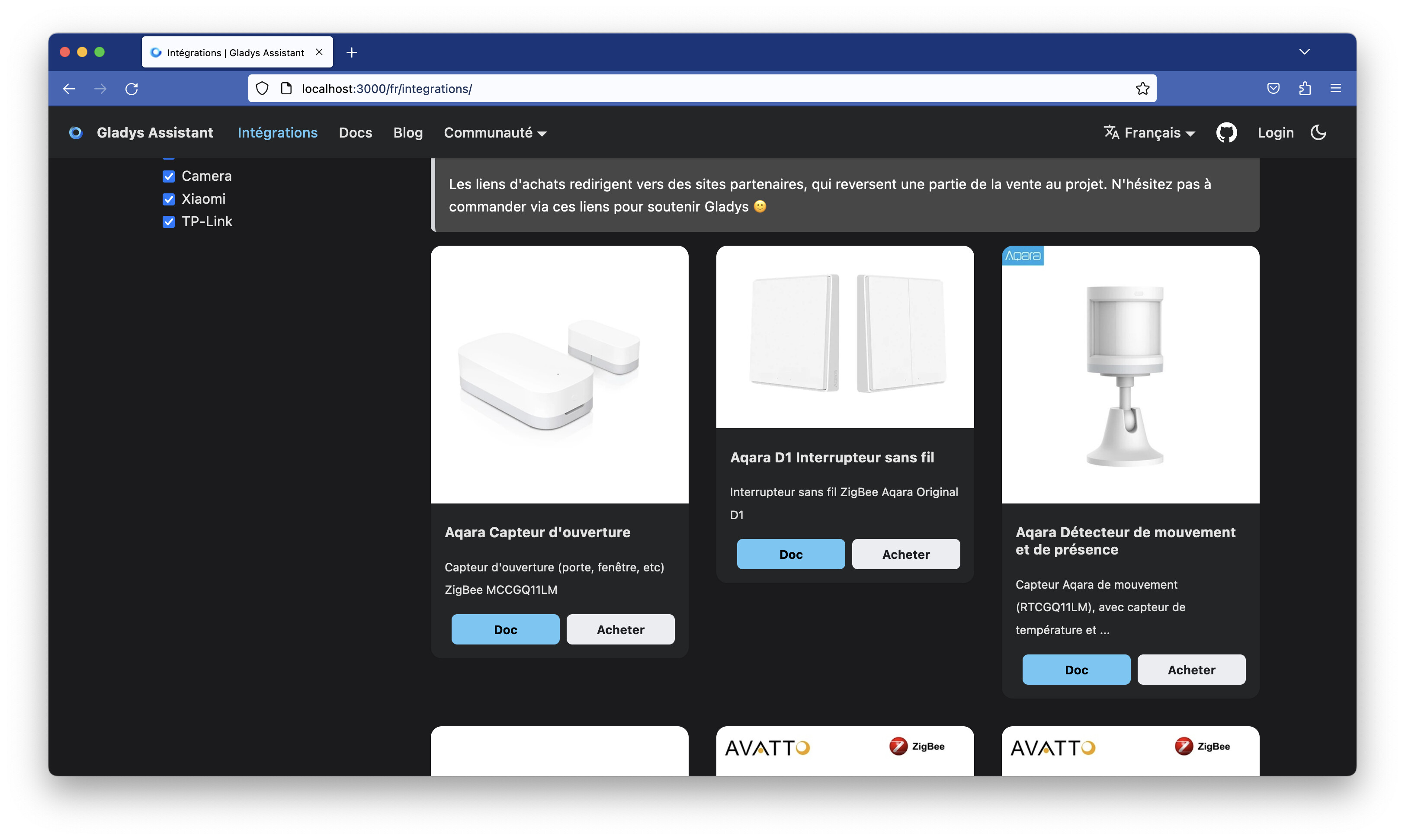
For now the display looked like this:

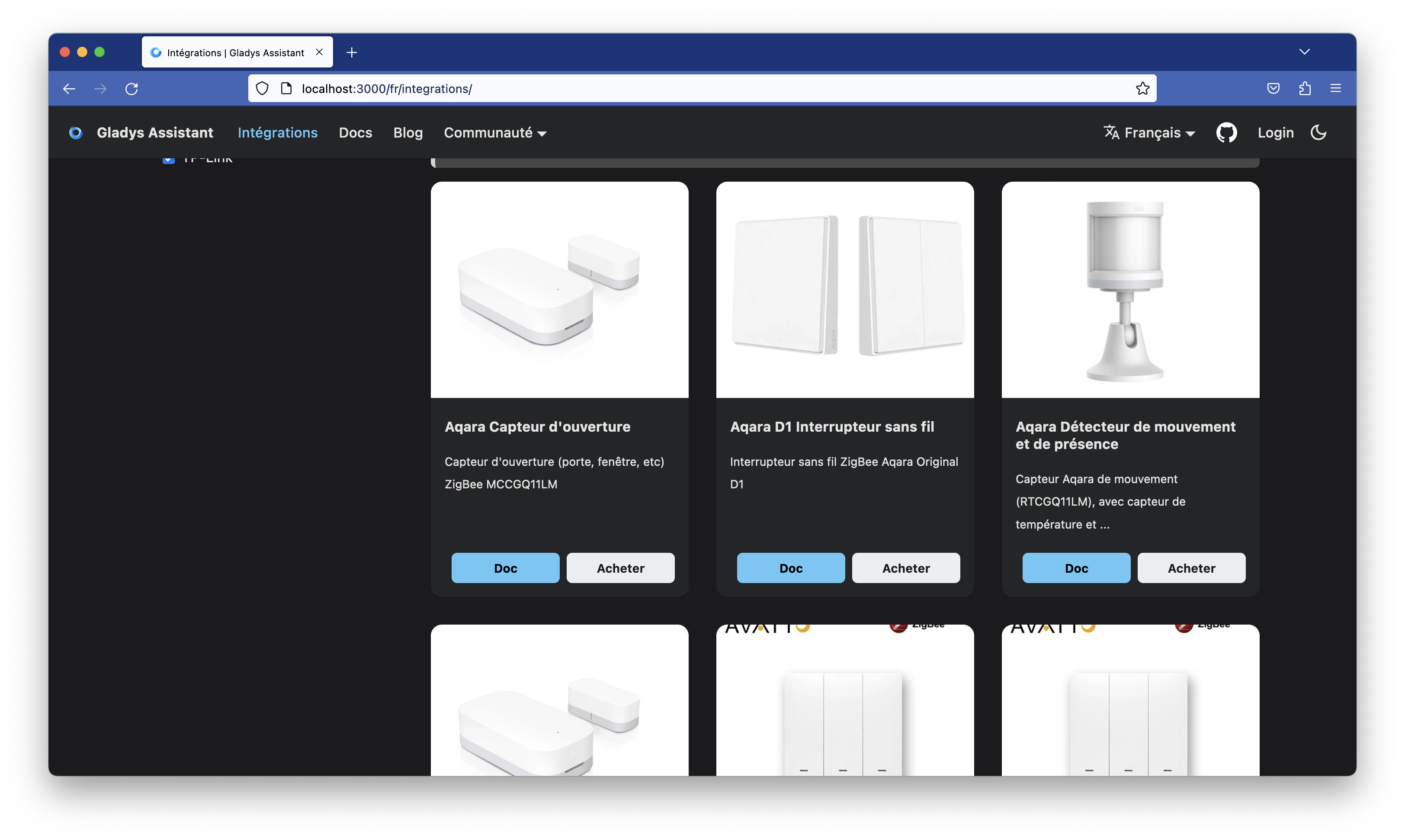
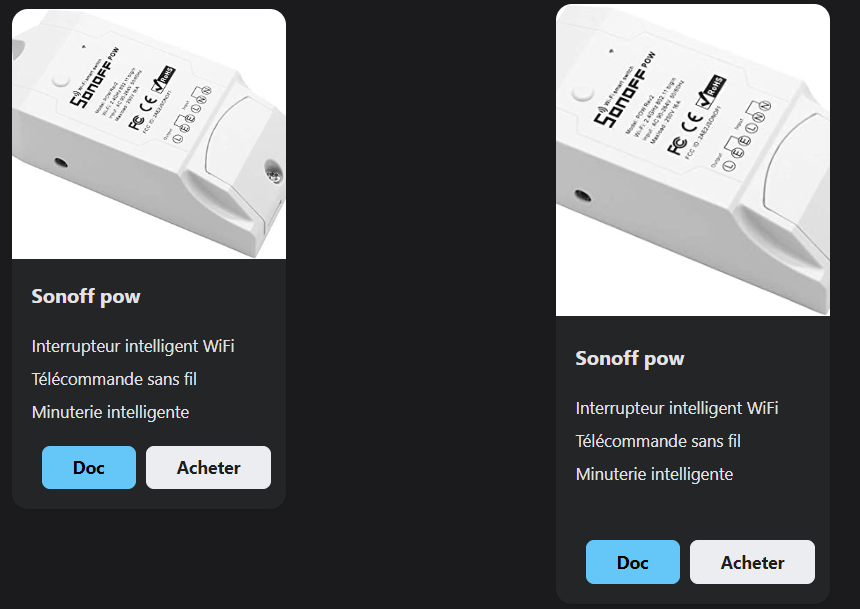
I made some adjustments in the CSS to make it look better visually:

  • Image always the same size
  • Card always the same size.

I think we could review some of the descriptions that are either too long and redundant with the title, or too short.

For the URLs, there are many URLs in the document that return 404.

I think we could automate 404 detection (depends on the sites — some sites like Amazon block automatic crawlers).

I’ve made a PR including your PR + the style improvements:

I might do a quick pass on the 404s before merging, because right now the first device in the list is a 404, which doesn’t look great :stuck_out_tongue:

1 Like

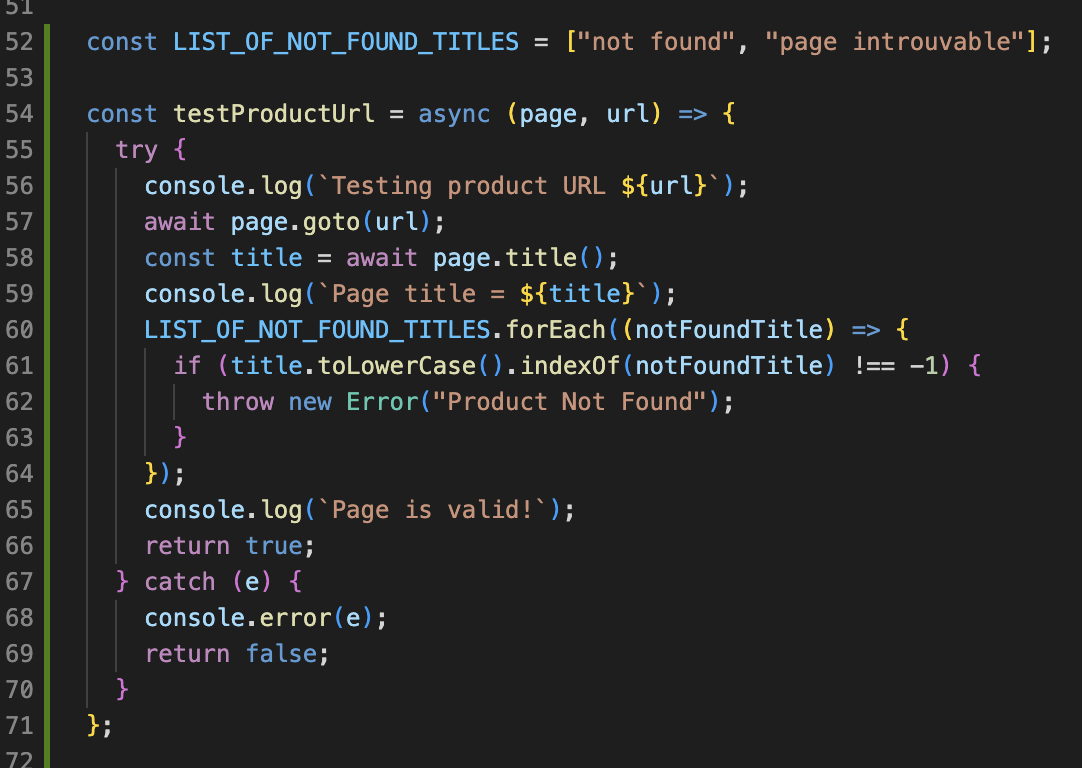
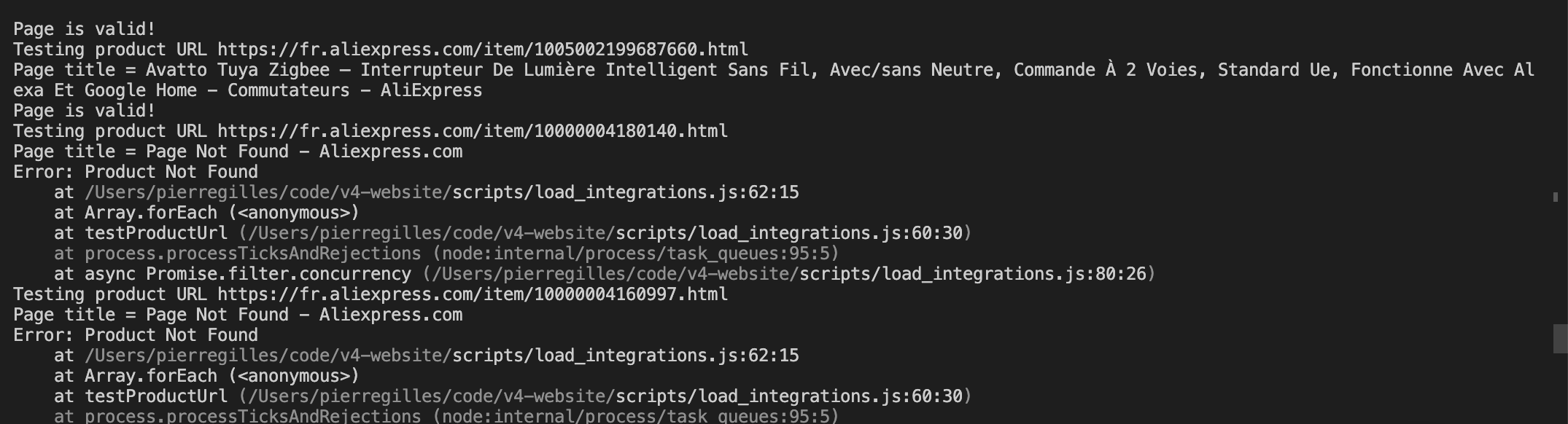
I had fun using Puppeteer to automatically validate URLs

I used Puppeteer to avoid being detected as a scraper by these e-commerce sites, which are generally well protected:

So far it’s working well, but it takes a bit of time because I wait 500ms between each URL so as not to go too fast:

1 Like

I’ve made good progress!

  • The filtering of « dead » URLs is working well. I ran the script and cleaned quite a few products. They now need to be updated in Airtable with a valid link. Now we need to see whether we could add a column in Airtable where the script would write « Valid/Invalid » + a reason so we can go check the rows that are causing issues.
  • I’ve added the link to this tutorial at the top of the page
  • I’ve written the English version of this tutorial on the English forum: How to feed the compatibility list on the site? - Tutorials - Gladys Community (EN)

Demo version built at this address: https://atrovato-sort-and-clean-inte.v4-website.pages.dev/

Now we’ll need to add a bunch of products because the list looks sad :smiley: I’ll make a more general post to encourage people to contribute.
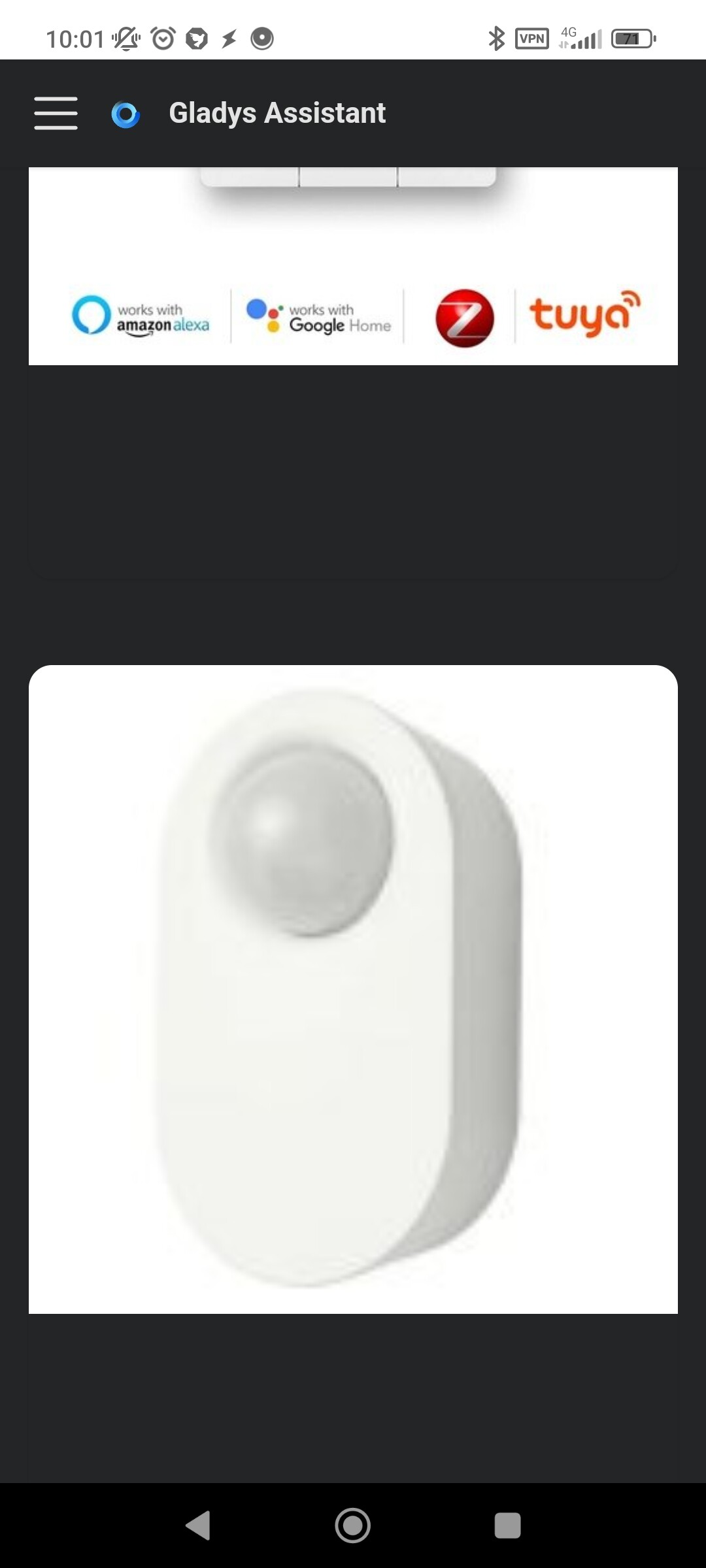
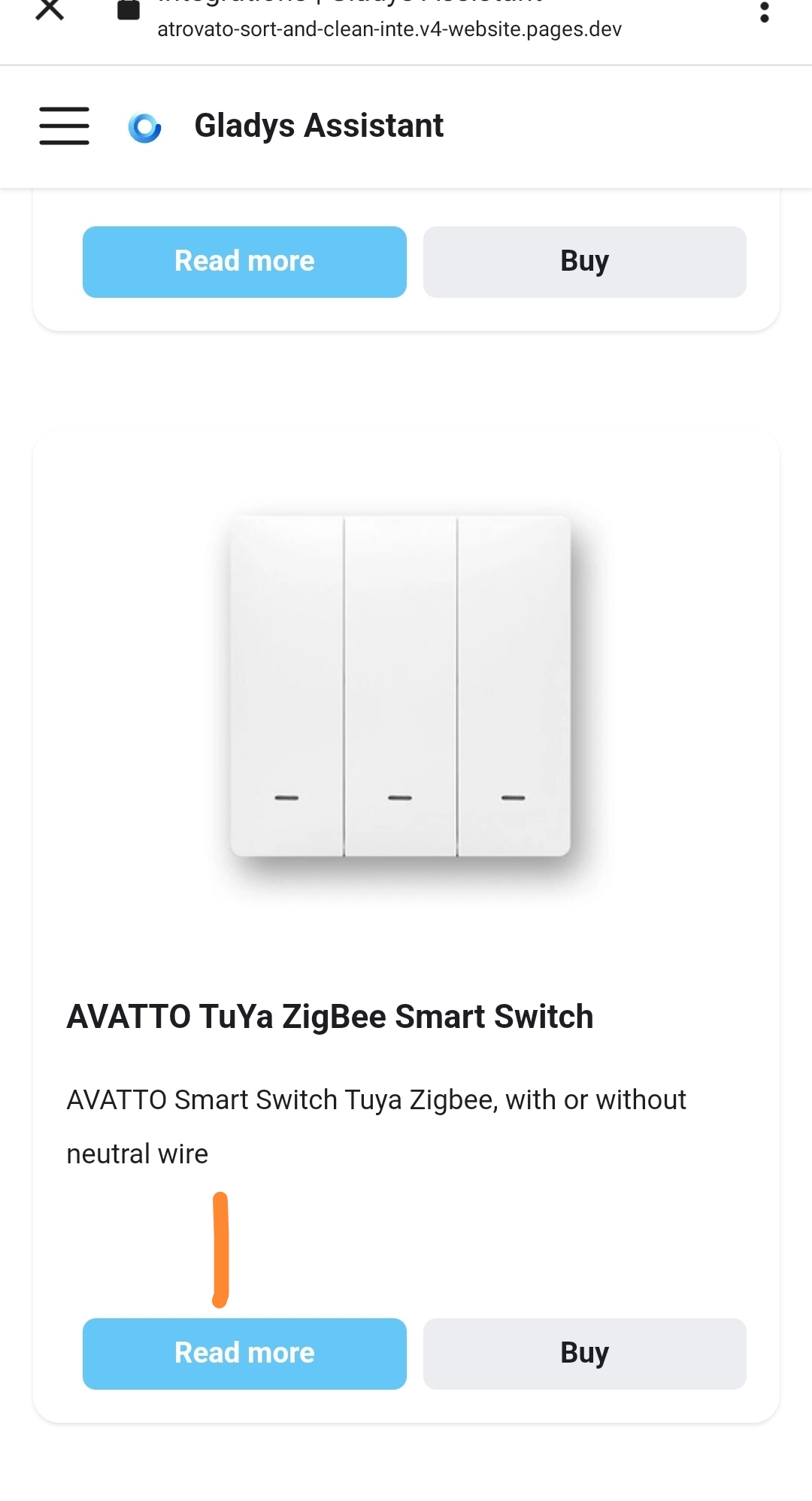
I just tested

On mobile it’s weird, some things seem to be missing, I think (title? Description?)

The images are too large

@VonOx Uh I can confirm there’s a small bug with the latest build, I’m looking into it :+1:

It’s on the homepage, on the integrations it’s ok ( title description)

I understand — actually the « Image » component I’m using behaves differently in the local (dev) environment and in the build (prod) version, so it’s a mess on the CF build, whereas it worked perfectly locally. I’m fixing it.

It’s fixed!

FR page: Intégrations | Gladys Assistant
EN page: Integrations | Gladys Assistant

Sorry I don’t have a PC, only mobile for testing.

The padding/margin is too large

I’ll disable it on mobile; on PC I had set a fixed size for the cards so that the alignment would always be the same regardless of the size of the descriptions, but on mobile it doesn’t make sense, that’s true

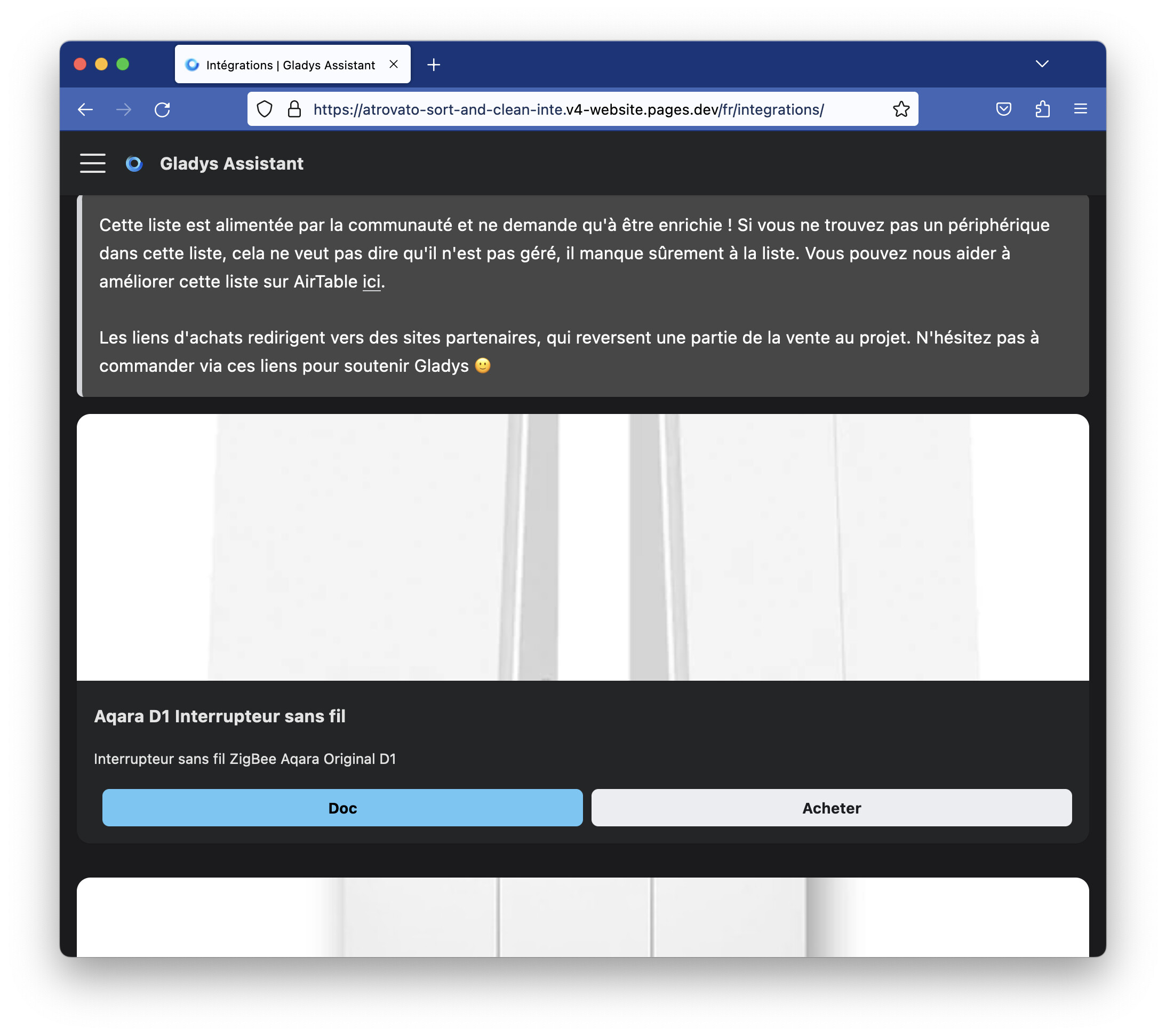
I find that the images are too « tall », and as a result they’re too cropped…
But it depends on the image.
Maybe with a bit of magic CSS we can do better… maybe

On the left before, on the right after

1 Like

What screen size are you on?

Indeed, being right at the mobile breakpoint, it looks a bit vertical on some photos:

![Screenshot 2023-02-18 at 16.38.52|571x500](upload://gy

19" at 2560 x 1440.

To take the screenshot, I reduced the size of my windows, but even in full screen, I find that the new image display crops them too much.

1 Like

On the other hand, where it’s really ugly right now is when you’ve just crossed the mobile breakpoint (in my opinion on some large tablets it must look like that):

Here it’s gross

I’ve just merged @AlexTrovato’s PR plus my fixes to improve the display.

I also synced with Airtable to include the latest changes.

It’s live on the site!