Détection de présence via le réseau local

Hello,
to begin with, I made the changes to the display of names on the dashboard.
If some of you can confirm that the new way of displaying names is satisfactory, by using this test URL: https://dashboard-display-label.gladys.pages.dev/
(login via Gladys Plus).

I’m progressing on the other points…

Thanks

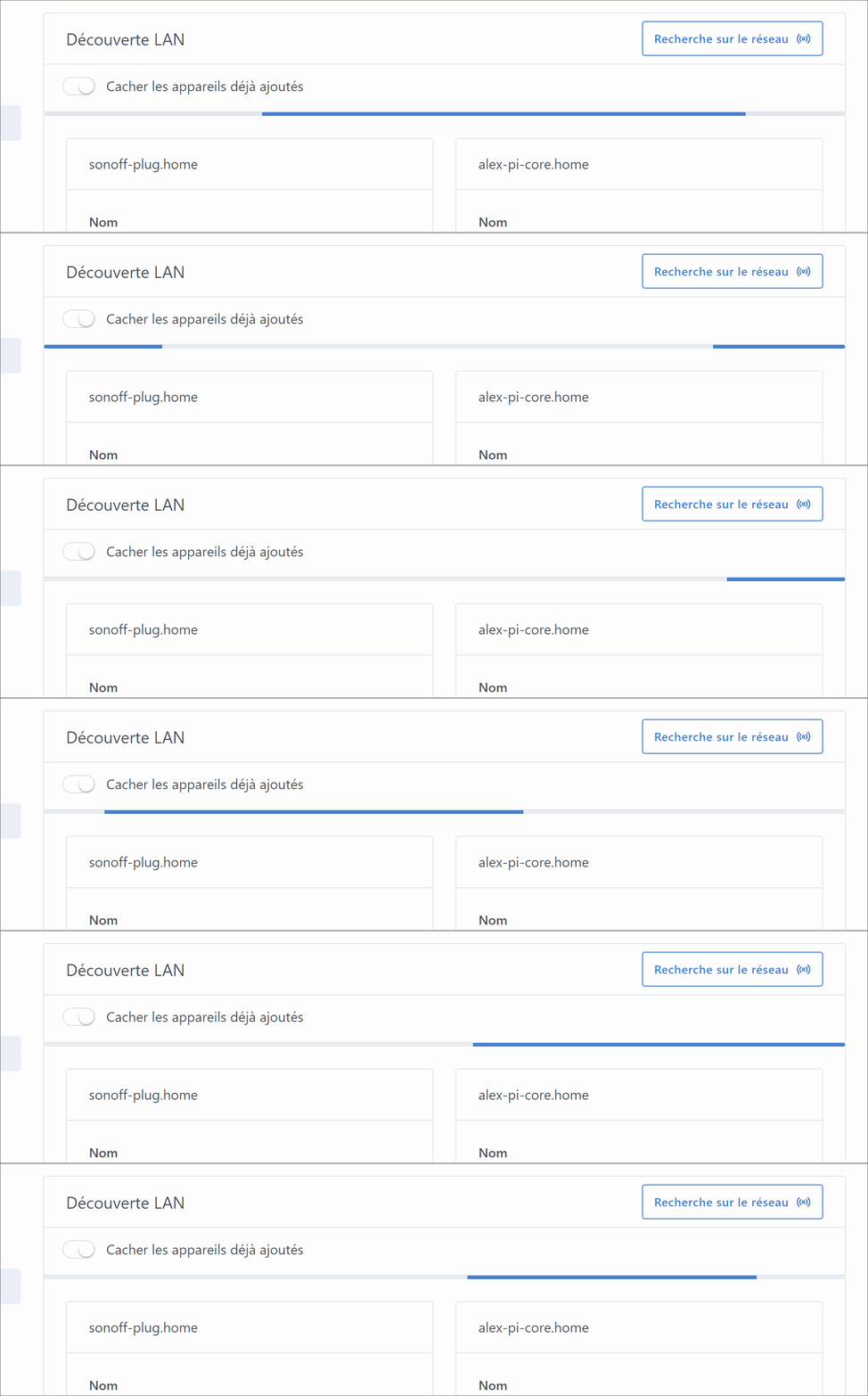
PS: for the loader, I’m thinking of going with this

loader-bar

4 Likes

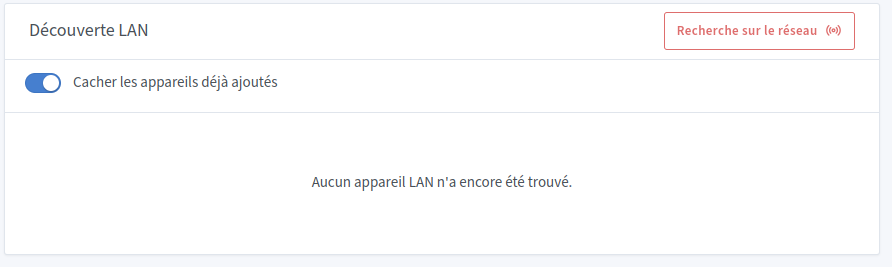
After 5 seconds (end of the scan, I think), I get an error. I think there are no new network devices and that seems to be causing an error.

On my end the names are displayed correctly (distinguishable), it’s perfect! :+1:

1 Like

Yes, this is a display error that has been identified and will be fixed when the scan timeout is implemented.
This issue is already present in the official image.
Reloading the page will make the devices appear.

3 Likes

Hi, I just discovered this integration (which would replace a lot of my ping series Node-RED

Are you testing locally or from your Gladys Plus?

Of course, it was coming from there. Thanks @guim31 :wink:

1 Like

I have part of the answer to my question. Every time Gladys restarts, three new virtual networks appear, probably because of the other containers running on the same machine…

The display of names is correct on the dashboard :ok_hand:

1 Like

Thanks again @alex, it’s much easier for me now to detect the presence of people in my apartment :slight_smile:

The only prerequisite is to ask Android or iOS to use the real MAC address, or to set it for my Wi-Fi network — it’s really simple to set up.

1 Like

Ok, I’ve addressed all the feedback @pierre-gilles :

  1. Display on the dashboard : Align sensor display name (LANManager feedbacks) by atrovato · Pull Request #1749 · GladysAssistant/Gladys · GitHub
  2. Disabling interfaces with many IPs : Disabe large CIDR range scans by atrovato · Pull Request #1750 · GladysAssistant/Gladys · GitHub
  3. Stop/timeout of the scan + progress bar during scan : Lan manager stop scanner by atrovato · Pull Request #1751 · GladysAssistant/Gladys · GitHub

All of it in this re(test) image : atrovato/gladys:lan-manager

3 Likes

Thanks @AlexTrovato! :pray: I’ll look into all that :slight_smile:

It would be great to put together documentation as well with this kind of advice:

1 Like

and maybe add the steps to it?

Also, would it be useful to specify somewhere that network discovery cannot be done from a remote session? Because in the end three of us encountered the « problem » and wondered why Gladys couldn’t find any devices ^^

1 Like

If by « remote session » you mean « Gladys Plus », normally it’s supposed to work.

The scan is performed from your machine running Gladys, so no matter where you are, it scans at your home and not where your browser is :slight_smile:

How do you handle the iPhone connection?
From what I understand, when the iPhone is in deep sleep (not used for a while), it disconnects from Wi‑Fi and therefore the user is considered absent.

Otherwise I have another issue @AlexTrovato, still with an iPhone, Android has no problem, it is considered present even though it’s not at home ^^

Yes, I hear you, Gladys Plus, so we need to solve this problem because several of us tested the integration from Gladys Plus and the scan didn’t find any devices, whereas locally it worked fine.

Yes indeed.

Is everyone affected by this bug? Is this bug present in the latest version of LAN Manager?

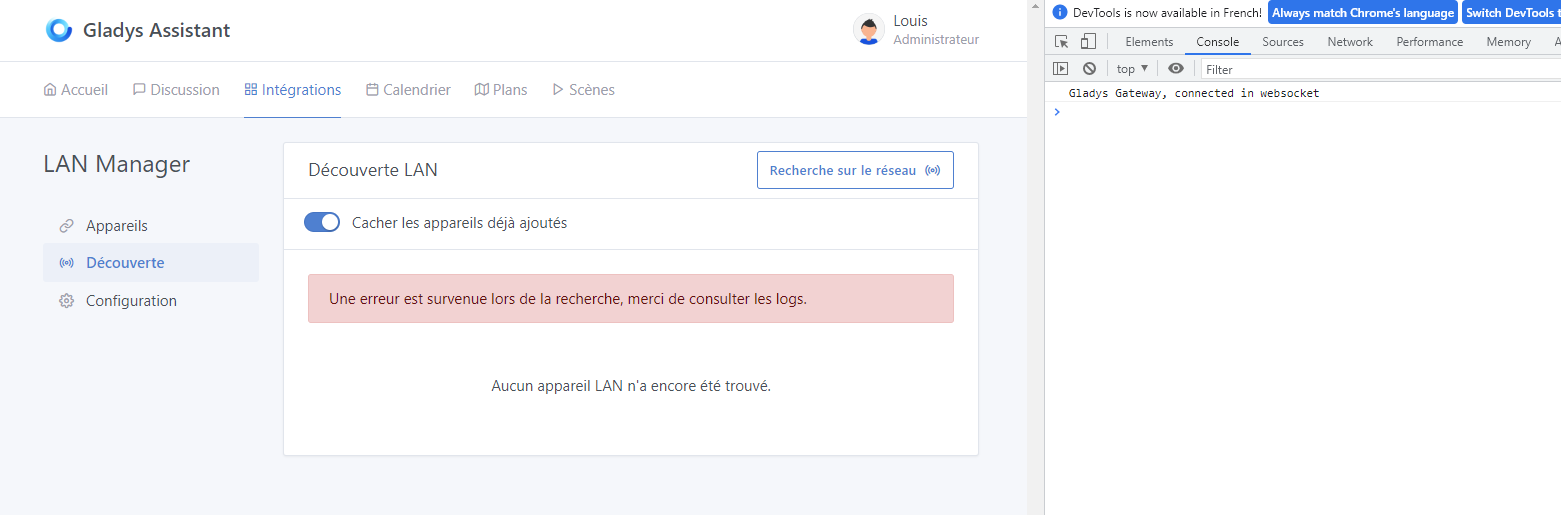
@guim31 do you have error logs in your browser / or locally when accessing Gladys Plus?

Second point, can you open LAN Manager locally, and look at the inspector « Network » tab:

![Screenshot 2023-04-26 at 09.38.03|690x339](upload://letuII9NgP12KrYcZFz

Afterwards I wonder if it wasn’t an issue related to the multiple interfaces.
Because indeed I had this problem on the first scan, but then once the local was fixed and OK I no longer had the issue on G+
2 Likes

Strangely, for me the integration hasn’t been working since this evening. No devices are found in Gladys.

While nmap returns 16 devices
image

EDIT:
Without understanding why it became OK again after a few hours
image

Are you still on the official image?
Because there are major improvements on the test image!