It would be great if we could directly launch a Node-RED container via Gladys without needing to use command lines.
The ultimate would be to have a link to the dashboard, a container status (like z2m), and perhaps a link to the tutorial?
@pierre-gilles
I edited the request to make it clearer  Let’s let people vote now!
It’s true that this would be a plus, just like the automatic installation of Mosquitto!!! However, I’m not sure everyone noticed there was a vote for this! 
I vote for it because I think the idea is good and that I, first of all, find that it would be a very practical « shortcut ».
HOWEVER, I still wonder about the relevance of the thing: if we want to create a docker node-red in one click, it’s because we want Gladys to be user-friendly. But using Node-red is already being an advanced user.
Is this a logical approach? I’m not sure.
I would say that this mainly allows for features that can cover needs that Gladys cannot provide at the moment (for example, if we add a sun-position flow, we have the azimuth and elevation of the sun in real time, which allows us to control roller shutters based on temperature sensors configured in Gladys, voice recognition, interface with non-implemented modules) and the programming is simple (close to Scratch used by children in middle school! I think that node-red is for advanced users because it is powerful and complete and for beginners because it is easy to access and use!  )
)
Yes, I agree that this could allow interfacing with a huge number of modules already developed for Node-RED. That could be great!
I would add that it would be good, if Node-RED is ‹ integrated › like this into Gladys, to manage the backup of the elements configured in Node-RED in Gladys Plus.
I don’t know if it’s technically feasible or not, but it’s clear that it would be a huge asset!
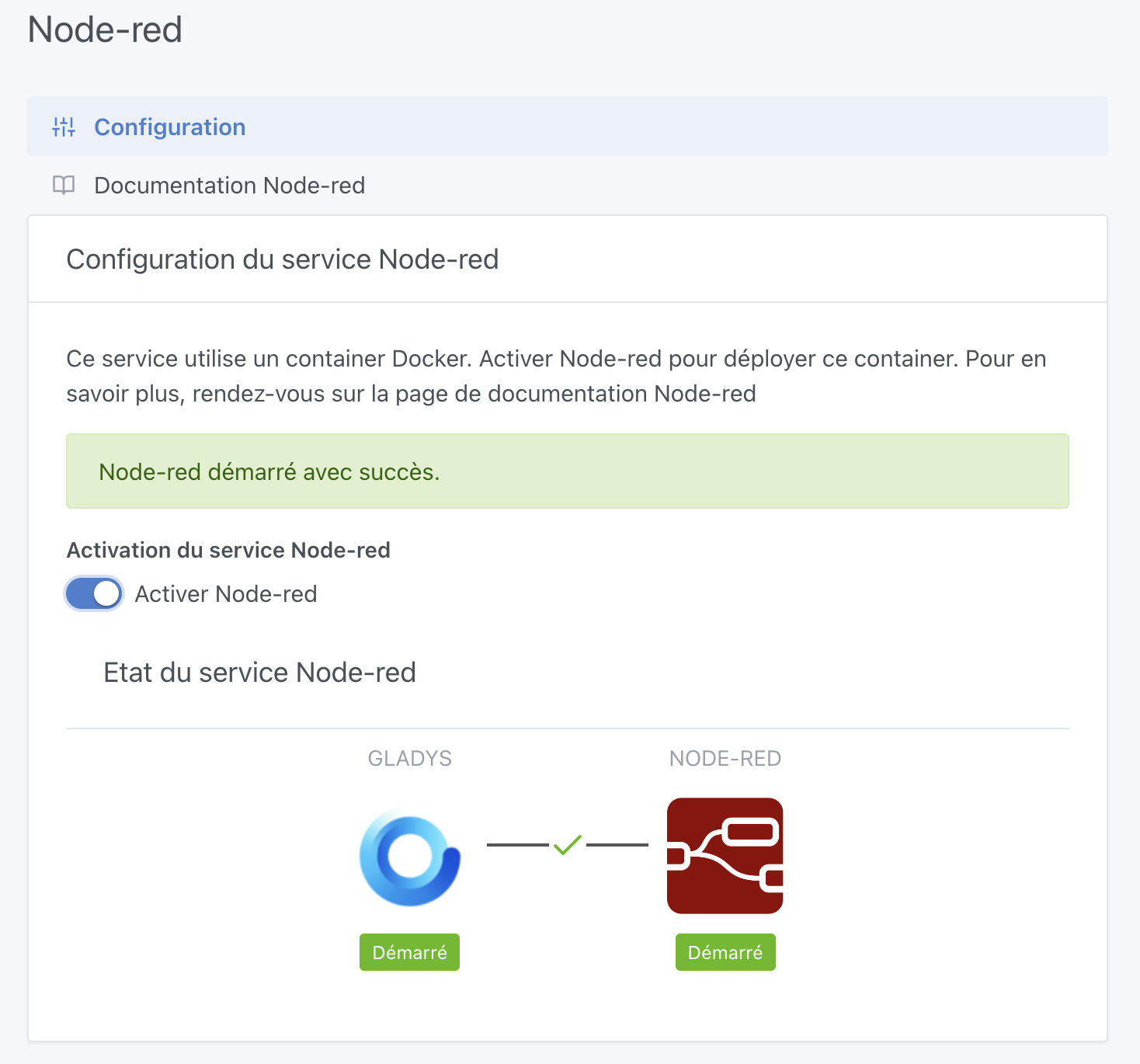
If I’m not mistaken there’s no configuration to do (apart from choosing the login/password) and
You’re really on fire right now with all your PRs:clap:
You should indeed generate a username/password pair (to display to the user in the interface), and of course put the Node-RED URL somewhere
You’re on fire right now 

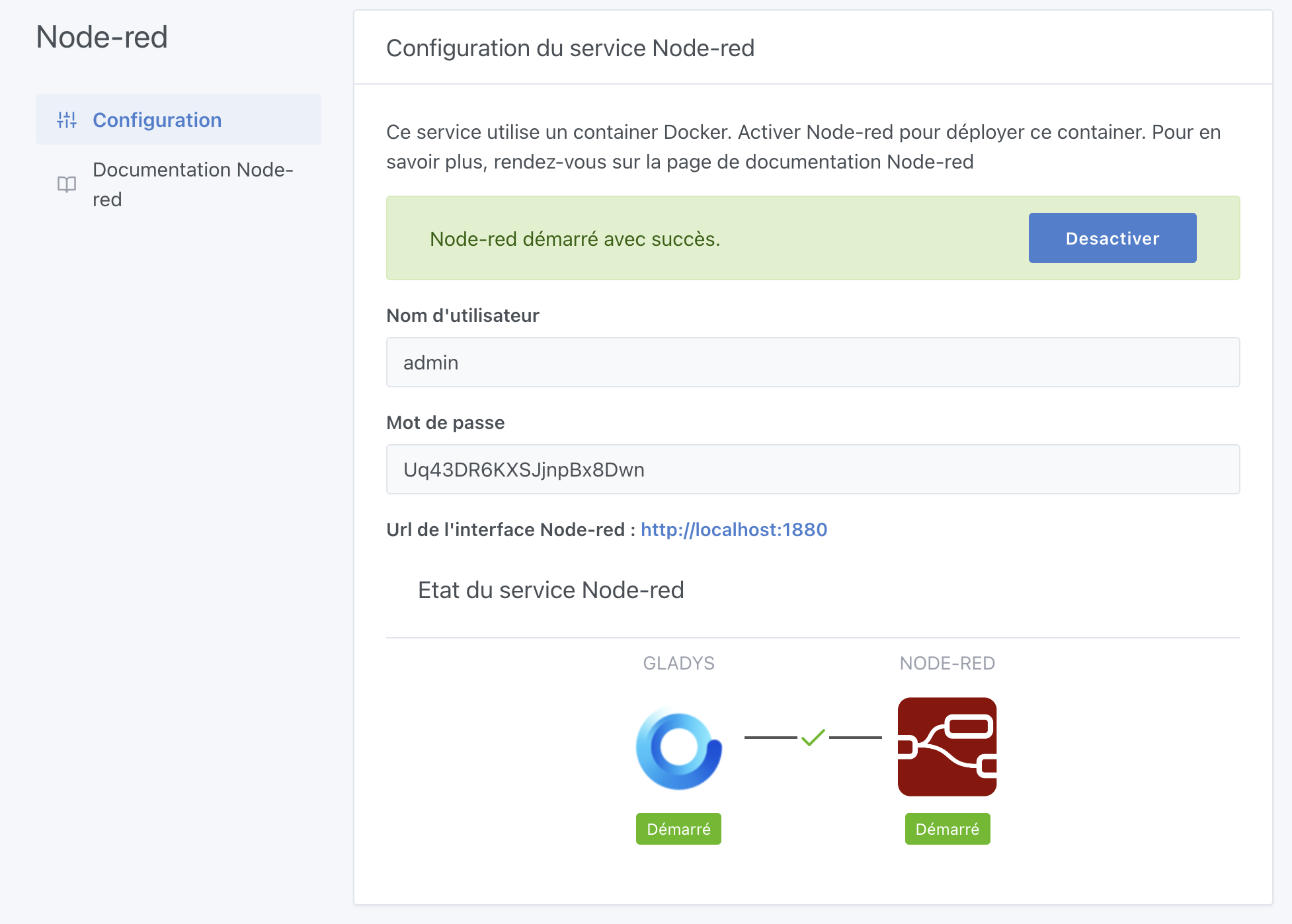

Very cool
I’d like to see a small « eye » to show/hide the password, like we do on the MQTT integration.
Let me know when it’s ready for review
Have you thought about users who have already set up Node-RED?
Will it go smoothly?
Another question: would it be possible to access Node-RED via Gladys Plus, or is that not possible at all?
The little PR that does the job:
Oh yes that’s not a bad idea, I’ll add it
Normally the two instances of Node-RED can run at the same time. The user will just need to transfer the data from the old one to the new one, and destroy the old one
Well, I don’t know. @pierre-gilles do I need to do anything to make that possible?
[quote=« Lokkye, post:16, topic:6584 »]
Normally the
You’re absolutely right, I’ll change the port
@pierre-gilles : Normally, the PR is ready for review (unless I missed something )
Should I build a small Docker image so that some users can test?
You build, I test (and probably others)