Release of Debian 11 compatibility next week + improvements for Unraid/Synology?

Hello everyone!

The next version of Gladys is almost finalized and brings its share of new compatibilities and bug fixes :slight_smile:

This time, there are no new features, but long-term work on compatibility with new major versions of Linux OS: Debian 11 and Ubuntu > 20.04, as well as changes to facilitate installation on NAS Unraid and Synology.

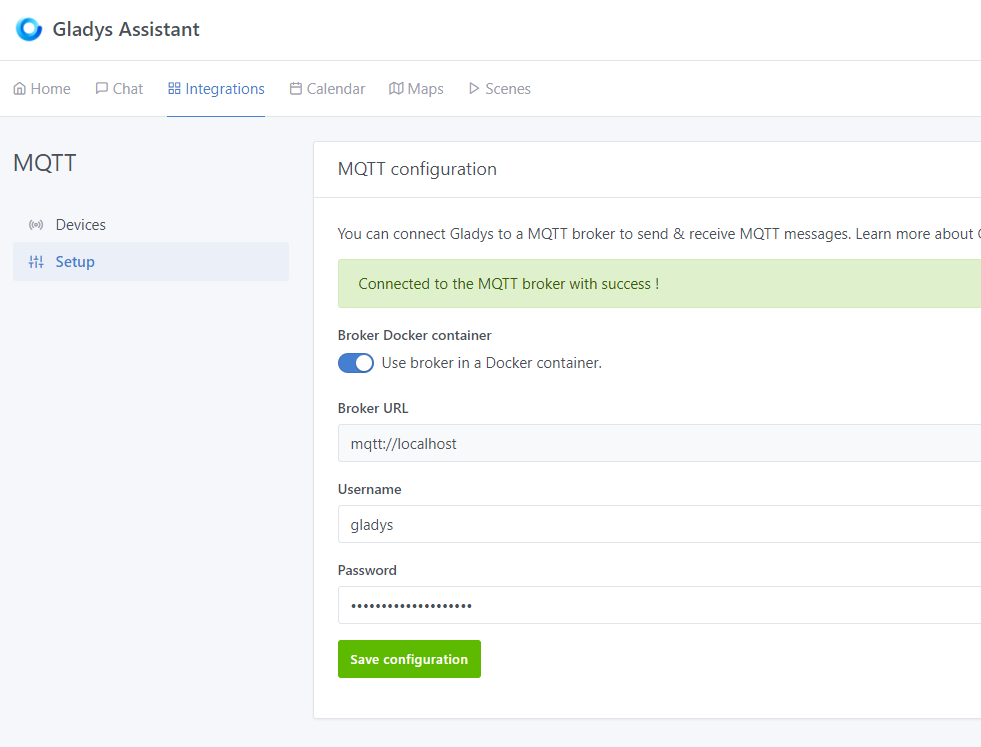
There were notably problems running the MQTT and Zigbee2mqtt containers on these platforms.

Bug fixes

  • Fix a quite important bug where the refresh rate of devices like cameras was not necessarily taken into account after a change, or worse, the refresh rate was taken into account several times, which means that a camera whose frequency has been changed could refresh several times per cycle

  • Fix a bug in the scenes where the « try Â» button of the « HTTP request Â» action did not take into account the headers provided

  • Fix a bug where the name of a dashboard was not updated in the list when the name of the current dashboard was renamed

  • Add translations on vibration sensors

I need you

I need you to test this version in advance. I am addressing a CONFIRMED audience!! If you read this post and are not sure of yourself, wait next week for the release of the production image :wink:

I know that many of you have asked for Debian 11 / Ubuntu 21 compatibility, I need you to check that everything works, especially at the level of Zigbee2mqtt and MQTT integration.

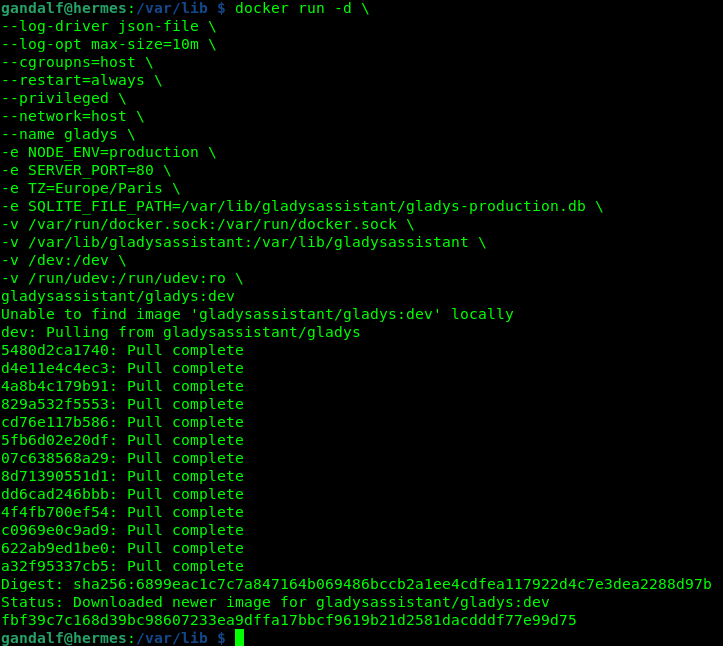
If you know what you are doing, you can launch the Docker image « Gladys DEV Â» with the following command:

(Do NOT launch this on a real Gladys production instance…)

docker run -d \
--log-driver json-file \
--log-opt max-size=10m \
--cgroupns=host \
--restart=always \
--privileged \
--network=host \
--name gladys \
-e NODE_ENV=production \
-e SERVER_PORT=80 \
-e TZ=Europe/Paris \
-e SQLITE_FILE_PATH=/var/lib/gladysassistant/gladys-production.db \
-v /var/run/docker.sock:/var/run/docker.sock \
-v /var/lib/gladysassistant:/var/lib/gladysassistant \
-v /dev:/dev \
-v /run/udev:/run/udev:ro \
gladysassistant/gladys:dev

As you can see, this is a Docker dev image (gladysassistant/gladys:dev), this tag corresponds to our pre-release deployment tests, you should not use this tag for a real installation :slight_smile:

Something interesting to test with this version is to change the path of the Docker volumes, for example by changing this line: -v /var/lib/gladysassistant:/var/lib/gladysassistant \ by putting another folder on the host (left side), and then launching an MQTT and Zigbee2mqtt container, and checking that the containers have been launched with the same volume on the host.

I take this opportunity to make a second call for testers for @bertrandda who has worked on fixes for the Caldav integration to truly support all calendars.

He is looking for testers on this topic:

You abandoning the cidfile?

The cgroupns is really permissive and not everyone runs gladys on an rpi :neutral_face:

I couldn’t get Gladys to work without cgroups, does it work for you?

If you have a working docker run, I’d be interested :slight_smile:

Edit: I’m talking about Debian 11

I just tested it at home, it’s great so far

The same command but with the cidfile and without the cgroupns (rpi debian 11).

You sure @VonOx? I had DNS errors in my tests

Yes, starting from the last production image to which I applied the PR.

I will try again tomorrow on the development image to try to understand.

If you have an exact working Docker command, I’d appreciate it. I’ll do additional testing next week.

I’ll keep you posted

I’m testing this new container starting tomorrow. I have my Zigbee key ready and waiting, and components to test (presence sensor and temperature sensor). I’m running Bullseye 64-bit on an RPi4. I’ll keep you informed tomorrow. Thanks for this release, it’s great!

@pierre-gilles my first attempts are not conclusive.

First remark, at the beginning I modified the local directory of the volumes (/var/lib/gladysassitanttest instead of /var/lib/gladysassistant by default). The installation of the containers then posed a problem and I noticed that zigbee2mqtt had installed itself in the default directory and not the one I had given. Fortunately I had backed up my /var/lib/gladysassistant directory to not mess up my production configuration :slight_smile:

Anyway I clean the containers and start over from scratch, this time without changing the docker command you give. For this, it goes a little better, but I get stuck a little further:

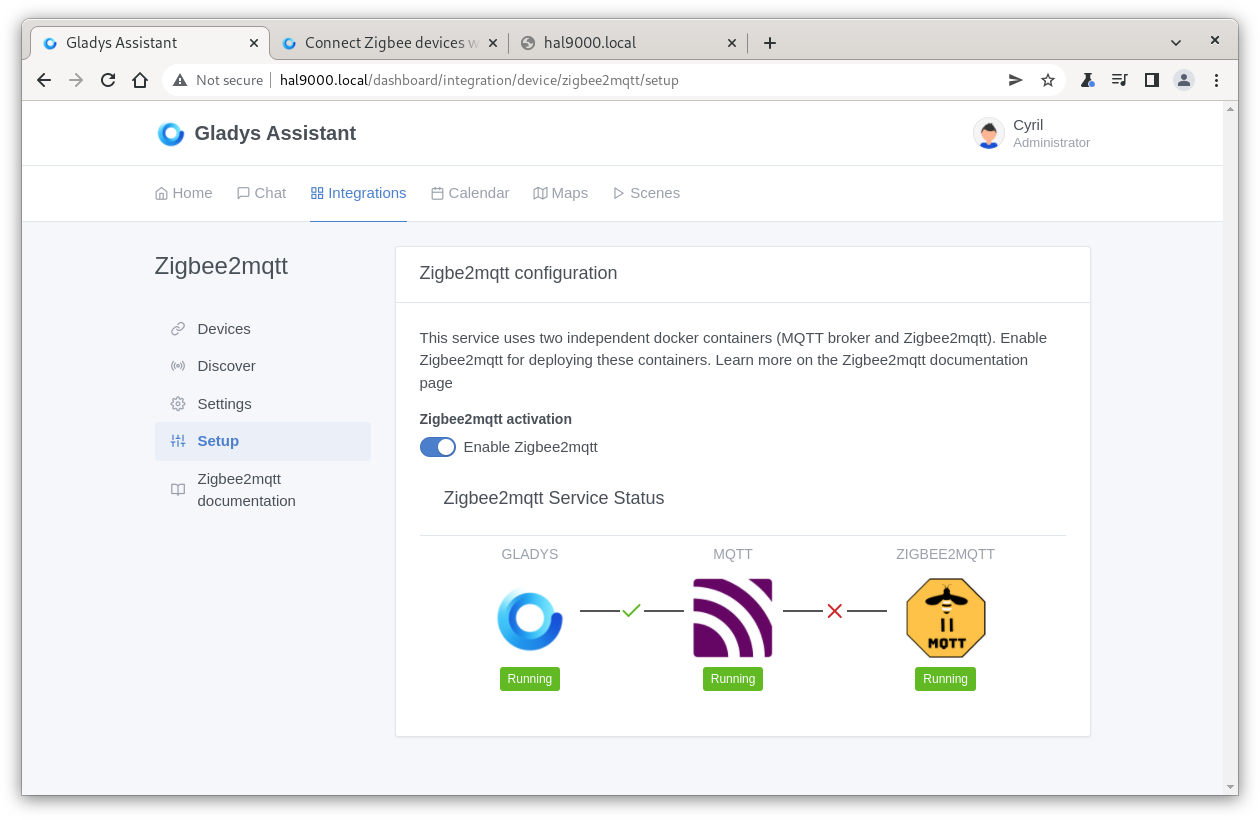
I then noticed that the gladys-z2m-zigbee2mqtt container did not seem stable. It seems to restart permanently.

Moreover, I never have access to the zibee2mqtt interface on port 8080 (which seems logical).

Obviously as I am a pignouf I am on a 64-bit version of raspiOS. I have another raspi in 32 bits on bullseye with Docker and Gladys, I will try it to see if it works better.

@p6ril By any chance, have you already installed the docker dev image on this instance? I’m surprised that use case #1 doesn’t work at all for you

When you ran docker run, was there a download of the image or was the image already present locally?

You can run a docker pull gladysassistant/gladys:dev to check.

@pierre-gilles I confirm that initially I didn’t have the docker dev image. For the second attempt, I also started from scratch (I « pruned Â» the containers and deleted all the associated images, including gladys dev, and the mqtt and zigbee2mqtt containers). Both times the containers were downloaded.

Debugging start for the cidFile

Permission issue in /var/lib/gladysassistant (strange because even with sudo it doesn’t work) and I don’t have this problem on Ubuntu

So I tried changing the host mount (you need to create the folder before running the command)

docker run -d \
    --cidfile /home/pi/gladysassistant/containerId \
    --restart=always \
    --privileged \
    --network=host \
    --log-opt max-size=10m \
    --name gladys \
    --cap-add SYS_RAWIO \
    -e NODE_ENV=production \
    -e SERVER_PORT=80 \
    -e SQLITE_FILE_PATH=/var/lib/gladysassistant/gladys-production.db \
    -v /var/run/docker.sock:/var/run/docker.sock \
    -v /home/pi/gladysassistant:/var/lib/gladysassistant \
    -v /dev:/dev \
    -v /run/udev:/run/udev:ro \
    -v /sys/class/gpio:/sys/class/gpio \
    -v /etc/localtime:/etc/localtime:ro \
    -v /etc/timezone:/etc/timezone:ro \
    gladysassistant/gladys:dev

Result :+1:

I continue to search on the permissions side

@pierre-gilles in 32 bits everything went smoothly, I followed your YouTube video it was super smooth :slight_smile:

Here are some details about the machine where everything works:

Screenshot from 2022-03-19 11-46-19

And in 64 bits where zigbee2mqtt does not start correctly:

Screenshot from 2022-03-19 11-47-16

I can help if logs or additional information about bullseye in 64 bits are needed.

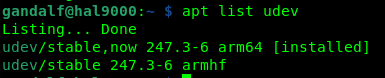
Is udev installed on your 64-bit Debian?

hal9000 :smirking_face:

yes udev is installed:

Screenshot from 2022-03-19 12-47-40

The Sonoff key is well recognized, the issue seems to come from the Zibgee2MQTT container which does not start. Maybe an issue with the image on the target architecture?

You will need to check the logs of the zigbee2mqtt container

Well, I was about to do that, but it failed in the process…

I noticed that the Zigbee2MQTT container was no longer in the list returned by docker container ls.
The Zigbee config was disabled (since I had removed the Zigbee Sonoff key). I put the key back, refreshed the USB dongle config, re-enabled zigbee2mqtt, and now everything seems to be in order.

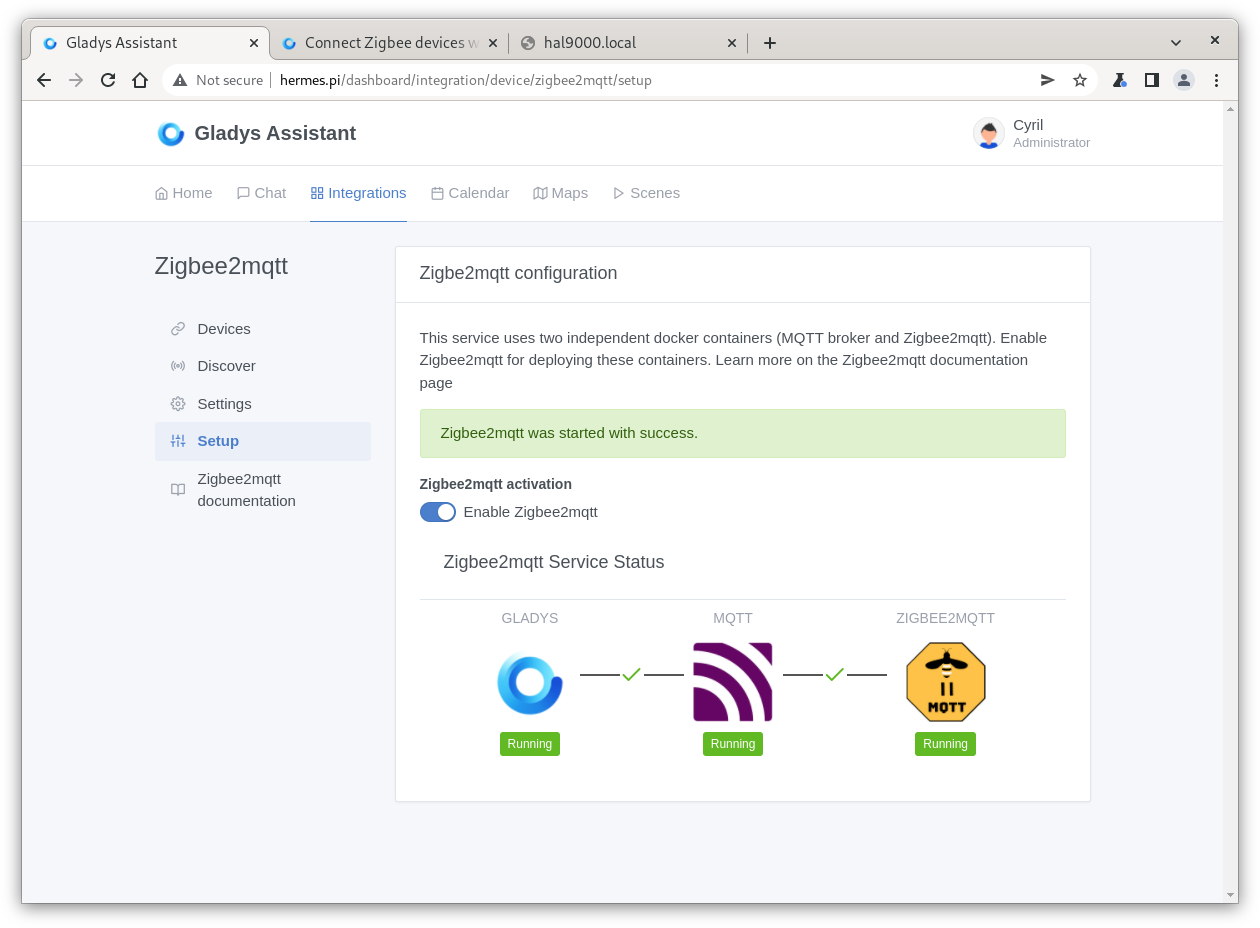
All containers are up and the connection is established between Gladys, MQTT, and Zigbee2MQTT. Strange.

If you want, I can purge everything to try a fresh install from scratch?