Oh but wait, you’re not on Raspberry Pi! You’re not using the official Raspbian image then.
You simply lack watchtower, it’s a container to launch alongside.
I invite you to check out the Gladys documentation:
PS: Be careful about the architecture you’re using, make sure to launch the right tag of the Docker Watchtower image. On Raspberry Pi we use armf, not sure if that’s what you need.
I’m posting here because I’m not sure if it’s useful to create a new topic for this.
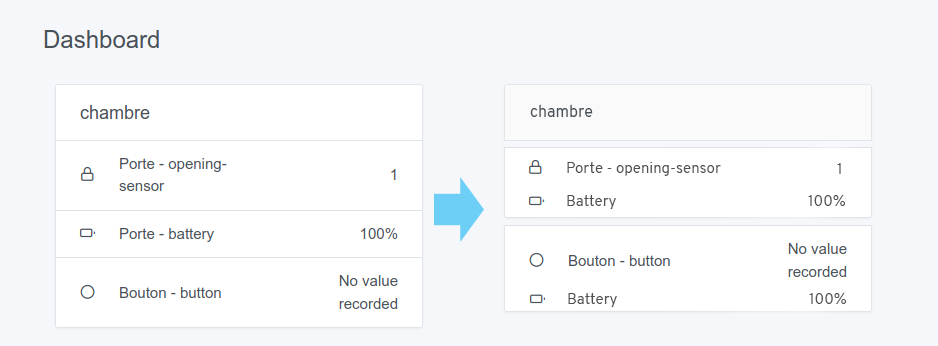
I find that the dashboard lacks clarity regarding the amount of information displayed.
To explain myself, I photoshopped a part of my dashboard to be clearer:
I would find it a bit more logical for each device to be separated from the next within the same room, as I also have Fibaro motion sensors that provide: brightness / presence / temperature / movement / battery / etc… If in the same room I have another device that gives me the temperature or if there are many features, I get lost ^^
I therefore imagined a card-header (I’m talking as if the interface used bootstrap) of a different color and a list separated according to the devices.
For the battery display on the dashboard, it’s a debate we have every time I put my opinion here: the battery, as long as the battery is good, the user doesn’t care to see it on the dashboard, it’s information without added value. The only use of having feedback on the battery is when the battery is low. There, the user should receive a notification telling them « warning, battery below X% on sensor XX in the kitchen ».
For the story of having a display of devices « grouped », I agree that it would be great!
We talked about it at length this summer in another topic, I invite you to read the debate we had:
For now, no design has really appealed to me, but I’m sure we can come up with something beautiful!
Small remark, if you have feedback on work still in development, do it on the topic of the branch concerned, or on the PR, it’s more practical
So all my apologies, as a newcomer I realize that I have missed a lot of debates and I speak without knowledge of the facts ^^
I absolutely agree with the fact that we don’t care about the battery unless it goes below a certain level
Indeed, I am currently on the zigbee2Mqtt container,
I will check out the official one then.
I find the rendering more pleasant but perhaps a bit too sober in your sceen
@Tlse-vins Which image are you running, Gladys? If you’re running the arm64 image, then you should run the arm64 image of Watchtower ^^ I’m redirecting you to the Watchtower documentation that explains all this
I’m coming back to this because the image I’m using is indeed the official one that I downloaded from the Gladys website.
The only difference is the implementation of Docker, after that I followed the documentation.
Could it be that Watchtower is not running?
Is it possible to add this option in the Gladys image for Respeaker?
I leave it to you @pierre-gilles.
I didn’t manage to run the command to update, I completely reinstalled Gladys but I wouldn’t want to have to do that every time.
@Tlse-vins: Can you create a specific topic to talk about this issue? I feel like we’re not understanding each other ^^ I’m talking about Raspbian image, and I think you’re talking about Docker image.
Hello @pierre-gilles.
I wanted to know what you thought about the self-detection that HomeAssistant performs.
After installing and setting up the user, HomeAssistant seems to launch a scan of the devices that the user seems to own (in my example, it found a Chromecast, my Philips Hue, and my Sonos).
Since Gladys has the services in its core, couldn’t it be smarter by performing a scan (local, no data sent of course) and thus make integration simpler for a user?
That’s great and it’s exactly the goal I have with Gladys 4! It’s one of the advantages of having the code of the services internally
For now, we don’t have many services that scan the network (only Philips Hue I think), but as soon as we have more, we can make a more complete configuration assistant!
I think we can already normalize the case with the few services we have. The sonoff / tasmota and future zigbee2mqtt also offer this. Bluetooth and its sub-services already plan for this.
Congratulations on this new version, I’ve been following the project from afar for a few years now and I’ve just taken the plunge with v4
A quick question (which may have already been asked, sorry): is it normal that I don’t see the interface to create scenarios at all? I tried to look a bit on the forum but I don’t see anything.
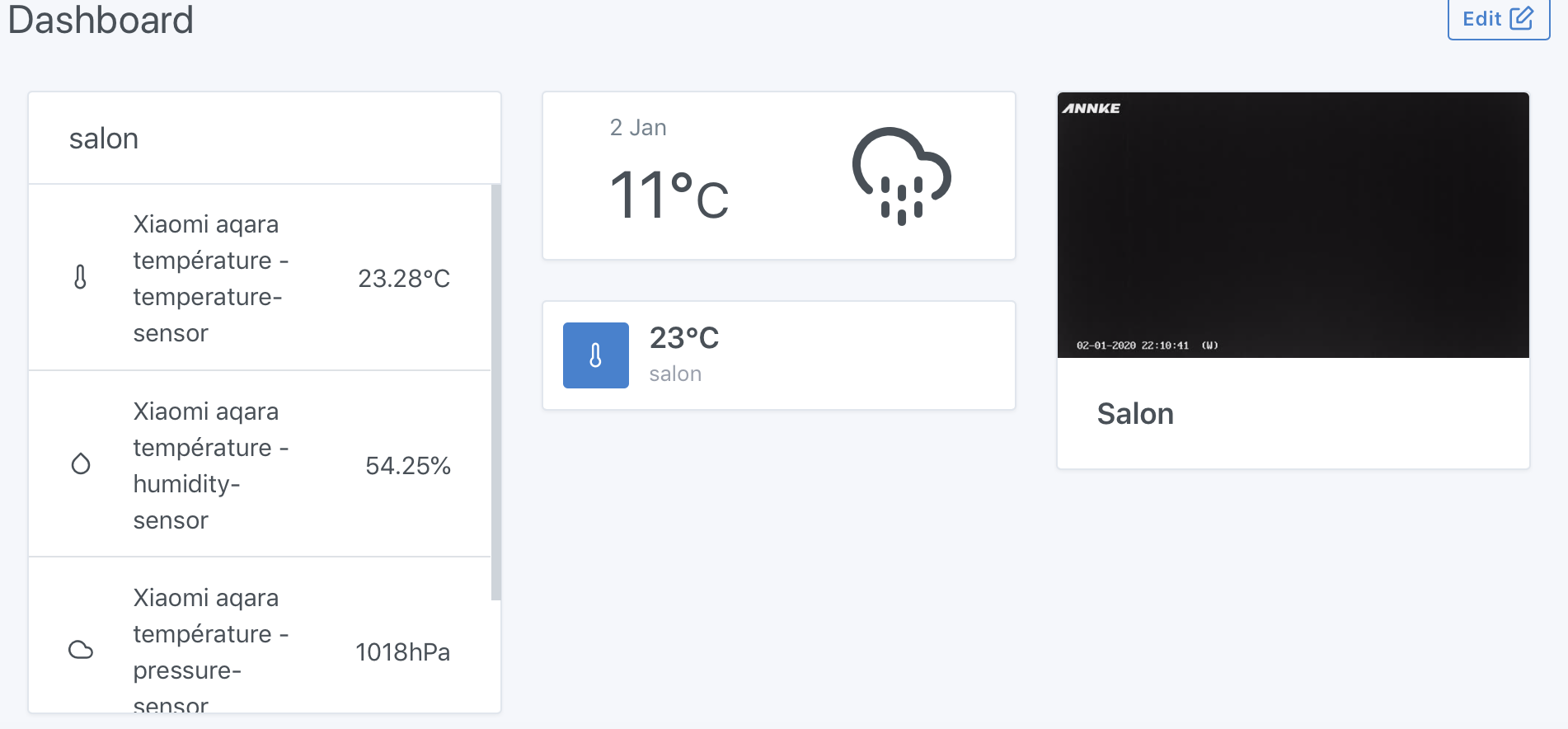
 :
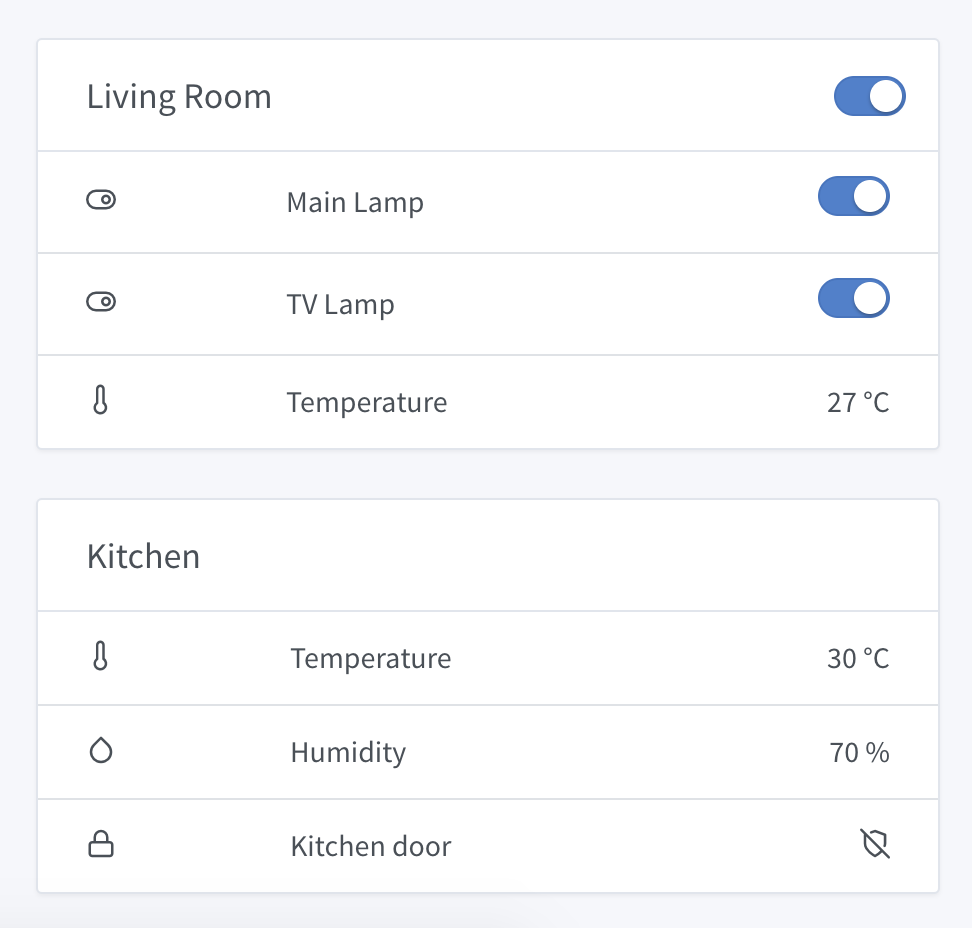
:
 I put my opinion here: the battery, as long as the battery is good, the user doesn’t care to see it on the dashboard, it’s information without added value. The only use of having feedback on the battery is when the battery is low. There, the user should receive a notification telling them « warning, battery below X% on sensor XX in the kitchen ».


