Hello everyone!
Gladys Assistant v4.4 is available, and adds several much-requested features on the forum 
Full list of features on the blog:
Thanks to those who contributed to this release
Hello everyone!
Gladys Assistant v4.4 is available, and adds several much-requested features on the forum
Full list of features on the blog:
Thanks to those who contributed to this release
For Gladys Plus users, a quick tutorial to remind you how to integrate Owntracks into your Gladys installation:
@pierre-gilles were there DNS issues on your end yesterday or was it just me?
Owntrack couldn’t resolve the openapi URL. (This morning it’s OK)
Strange, coincidence I did indeed transfer the domain of the gateway from one registrar to another (Gandi to Cloudflare), but this shouldn’t have any impact on the DNS, as my DNS was already with Cloudflare anyway…
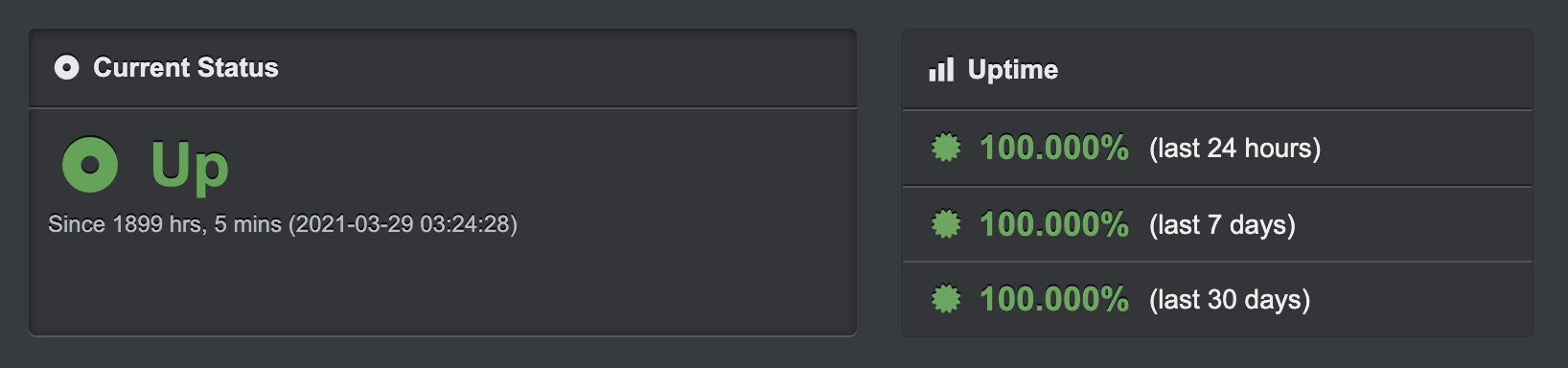
I think it’s just a coincidence, as I monitor the uptime with an external service and it doesn’t seem to have had any impact on the uptime + you’re talking about yesterday, and I made the change this night for you
Everything is back to normal anyway
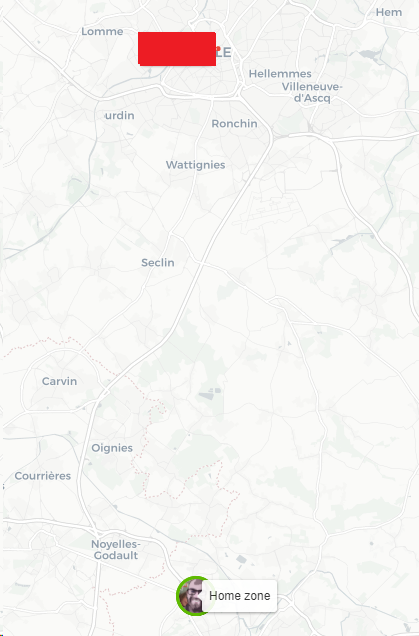
Regarding the auto-zoom, am I the only one who would prefer a user focus rather than on all the markers?
We could maybe make this configurable in the settings.
No indeed you are right, it’s silly to display all the areas when it’s not necessarily the « current » state. It makes more sense to display all the users, I will change that
It really works great, this geofencing Owntracks. More effective and accurate than Tasker or Automate 
The zone system with owntracks works great, the documentation is very clear.
However, I am facing the fact that on my Android smartphone, the Geolocation permission can only work when the application is open.
This means that I have to open owntracks when I leave home for the information to be transmitted to Gladys.
What fault you see depending on your phone, what model is it?
https://www.mobilesum.com/faqs/sony-xperia-xz3/app-permissions-sony
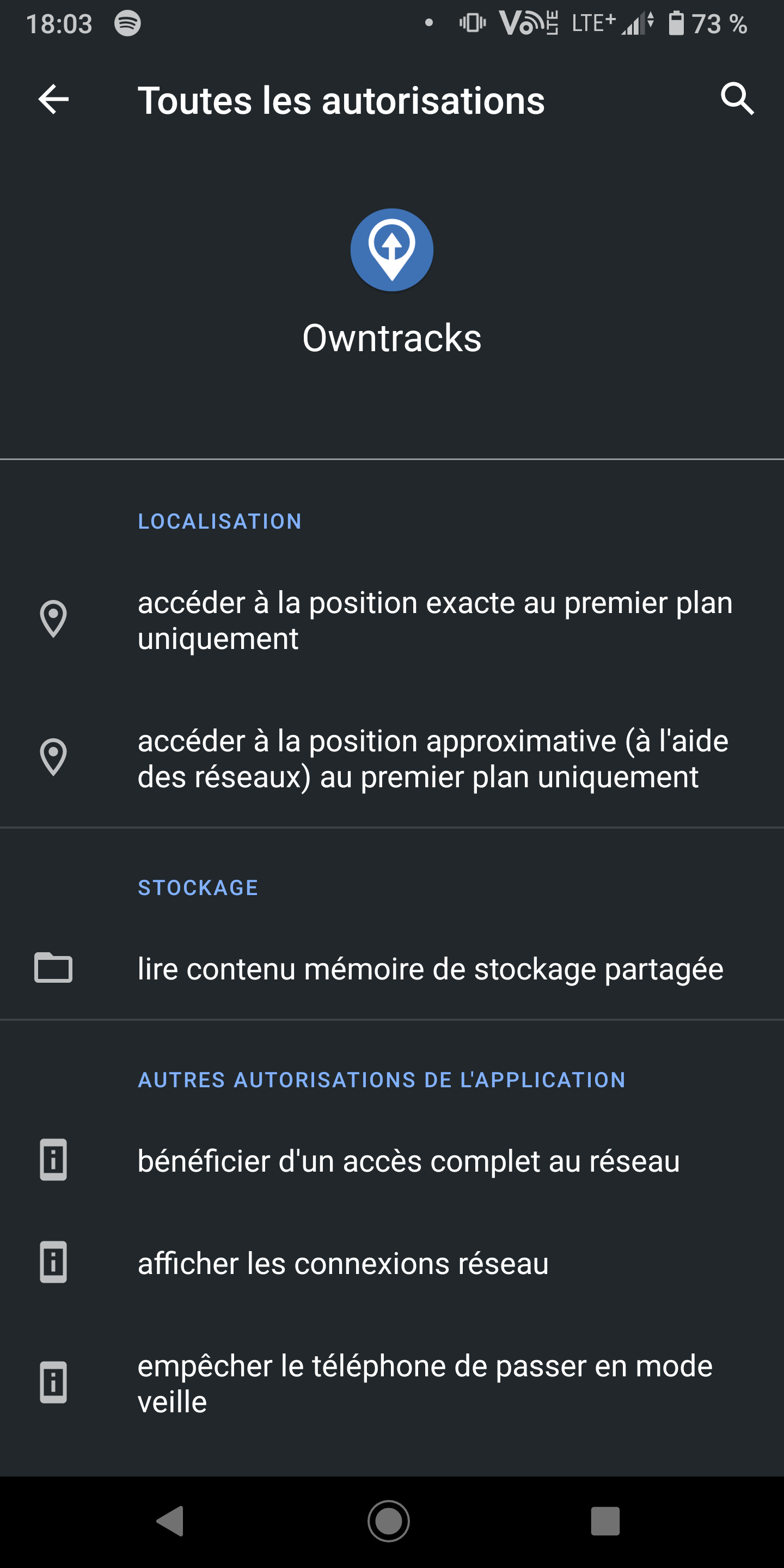
In general, on Android, you need these permissions
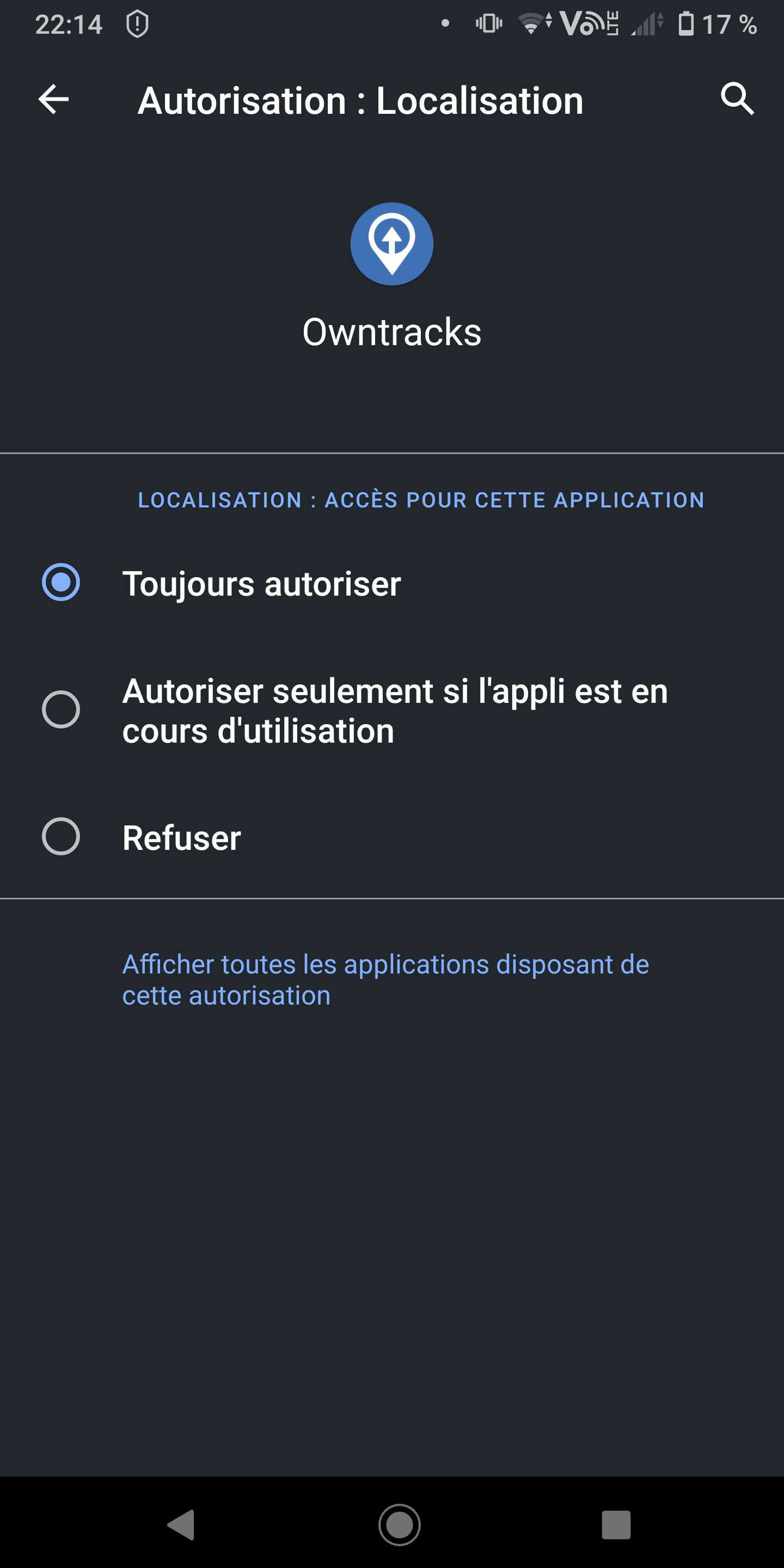
You have the status in owntrack / nexttrack
The application is not present in the « always allowed » list
Is it possible to use a clone of the application or to make it run in the background?
I think you’ll have the same issue with nexttrack (it’s a fork that uses OpenStreetMap)
Worth a try
Personally, I don’t have the issue on a Xiaomi
@alex maybe creating a GitHub issue for Owntracks so they can fix the bug if it’s on their end?
I just checked and it appears that an issue has already been created regarding this.
Hello,
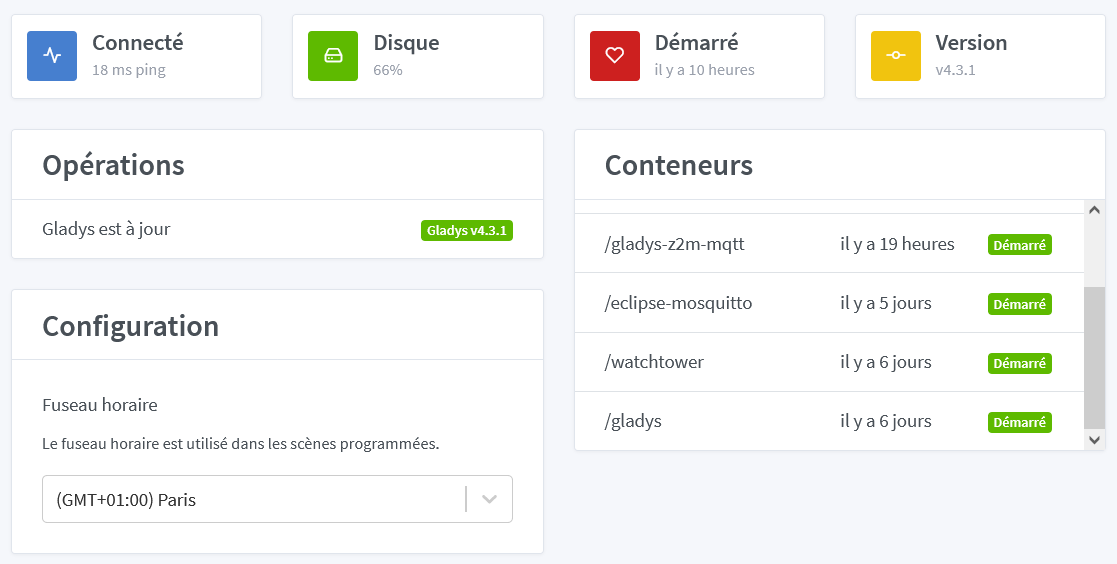
If I understood correctly, version 4.4 was released at the beginning of the week. On my side, Gladys installed on Raspberry with Docker remained at 4.3.1. I did install watchtower as well. Here is my « Settings/System » page:
Thanks in advance for the help you will provide to perform the update 
You installed Gladys manually, right? (Not with the Raspberry Pi OS image provided on the website?)
You can check the Watchtower logs by running:
docker logs watchtower
I confirm, manual installation by following the instructions here: Installation avec Docker | Gladys Assistant
Here are the requested logs:
time="2021-06-13T19:18:37Z" level=info msg="Watchtower 1.3.0
Using no notifications
Checking all containers (except explicitly disabled with label)
Scheduling first run: 2021-06-14 19:18:37 +0000 UTC
Note that the first check will be performed in 23 hours, 59 minutes, 59 seconds"
time="2021-06-13T21:56:55Z" level=info msg="Watchtower 1.3.0
Using no notifications
Checking all containers (except explicitly disabled with label)
Scheduling first run: 2021-06-14 21:56:55 +0000 UTC
Note that the first check will be performed in 23 hours, 59 minutes, 59 seconds"
time="2021-06-14T21:54:27Z" level=info msg="Watchtower 1.3.0
Using no notifications
Checking all containers (except explicitly disabled with label)
Scheduling first run: 2021-06-15 21:54:27 +0000 UTC
Note that the first check will be performed in 23 hours, 59 minutes, 59 seconds"
time="2021-06-15T22:00:50Z" level=info msg="Watchtower 1.3.0
Using no notifications
Checking all containers (except explicitly disabled with label)
Scheduling first run: 2021-06-16 22:00:50 +0000 UTC
Note that the first check will be performed in 23 hours, 59 minutes, 59 seconds"
time="2021-06-16T22:00:55Z" level=info msg="Watchtower 1.3.0
Using no notifications
Checking all containers (except explicitly disabled with label)
Scheduling first run: 2021-06-17 22:00:55 +0000 UTC
Note that the first check will be performed in 23 hours, 59 minutes, 59 seconds"
time="2021-06-17T22:00:54Z" level=info msg="Watchtower 1.3.0
Using no notifications
Checking all containers (except explicitly disabled with label)
Scheduling first run: 2021-06-18 22:00:54 +0000 UTC
Note that the first check will be performed in 23 hours, 59 minutes, 59 seconds"
time="2021-06-18T17:31:56Z" level=info msg="Watchtower 1.3.0
Using no notifications
Checking all containers (except explicitly disabled with label)
Scheduling first run: 2021-06-19 17:31:56 +0000 UTC
Note that the first check will be performed in 23 hours, 59 minutes, 59 seconds"
time="2021-06-18T18:25:10Z" level=info msg="Waiting for running update to be finished..."
time="2021-06-18T18:26:09Z" level=info msg="Watchtower 1.3.0
Using no notifications
Checking all containers (except explicitly disabled with label)
Scheduling first run: 2021-06-19 18:26:09 +0000 UTC
Note that the first check will be performed in 23 hours, 59 minutes, 59 seconds"
time="2021-06-18T18:47:25Z" level=info msg="Waiting for running update to be finished..."
time="2021-06-18T18:48:10Z" level=info msg="Watchtower 1.3.0
Using no notifications
Checking all containers (except explicitly disabled with label)
Scheduling first run: 2021-06-19 18:48:10 +0000 UTC
Note that the first check will be performed in 23 hours, 59 minutes, 59 seconds"
time="2021-06-18T21:39:08Z" level=info msg="Watchtower 1.3.0
Using no notifications
Checking all containers (except explicitly disabled with label)
Scheduling first run: 2021-06-19 21:39:08 +0000 UTC
Note that the first check will be performed in 23 hours, 59 minutes, 59 seconds"
time="2021-06-20T05:28:23Z" level=info msg="Watchtower 1.3.0
Using no notifications
Checking all containers (except explicitly disabled with label)
Scheduling first run: 2021-06-21 05:28:23 +0000 UTC
Note that the first check will be performed in 23 hours, 59 minutes, 59 seconds"
time="2021-06-20T22:00:50Z" level=info msg="Watchtower 1.3.0
Using no notifications
Checking all containers (except explicitly disabled with label)
Scheduling first run: 2021-06-21 22:00:50 +0000 UTC
Note that the first check will be performed in 23 hours, 59 minutes, 59 seconds"