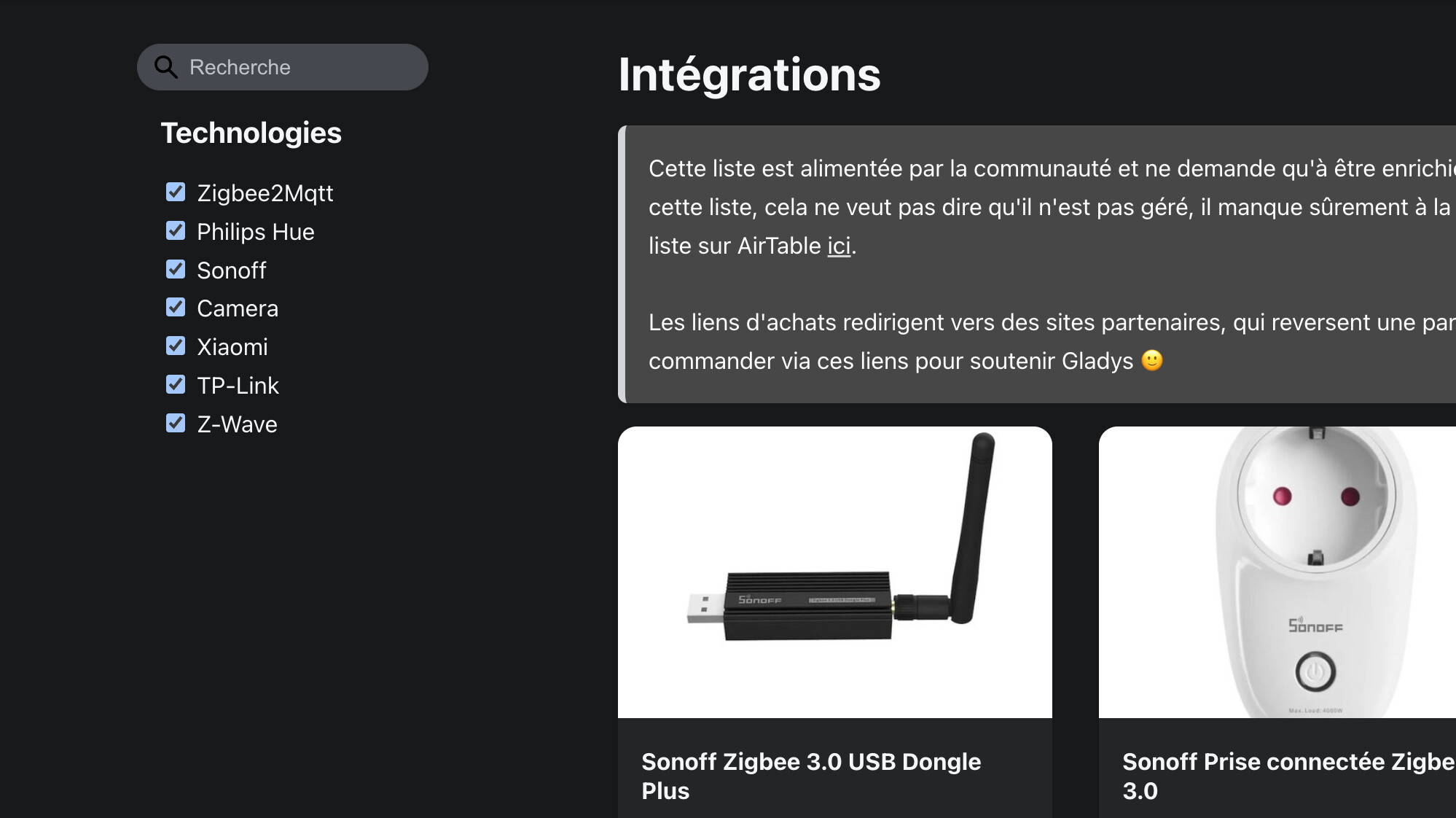
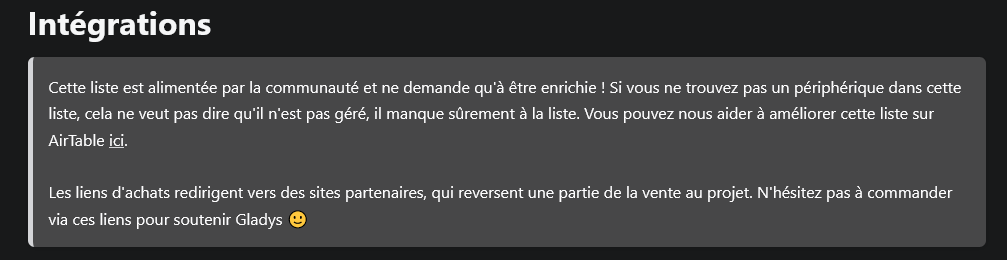
tu cliques sur « ici » après Airtable. Et tu arrives sur la page Airtable pour t’inscrire , après je pourrais te donner l’accès.
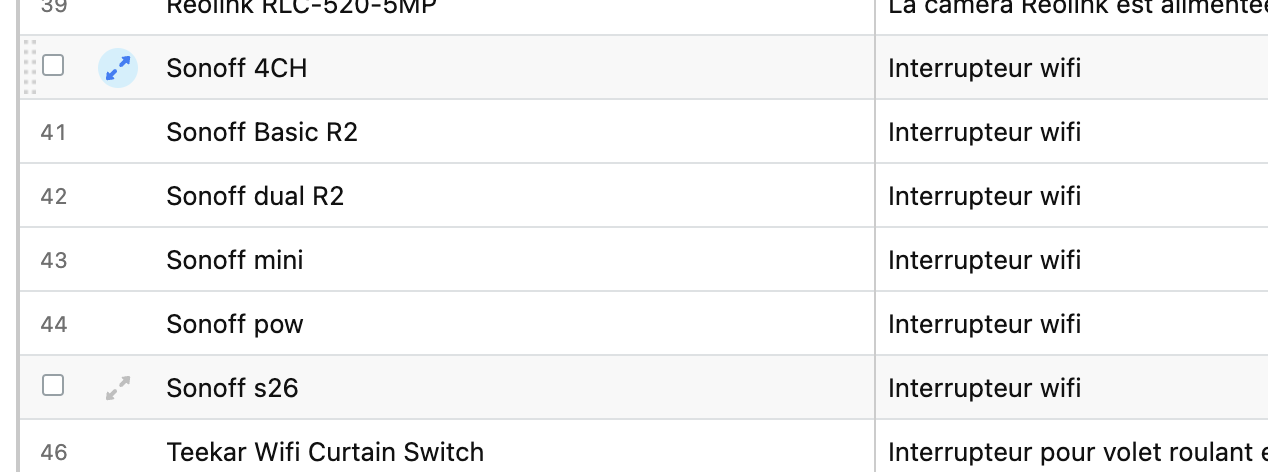
Une fois que tu auras l’accès tu rentres ton device sur la ligne notée +, l’uniformisation est faite par les renseignements des colonnes et tu peux t’inspirer aussi de ce qui est déjà déclaré.
Pour la 2 je dirais que çà sert pour le tri dans la page intégration.
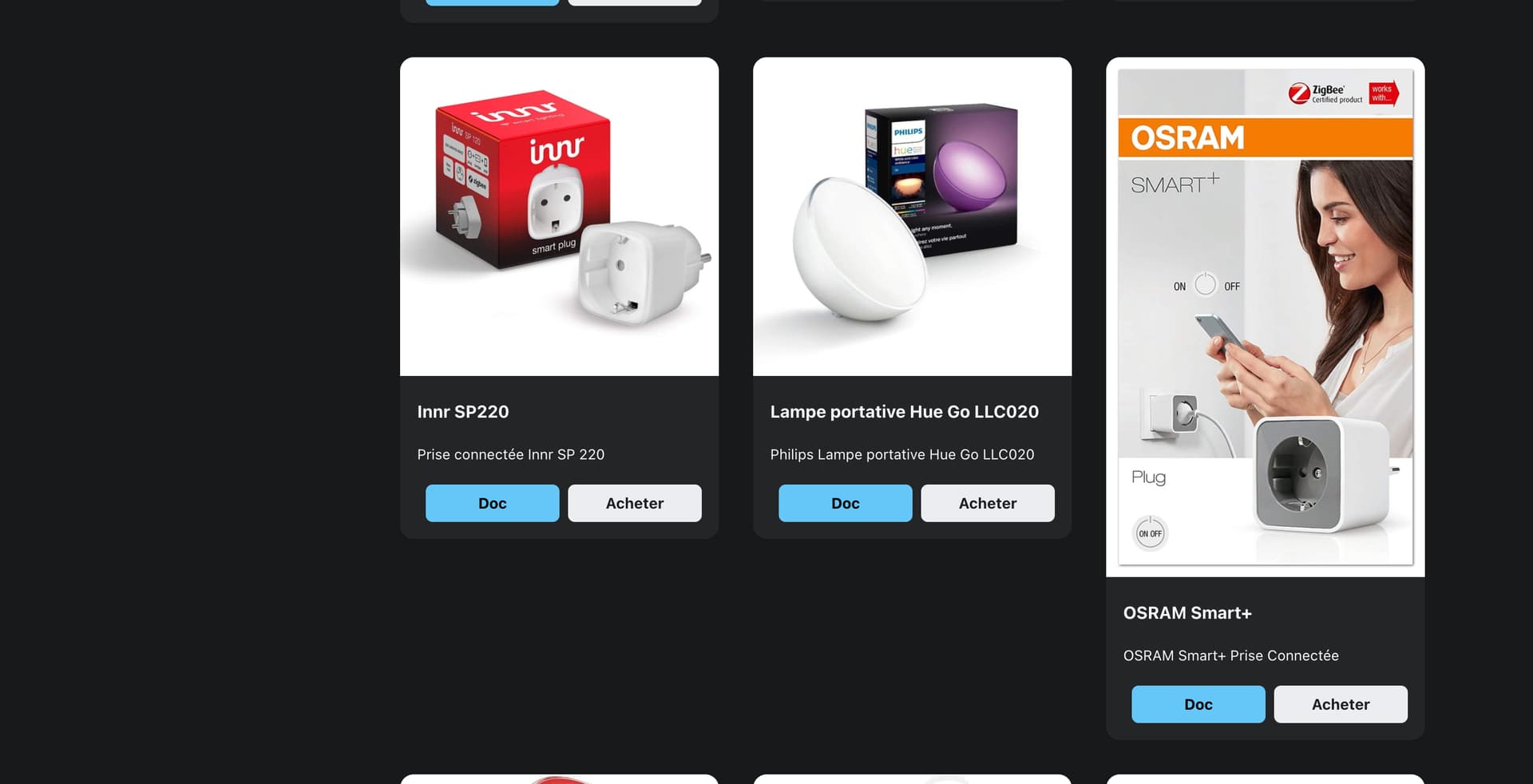
Par exemple si tu recherche des philips hue il y a des ikea qui sont referencés. ( j’ai déjà fait la modif sur le fichier )
pour la 3 sélectionne la première colonne de ligne. Normalement le texte passe en bleu. Ensuite tu cliques dessus et un pop up apparait avec toutes les infos dont le createur et les modifications effectuées
J’ai remarqué qu’il y avait 2 listes, une en FR et une en EN.
Faut il mettre les devices dans les 2 listes ?
Car il en manque pas mal sur la liste EN .
Les tags ne sont pas utilisés actuellement, l’idée c’était d’avoir un moyen de classifier les appareils de différentes façon, autant par techno que par type d’appareil. Mais actuellement, ce n’est pas utilisé dans le code.
L’ID de la documentation correspond au titre « slug » de la documentation de l’intégration utilisée par le périphérique.
peut-être possible, là dessus je connais par assez Airtable pour te répondre
Effectivement!
La liste FR alimente la page en français, la page EN alimente la page en anglais.
Attention néanmoins, il ne faut pas juste copier coller la ligne pour la page EN :
Titre et descriptions doivent être traduit en EN
Les liens doivent être les bons pour un public plutôt US (amazon.com au lieu de amazon.fr, en sachant qu’il ne suffit pas de changer le .fr en .com, il faut chercher le périphérique à nouveau. Retirer les liens Domadoo qui sont propre à la france, et remplacer par aliexpress ou Amazon)
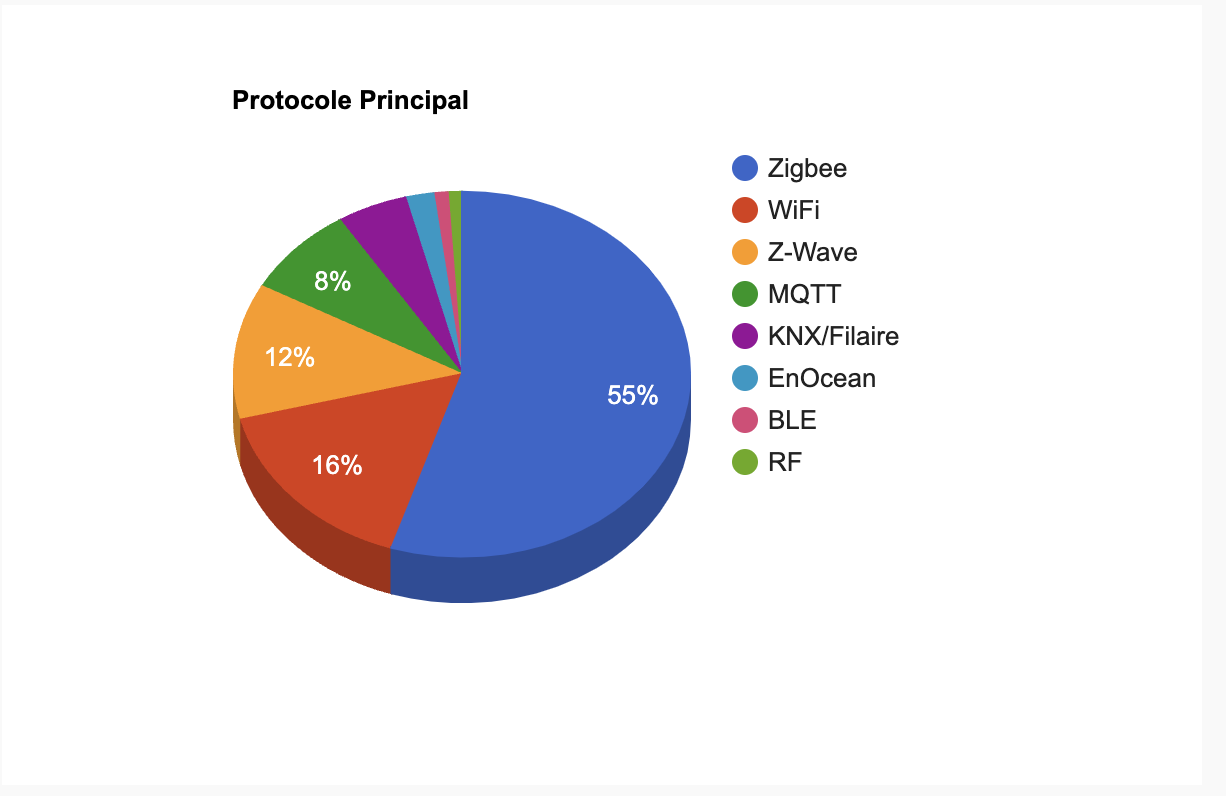
Je publie ici ce que j’ai vu sur une autre communauté domotique française, ils ont fait un sondage auprès de leurs membres sur la techno principale qu’ils utilisaient en domotique.
Ca me conforte encore plus dans le fait que le Zigbee est LE protocole domotique du moment, et que ça vaut le coup de communiquer à fond sur les appareils Zigbee avec lesquels on est compatible !
bonsoir @pierre-gilles
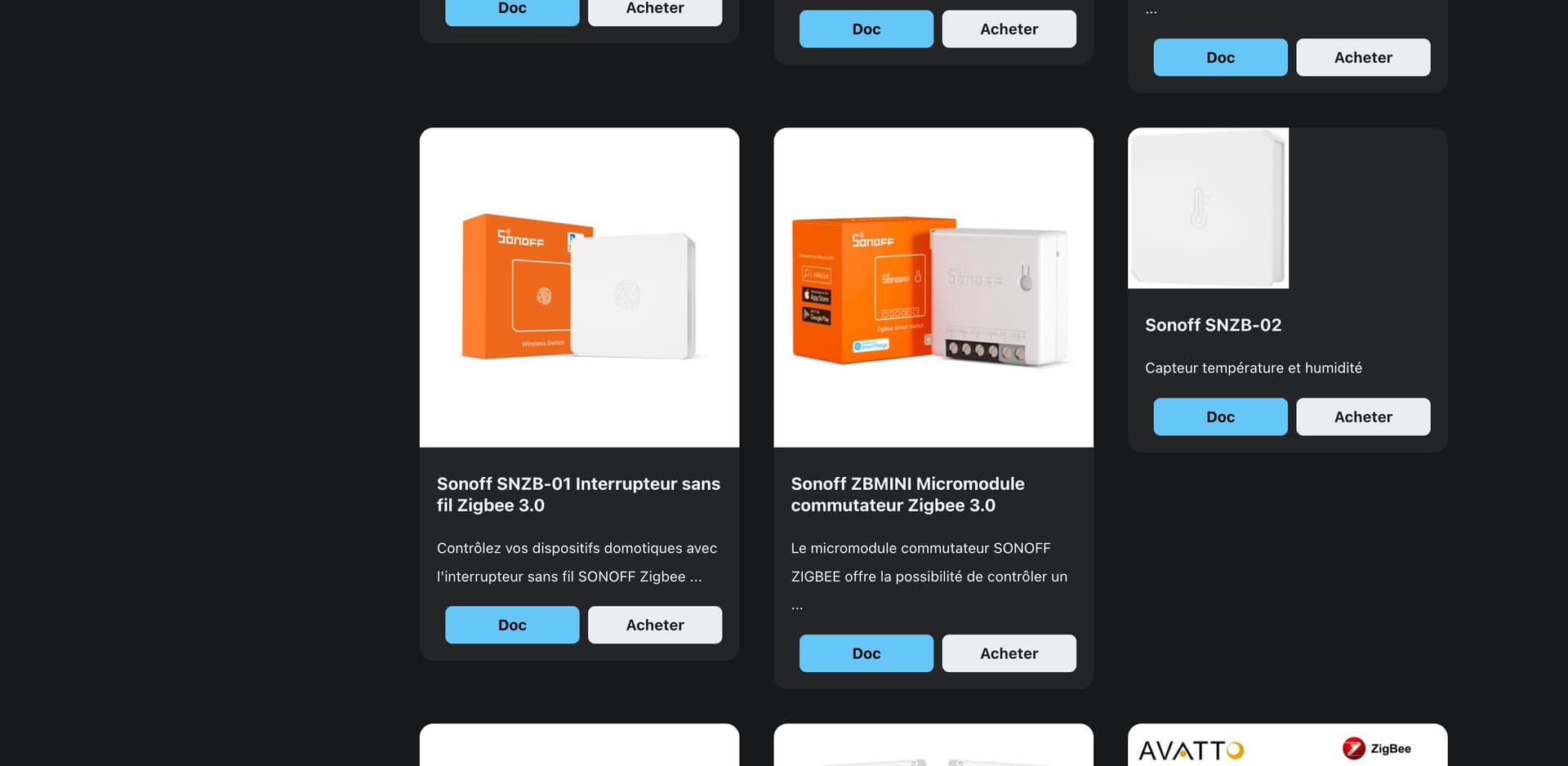
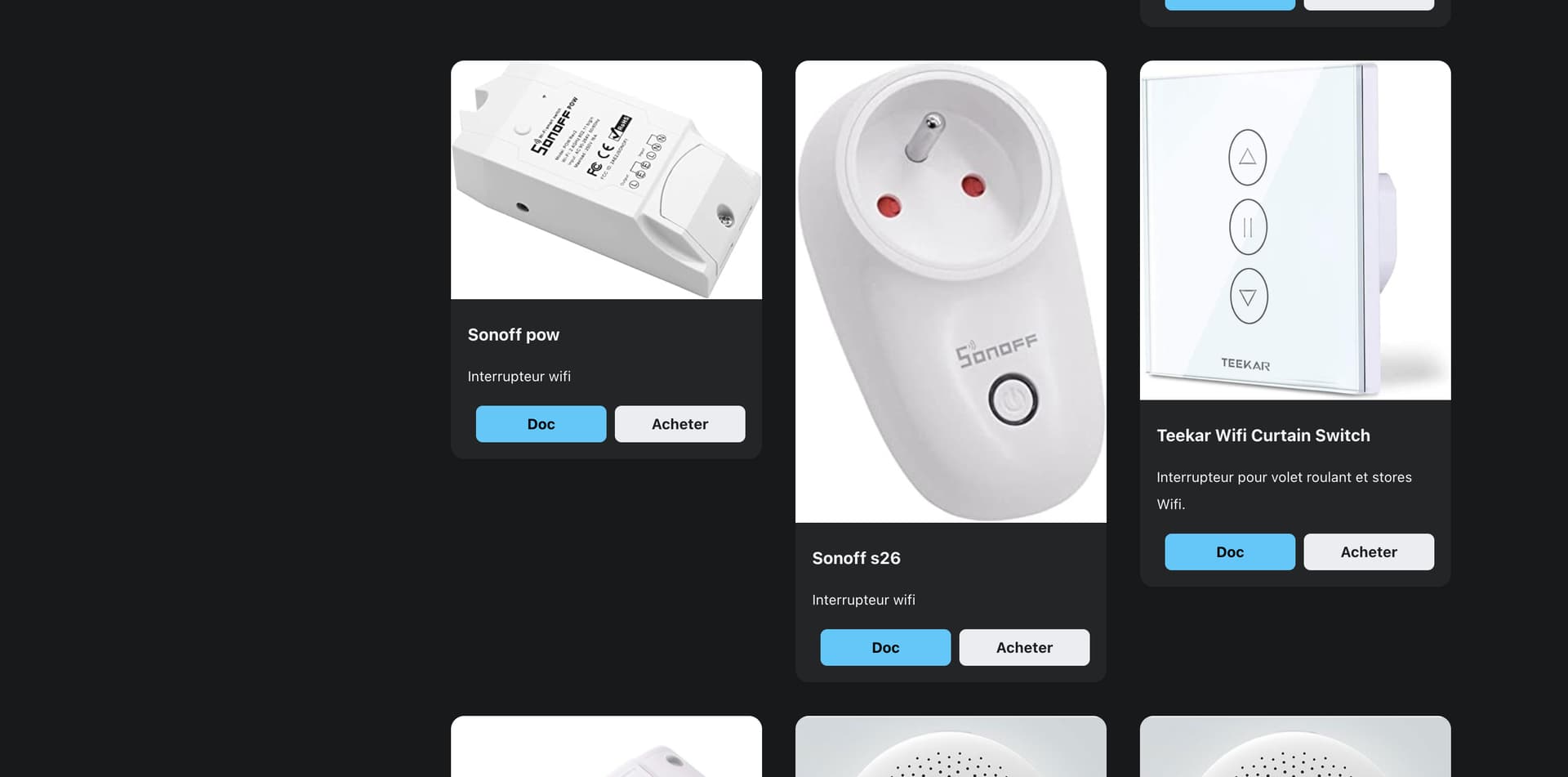
J’ai commencé a modifier les premières lignes d’Airtable pour qu’on est directement la nom du produit avec son numéro (ex: Sonoff S26R2ZB), pour faciliter les recherches sur internet (est ce que je fais fausse route?),. Mais effectivement, il n’y a pas assez de place pour détailler les fonctions de certains appareils dans la colonne d’après. Il faudrait créer un lien comme "Acheter « ou " Doc », je pense a « Description » où l’on pourrait détailler toutes les fonctions
c’est une solution aussi,
Je visualisais ça sur la page intégration, c’est pour ça que je parlais d’un bouton Description, on ne surcharge pas la fenetre et en cliquant sur description on affiche les détails
A quick follow-up on this topic — who would be interested in working on it?
For now we’re at 67 integrations on the French page, and 55 in English.
I’m convinced that the current compatibility list is in the hundreds of devices, even thousands thanks to Zigbee2mqtt in particular. It’s a shame that the site’s « Integrations » page is so poor!

 , si problème n’hésite pas a me le dire