Link between z2mqtt and Gladys

Hello,

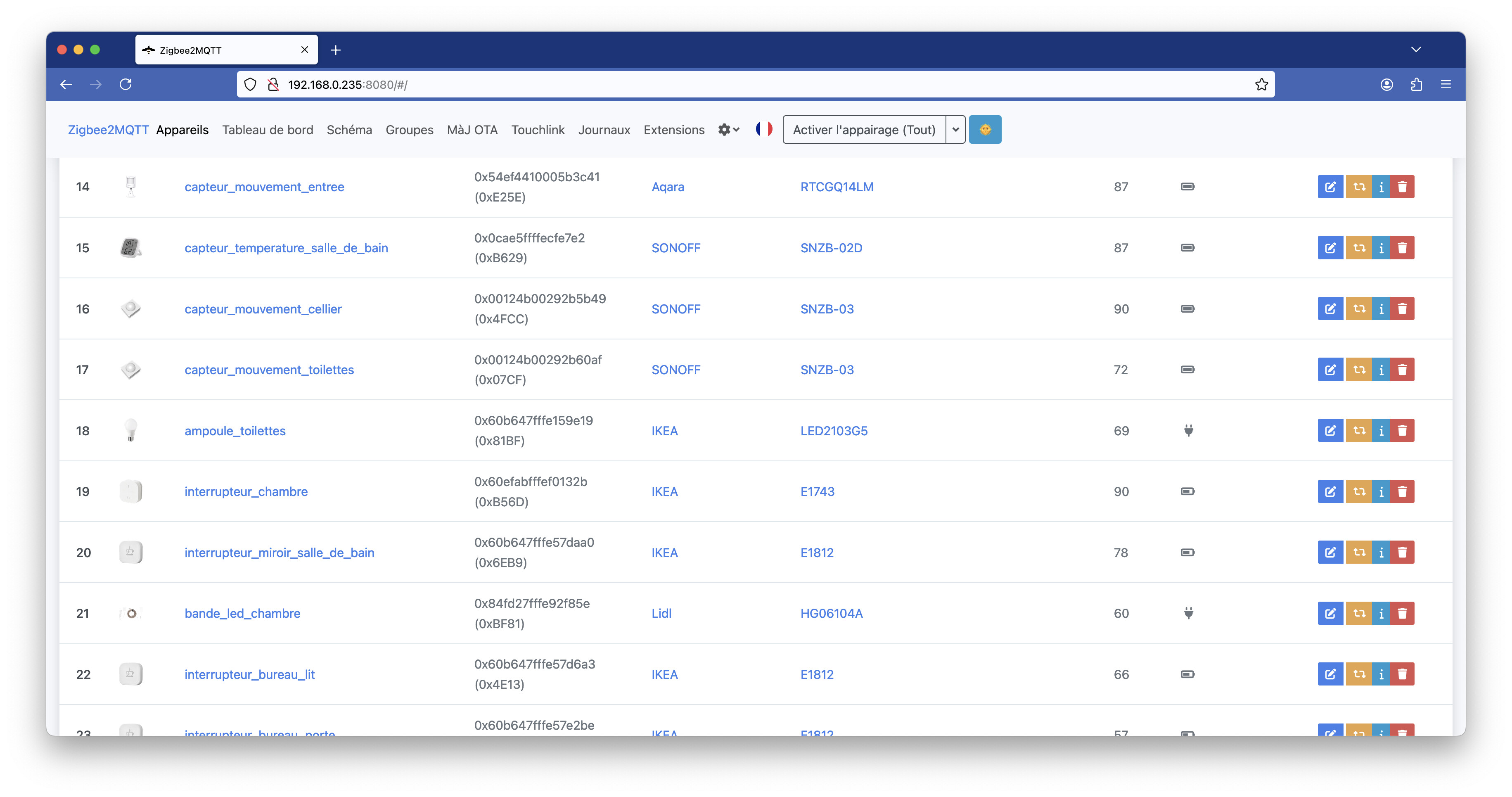
I’m trying to catch up a bit and I came up with a question:
How can I find the link between a Zigbee2mqtt device and Gladys?

Let me explain: I found my Zigbee device on Zigbee2mqtt thanks to the log; I have its ID — how can I find that ID in Gladys to know which device it corresponds to?
Because of course I gave names to the devices in Gladys, not IDs…

And while writing this message, I realized that it’s possible to search for this ID in the search input of Gladys’s z2m integration:

This is really great!
But is this capability indicated anywhere?
I don’t see it in the docs nor on the input itself.

Shouldn’t there be a tooltip indicating that you can search by ID and by name?
Or add a « Search » section to Gérez ses appareils Zigbee dans sa domotique avec une clé USB Zigbee et Zigbee2mqtt | Gladys Assistant ?

Especially since the ID doesn’t appear anywhere in the device information, so (personally) I absolutely didn’t expect that it would work.

In conclusion, a great feature when you have quite a few Zigbee devices but one that’s not highlighted at all.

1 Like

Hi @Hizo! You’re right, it would be nice to mention that — it could be in the search placeholder.

In fact, the search looks in both the name and the « external_id » on the Gladys side, which contains « zigbee2mqtt:ID_ZIGBEE2MQTT ».

If I remember correctly, we hid the ID in the list because otherwise it makes blocks that are too big and when you have a lot of devices it creates a list that’s too long to scroll.

A little tip (for next time): I recommend renaming devices on the Zigbee2mqtt side so it’s easier to spot them. The ID generated by Zigbee2mqtt isn’t very user-friendly.

For example on my setup it looks like this — I put everything in snake_case with a convention: « device_type_room »


It’s cleaner.

However, if you rename your devices, you need to reconnect everything in Gladys because the ID will be different :wink:

2 Likes

It might be good to display the ID when you open the device so as to also link to z2m (or even create a real link to the device’s page on z2m).

Yes, I suspected you shouldn’t rename it afterwards, so I won’t touch it now.

1 Like

Hello,

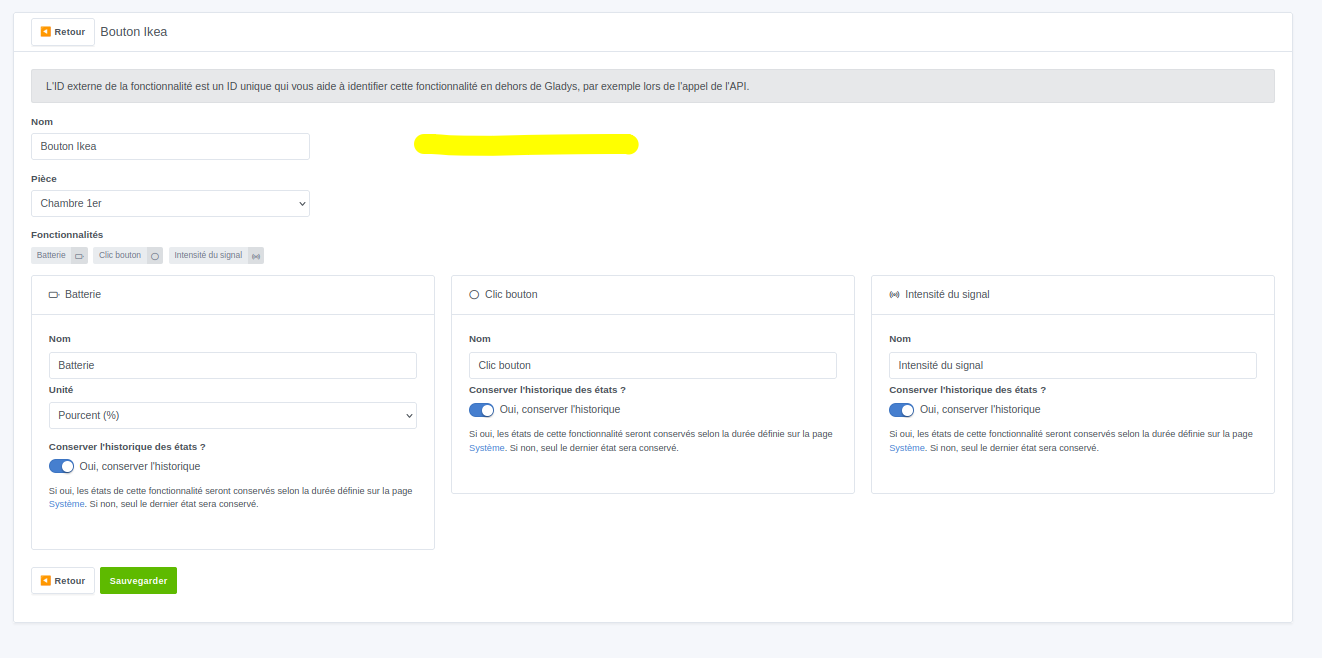
I’m following up on the idea of simply displaying the zigbee2mqtt id in the configuration view of a zigbee device, like where I’ve highlighted:

Because honestly, it’s really cumbersome to find a device in zigbee2mqtt if it hasn’t been named the same way as in Gladys.

Good idea, are you creating a feature request? :slight_smile:

It’s done: Ajout de l'id Zigbee2Mqtt dans la configuration des appareils

2 Likes