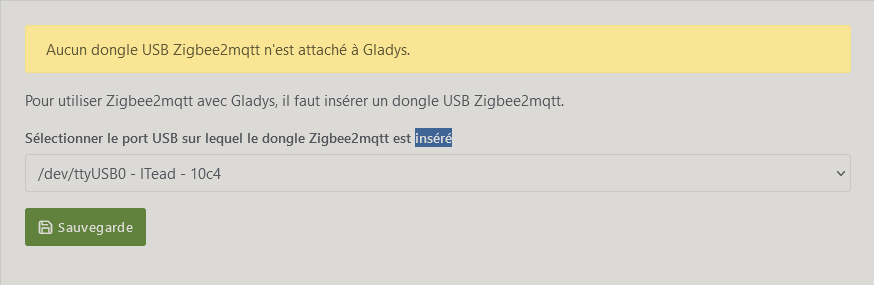
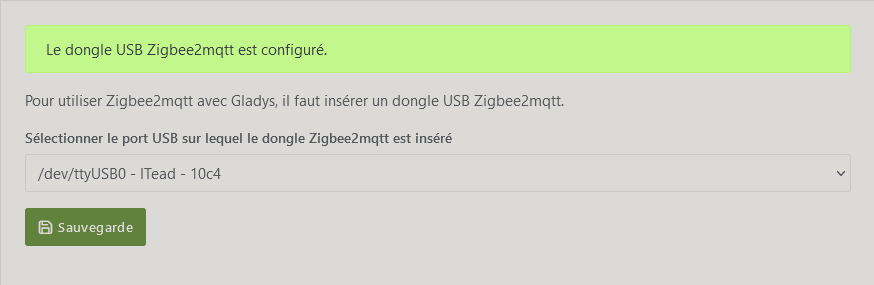
It’s only the display; if you look in the Zigbee2mqtt configuration file (in the folder /var/lib/gladysassistant/), you’ll see that the port is indeed the correct one
We display the port + the « name » of the connected device so it’s more readable for a regular user, otherwise it would be indistinguishable from the other USB ports.
Hello everyone,
I’m sharing here my experience with a Sonoff dongle; there are two: ZBDongle-E and ZBDongle-P. Personally I own the -E version and I had this kind of issue — here is the solution that worked for me on Raspberry 3B+.
I personally tend to think that Zigbee dongles can be quite finicky (that’s also why on the project’s website there’s a list of recommended dongles).
I used one that worked very well for several months, then, for a reason I can’t figure out, it stopped working.
I admit I didn’t spend ages investigating; I changed the dongle for a very high-performance (and very expensive) one and I’m more than satisfied with it!
I wouldn’t be surprised if SONOFF dongles, even if they « work », aren’t the most stable with an RPi.
But… you’re welcome! Yes, they were ranked 2nd in a 2021 test https://toptech-avis.fr/meilleur-mini-pc-2021/ — plus they’re fanless and offer performance more than sufficient to install Debian plus Gladys, and for a price more than fair compared to the equivalent Raspberry Pi!!! The audio is well recognized and to then hook it up to a small touchscreen it’s for me a good solution — the only thing missing will be voice recognition, but by adding Docker and Node-RED well it’s fully open in terms of solutions ! I even bought some on sale on Cdiscount for €65 a year ago!
Curious, to test I removed my ConBee II key which works very well on my other Beelink BT3 Pro2 Jeedom setup, so if I refresh the key in the interface it is seen but still the same: no MQTT link to Zigbee and in the configuration.yaml file the « port » parameter of the « serial » section is « /dev/serial/ttyUSB0 »
after a reboot this becomes « /dev/serial/ttyACM0 » so the parameter doesn’t change when you enable/disable the services via the dashboard / integration/ zigbee2mqtt (by the way why is stopping the MQTT docker tied to that of zigbee2mqtt? I understand starting it, but not stopping!)
ls -l /dev/serial/by-id/ returns:
usb-dresden_elektronik_ingenieurtechnik_GmbH_ConBee_II_DE2665658-if00 → ../../ttyACM0
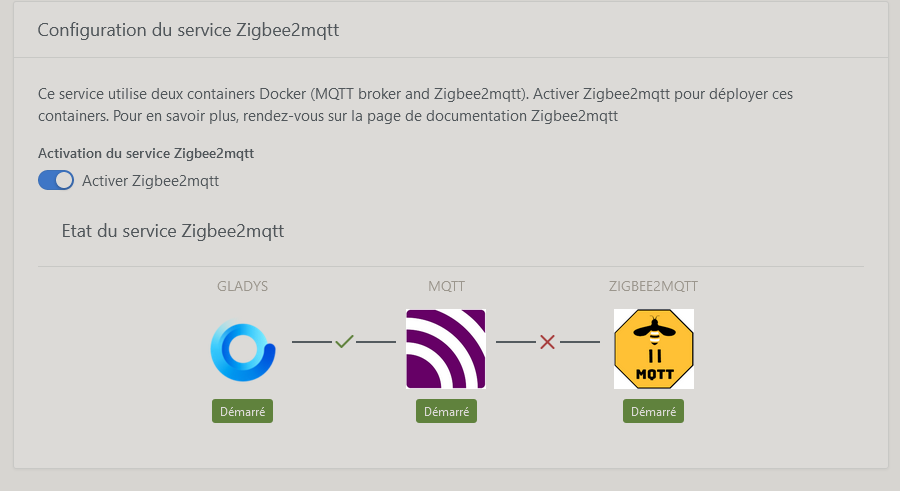
and still the same so honestly I don’t understand that the keys are detected but the zigbee2mqtt container keeps rebooting (every 30s)
I also did a docker stop and then a docker rm of the mosquitto and zigbee containers and then restarted Gladys
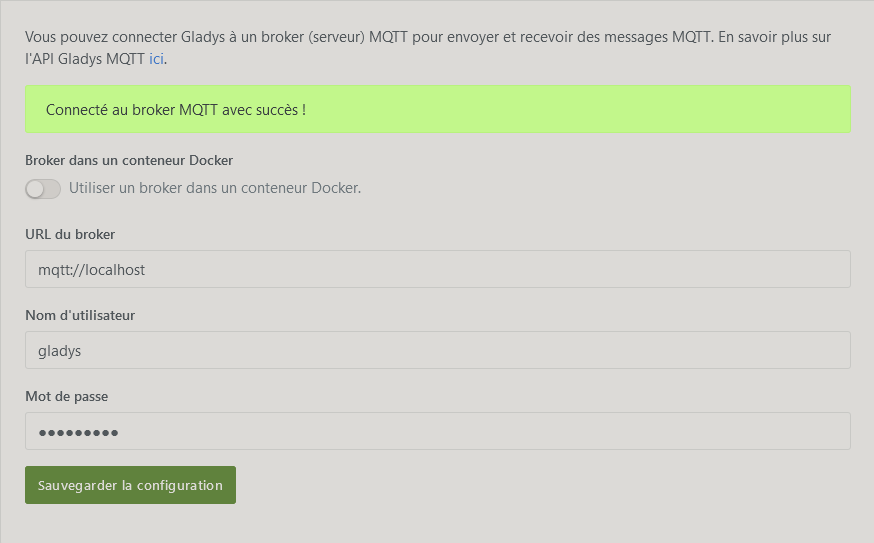
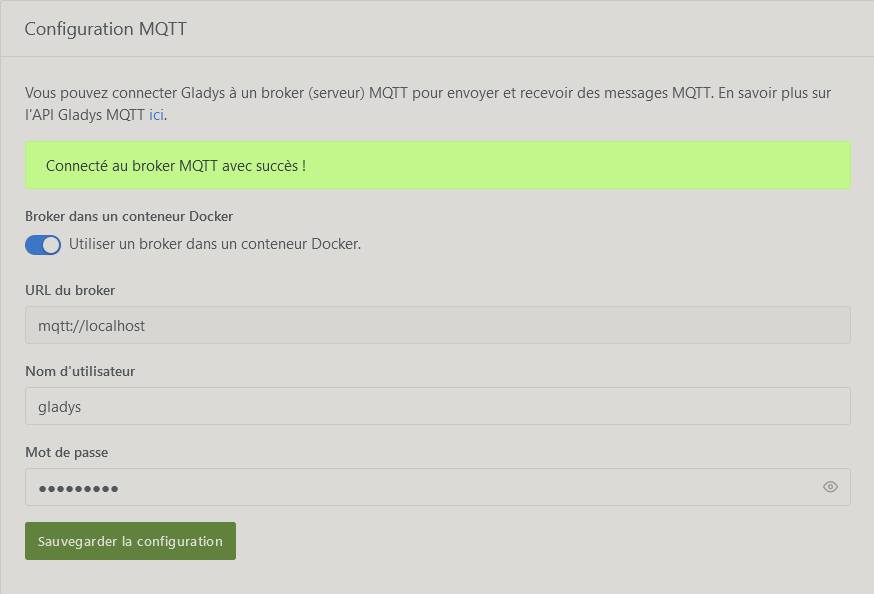
I enable « use a broker… » and it tells me « connected successfully » still without the mosquitto container nor zigbee — there’s a bug, to put it bluntly, a real mess!!!
I stop the gladys container then start it, it reloads the images but still the same: no connection and the zigbee container reboots every 30s
the mosquitto and zigbee containers stop correctly, I stop the gladys container then I delete the directory /var/lib/gladysassistant/zigbee2mqtt
I restart the Gladys docker, it recreates /var/lib/gladysassistant/zigbee2mqtt and reinstalls the images gladys-z2m-zigbee2mqtt and gladys-z2m-mqtt and… tadaaaaaa!!! Here we go again
This is driving me nuts!!!
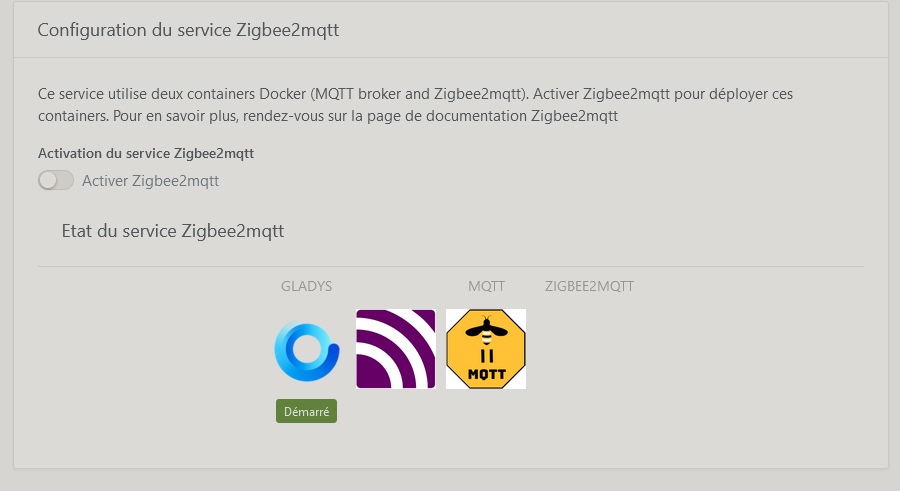
There are display bugs of the containers’ status to fix but above all this mqtt — zigbee2mqtt linking issue, and yet it worked before the summer holidays and was stable
I stop the Beelink, I put the Sonoff dongle back and restart the Beelink
stop the zigbee2mqtt Docker container
remove the zigbee2mqtt Docker container
remove the zigbee2mqtt Docker image
stop the MQTT Docker container
remove the MQTT Docker container
remove the MQTT Docker image
clean up the files from the previous installation
reinstall the MQTT Docker container (as a fresh configuration)
reinstall the zigbee2mqtt Docker container (separately and not linked to the MQTT Docker unless that’s not possible)
In short, simplify these key-related aspects! possible or not possible?
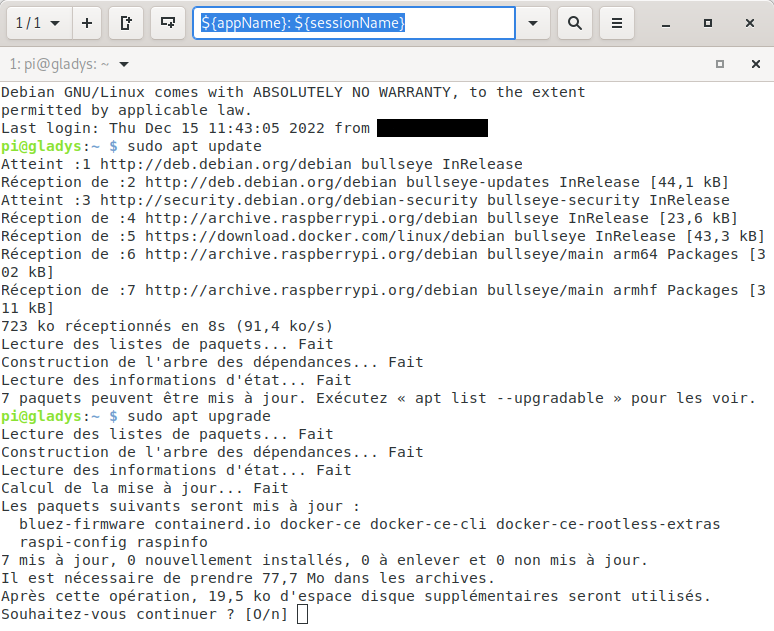
An update + upgrade + reboot should be done at regular intervals to pick up all the patches, including security fixes.
Let’s say once every three months is fine. If the system is exposed to the internet you should do it much more frequently.
instead of
@bjm is right, no dist-upgrade. Especially when a new version has just been released.
On the Raspbian images security updates are automatic. You can do a regular upgrade of the packages but don’t forget that it’s your home automation, so if a package fails or the kernel is unstable — Hasta la vista, the connected house. (generally it’s not blocking but it’s a pain )
And rebooting is only necessary in case of a kernel update.
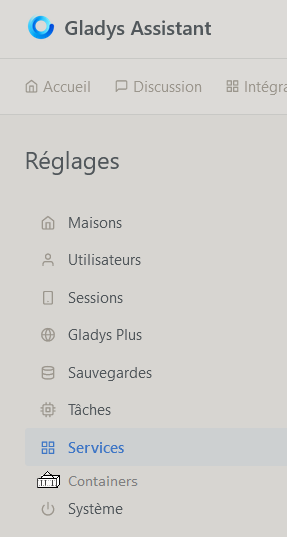
@pierre-gilles Crazy thing, I plug in a 2nd Sonoff key and reassign in Gladys to the 2nd then the 1st and I don’t know why that must have changed something in the zigbee2mqtt container because since then the connection is made even after removing the 2nd key. However in Gladys removing the 1st key afterwards does not change the container’s state in Gladys even though a docker ps -a shows it as exited — remains to be seen how long it will keep running? So this is indeed a problem with the zigbee2mqtt container more than anything else, even if Gladys should improve container management (reflect the state even though we have it in System: stop, start, restart, remove, remove image, reload image) — why not integrate it into the Settings section above System? Well, since my Raspberry’s SD card burned out I can’t run the test but I’ll try as soon as possible!

 Yes, they were ranked 2nd in a 2021 test
  ! I even bought some on sale on Cdiscount for €65 a year ago!


 )
) — remains to be seen how long it will keep running? So this is indeed a problem with the zigbee2mqtt container more than anything else, even if Gladys should improve container management (reflect the state even though we have it in System: stop, start, restart, remove, remove image, reload image) — why not integrate it into the Settings section above System? Well, since my Raspberry’s SD card burned out I can’t run the test but I’ll try as soon as possible!