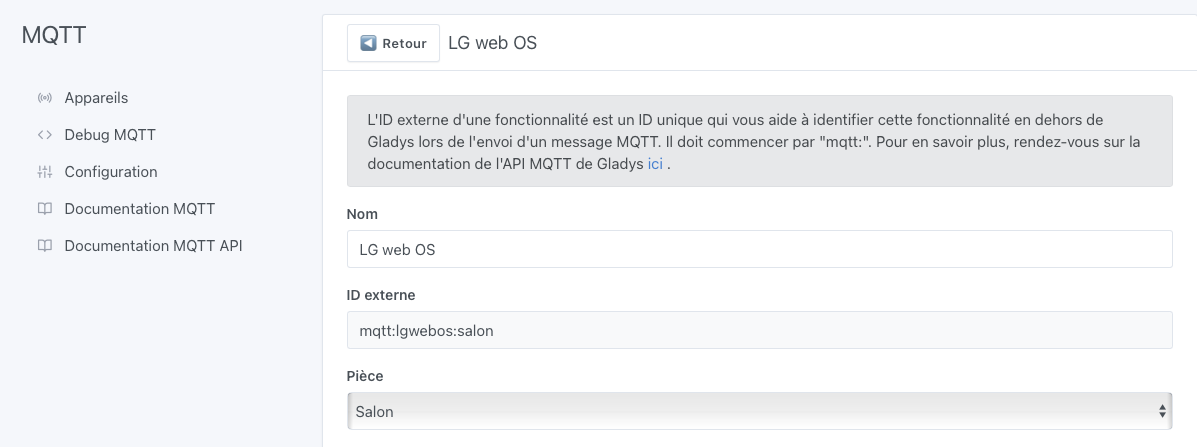
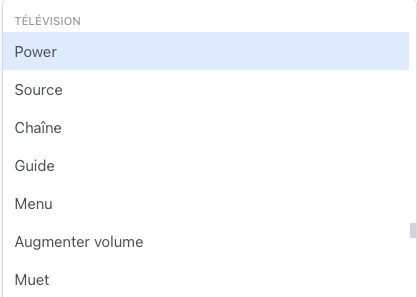
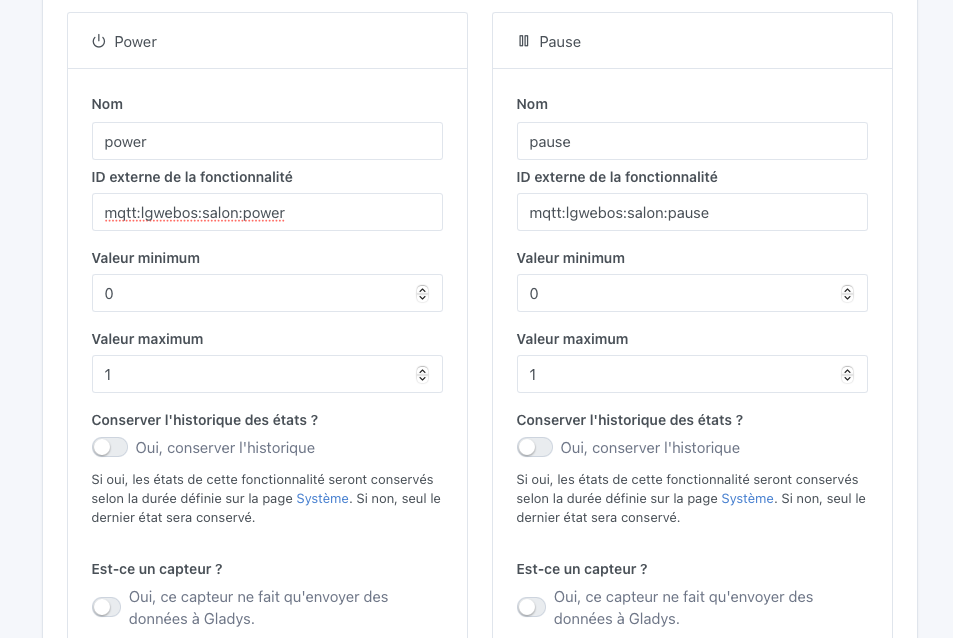
1st issue:
It seems that each feature is 0 or 1.
For the power part, no problem, but for simple actions like pause, play it’s quite strange. Why aren’t they push buttons like in V3? (the feature is present in V4)
2nd issue:
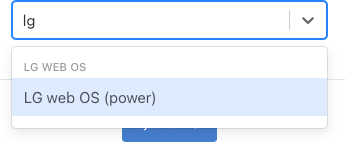
I started adding power and pause, but only power is listed on the dashboard; pause isn’t even visible.
3rd issue:
I can’t find my LG webOS device on Google Home, for example to say in the evening, « OK Google, launch Netflix on LG. » How is that possible?
Netflix would be a push button triggered by voice and on the Node-RED side I would launch Netflix via the library.
This feature was developed in 2021 by @AlexTrovato
For now only the Broadlink integration uses these features I think, and even then not all of them I believe.
It seems to me that this development was part of a larger vision for TV in Gladys, a vision that couldn’t come to fruition since Alex is now a dad and is no longer available
What makes you say that since pause for example is not visible on the dashboard?
I don’t think these features were developed unfortunately.
Are you talking about the native Google Home integration in Gladys or just Google Home in general?
Because by default the feature offers min 0 and max 1 (this is only a deduction from that)
whereas the push sets you 1 and max 1. I haven’t gone to check indeed
Arf darn, so do you advise me to treat it as a socket for each action and each time it goes to 1 I
Voice is always handy for launching one app or another when you’re doing something else at the same time.
mais je suppose qu’une fois dans Google Home les deux sont géré ?
It would have been better « play the series xx on Netflix in the living room » (which you have on some Android TVs or Chromecast)
but if it’s just « launch Netflix on the living room TV » it’ll be better than nothing ^^’