For information, on Gladys 3, the RFLink module did not have this type of processing (having this option may still be a good idea!), but in my use, it never caused any issues since the ON command on each reception still triggered the scenarios.
In V4, on the other hand, I still don’t know how it works.
However, if you want to work on it, don’t hesitate It’s not very complicated ^^ You can create a specific topic if you want to discuss it before implementation.
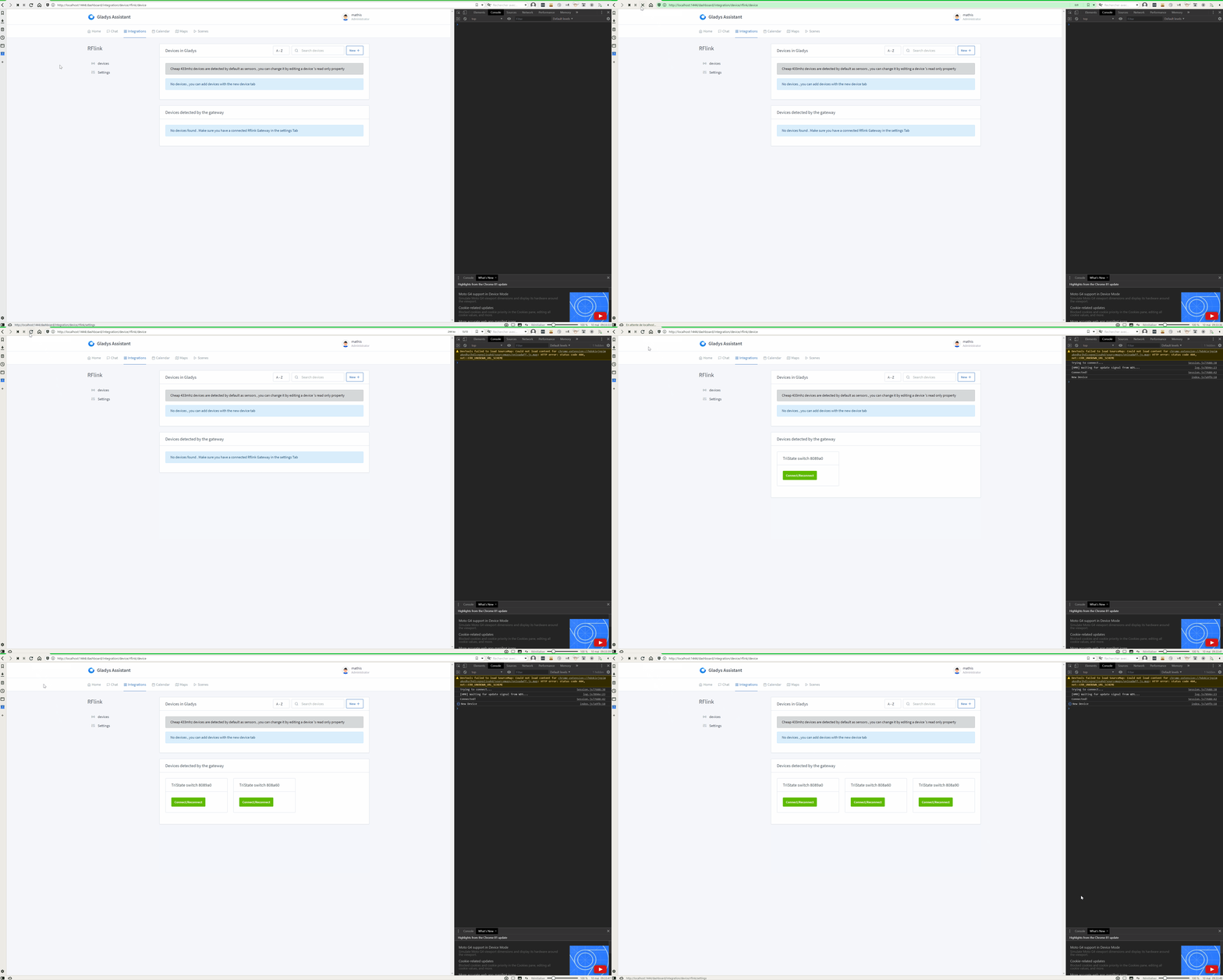
This allows the user to see their devices directly when they press the button on their remote without refreshing the page.
It works fine when I refresh Gladys directly on the page like this:
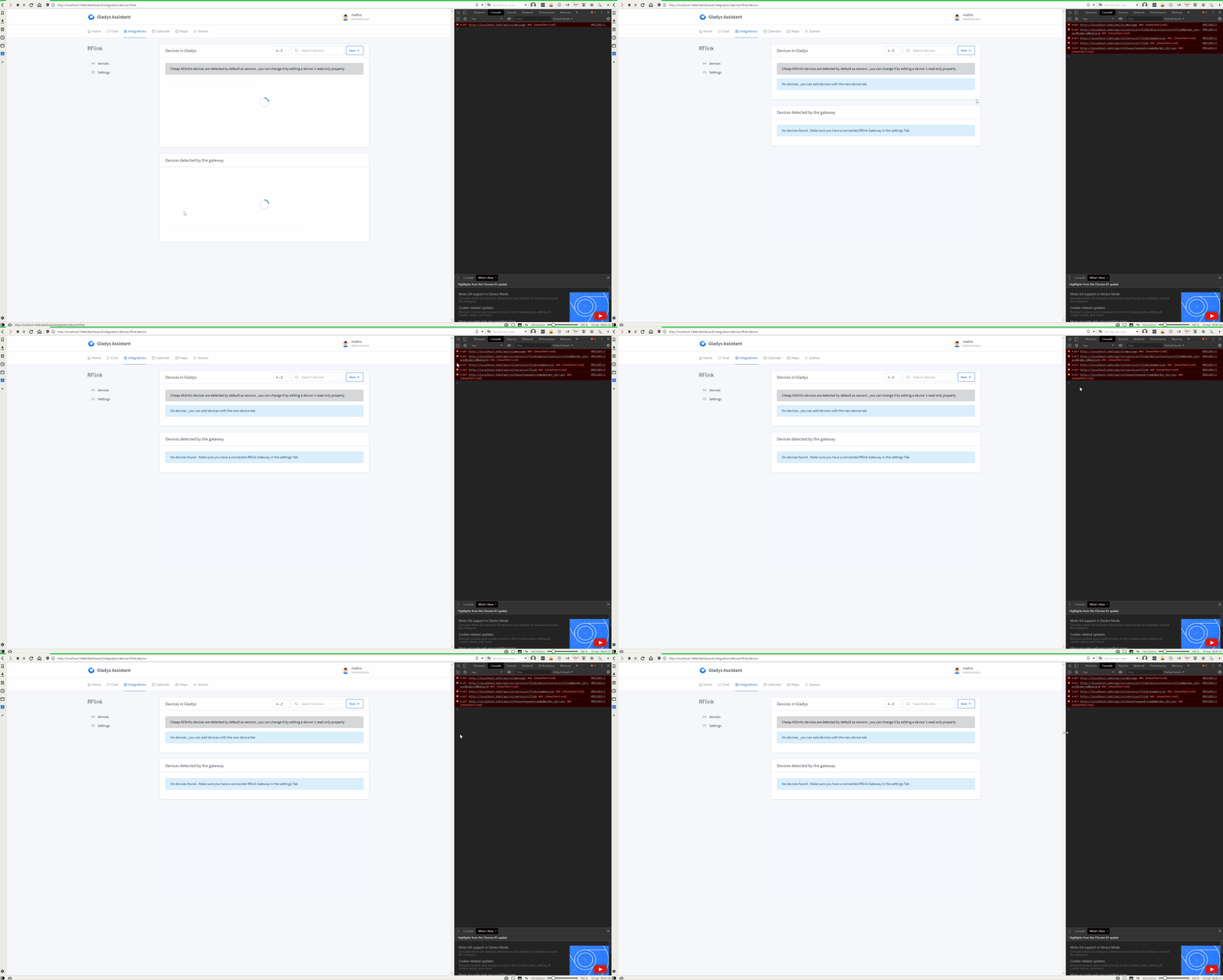
However, sometimes I get messages in the console and the events are not received by the front end, as if the front end can no longer receive websockets until I refresh the page:
This happens quite frequently and forces a page refresh each time, whereas the goal is to never need to do this.
I don’t know if the testers of my service have had this problem, but I hope it’s just from my installation.
The access_token used by Gladys has an expiration date, I think it’s 1 hour. Then, Gladys uses the refresh token to automatically get a new access_token.
All of this is transparent normally and should not cause any issues.
However, there can always be bugs. Right now, it’s hard to debug without more information…
Hello,
I installed Gladys v4 a week ago.
In Zwave, my Fibaro roller shutter contacts and Qubino heating contacts are detected, but not fully operational as they are only On/Off (no intermediate position or comfort/reduced setpoint).
However, my RFXCOM and Oregon 433 Mhz temperature sensors are not detected.
I had created a Domoticz installation with a camera that sent captures to my Dropbox, then created a timelapse every day. It managed my heating hour by hour and my roller shutters.
I am a bit frustrated not to be able to do the same with Gladys… I will have to wait for the developments.
Thanks in advance for your answers.
How can I enter the test program?
I have never used Dockers.
Hello,
I left from the branch of @joeypic to merge the latest changes on G4 here, then fix the milight and the debug option in the configuration. The tests grandeurs natures on CHACON and MiLight work well. @joeypic: I made a PR for you, let me know what you need
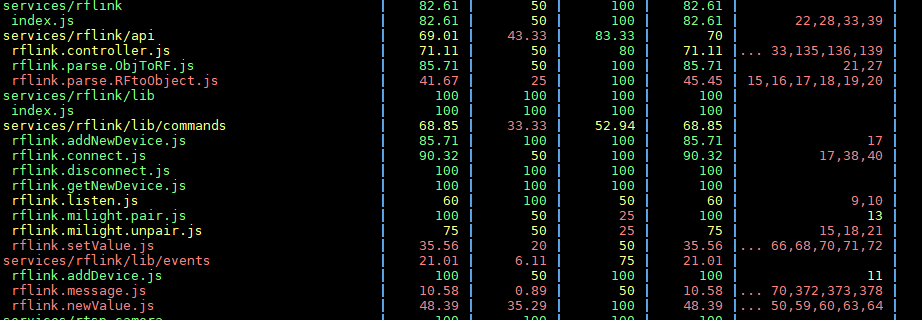
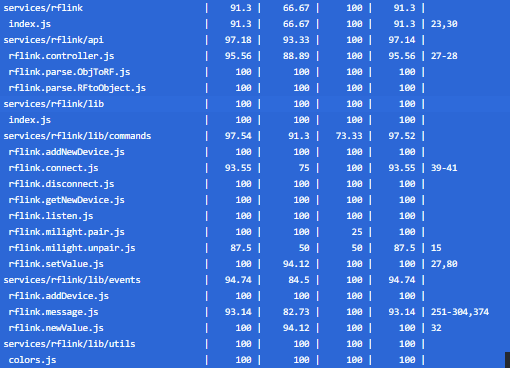
@All: I tried to add some tests in the code, unfortunately I don’t have the required level. If someone wants to take care of it, I’m lost
Hi,
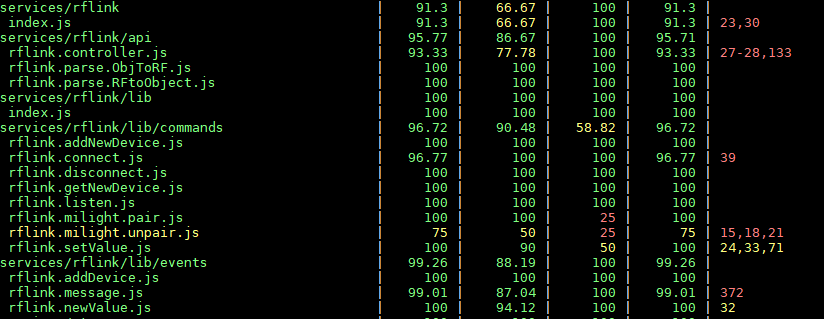
It’s true that I hadn’t pushed the code for the milight to the repo , thanks for your help I took your PR, the only task left to code is the tests, I tried to learn and it really bored me so I gave up (it’s silly I only had that left to do to release the service)
I’m going to try to continue the tests because I think it’s not easy to test someone else’s functions but if someone knows how to write tests it would be faster
I don’t know Mocha well enough, nor JavaScript for that matter… but I do like testing.
What I hate is when the test returns an error while the light in the living room comes on
Hi @ProtZ! Great job on all this. Just a small note, be careful, your PR says it adds 12,000 lines of code. That seems huge for an integration (in comparison, the MQTT integration PR was 1,700 lines of code). In my opinion, you must have integrated files not necessary for your PR. Think about doing a small clean-up so that there is really only the strict minimum in the PR
The few remaining points are beyond my capacity, but I would be happy if someone could explain them to me.
I have added corrections, especially for the milight, whose color management remains unfortunately very imperfect to this day (roughly: I tried to convert the color picker values into 8-bit colors by approximation because that’s what the milights require).
For those who don’t know how to launch a test image, I wrote a small post describing how to test a test image with Docker, and I took the example of RFLink for the demo

 , thanks for your help
  I took your PR, the only task left to code is the tests, I tried to learn and it really bored me so I gave up (it’s silly I only had that left to do to release the service)
 …
…
 . I don’t have RFLink hardware but I’ll take a look at your PR