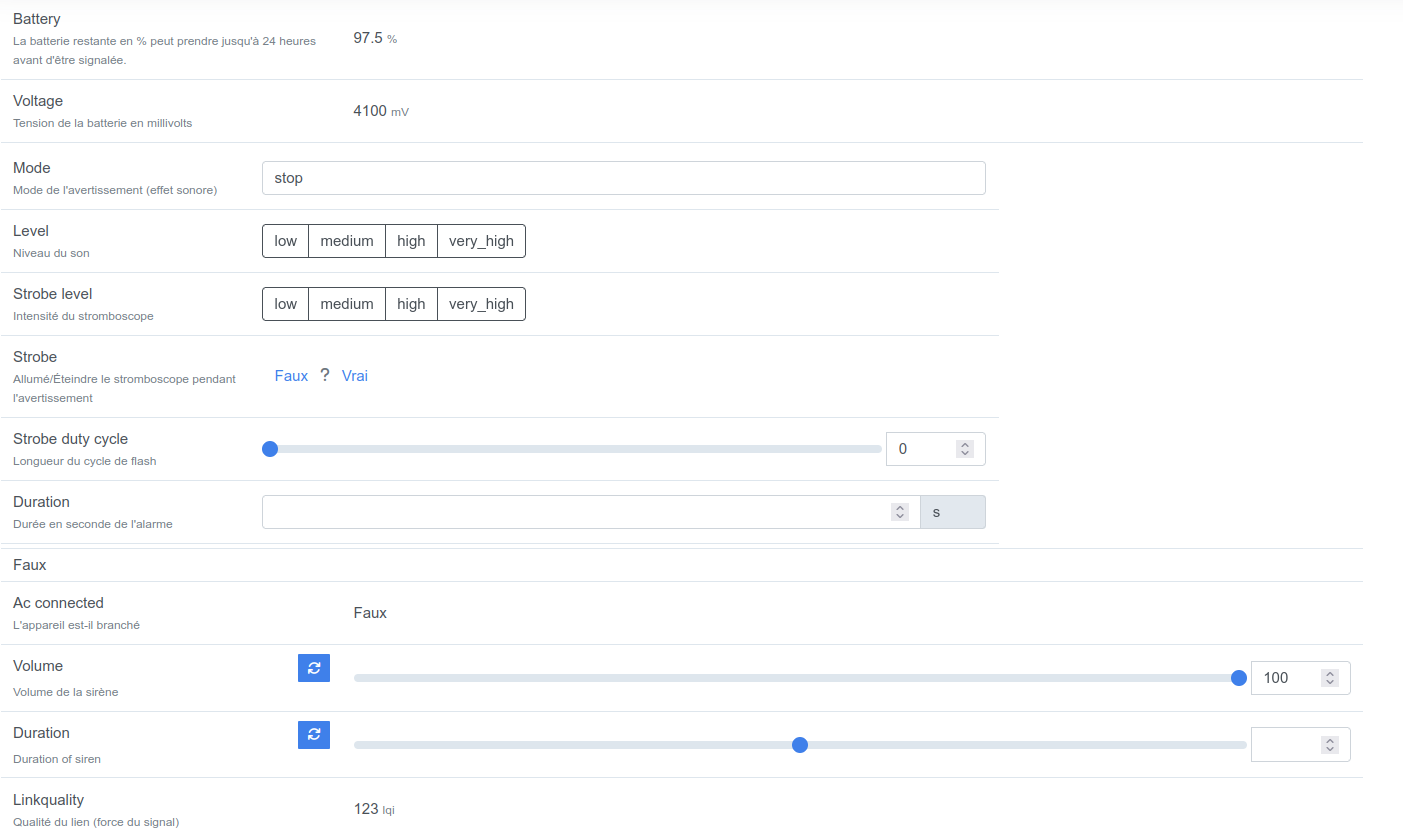
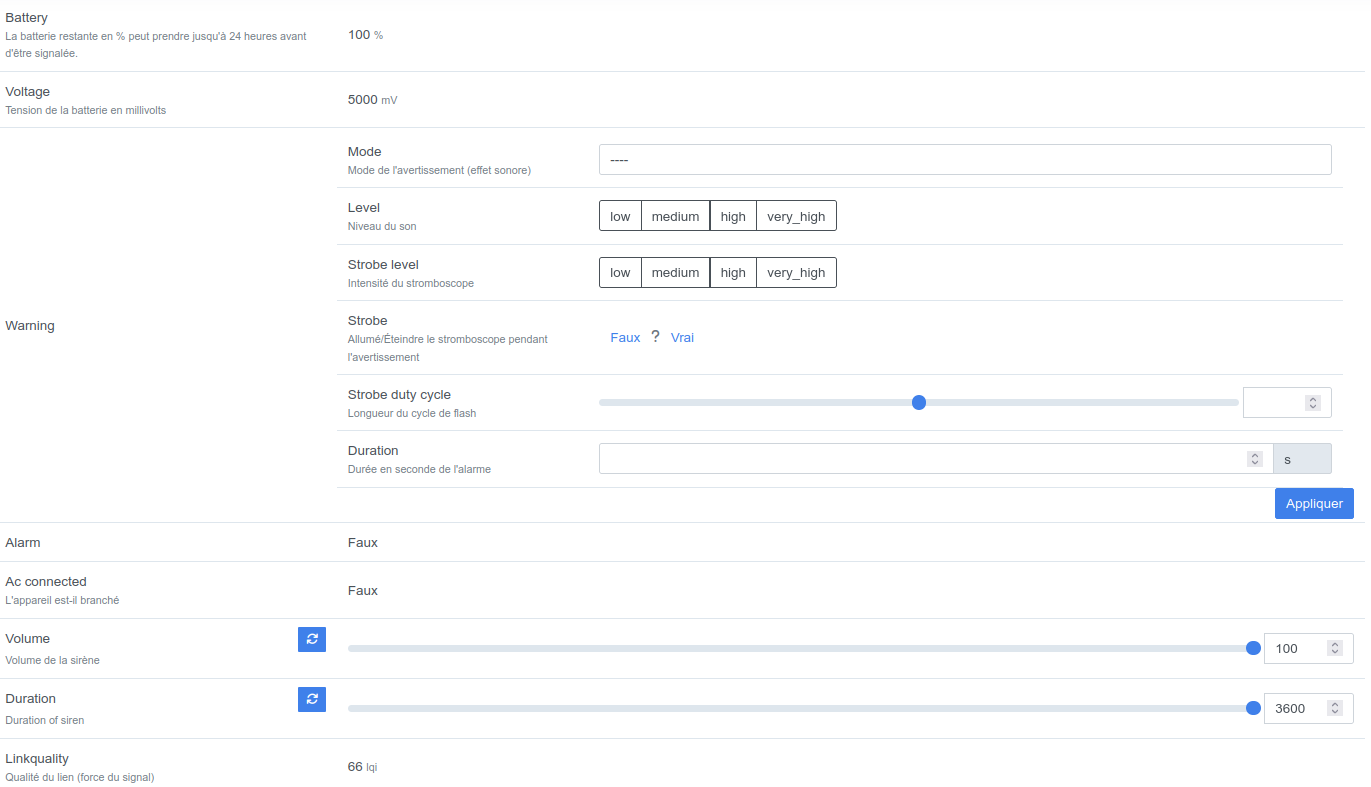
Can be set by publishing to zigbee2mqtt/FRIENDLY_NAME/set with payload {"warning": {"mode": VALUE, "level": VALUE, "strobe_level": VALUE, "strobe": VALUE, "strobe_duty_cycle": VALUE, "duration": VALUE}}
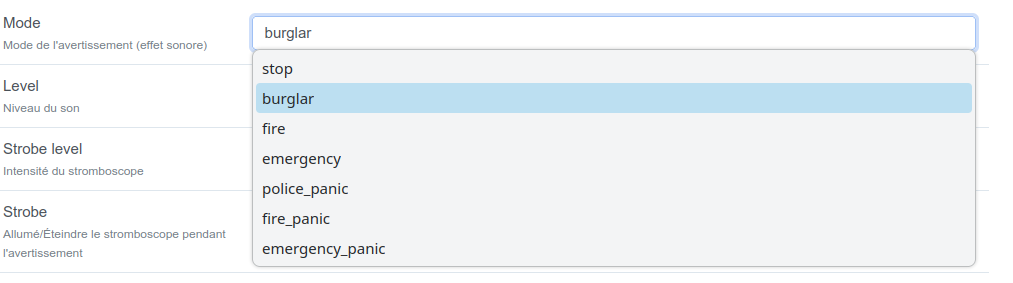
mode (enum): Mode of the warning (sound effect) allowed values: stop, burglar, fire, emergency, police_panic, fire_panic, emergency_panic
Hello @Hizo,
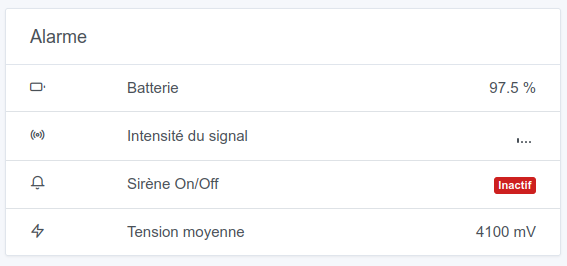
I’m looking into your Woos alarm on the zigbee2mqtt site, and I’m wondering whether the « alarm » property actually triggers the siren?
Alarm (binary)
Value can be found in the published state on the alarm property. It’s not possible to read (/get) or write (/set) this value. If value equals true alarm is ON, if false OFF.
Because I have the impression that the « Warning » properties you mention in the comment Zigbee2mqtt: Gestion des sirènes - #5 par Hizo only serve to configure the sound type, the duration, the light… but not to trigger the alarm.
Can you toggle the « alarm » option to true/false to see if it triggers the siren, and give us feedback?
Thanks
Thanks to both of you @Hizo@spenceur,
it must be fun to test the alarm at your place it must be ringing all over the place
I’ll see what I can do to integrate the alarm modes, I’ll keep you posted.
And until then, have a great Christmas Eve and Merry Christmas
So I’m adding a request: if you can provide me the JSON that describes the device, you need to connect to the MQTT broker to see it, and it looks like the contents of mqttDevice :
Would there be a way to make a PR that allows downloading a file that contains the complete JSON of an unmanaged device? That would simplify this procedure
I think we already had that button on the Zigbee side but the problem was that the JSON payloads were often too large and so it made a GitHub URL so big that it didn’t work.
So if the GitHub URL isn’t possible, why not just a JSON download
Hi @Hizo! @AlexTrovato just became a dad and has a bit less time now, so cut him some slack
As it stands, I don’t know what you can do if you don’t have the skills to fetch the exposé. I was suggesting adding a button in the interface to display it simply with one click; after that it’s still a development task to do (open to any PR on the subject)
I can take a look too, but you need to check the sensor’s expose because the zigbee2mqtt documentation isn’t accurate for all devices.
I had that happen with @Tlse-vins on his remote where the documentation doesn’t indicate the correct expose.

 it must be ringing all over the place
