Phew
I FEEL LIKE HITTING THE IDE!!!
Anyway! We were in trouble ^^
Well, I’m going to fix something and make a release (again)
In any case, thanks @C4rlit0 
Phew
I FEEL LIKE HITTING THE IDE!!!
Anyway! We were in trouble ^^
Well, I’m going to fix something and make a release (again)
In any case, thanks @C4rlit0
Have you tried with the version just above? app-release(1).apk
The new version is on GIT, give it a try and let me know where you are at!
No problem! ^^
All I care about is that everything works for you as well as it does for me! 
In any case, thanks for your patience, guys 
Hello everyone!
We talked in another topic about a « setup assistant » for Gladys to integrate into the app!
But here it is, I admit I don’t really have any ideas 
So I’m calling on you who have more imagination than me ^^
Of course, the goal is not to reinvent Gladys’s interface but just to provide a first help for the first startup of our assistant and thus integrate the essential functions!
So if you have any ideas, I’m all ears 
Nice try @aiaalm!
AhAh! @LepetitGeek, don’t overcomplicate things. Just create a series of views with user prompts where you ask to fill in such and such parameters, and each time you provide a bit of explanation.
Once all the prompts are completed and the sync is done, every time the user enters a new view for the first time, you display a « guide » view.
Otherwise, you do like most Google apps:
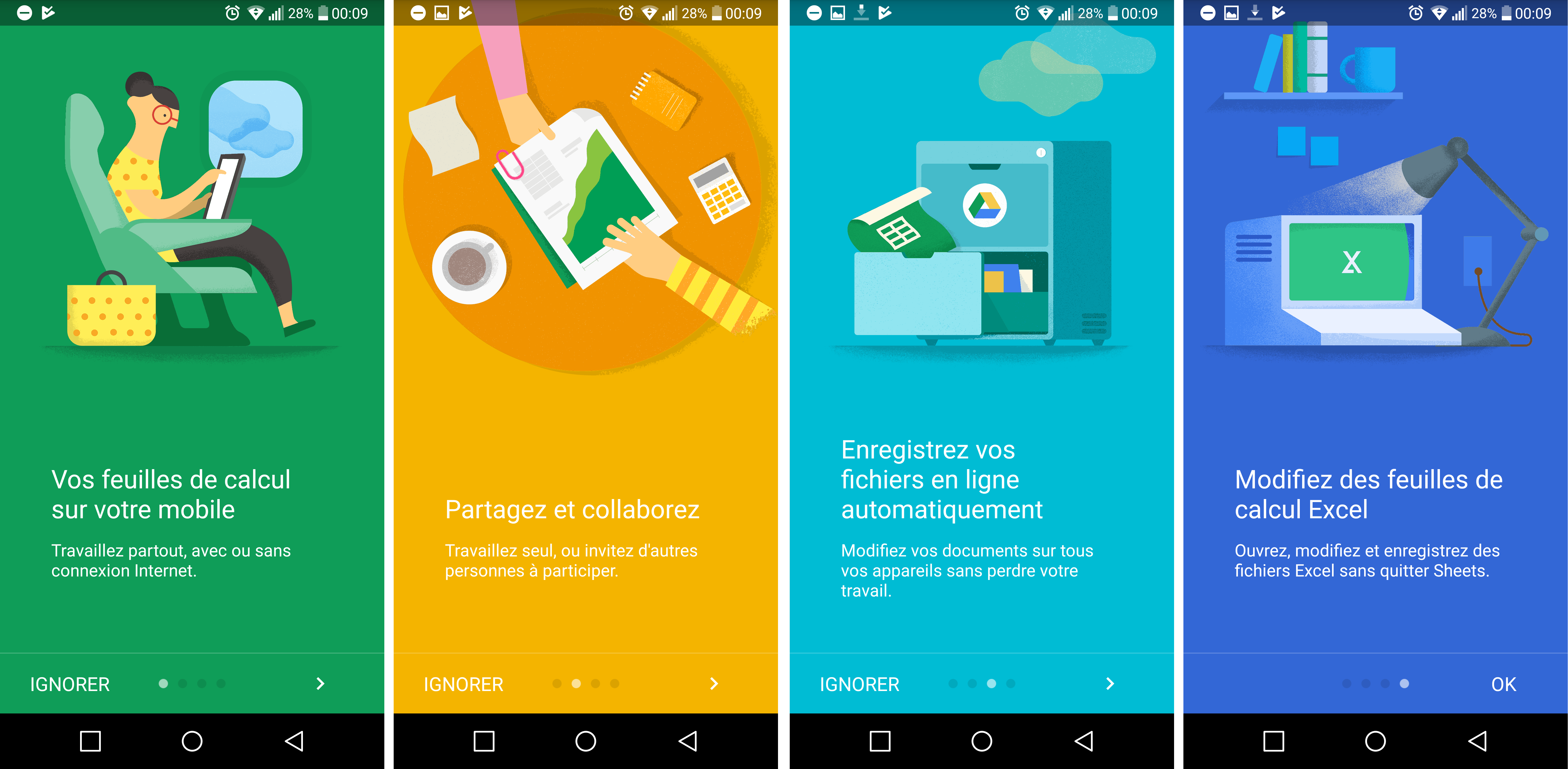
on the first launch, you display several panels to scroll through with the description of each view
Like Google Sheets for example:
Oh, I wasn’t really thinking about that, but it’s true that I should integrate it too 
I’ll kill two birds with one stone!
Look what the PG said in this post →
https://community.gladysassistant.com/t/gladys-dans-ma-poche/1707/14?u=lepetitgeek
He talks about the first installation and configuration of Gladys, and that’s what I was talking about ^^
But in this case, I could indeed go through panels on the first use of the app.
Basically, I would need to scan the network to get the IP address of the PI and redirect the user to the configuration page, and then give them a little « guide » style set up the accommodation, the rooms, the machine running Gladys, the boxes (like the one from the chat for example) as well as the notifications!
This would already avoid a lot of errors ^^
Hello @Domnis!
I had actually thought of that but I still stayed with the menu to be able to add elements in the future 
Exactly, it’s not a bad idea! But I’m afraid that while scrolling the view, the user might accidentally click on the line and open the second activity..
That’s what I did at first but I didn’t find it very pretty, I prefer the hamburger
Of course! That’s what it’s for! And if you have ideas, don’t hesitate to make PRs!
Oh, you have to explain that to me then!
Theory is always perfect ahah but nothing stops me from trying to see
Why is that? 
No problem! [quote=« Domnis, post:266, topic:1791 »]
It’s not very practical to go look for the icon at the top left when using one hand… Especially since phones are getting bigger and bigger.
You also have to consider that potentially, you need to make 2 clicks to change sections (1 to open the menu, and 1 to choose the section). So, apps are increasingly using a « BottomNavigationBar » (like Instagram for example) with the 2 to 5 main sections of the app available immediately. (but if there are more than 5 « important » sections in the app, it’s better to keep a « Burger Menu » or make a mix of both XD)
[/quote]
Yeah but I must admit I’m not a fan of the « BottomNavigationBar » because you lose part of the screen which I find quite unfortunate but I thought about putting the settings directly in the « NavigationDrawer » but well in the end we come back to the same conclusion, you need at least two clicks ^^
I think that’s what will end up happening ^^
Yeah, that was mentioned a bit earlier!
Making a « startup guide » is planned for the next version
hello, thanks for the app
I just tested and I have a small issue.
It works remotely (3G) but not locally (WiFi).
I understood my problem but apparently I can’t do much via the app.
I generated my certificate via Let’s Encrypt to no longer have the self-signed certificate error message in HTTPS. This means that Gladys responds correctly on my URL gladys.monurl.fr, however, locally, since the certificate is not validated for 192.168.X.X, I have an error 5 in the app, normal no return since certificate error.
Any ideas for me?
I’ll need to clarify this better since many people are being misled ^^
HTTPS is not handled locally as it is unnecessary, so just provide the local IP of Gladys and its PORT (8080 by default) and it should work
Thank you so much!
I hadn’t thought of that 
Indeed, this could prevent questions. Even make the option disappear if you check HTTPS.
This is not a bug ^^
This is normal! It’s an automatic process that I haven’t yet managed to implement « cleanly »!
Basically, when you do a first sync, the app saves all your devices, but after that, it just updates them or adds new ones.
However, the architecture of the JSON returned by Gladys is a bit problematic, so I need to find a way to do this correctly… in the meantime, you can choose to no longer display it on the dashboard
Thank you!
An iOS version is planned but not just yet, sorry ^^
héhé by the way, frustrated that I couldn’t play with your Android app, I started making a little iOS app, for now it’s very basic but it works
I spoil I spoil ^^
( I do this as a small side project from other Gladys devs when I want to change my mind )
Secretive, huh! 
I haven’t made much progress these past few weeks ^^
I’ve started a pharaonic project with my forum buddy, and it’s more work than we thought (I’m spoiling it too)
But as soon as I finish that, I’ll get back to the app and there will be updates galore!!!
Maybe even a publication on the Play Store 
We spend quite a bit of time on that ^^
Nice!
What tech are you using then?