Ah ah, you’re more on the eclipse now, my friend 
But go ahead and present your points, I’m listening!
Eclipse / Visual Studio Code, it’s all the same 
An IDE and we’re off like in '40!
Wait, I’m gonna eat now 
I’ll tease you a bit like that 
Oh no, my dear, Android Studio powered by IntelliJ is the holy grail! 
You know I’m very impatient
For those who might have a configuration issue, having switched gladys to https, I thought you needed to specify 443 for the port. However, by looking at the gladys logs, I noticed that the server was on port 8080 and that’s the port number the app uses.
@p6ril
I didn’t understand 
When you’re on WiFi, the app doesn’t need to go through HTTPS, so the port should be 8080 or 80 (for those who haven’t changed it, of course). However, on WAN, you need to use HTTPS (if you’ve enabled it, of course), so either you leave the HTTPS option enabled and the app doesn’t use a port (normal because the redirection is automatic), or you disable it and then you can set a custom port.
Try to perform a sync on the Timeline view or on the Alarm view. If the sync works well on these two views, make sure you have the latest version of the app. If it still doesn’t work, retrieve your JSON as described in this message and post it here
@clement uninstall/reinstall the app
Hi,
I just installed and configured it and it works perfectly for me. For your information, I’m using https.
A big thank you and congratulations for this development.
À nous deux @LepetitGeek ! 
Well, first impression, top! The app is cool, no unnecessary features, we’re hooked
The context:
LG G6
Android 7.0
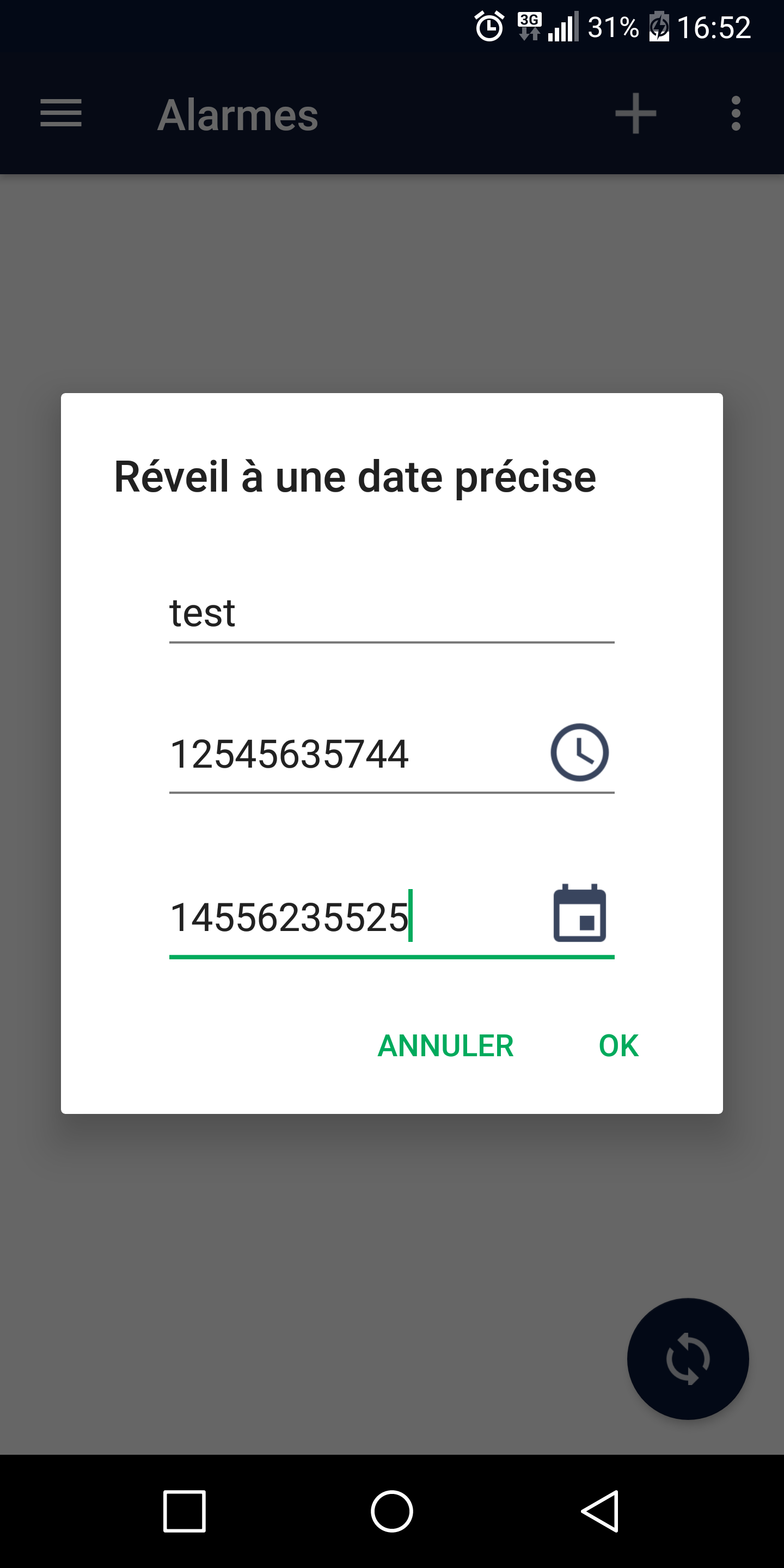
Now, the date and time pickers, I’ve already told you about them, but I’ll mention them again for reference. I think the user shouldn’t be able to enter anything they want, hence the usefulness of opening the pickers directly when entering the field.
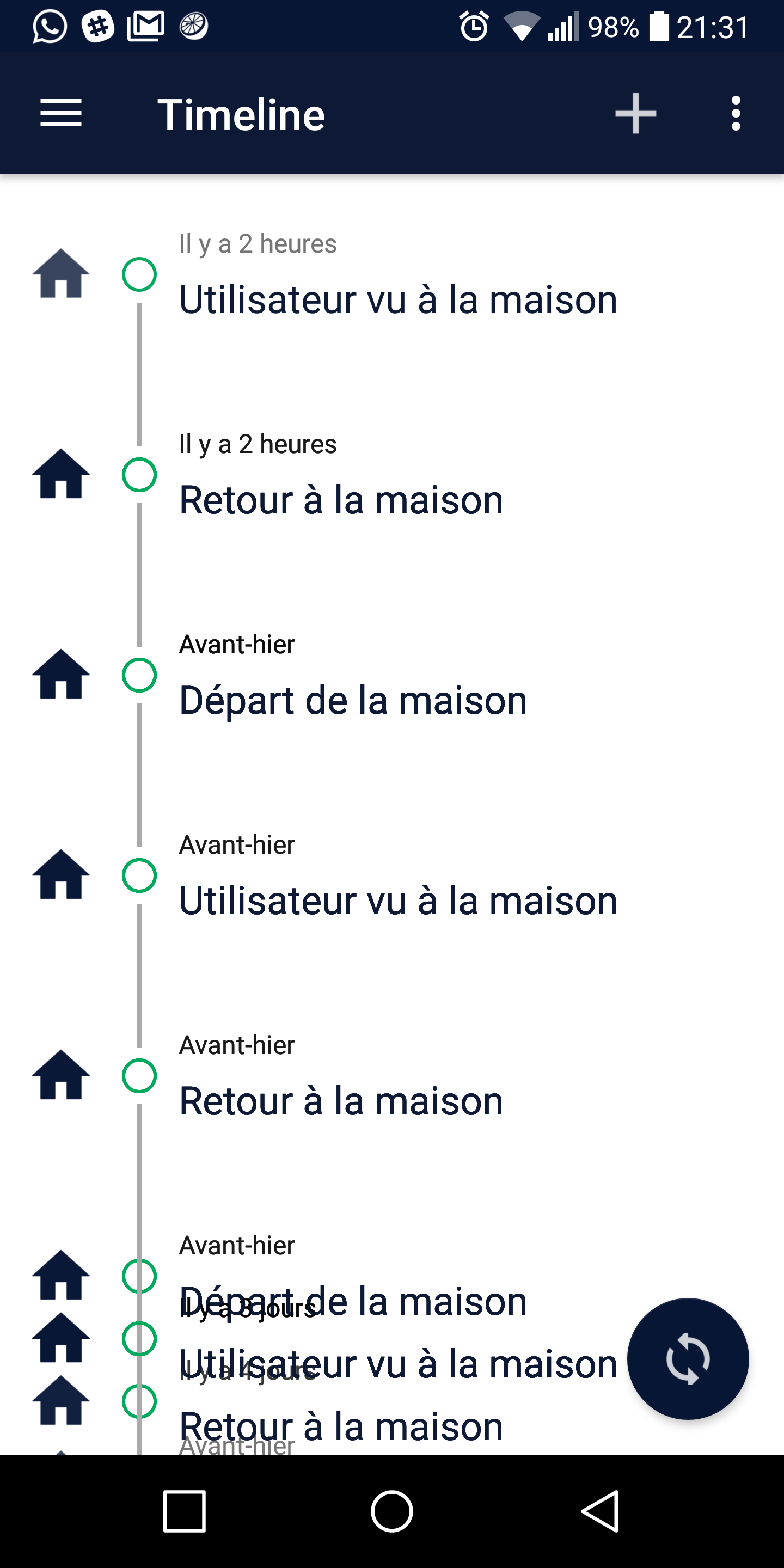
Next, in the Timeline view, if you scroll a bit too fast, I get this bug where certain events stay fixed, and on top of the mobile area: (refresh management)
I have a video if needed
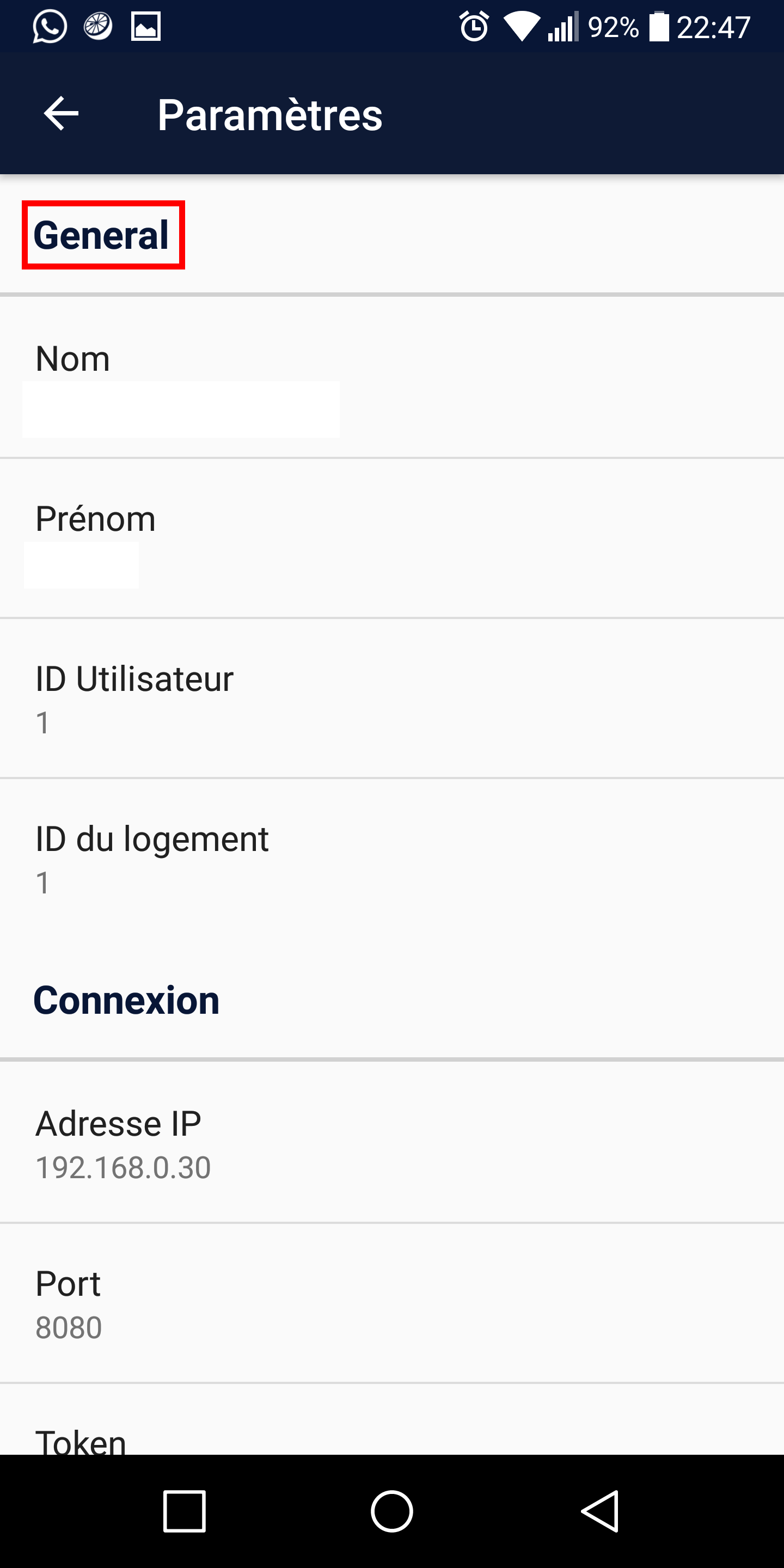
In the « Settings » view: General lacks accents
And it might be a good idea to specify the titles « DNS Address » and « IP Address » with « Local IP Address » and « DNS / Public IP Address »
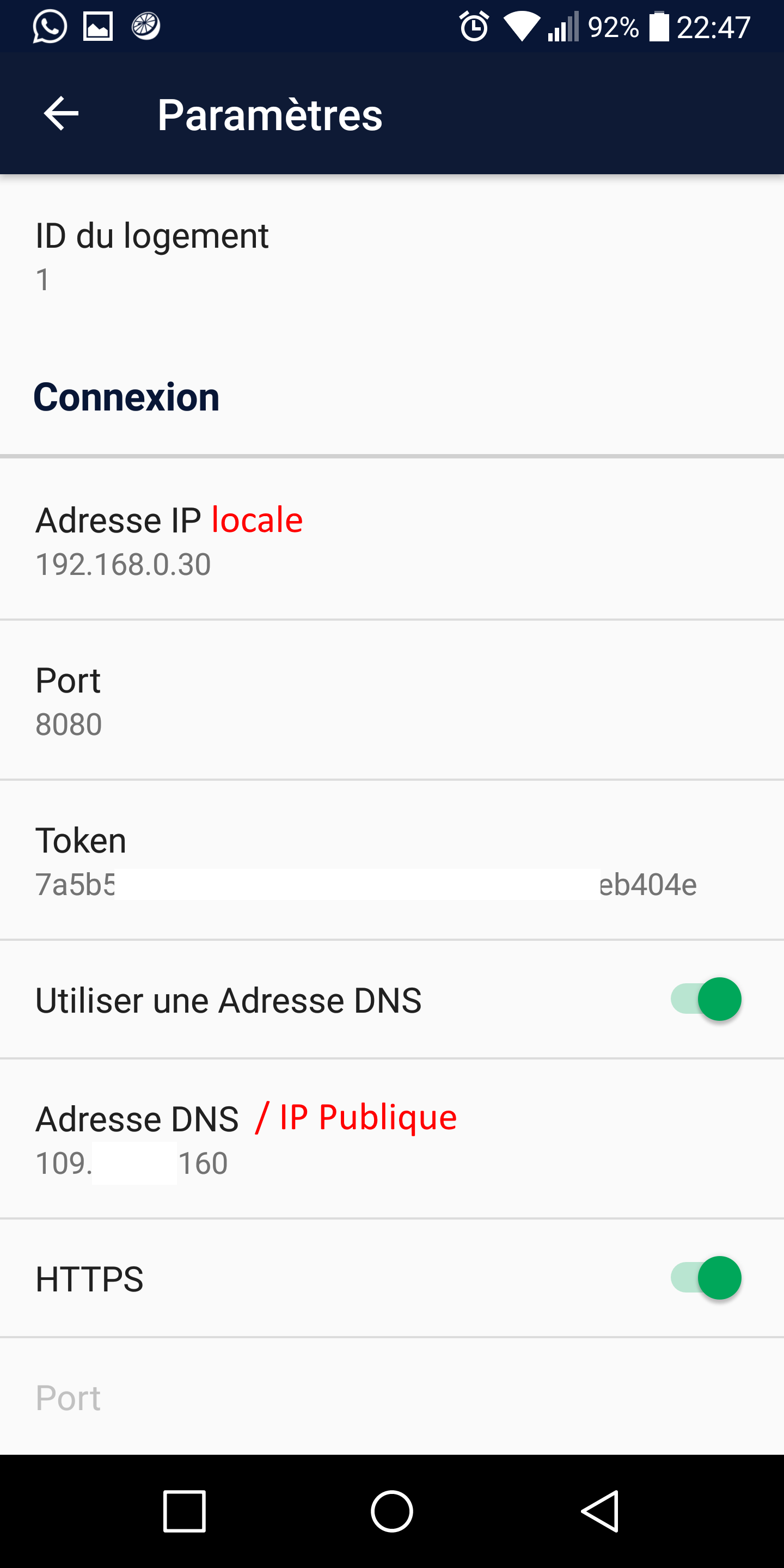
This will avoid a lot of errors
You should also be able to put templates in the fields, you know that famous preview text that tells you what format the field expects. For example, for IP address, display an example of what is expected.
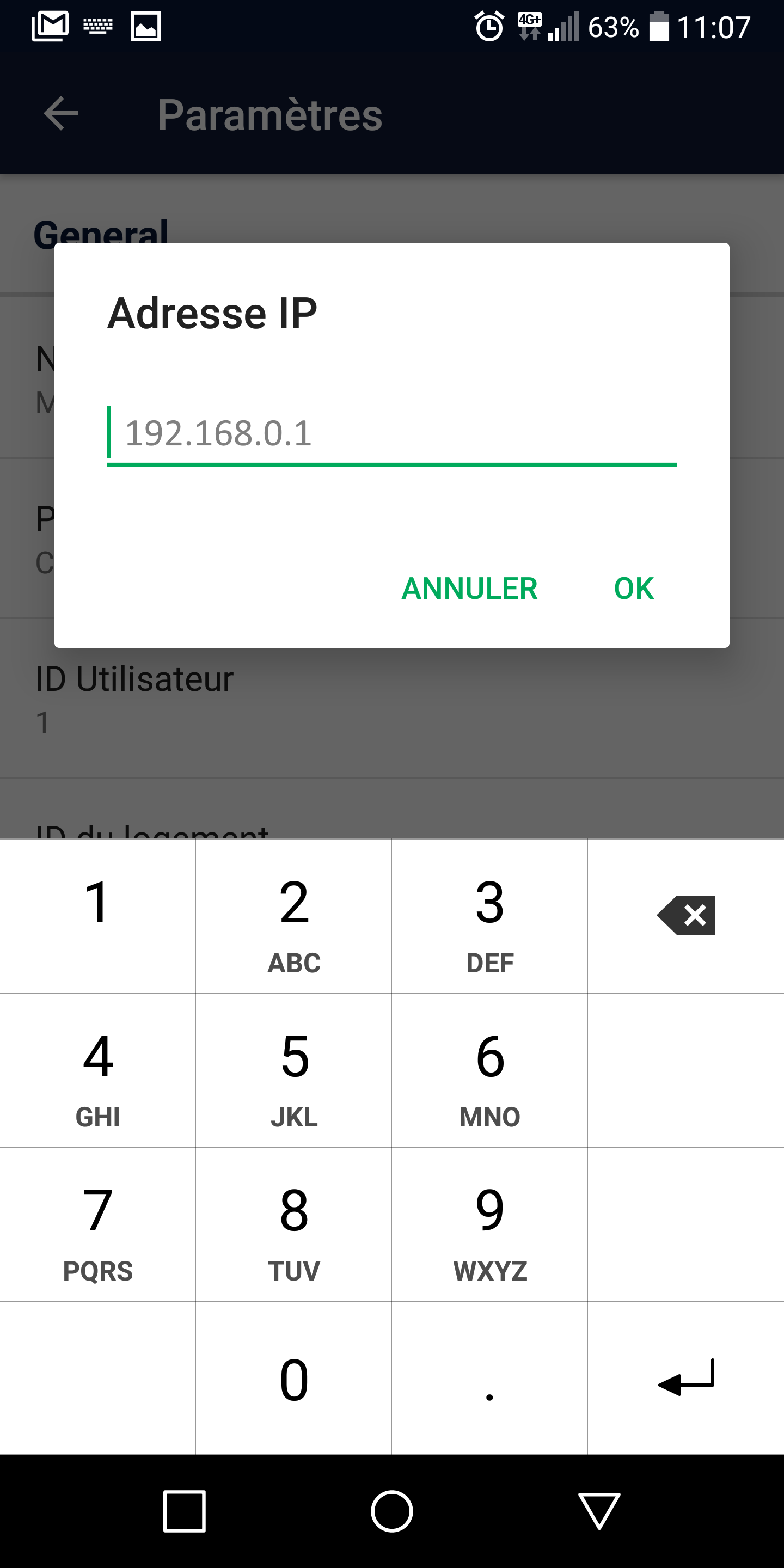
In the « Alarm » view, would it be possible to modify the alarms?
And the CRON rules are loaded but it’s impossible to create any
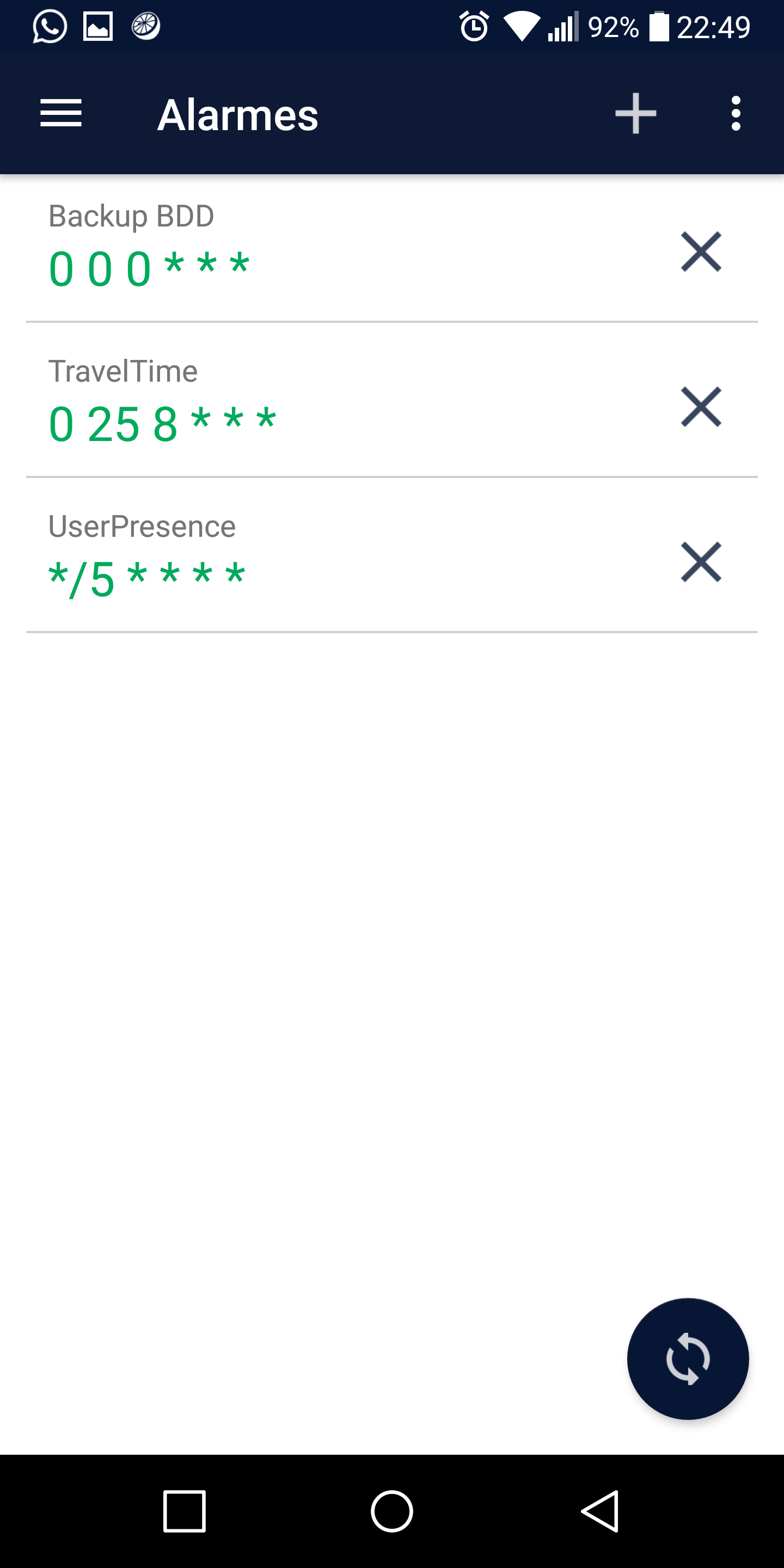
Additionally, if you can ask for confirmation before deleting alarms, that’s cool! It avoids mistakes ^^
Because right now, you accidentally press the cross, and goodbye alarm! ^^
That’s all, my little one! Now, get to work!
Oh well, finally! ^^
That’s exactly what I wanted  so apparently I pulled it off
I was afraid the graphical interface would leave something to be desired…
Ok, that’s already noted!
Now that’s my fault!
I already had this bug once but since it hadn’t happened again, I completely forgot about it 
Damn me and my spelling mistakes! 
Exactly!
For me, it seemed quite clear but given the errors encountered by users, it’s a point to clarify, I agree ^^
I’m not sure if that’s a good idea, I’m afraid it might confuse new users
Now that’s a bit more complicated because for a minimum of configuration (and also to avoid doing the same work twice) the app uses Gladys’s REST API, so we are limited to the features it offers and currently there is no request to modify alarms.
We could consider deleting the alarm in question and then recreating it with the modified fields (without the user noticing, they would thus have the impression of having modified the alarm) but it’s not clean at all!
On the other hand, if @pierre-gilles comes up with a small request that can do that… yes it’s quite possible!
Same as above ^^
The REST API offers a request in which you can create a fixed alarm and a recurring alarm but not a Cron alarm or it is not present in the documentation (and I admit I didn’t look any further…)
But if you have 5 minutes to make a PR to @pierre-gilles so that it’s present in the next update, I can do that in a jiffy
Saying that, it’s already happened to you, right?
But yes, it could be a plus!
Don’t worry, tonight 
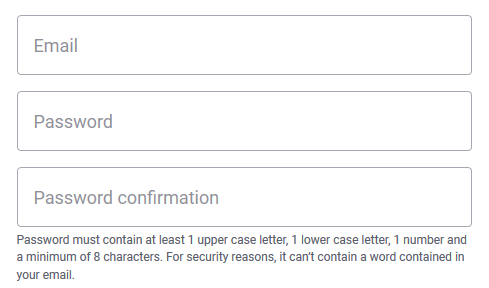
Not wrong!
But that made me think, I can put it in this form instead
Example: 192.168.1.1
This would allow the user to understand that it’s ONLY an example and at the same time give them a model!
So yes!
The BRAIN category? What do you mean?
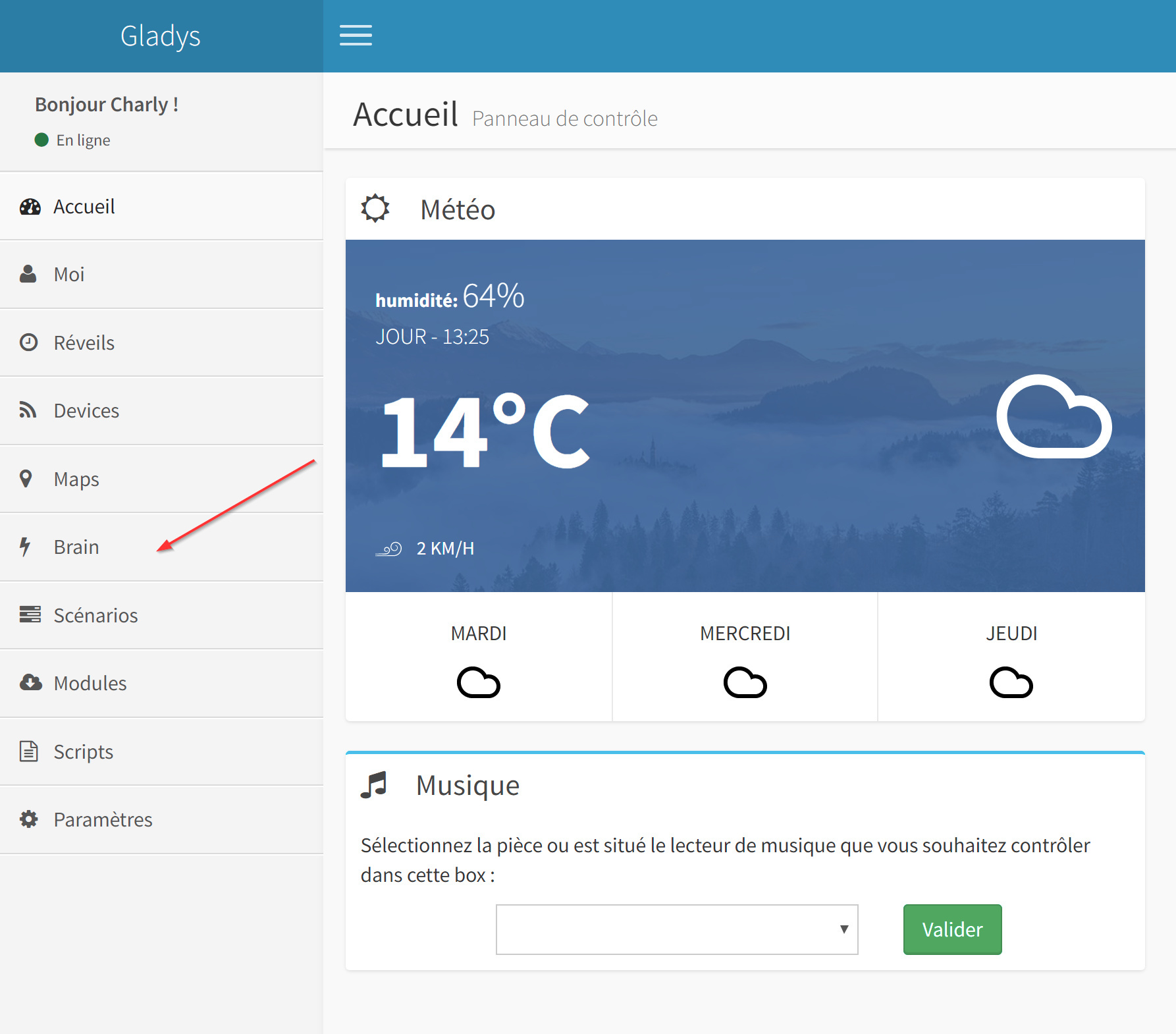
Indeed, the alarm update doesn’t exist, but it can be easily added
That’s actually in the API The front end does it, so there must be a route! Open your Chrome inspector on the alarm view and check the outgoing request
(Okay, it’s true that it’s not in the documentation, it would be worth adding it)
Why would you want this category in the app?
I was actually thinking of integrating a chat into the app, but that’s not for now ^^
Wait, buddy, patiently 
I don’t want to just copy and paste the web interface either, the goal of the app is just to help control Galdys while being faster.
How so? Would you want to have the boxes directly in the app?
That’s already planned! It’s actually an idea from @pierre-gilles!
Yes, I can ^^
It’s planned
As I mentioned earlier, I’m limited by the REST API, so for now it’s not possible yet, but it’s a good idea!
It’s a known bug, but I haven’t looked into it yet. Actually, Gladys always sends me the delayed time by 2 hours, I don’t know why 
But why?!
Great It adds something extra ^^
Cool then! I’ll check that out!
Ok no problem, I’ll look into that too ^^
I see that it’s generating a lot of enthusiasm 
Because it’s UTC time
Good for approving or rejecting sentences
The more functions you have in your app, the less you need to go to the Gladys dashboard, so you’re faster
No ^^ when I say dashboard, I mean the Gladys interface in general
Ok but why not send the time set in the PI?
True, it’s not a bad idea, I’ll note it ^^
Yes but don’t let the app become too cluttered, so one thing at a time!
It will come gradually, don’t worry
It’s planned
Yes, I saw it ahah!
But guys, take it easy for now, the app is in beta version. I want to see how it behaves with everyone’s configurations and the feedback I get on it!
Other features will be added (I have a lot of ideas ^^), but don’t be impatient. I can see that the app is generating a lot of interest and all ideas are welcome, but before we scatter, let’s try to build a solid foundation
Anyway, it’s true, a notification system would be great, but for that, it no longer depends on Gladys but on the forum, so it’s another story, but it’s noted ^^
It’s not false
It’s an Android app and it doesn’t work when we give ideas, right?
OF COURSE WE’RE IMPATIENT!!!

I think I’ll quickly try to join you in development if it’s not too far from my mind ^^