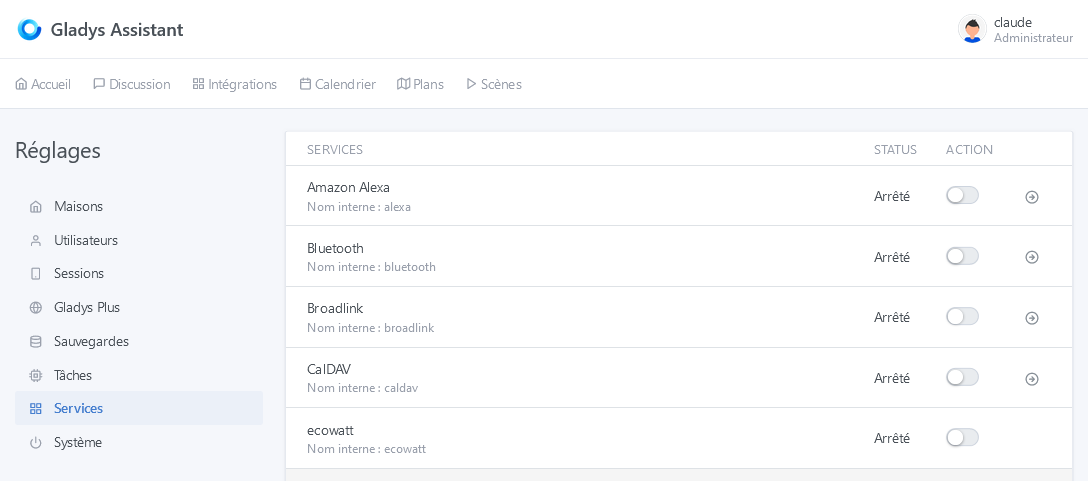
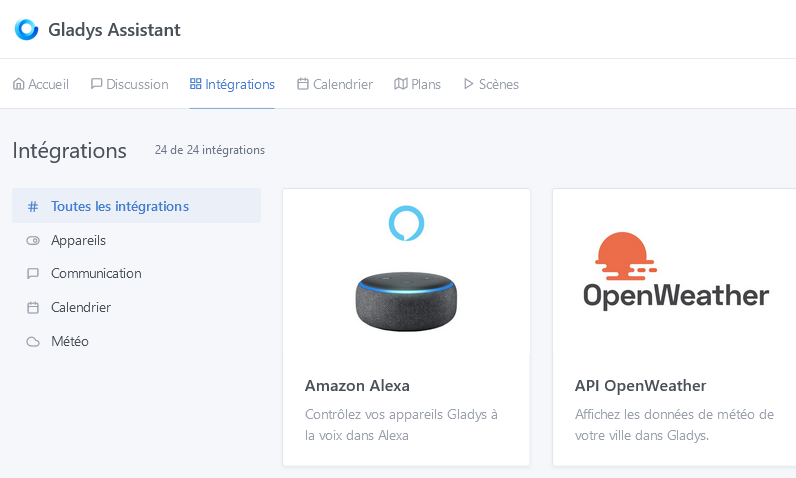
Feature description
On the Integrations page, classify or indicate via a logo/label the integrations usable only with Gladys Plus (such as Google Home, OpenAI GPT-3, …)
Feature description
On the Integrations page, classify or indicate via a logo/label the integrations usable only with Gladys Plus (such as Google Home, OpenAI GPT-3, …)
Why not a logo / label, yes!
And the one that goes through the cloud (third party) would be nice too.
So rather a tagging system! I agree 
Very good idea, especially to point out what isn’t « local only » and uses external APIs.
it would be great to have this tagging system on integrations for lots of things, I think :
This kind of approach, which would allow filtering by tag, seems good and could even be generalized to many views (scenes or the device list in integrations)
Following the course of the discussion, I’m adding the following thread which requested the addition of a « My integrations » section:
@cicoub13, I don’t know if this is justified but in this particular case, perhaps you could change the title to take the request in a broader sense? A ‹ Tag ›-type development could be implemented for a set of themes.
I changed the title to highlight the concept of tags. If this feature is developed and successful, we could consider rolling it out to other pages 
I’m reopening the discussion.
There are more and more integrations and, with tags, it would be good to add categories.
like:
I just created a page with TAGs / Categories for integrations.
Feel free to give feedback, I don’t use all the integrations.
We can add terms.
The idea would be to also use these TAGs / categories on the Glad
I think this feature is very interesting (even essential) to make it easier to realise what is local or not.
However, and this is only my opinion, I might not go as far as putting everything that can be controlled with it into tags like light, remote control, etc., or else present them with a different visual
Tags related to the use of the integration (Cloud, GladysPlus, Locale)
Functional tags (light, remote control, presence, etc
I’m following up on this request because I find that the add-ons lack information indicating whether it’s cloud-based, whether Gladys Plus is required, etc.
I think it’s just visual?
I would have gone for a small cloud icon for cloud, a G+ for Gladys Plus, for example. In the plugin tile as a visual.
Also, filtering on the side is a plus as well.
Personally, I prefer that, yes.
I would have said another tag « local/cloud ».
We’ll also have Netatmo (which has cloud devices and other local ones), and soon Tuya (currently cloud-only)