Hello everyone,
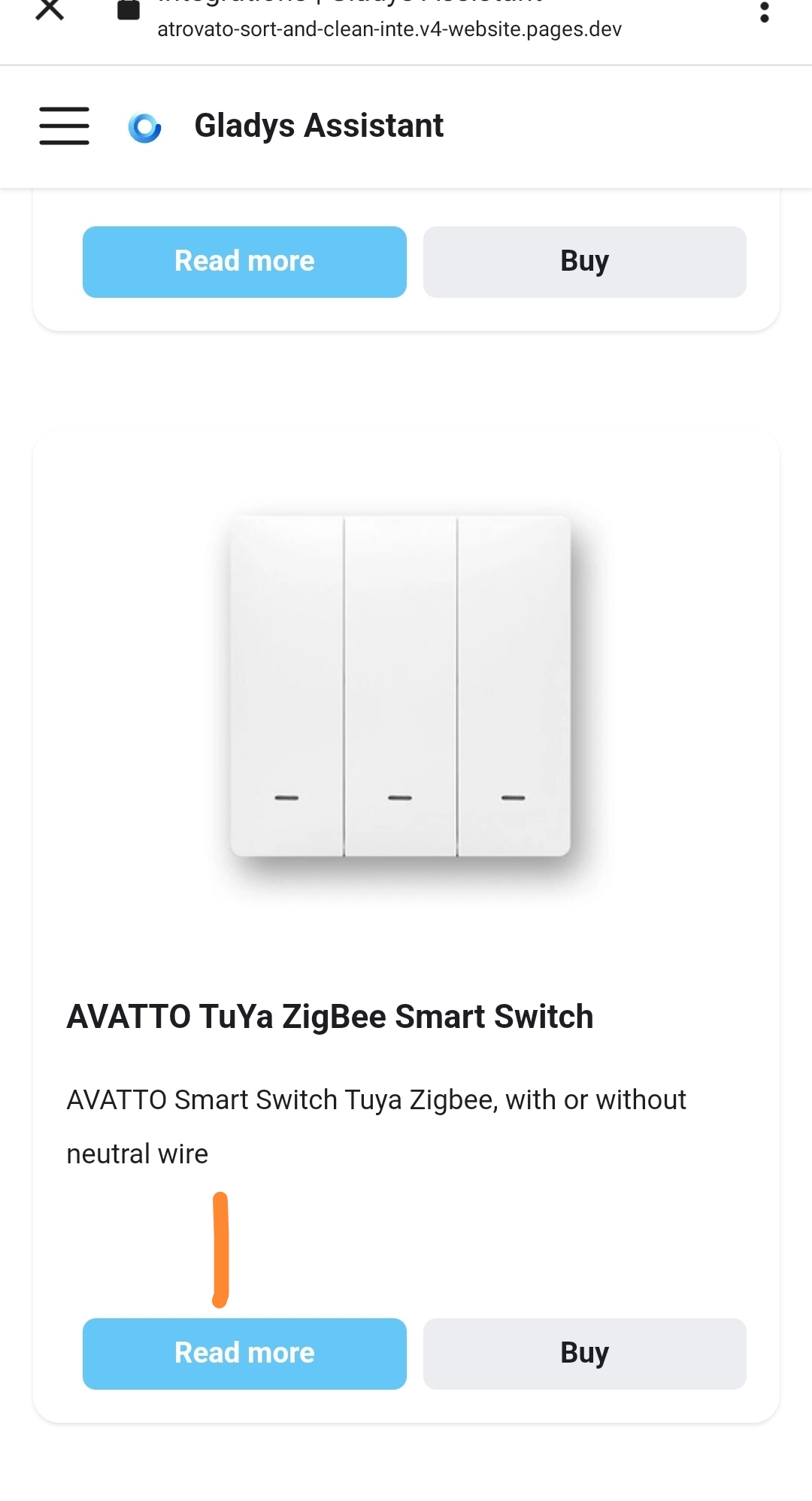
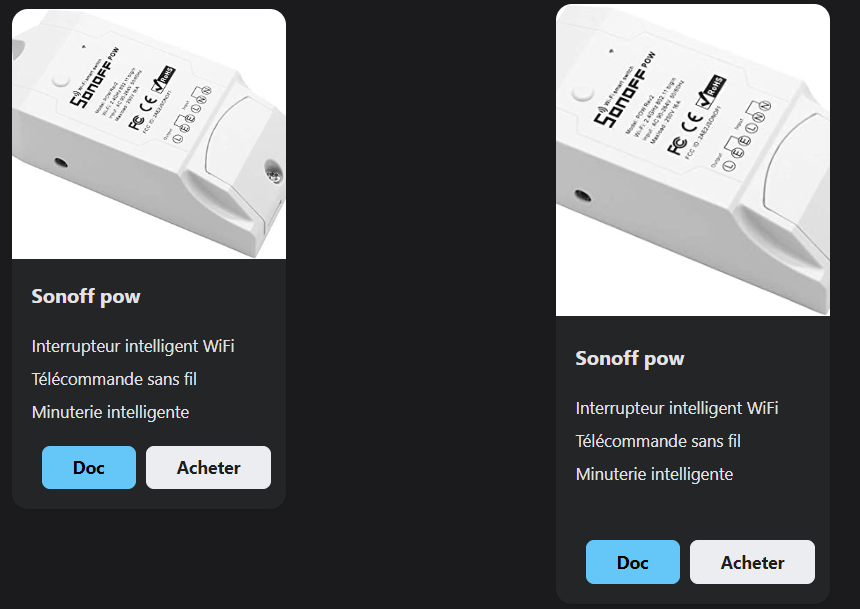
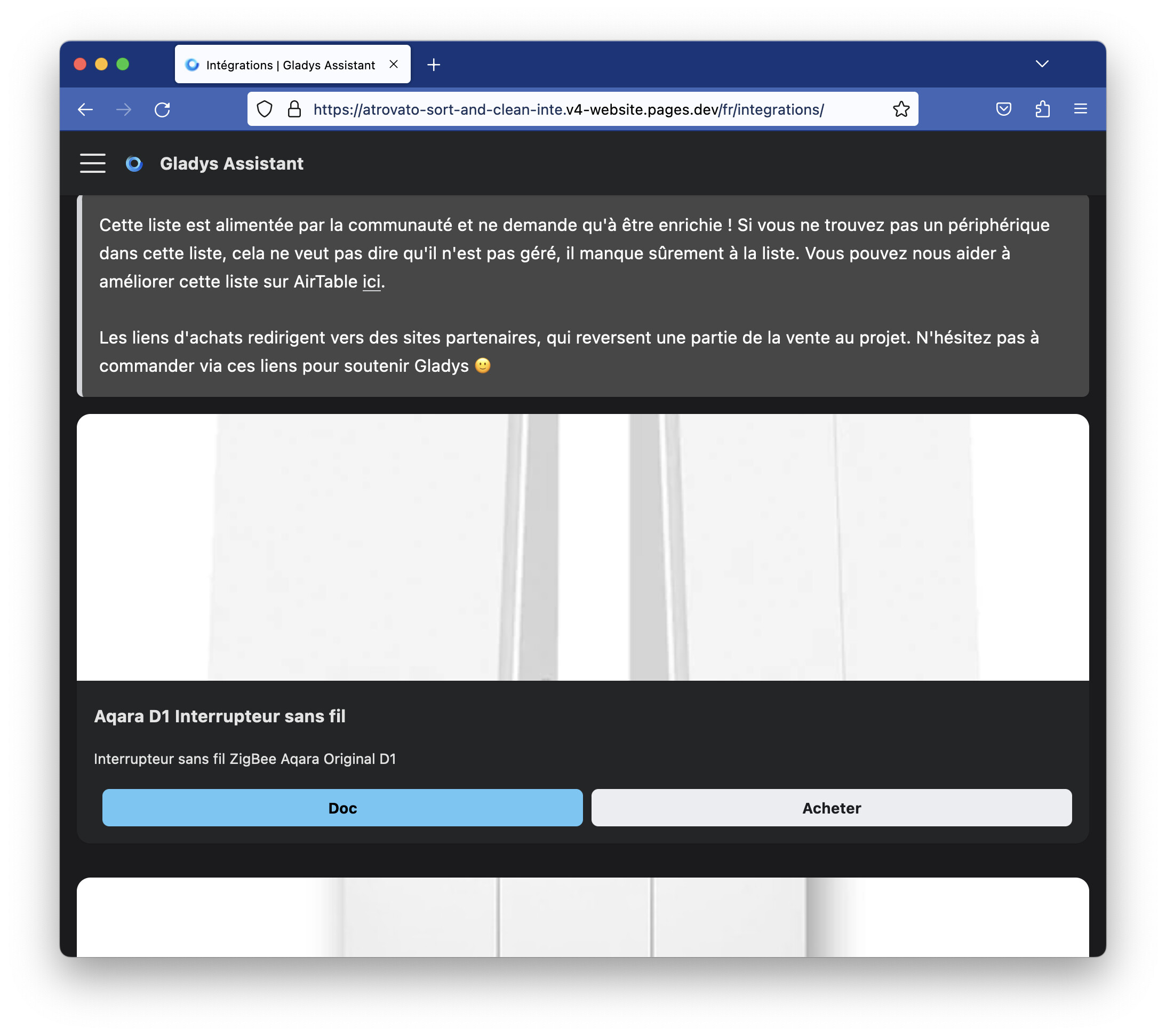
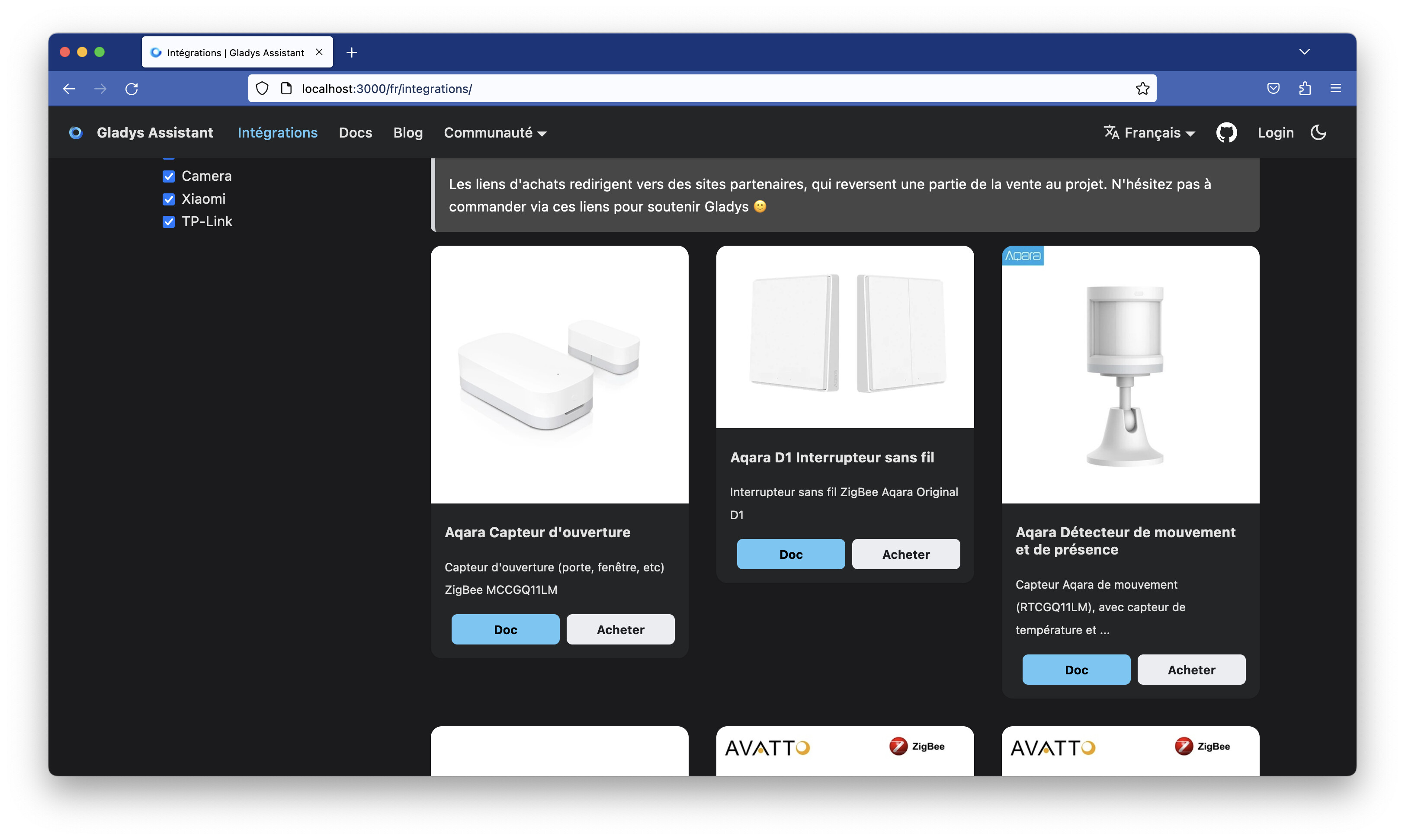
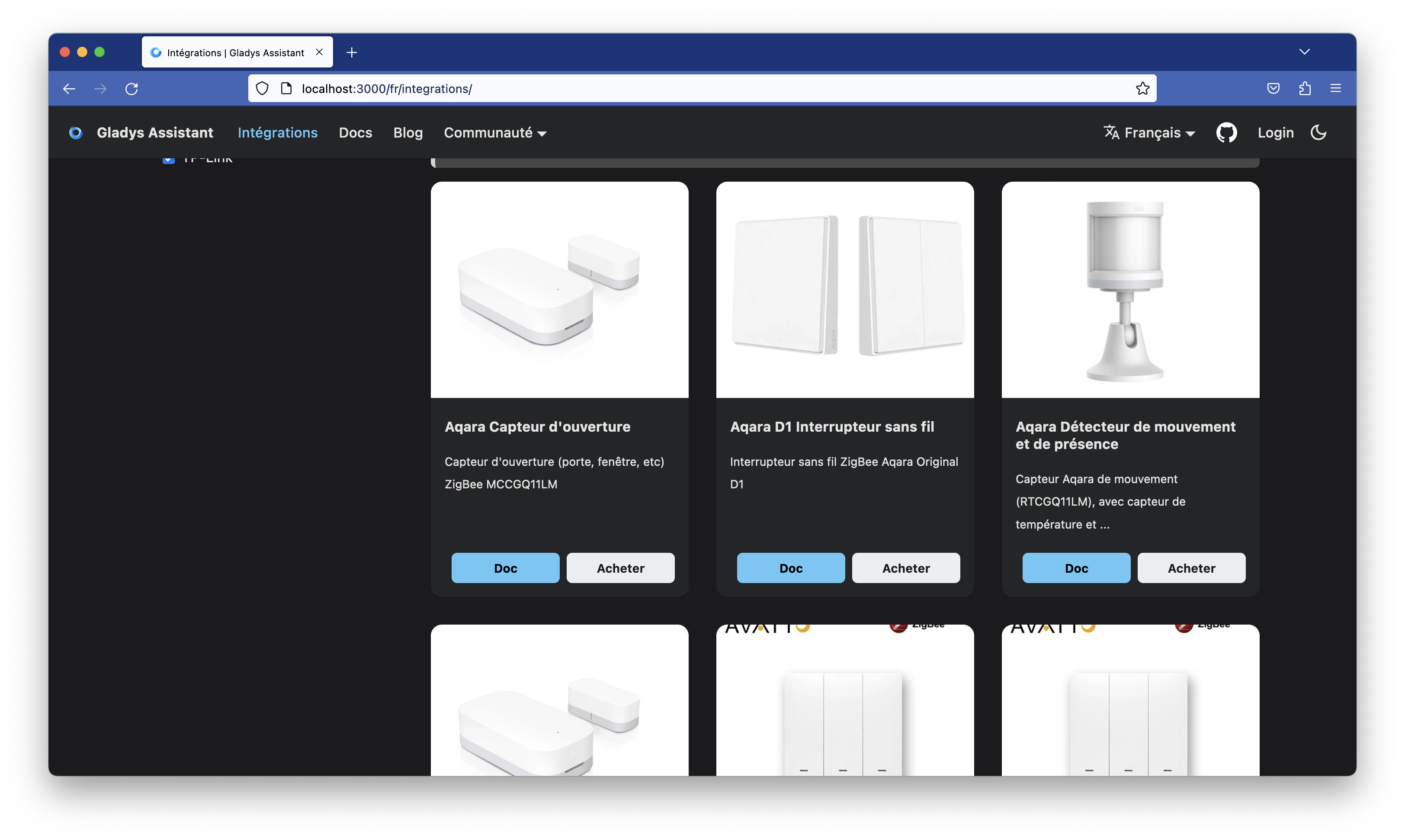
The Integrations page on the site lets newcomers know which devices are compatible with Gladys.
This list is maintained by you, the Gladys community, via an online spreadsheet!
For now, this page is far from exhaustive, but with your help that can change 
How to feed the compatibility list on the site?
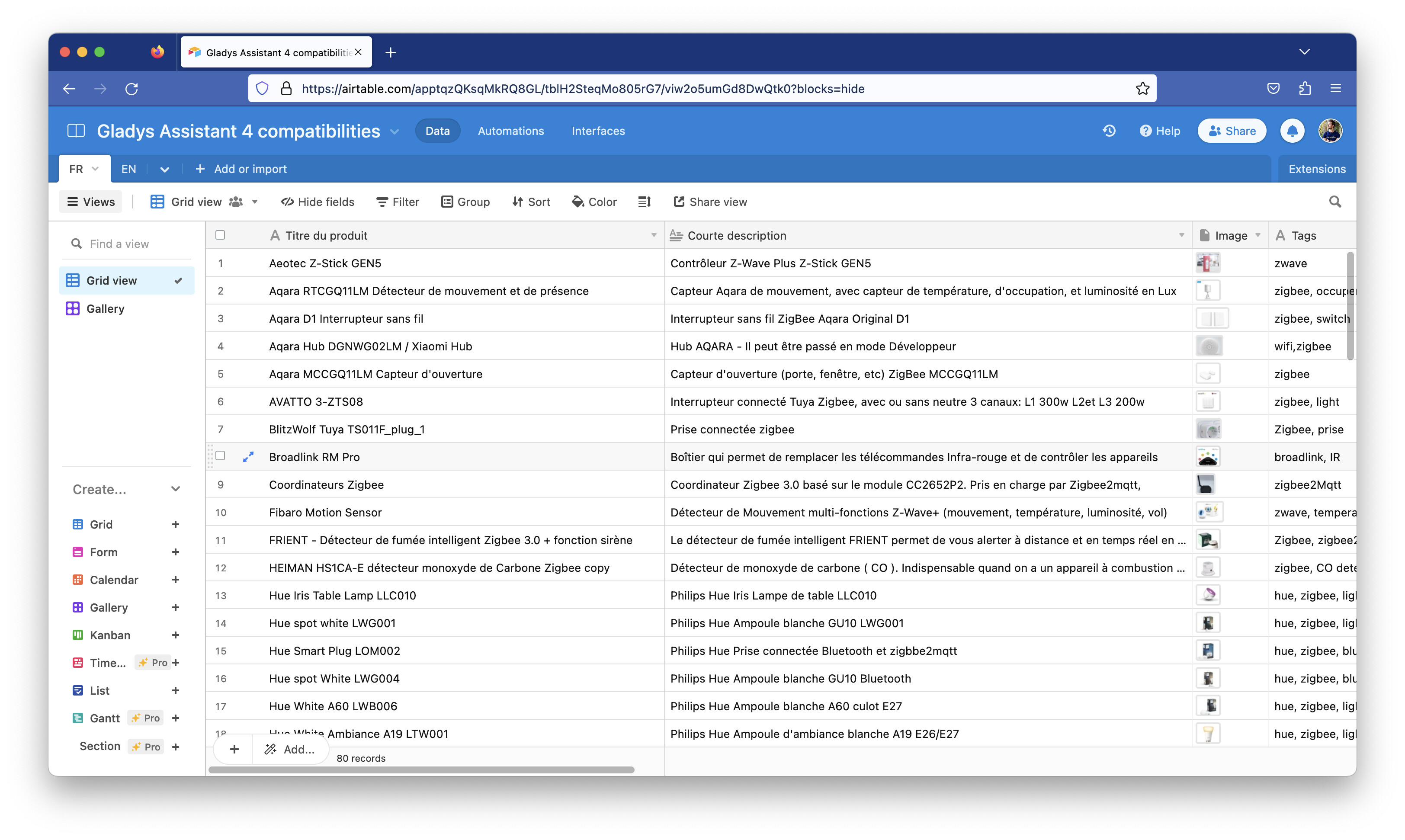
- Join the Airtable list via this link which lets you become a contributor to this shared document.
-
Browse the list and compare it with the hardware you have at home that works with Gladys. If any devices are missing, now is the time to add them to the list!
-
Adding a device is very simple.
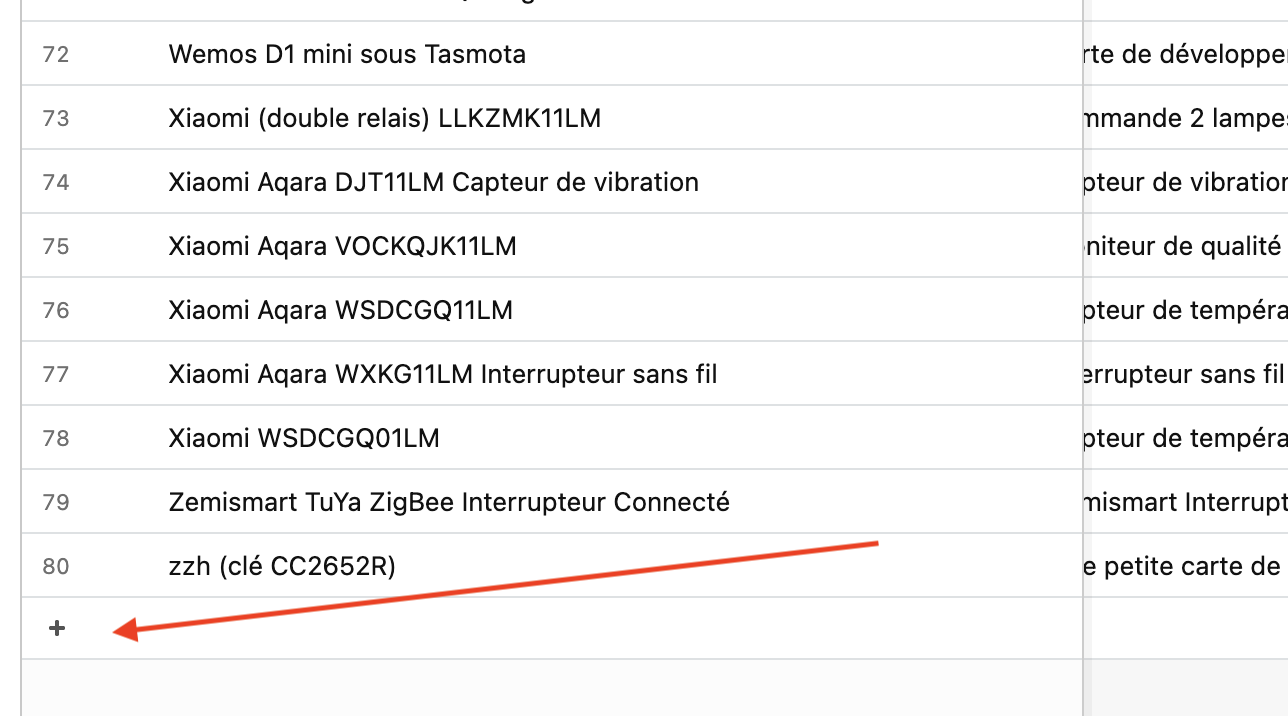
Click the « + » at the bottom of the page to add a row:
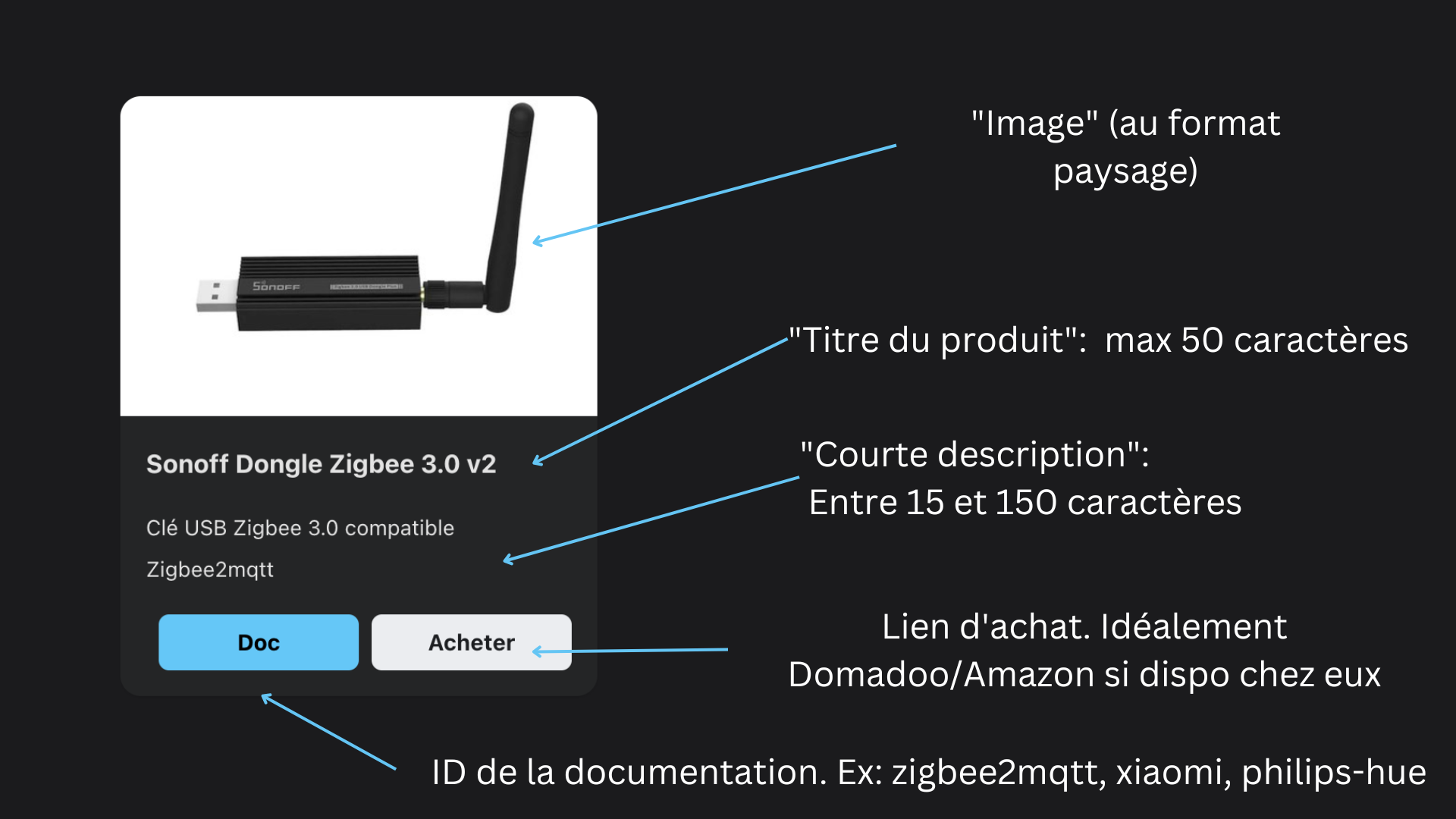
Each row has several fields, which should be filled in like this:
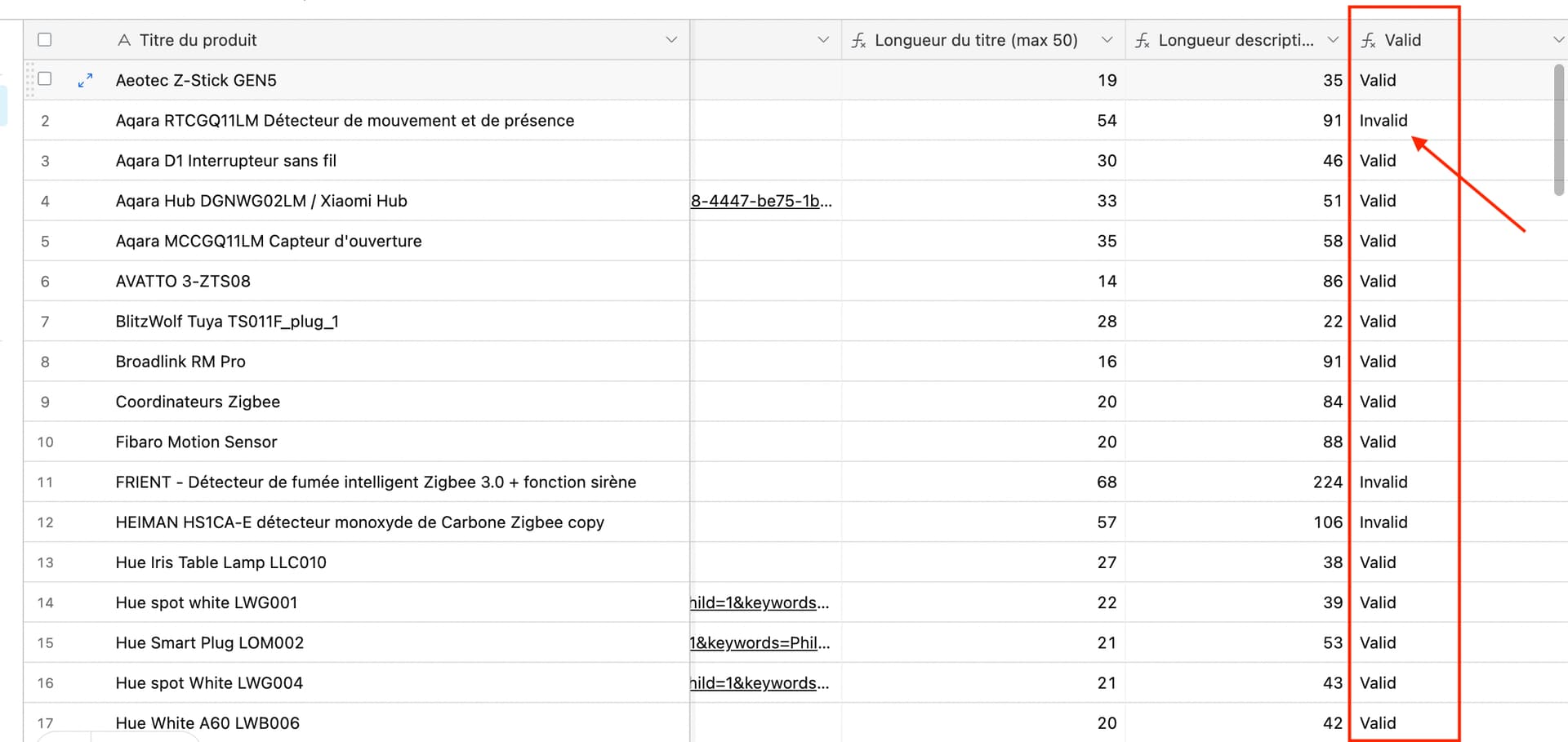
At the end of the table, there is a « Valid » column that tells you if your row is valid (Is the description too short? Is the title too long?)
The « Documentation ID » field corresponds to this:
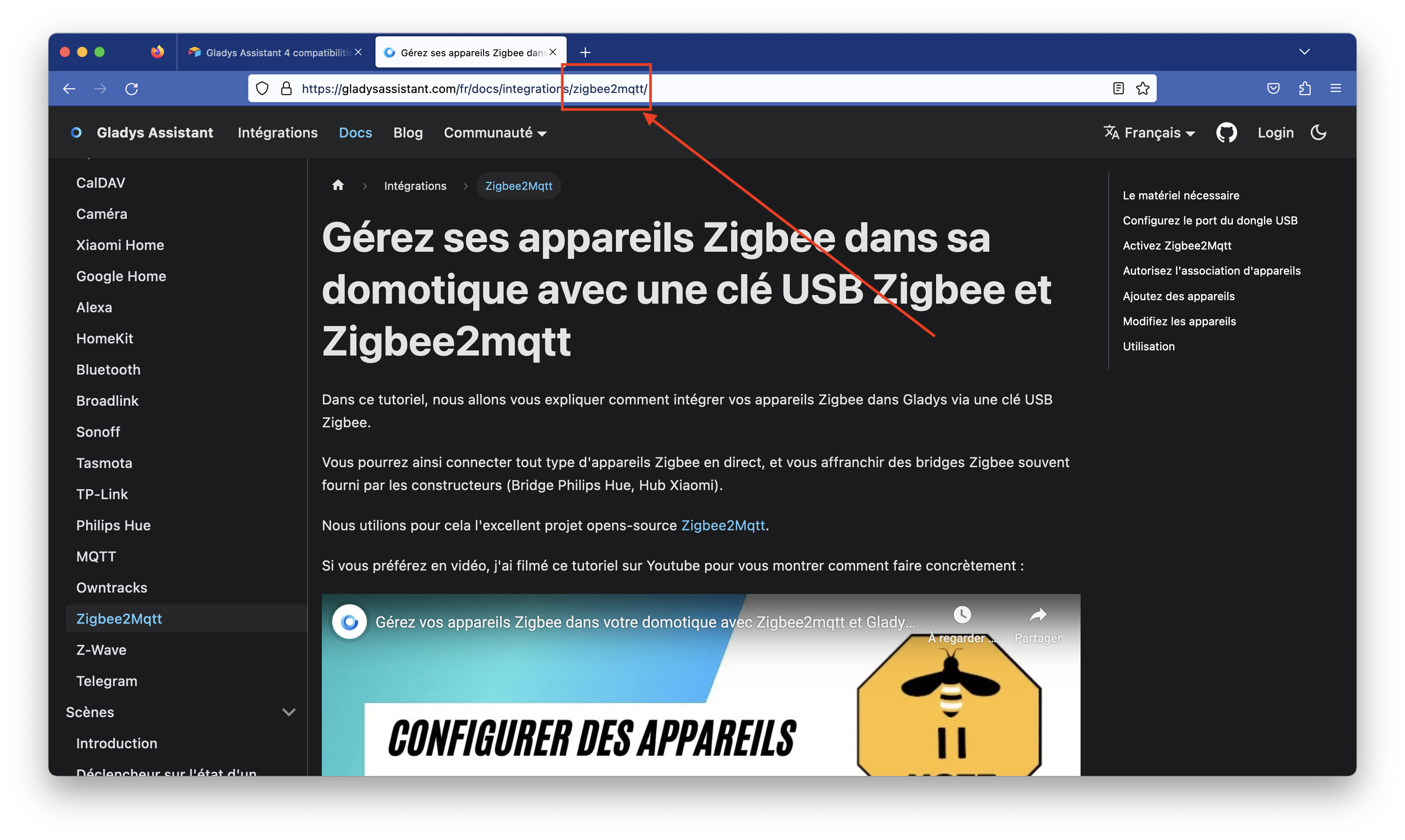
It will be used to create the redirect link to the doc.
For the image, choose a landscape-format image of good quality, preferably the image from the manufacturer’s site to keep it as clean as possible
The « tags » field is currently not used, so don’t bother filling it in for now.
For the purchase link, put a link to whatever makes the most sense to you (best value for money). The project is partnered with domadoo.fr and amazon.fr, so if the item is available from those sellers, that’s better, but it’s not mandatory ^^ From my experience, Domadoo is generally very well positioned price-wise, ships very quickly, and their customer service is top-notch.
For our partners, there is no need to add special tags to the URL; they are added automatically on the site.
- The « FR » tab feeds the compatibility page on the French site, and the « EN » tab feeds the English site. Remember to fill both
 For the English page, remember to link to US sites (amazon.com for example, which is different from amazon.fr)
Thanks to those who will take the time to populate these lists 
Synchronize the site with the Airtable list
The first part of this tutorial is for a general audience, the second part is more technical but not very complicated.
The site gladysassistant.com is a static site generated by Docusaurus and hosted on Cloudflare.
To synchronize the site with the Airtable list, I coded a small helper in the site’s repo ( GitHub - GladysAssistant/v4-website: Gladys Assistant website ) that allows syncing the two.
- Clone the site repo
git clone https://github.com/GladysAssistant/v4-website
cd v4-website
- Install the dependencies
(Assumes you have Node LTS + Yarn installed on your machine)
yarn
- Create a « personal access token » on Airtable
Go to https://airtable.com/create/tokens
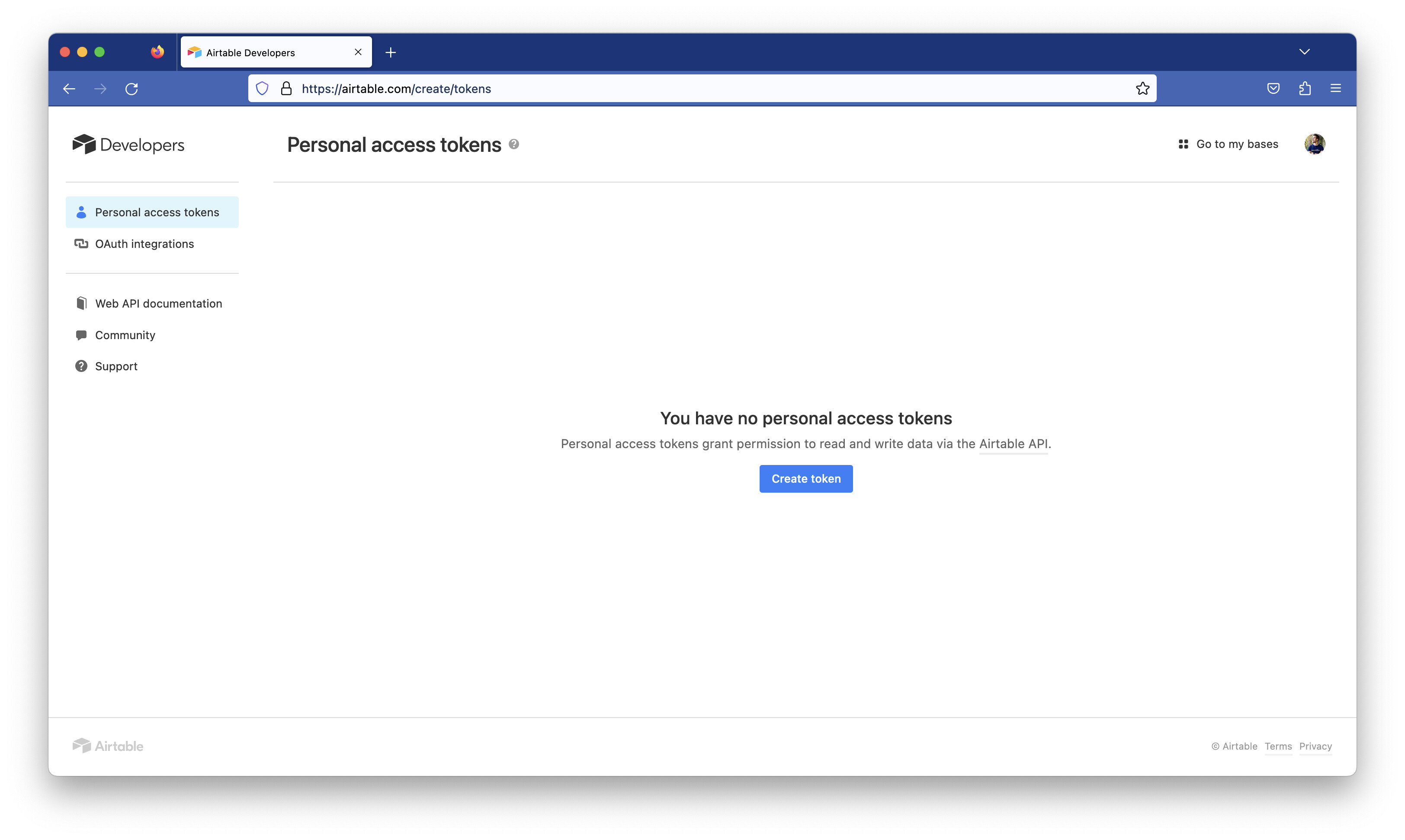
Click « Create token », and fill in the form like this:
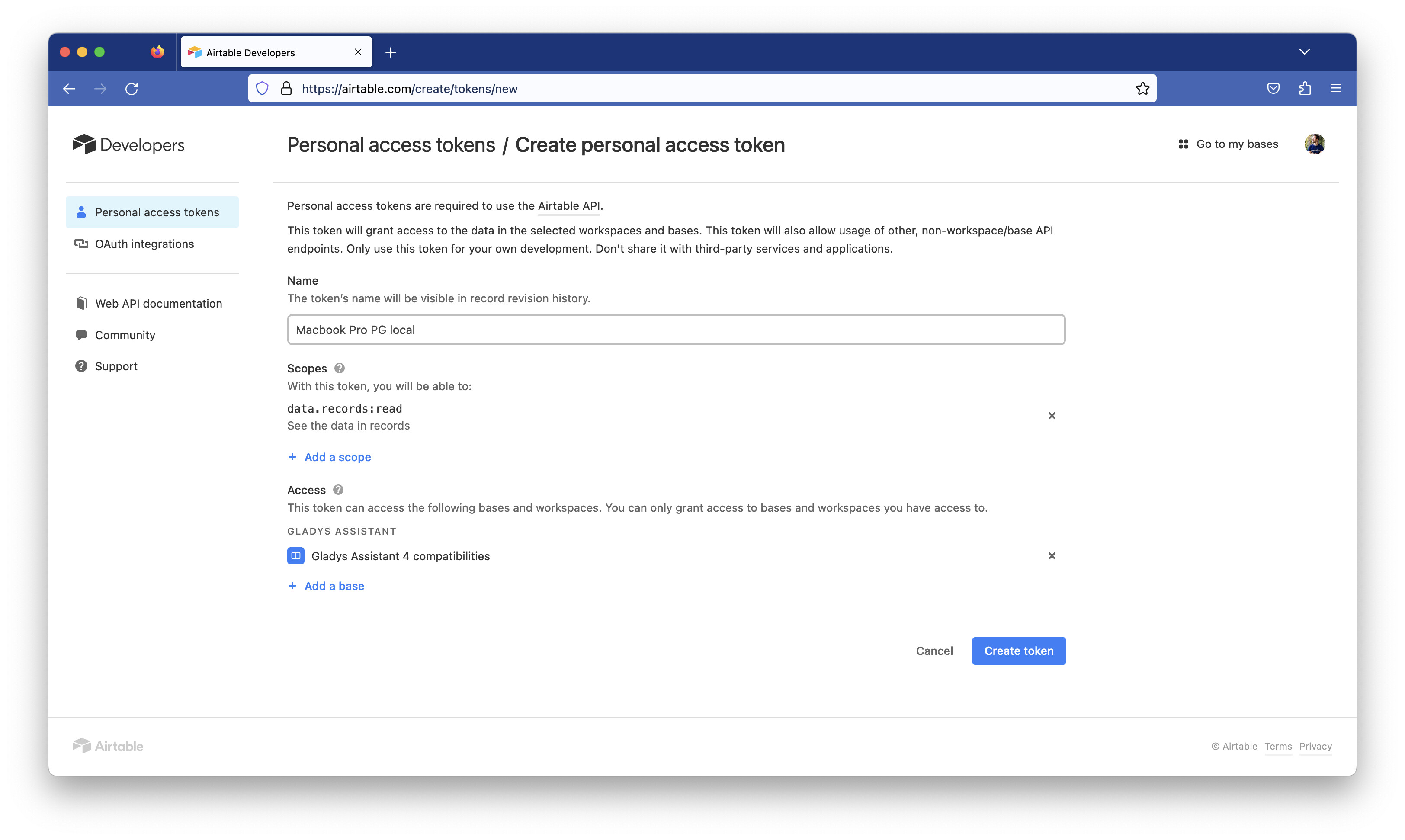
You should get an API key!
- Create a
.envfile at the root of the cloned repo locally, with the following content:
AIRTABLE_API_KEY=VOTRE_CLE_API
- Run the command:
npm run load-integrations
This script will fetch all the spreadsheet content via the Airtable API and will download all the images.
- View the changes locally
To view the French site locally:
npm run start-fr
To view the EN site locally:
npm start
- Integrate the changes into the live site?
If you want the changes to be integrated into production, either:
- Notify me here so I can sync the two myself
- Make a PR with the tutorial above
Questions / feedback?
Thanks to everyone who will make the effort to populate this list.
Don’t hesitate if you have any questions.
If you think this page/process could be improved, don’t hesitate either — it’s far from a perfect process, and everything is open-source


 I’ll make a more general post to encourage people to contribute.