Hello,
I have a Raspberry Pi 4 on which I have other programs running!
How can I install Gladys on it alongside them without losing my other programs?

Hello,
I have a Raspberry Pi 4 on which I have other programs running!
How can I install Gladys on it alongside them without losing my other programs?
Hi @Doudy 
You can follow this tutorial:
I also made a YouTube video that applies perfectly to an installation on a Raspberry Pi (it’s the same thing):
Thanks. I’ll take a look.
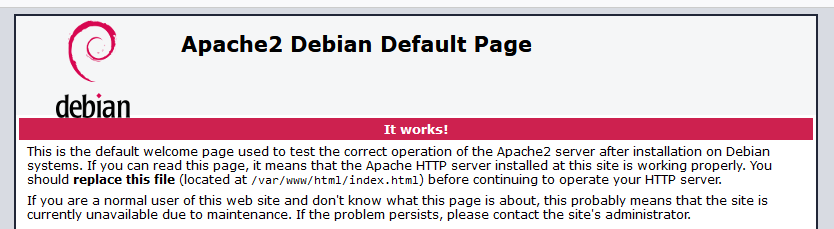
I’m not really an expert, but maybe you already have a program using port 80 on your machine?
If that’s the case, you can probably change Gladys’s port by replacing it in the command:
docker run -d \
--log-driver json-file \
--log-opt max-size=10m \
--cgroupns=host \
--restart=always \
--privileged \
--network=host \
--name gladys \
-e NODE_ENV=production \
-e SERVER_PORT=85 \
-e TZ=Europe/Paris \
-e SQLITE_FILE_PATH=/var/lib/gladysassistant/gladys-production.db \
-v /var/run/docker.sock:/var/run/docker.sock \
-v /var/lib/gladysassistant:/var/lib/gladysassistant \
-v /dev:/dev \
-v /run/udev:/run/udev:ro \
gladysassistant/gladys:v4
In the example I used -e SERVER_PORT=85 \ instead of the default 80.
Then when you want to open the Gladys interface you should enter in your browser: http://your-ip-address:85
OK I’m testing. Thanks