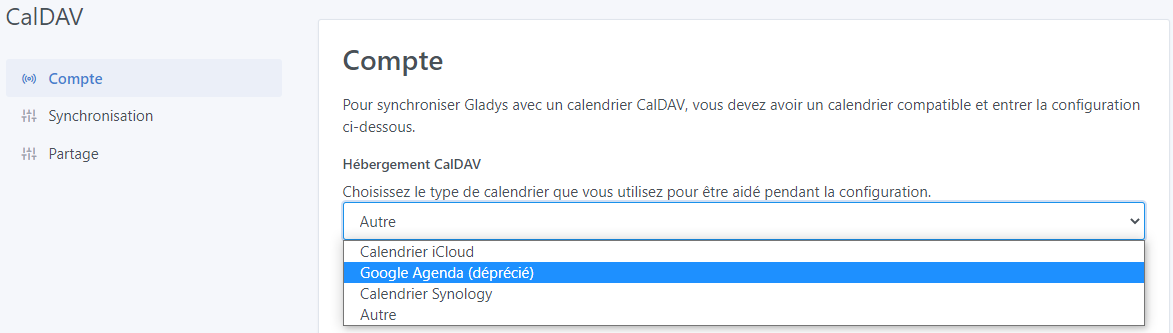
It’s a shame that Google Calendar is deprecated, I only use that one 
Ah, Google Calendar isn’t working anymore? It’s working for me, though…
Google Calendar synchronized successfully 
When I tried to use the calendar to create a scene, a window told me there was no option. So there is no way to trigger a scene from the calendar.
@Jluc I moved your messages into a new separate topic, it wasn’t really related to the feature request 
Glad it’s working!
Is your calendar properly « shared » within the Gladys instance?
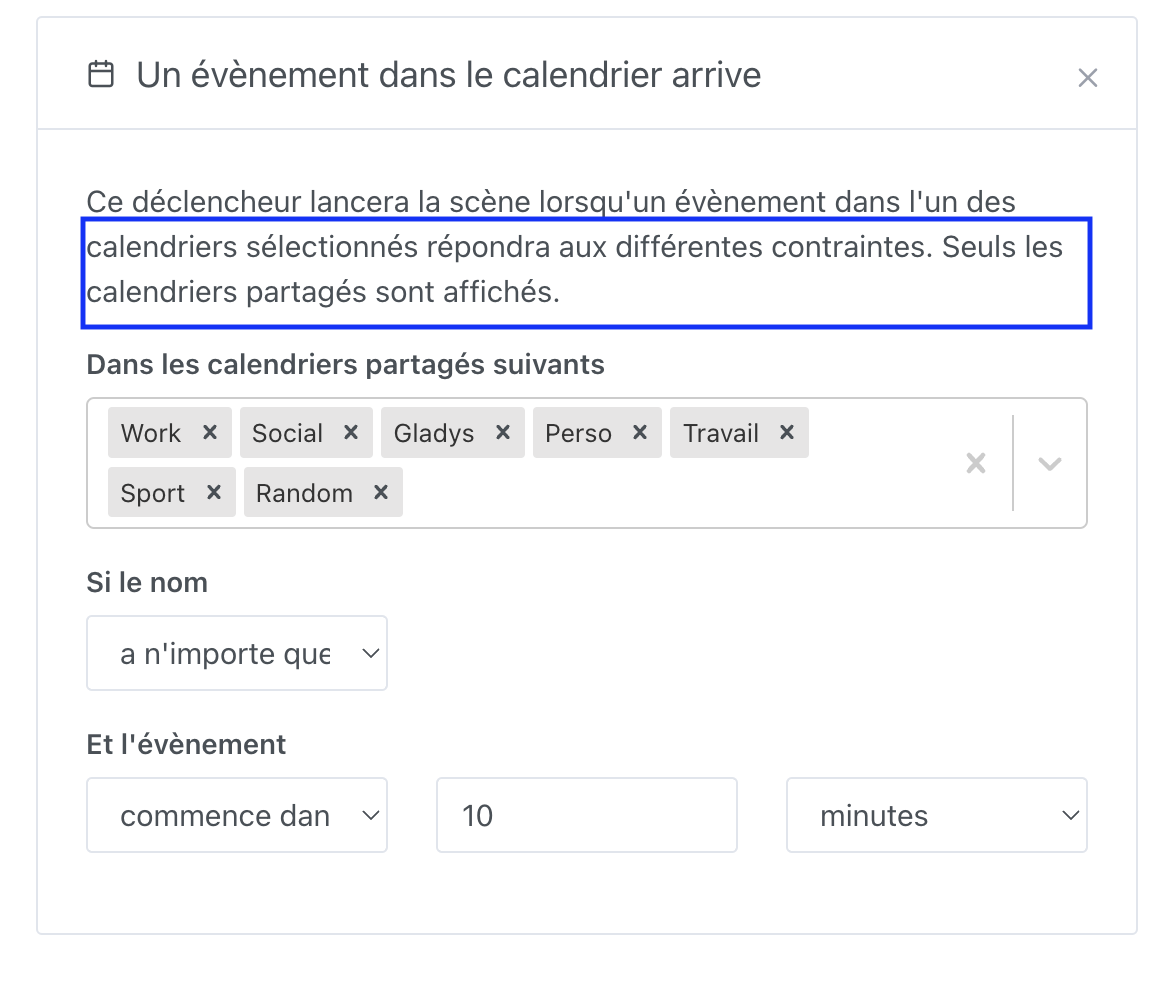
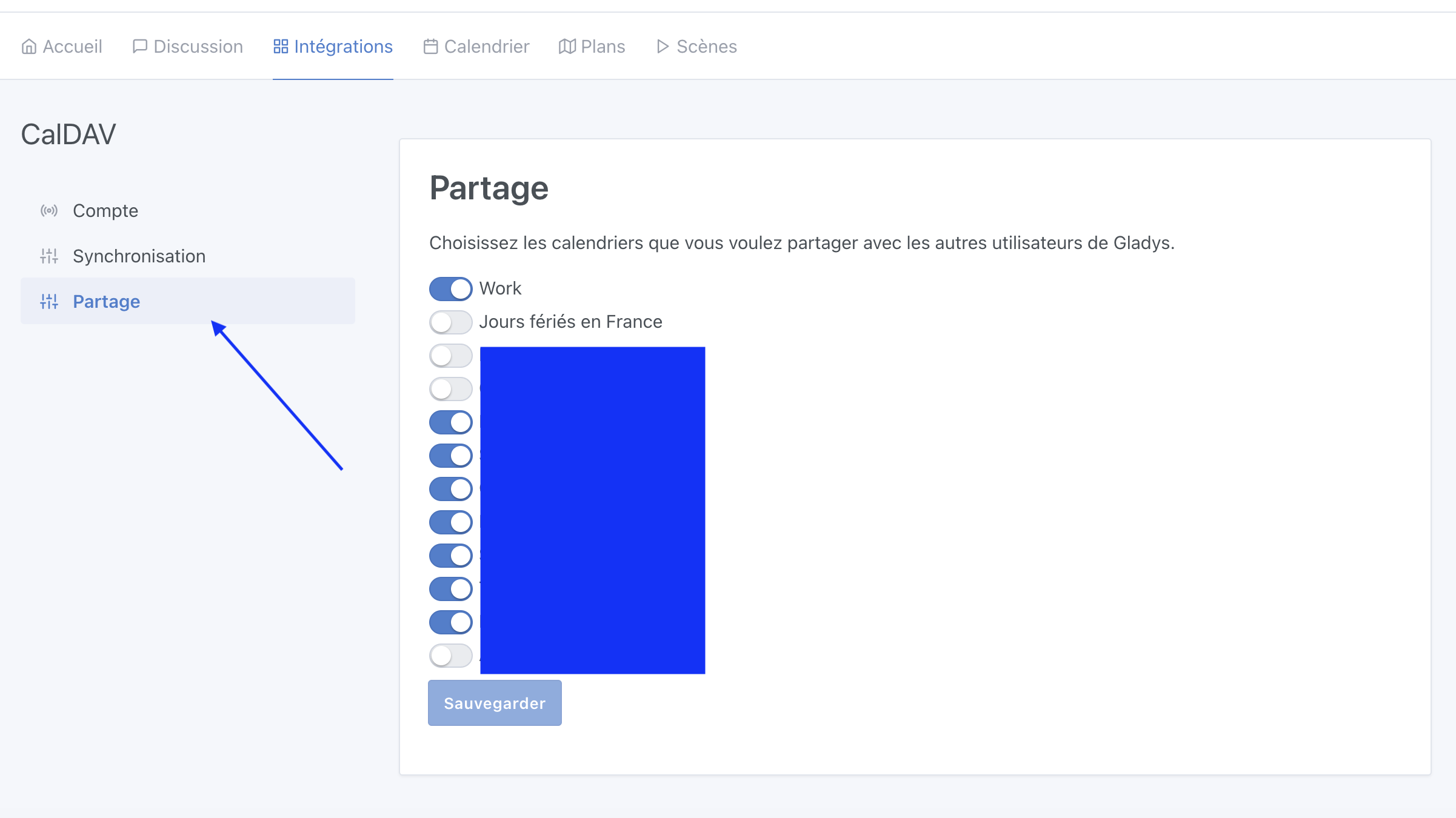
I had doubts about sharing, and since it says: "Do you want to share
Here’s something that perhaps should be fixed to avoid any confusion @pierre-gilles.
Maybe
« Would you like to share with the other users of the House? »
Not sure I understand what you mean by « all members », but if you mean « all family members on my Gladys instance », then yes that’s exactly what’s happening
Indeed we can change the text to make it clearer. Not a fan of using « house » though, because house in Gladys is a specific term — you can have multiple houses in one Gladys instance. « Instance » sounds a bit techy though.
We
And why not:
« Would you like to share your calendar with other Gladys users? »
Uh… Actually nothing changes compared to the first sentence and the possible confusion 

I hadn’t noticed!! 
So for me it’s clear, I don’t see the confusion.
How to make it simpler and more explicit?
So maybe " […] of your Gladys installation"
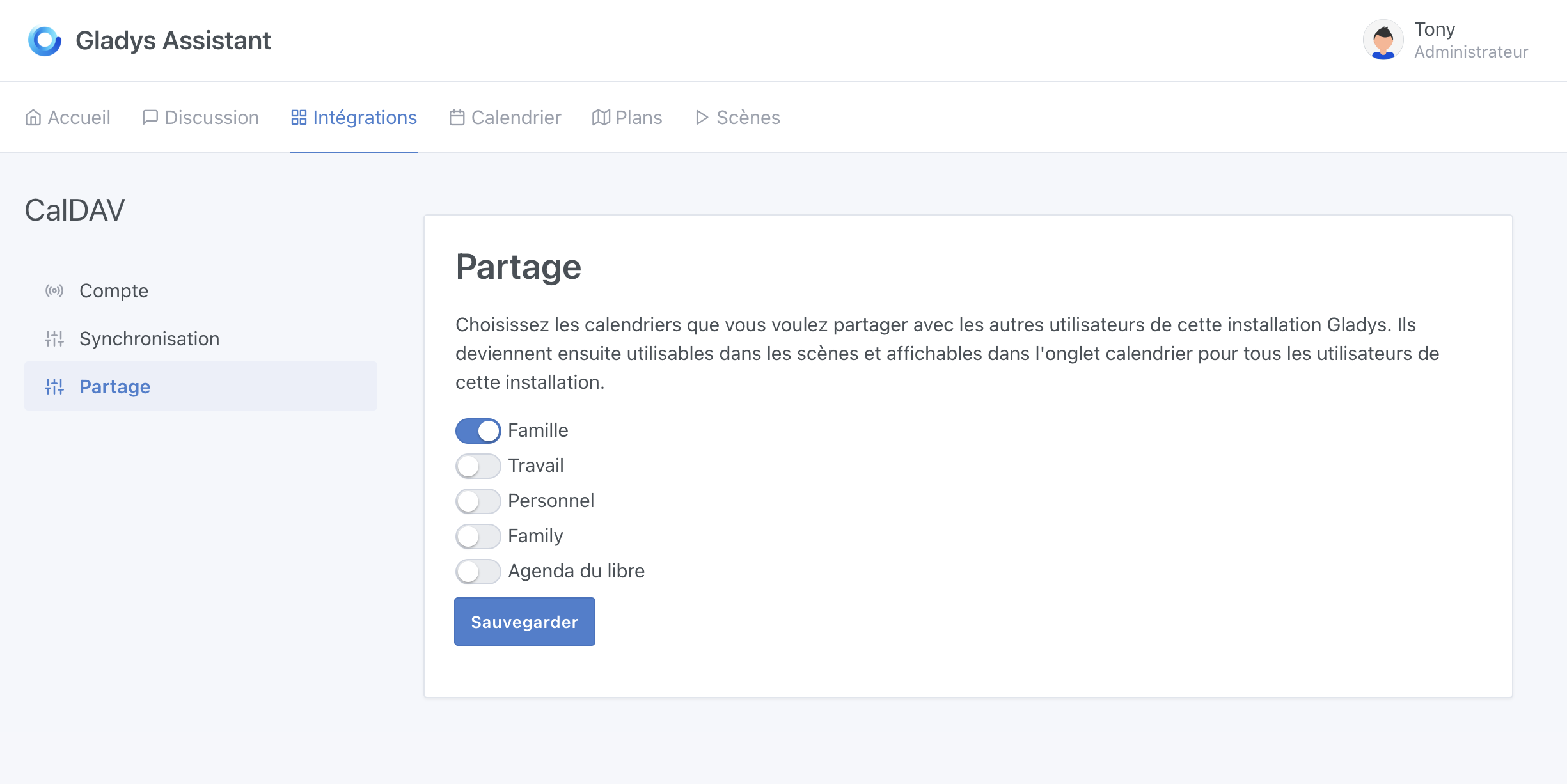

PR merged! It will be included in the next Gladys
Good evening,
My Google Calendar has just stopped working.
I tried to sync it after adding a calendar and I get this error message.
An error occurred during synchronization.
Check the status of the CalDAV server and restart the auto-configuration.
Everything is correct.
I reset the application password but nothing changed.
Have you tried clicking « Reset » and starting over?
Yes,
Reset → Data erased
Save → Auto-configuration completed.
Synchronize → An error occurred during synchronization.
Check the status of the CalDAV server and restart the auto-configuration.
Could this be the cause?
Third-party apps that use only a password to access Google accounts will no longer be supported
And especially this paragraph:
Calendar applications
- If you use an app that uses password-based CalDAV to give access to your calendar, switch to a method that supports OAuth. Google recommends the Google Calendar app as the most secure app to use with your Google Workspace account.
I understand better why calendars weren’t visible.
I was actually trying to set up a scene using a calendar event… 
Well spotted, that seems to be it. You have to use OAuth authentication to access Google data since the end of September. It’s going to require quite a bit of work; I saw that at Home Assistant they had a standalone CalDAV service to synchronize Google calendars.