Device registration works now (however the button to hide already added devices has no effect)
80 if you take the text as-is. Personally, I use 8080 for test containers. Line to modify:
SERVER_PORT=8080 -e
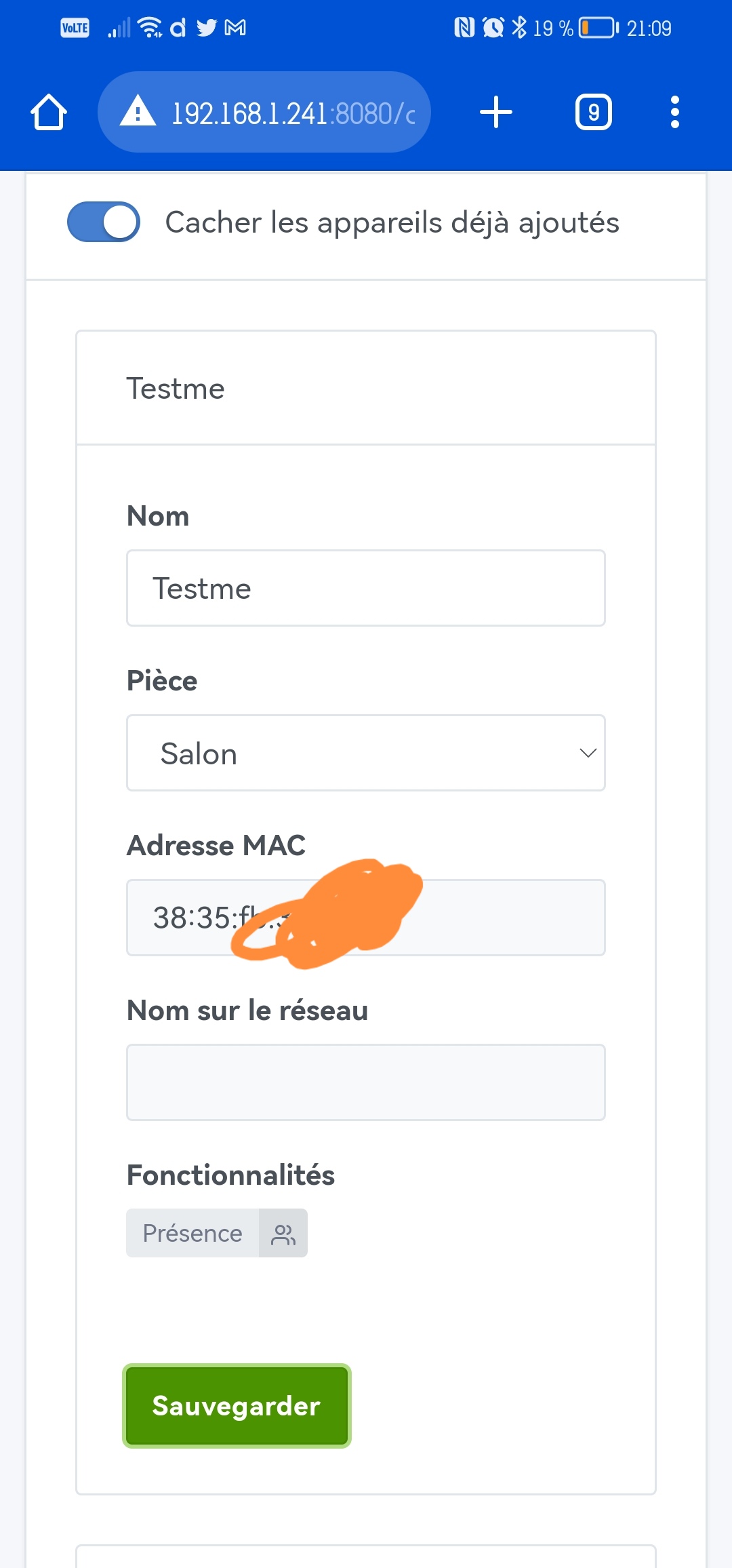

The button to hide existing devices does not hide newly added devices, so as not to disturb the visible list.
However, if you leave and come back to the page, the devices already added should have disappeared.
Thanks, I’ll take good note of that!





Have you waited long enough for everything to load? Expect at least 2-5 full minutes…
I’m up to 13 ^^
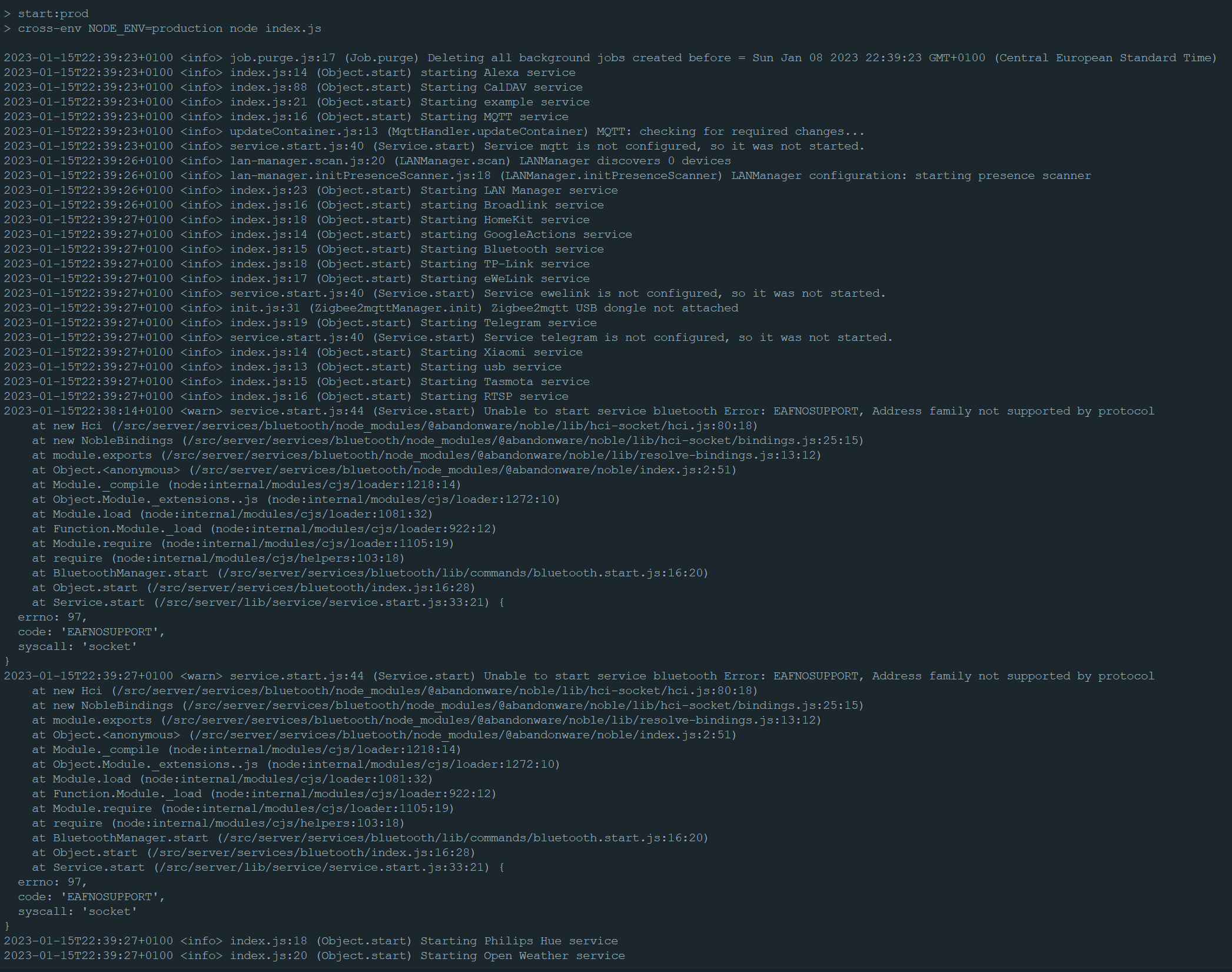
With the following in the logs
\u003e 2023-01-15T22:39:27+0100 \u003cinfo\u003e index.js:63 (Server.\u003canonymous\u003e) Server listening on port 8089
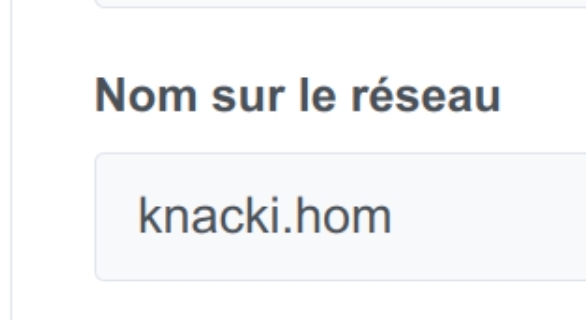
Don’t make fun of my computer that’s called Knacki!!! 
Improvement proposal
I have a suggestion @cicoub13.
At my place, as I said, I have two networks:
- The LAN, managed by my Freebox at 192.168.1.0/24, which hosts Gladys
- The Wi‑Fi, managed by a dedicated Linksys router at 10.44.1.0/24, which hosts my phones
Obviously, on the scan, no phone is detected, since I imagine the scan uses the locally detected IP range.
 Can you add a field in the settings to add an IP range to scan?
That way I can specifically declare the additional network to scan, which would be my Wi‑Fi. That will allow detecting my phones.
On the dev side, I hope it’s simple enough, like calling the library to do the scan while specifying an IP range.
Name detection bugs
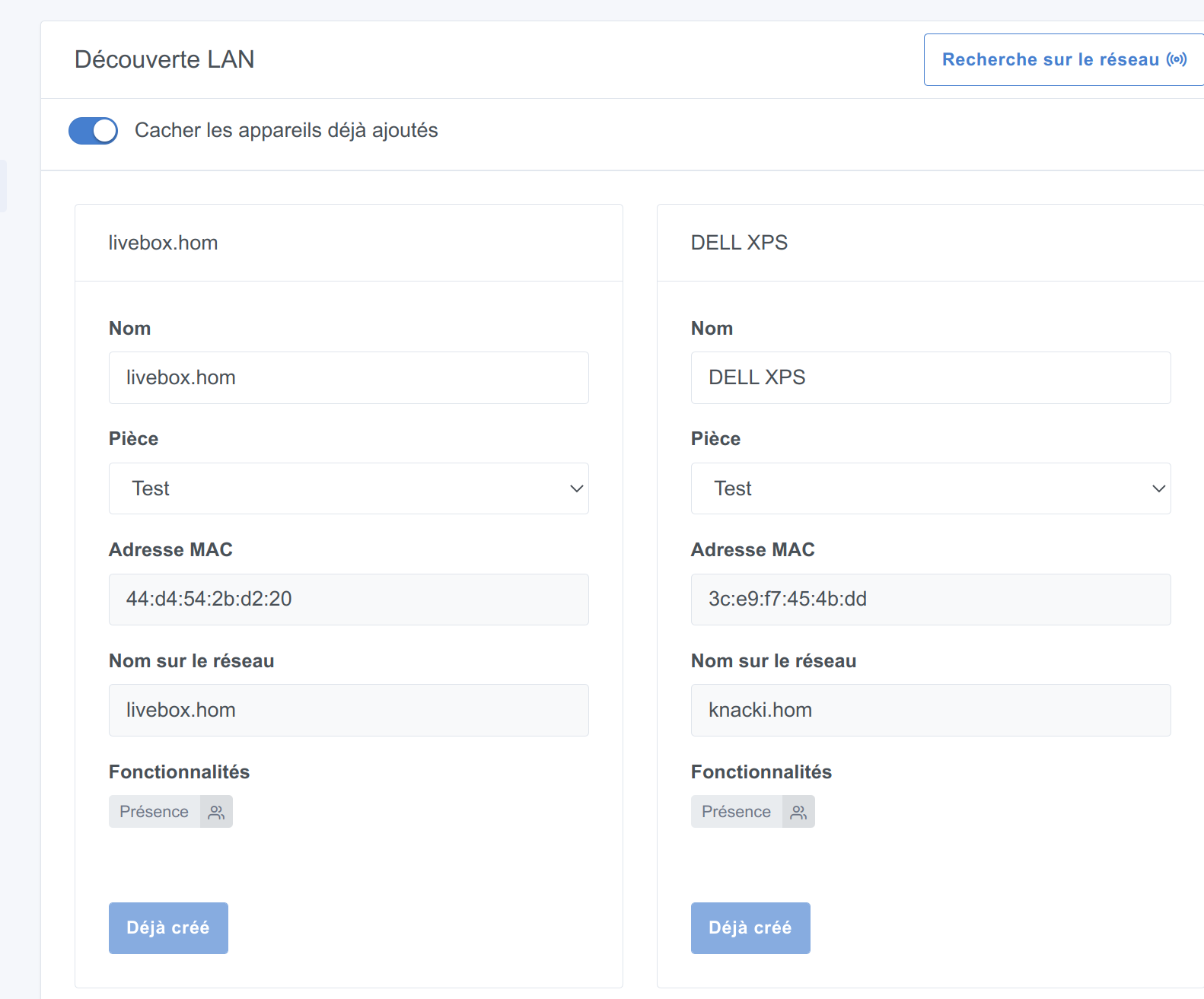
Finally, still nothing regarding hostnames on my side. Here’s what my Freebox shows me; you can see that my desktop is detected via its DHCP name, mDNS and NetBIOS. Additionally, the manufacturer linked to the MAC address is also shown.
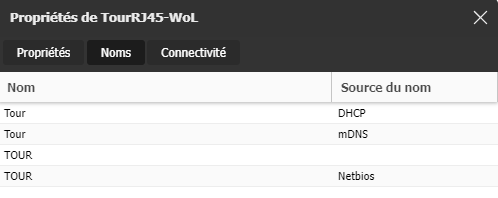
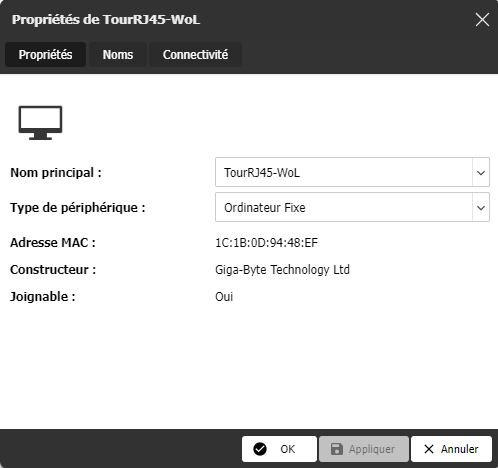
On Gladys’ side, my desktop is discovered, but without any names. And Gladys also scanned itself (the one on the right).

A strange thing when I run this command :
docker run -d --log-driver json-file --log-opt max-size=10m --cgroupns=host --restart=always --privileged --network=host --name gladys -e \
NODE_ENV=production -e \
SERVER_PORT=8089 -e \
TZ=Europe/Paris -e \
SQLITE_FILE_PATH=/var/lib/gladysassistant/gladys-production.db -v /var/run/docker.sock:/var/run/docker.sock -v /var/lib/gladysassistant:/var/lib/gladysassistant -v /dev:/dev -v /run/udev:/run/udev:ro \
atrovato/gladys:lan-manager
The port doesn’t seem to be listening?
Can someone explain to me what’s wrong?
Usually with docker run I publish a port to access it, here we don’t publish anything « -p »
we only have an EXPOSE in the Dockerfile, right?
EXPOSE is when you’re on a bridge network; in host mode all ports are open
Is your container running?
Is your command on a single line?
Ah okay ! For the record I didn’t know ^^
As for the command, yes it runs correctly with all the arguments.
You can see it here :
I don’t get why I can’t connect
I had this kind of issue on my laptop, couldn’t connect to the container when I was on Wi‑Fi. On Ethernet no problem — I haven’t looked into it much, but I have the impression the Docker network is acting up.
Are you running it on your NAS?
Nope I run it on my WSL via Docker ^^
I’m installing my network outlet tomorrow.
Also, I’ve never had this kind of issue with other containers personally 
It’s still strange, I’ll let you know tomorrow, thanks again!
You need a special configuration for Windows and WSL. I’m trying to find the tutorial for you but in any case you won’t be able to test much because WSL runs inside a VM so it’s a different network, and network discovery won’t give anything.
Edit: Apparently there’s no need to tinker anymore — GUI app support is available now.
So you just need to install Chrome in your WSL distro and run it;
I can do it outside my WSL (I just realized that ^^')
I confirm that no device is backing up at my home.
Hello,
I’m following up on this topic because I’m interested in being able to have my phone detected via Wi-Fi.
Does it work?