Detection, yes, especially if you ask your phone not to enable changing its hardware (MAC) address on your Wi-Fi network.
However, there was an issue with saving the scan result and therefore its use in scenes.
Detection, yes, especially if you ask your phone not to enable changing its hardware (MAC) address on your Wi-Fi network.
However, there was an issue with saving the scan result and therefore its use in scenes.
Ah darn, it’s still not fully functional if the scenes aren’t usable.
I’ll wait then.
Thanks
Hello,
uh I missed a few exchanges here 
I’ve made progress on the topic, notably by adding :
The Docker image is still the same atrovato/gladys:lan-manager
Be sure to remove the old image before testing again.
I’m waiting for your feedback.
Thanks !!
I’ll test that at my place early next week 
I just tried and I have several issues.
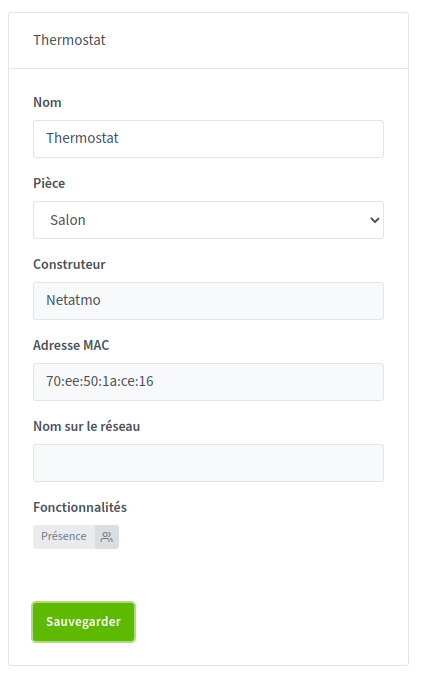
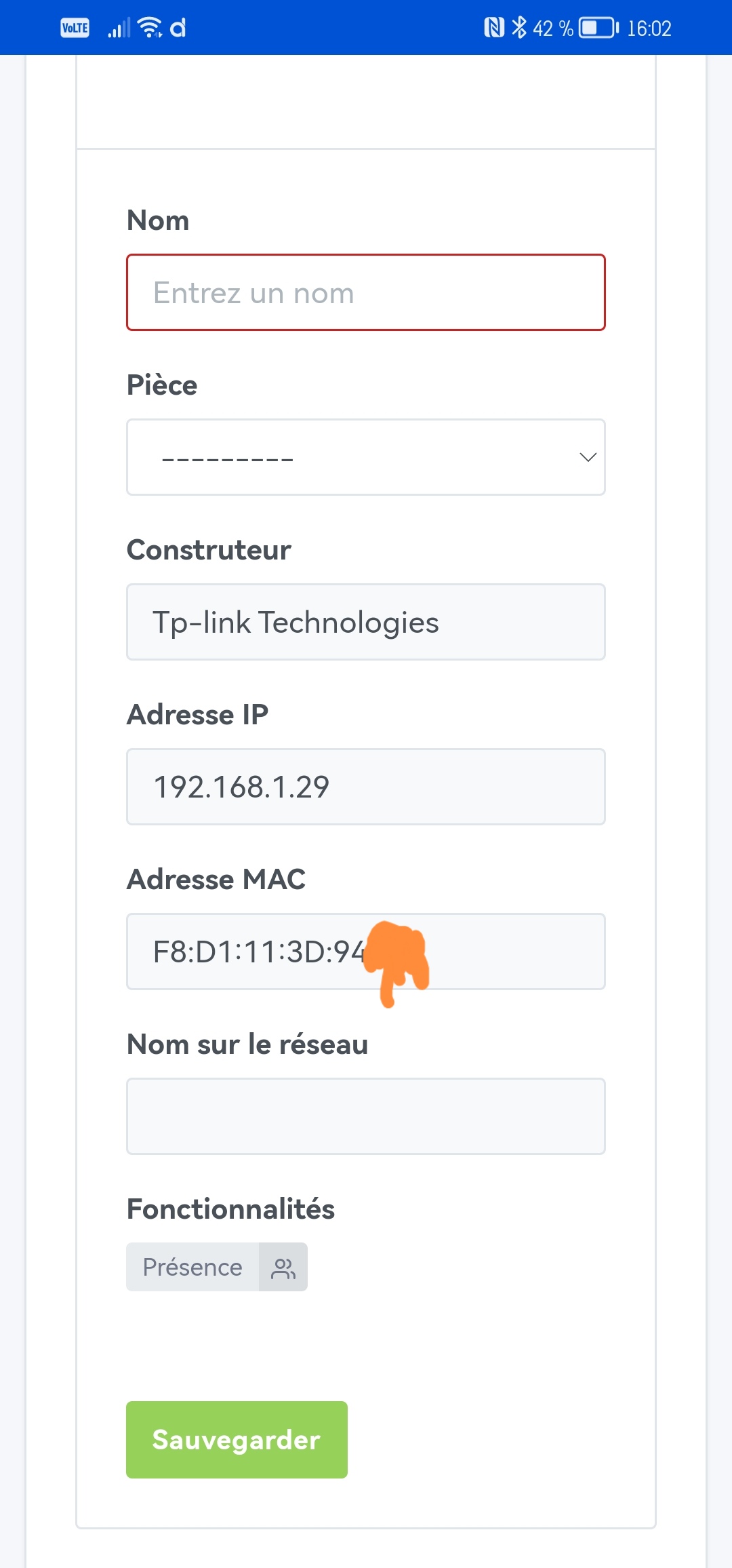
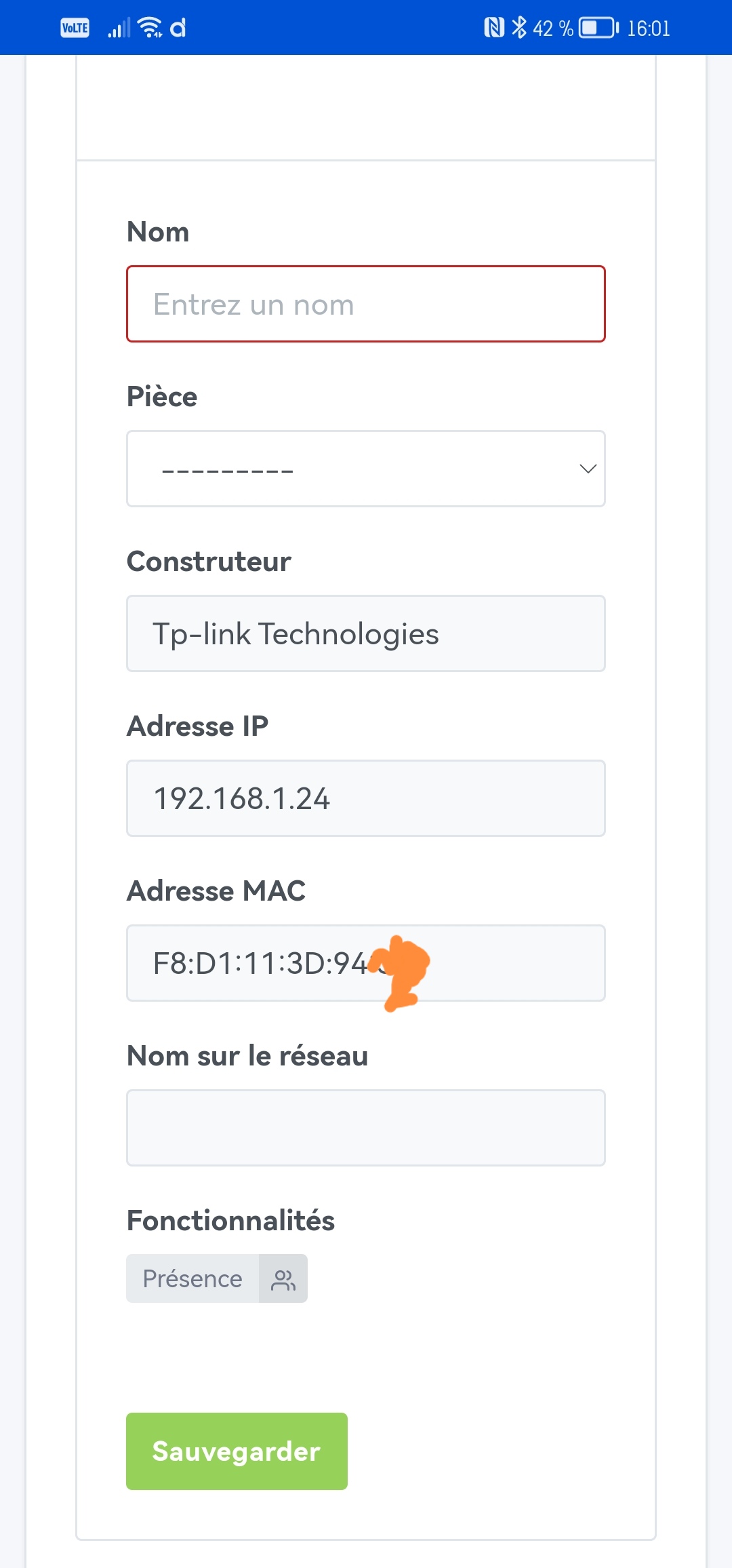
The problem, actually, is that none of my devices have a network name in the discovery.
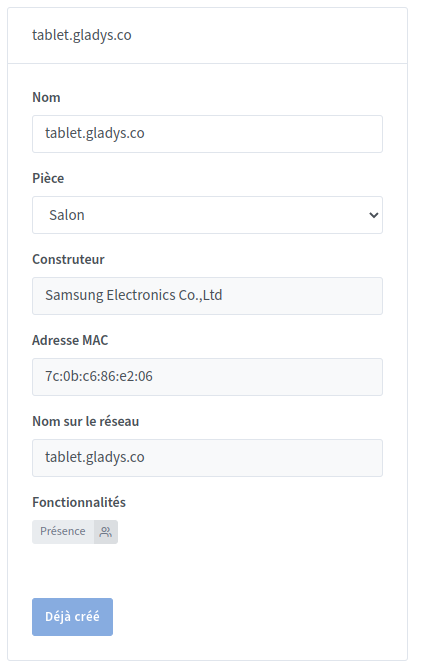
If I assign a domain name (DNS) to an IP on my network. For example I assigned the domain tablet.gladys.com to my tablet that I use for Gladys, in that case I do have the network name and I can save it.
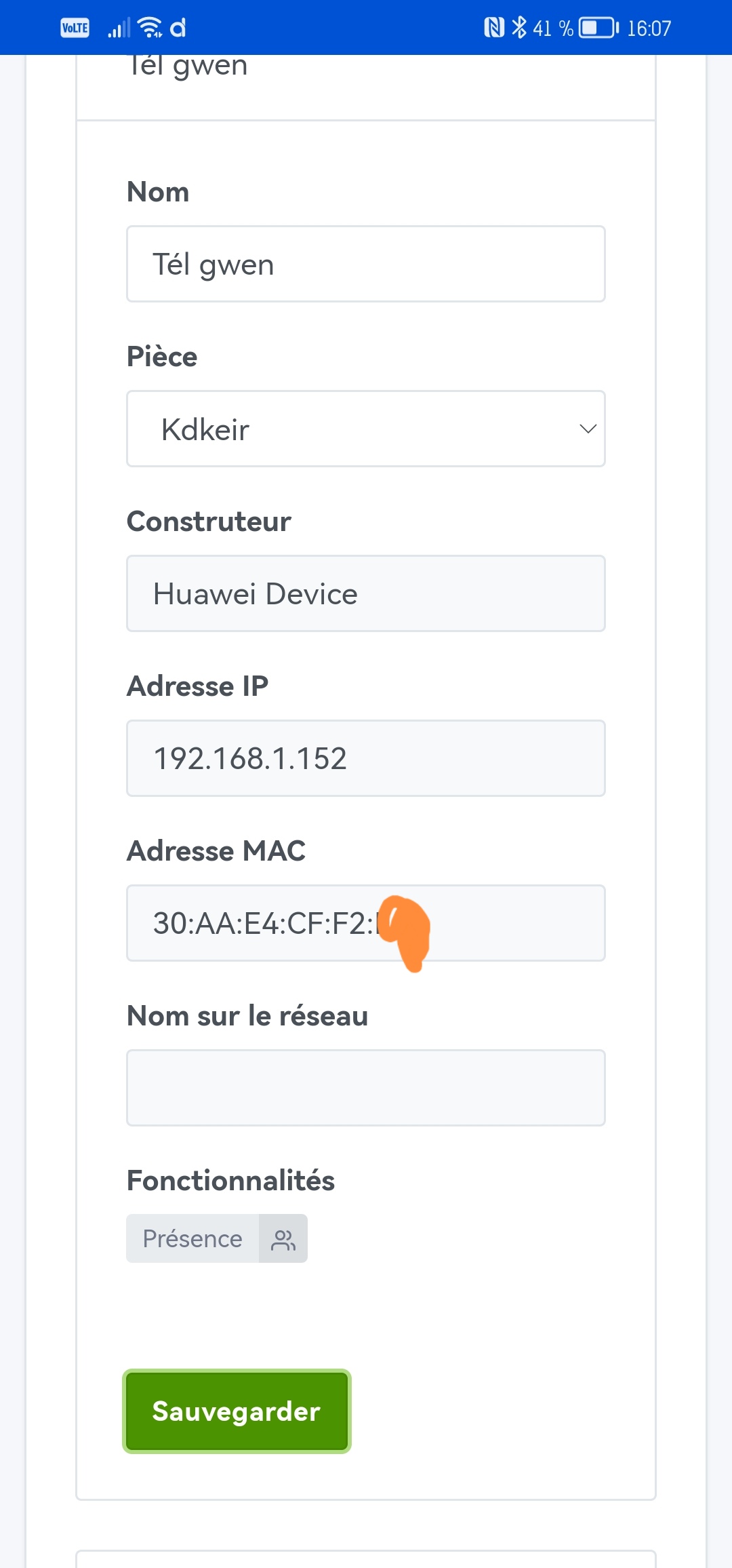
However the network name isn’t fully displayed — the last letter is missing.
I tried several names and each time the last letter is missing.
The « hide already added devices » button doesn’t work.

The devices remain displayed.
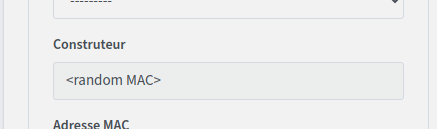
What does random MAC mean? An unknown manufacturer?
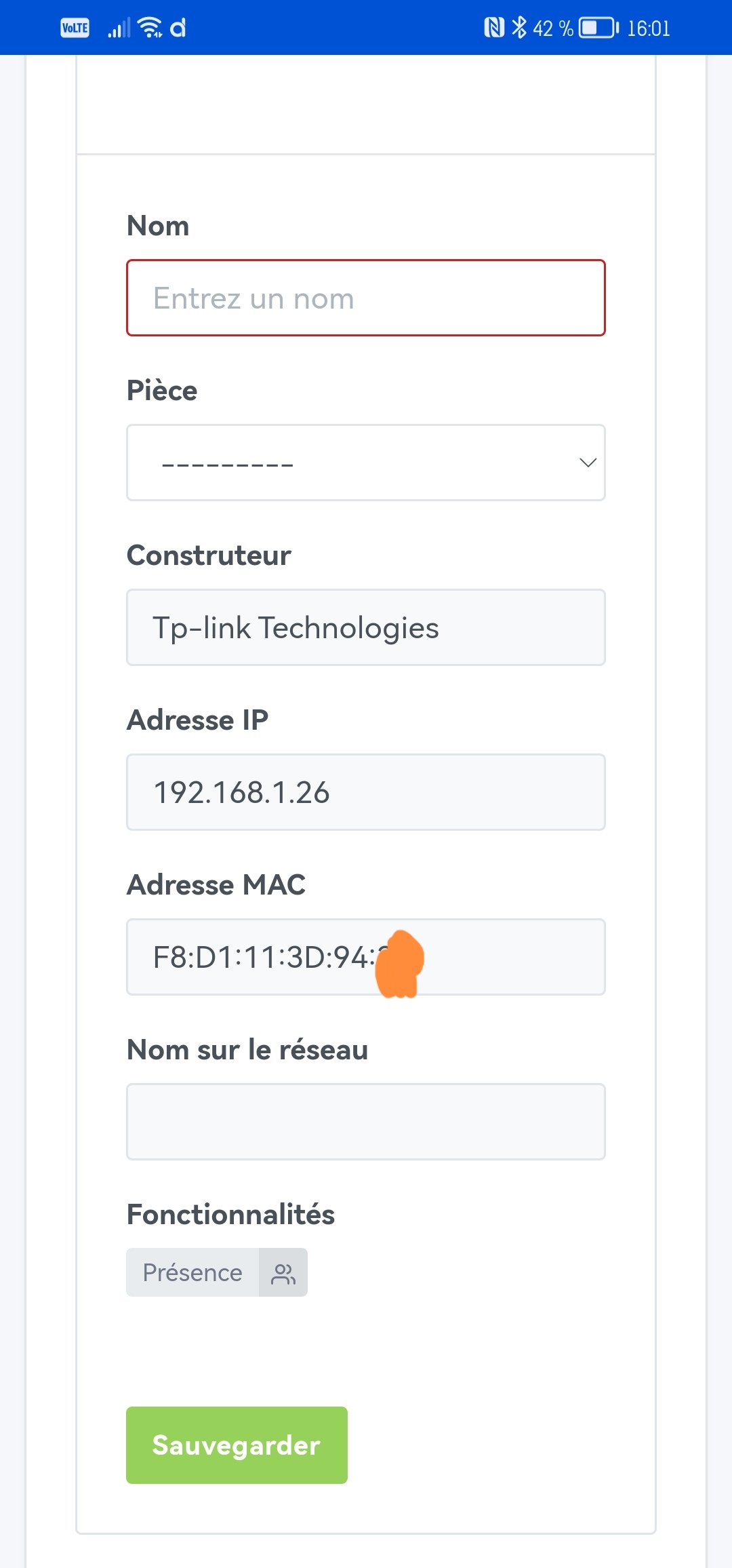
In the discovery section is it possible to display the IP address?
Thanks for the feedback.
The device’s « Network name » parameter being null (empty) prevents saving, so I’ll fix that.
I’ll look in detail at what the library I’m using does, I have the same thing on my system, I was wondering why my devices were naming themselves .hom instead of .home…
I think that if you do a new search, the option will be taken into account.
But the bug will be visible if you only navigate between pages. I’ll fix that.
However, when adding the device (without an additional search), it will always be visible so as not to disrupt the display.
That’s to indicate that the device will generate a different MAC address on the network on its next connection. It’s the principle used on smartphones, for security reasons.
For the manufacturer, in that case I’ll clear the value.
If the manufacturer is truly unknown, there will be \u003cunknown\u003e.
It’s possible, but since the IP can be modified depending on the network configuration, I’m not sure we should store it.
Here the additional information (MAC / manufacturer) are parameters that will be saved on the device, and can be displayed after adding.
The IP is a parameter that should not be stored, but I’ll see how to display it nonetheless.
I just did:
docker stop gladys
docker rm gladys
#docker rmi atrovato/gladys:lan-manager
docker run -d --log-driver json-file --log-opt max-size=10m --cgroupns=host --restart=always --privileged --network=host --name gladys -e NODE_ENV=production -e SERVER_PORT=80 -e TZ=Europe/Paris -e SQLITE_FILE_PATH=/var/lib/gladysassistant/gladys-production.db -v /var/run/docker.sock:/var/run/docker.sock -v /var/lib/gladysassistant:/var/lib/gladysassistant -v /dev:/dev -v /run/udev:/run/udev:ro atrovato/gladys:lan-manager
Everything seemed fine at first but since I started the scan it runs forever and doesn’t give me back control, I can close the window and reopen it all I want, it searches without displaying the page…
I had to run the same commands again to restart gladys.
I removed all the suggested addresses and put 192.168.1.1/100 but it scans indefinitely…
Yet on my phone I have Fing which can scan the network, it only takes 10 sec to return all the devices…
I retested with 192.168.1.77/80 to limit the search to one item, but nothing either…
Did I miss something? Thanks
Thanks for your reply.
That’s true — now that you mention it it’s logical, I hadn’t thought about the meaning of a random MAC.
I checked this morning and it’s indeed a phone with this feature where I see a random MAC displayed.
In the case of this phone it won’t apply because I had disabled that feature. But I don’t know if it can be detected.
I do think it’s not necessary to store the IP but that’s just for information. I find it easier to identify (for my part because I configured the IP addresses of each device in my router) a device by its IP than by its MAC address.
No — I tried a new search and the devices already saved are still displayed.
Thanks @AlexTrovato, great work already!
The settings section is top now, nothing to complain about.
As for the scan results, it seems fine to me — the MAC vendor lookup is really handy.
But I have two Raspberry Pis and no way to tell them apart. Wouldn’t it make sense to show the current IP just to help figure out who’s who? (I have IP reservations at home.)
It’s coming, I’ve made the changes this afternoon, but I haven’t sent the image.
I want to resolve all the points first.
Hello, I think I’ve addressed all the points. However, I removed the whole « random MAC » thing for the moment, but if we think it’s useful to have that information, I’ll put it back — it’s quite simple.
In summary :
I still haven’t changed the image, I’m not inspired, and not very good at graphics…
I’m waiting for your feedback 
(still the same image, be sure to delete the old one before replacing it with the new one)
I’m trying and I’ll get back during the week.
Hi!
Quick feedback:
Device detection ok but…
I have access points in different places on the property and because of that, here’s what it looks like:
The MAC address of the access point appears, along with its name.
Furthermore, if the device doesn’t have a ‹ name on the network ›, no backup is possible even with a manual name…
I should add:
The device that couldn’t be added because of its name disappears from the list but is not added to the ‹ devices › tab.
Another thing… A scan is launched every… 2 minutes? Problem: when there are many devices to go through, the scan sometimes interrupts browsing the list or saving a device…
Good evening,
thanks a lot.
So yes indeed, access points are devices on the network.
That said, I’m not sure what I should make of that remark.
We agree that the MAC addresses are different? (in the masked part).
Uh that’s not normal, I thought I had tested… my bad.
That’s certainly related to the previous point, which makes it even more surprising.
Great feedback, I hesitated to change the behavior so you could continue manipulating the list of discovered devices — the risk is seeing that list change while you’re working… so I’ll look into showing a « notification » if the list is modified in the « Discovery » tab, something like « 3 new devices », or « list changed, click here to refresh discovered devices ».
@GBoulvin you say you have many devices, do you know how many? Do you know how long discovery takes? (for my 30 devices, I’m under 10 seconds)
By looking at the logs, you’ll see the line « LANManager starts discovering » then « LANManager discovered XX devices ». Subtracting the two timestamps in the logs will give you the elapsed time (to the nearest second will be enough).
Thanks again <3
I’ll come back here as soon as the fixes / improvements are in place.
You’re right, it’s not very clear…
The IP addresses are the device addresses but the MAC addresses are those of the access point to which those devices are connected, as is the adapter name.
And I have the same MAC address several times, that of the access point.
So in those boxes, I have the device’s IP address and the rest comes from the AP.
But it occurs to me… It’s not your fault because in my Pi-hole that manages DHCP, those devices appear the same! So it’s related to my access point…
Excellent idea!
Around forty and I’m under ten seconds as well. I’ll check tonight and will include it in this message
@AlexTrovato, for my part, with this image only the backup doesn’t work if there is no « network name ». The other points are OK for me.
Thanks @_Will_71
I’ve therefore fixed the problem with the unnamed device and the « scan » that was blocking the list of already discovered devices.
The new image is available 
(still the same image, be sure to delete the old one before taking the new one)
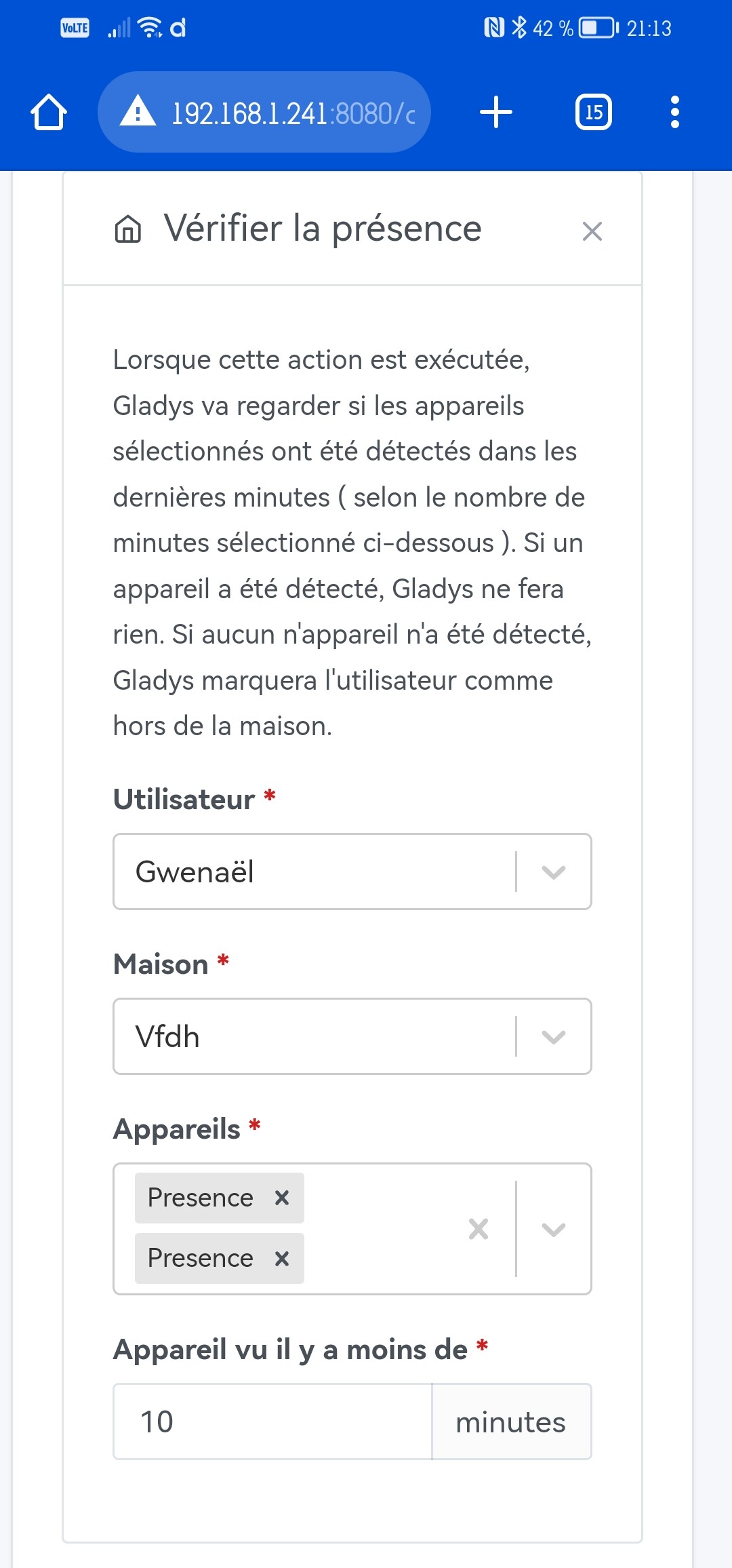
Yes indeed, still the same problem… I can look into adding it to the list of services for which we display the device name rather than the feature name, because I’m not sure we have many other features with this service.
I’ll check that quickly and keep you posted.
Thanks again for your feedback.