I just tested it but I’m experiencing strange behavior!
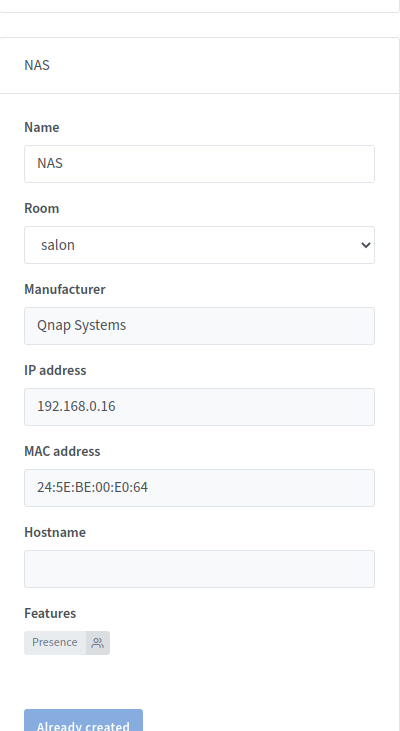
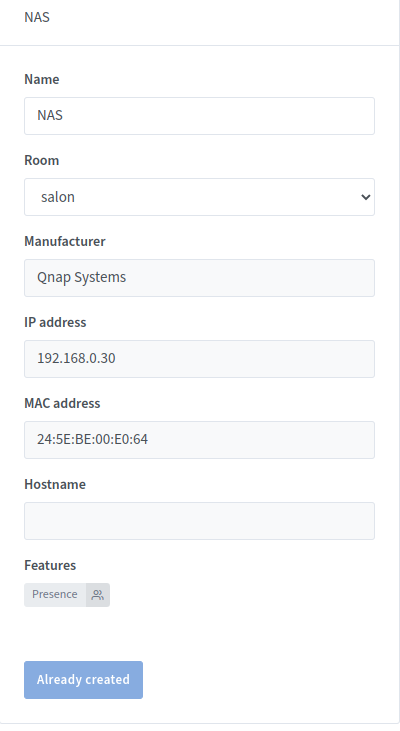
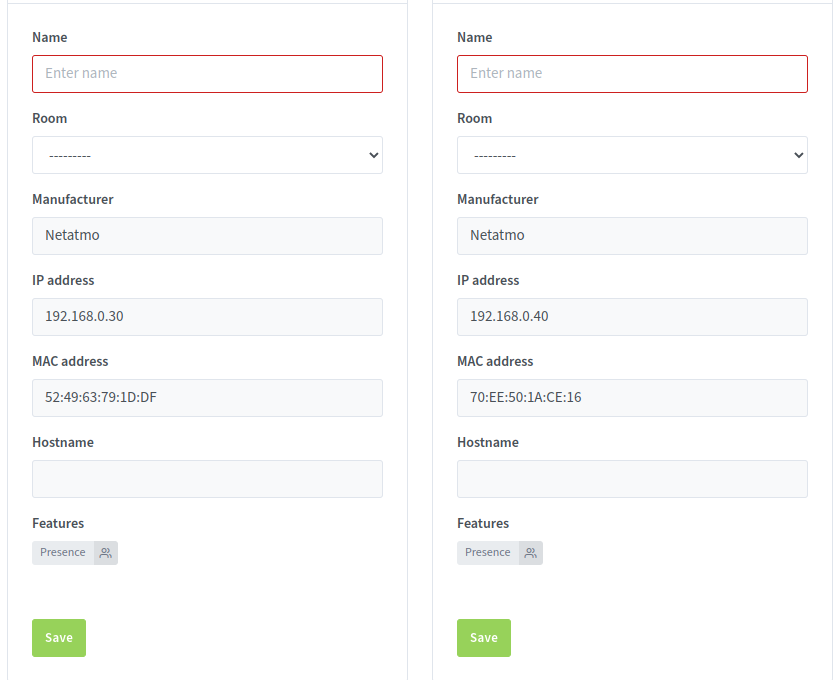
First of all, registration now works but there is a mix-up of IP addresses
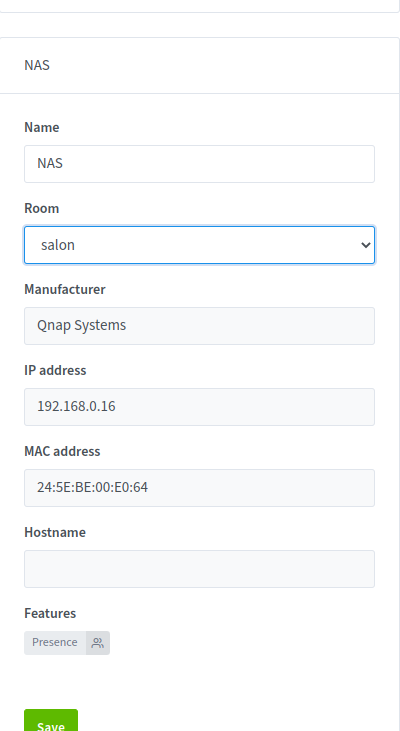
During the first scan I have my NAS at 192.168.0.16 but after a second scan the IP address changed and shows for my NAS the IP address of another.
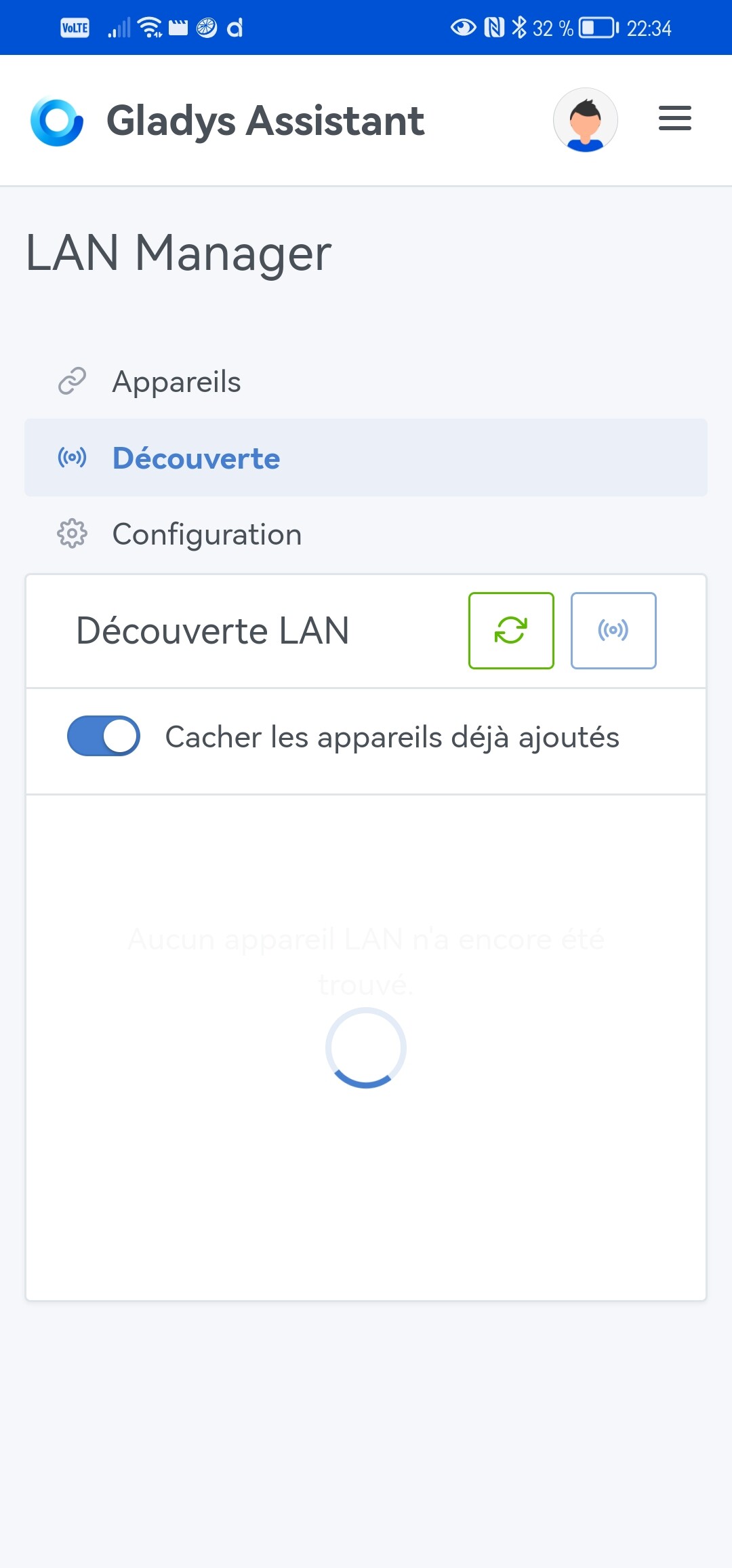
You have to click elsewhere or on the ‹ refresh › button for the devices to appear.
If this behavior is normal, there should be a short explanatory sentence
Edit: a scan takes 14s for 35 devices with Gladys on my RPi2
The integration was released this morning in Gladys Assistant 4.21 and will roll out to everyone within the next 24 hours Big thanks again to @AlexTrovato for all the development
I realized there was no documentation on the site explaining how this integration works.
Are you by any chance trying to find devices from your Gladys Plus instance (remotely, that is)?
Because I was only able to discover devices on my Gladys locally I don’t know if that’s normal, though.
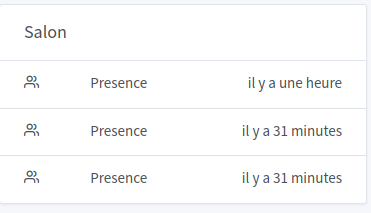
@AlexTrovato, I just tried the integration but I have a display issue on the dashboard
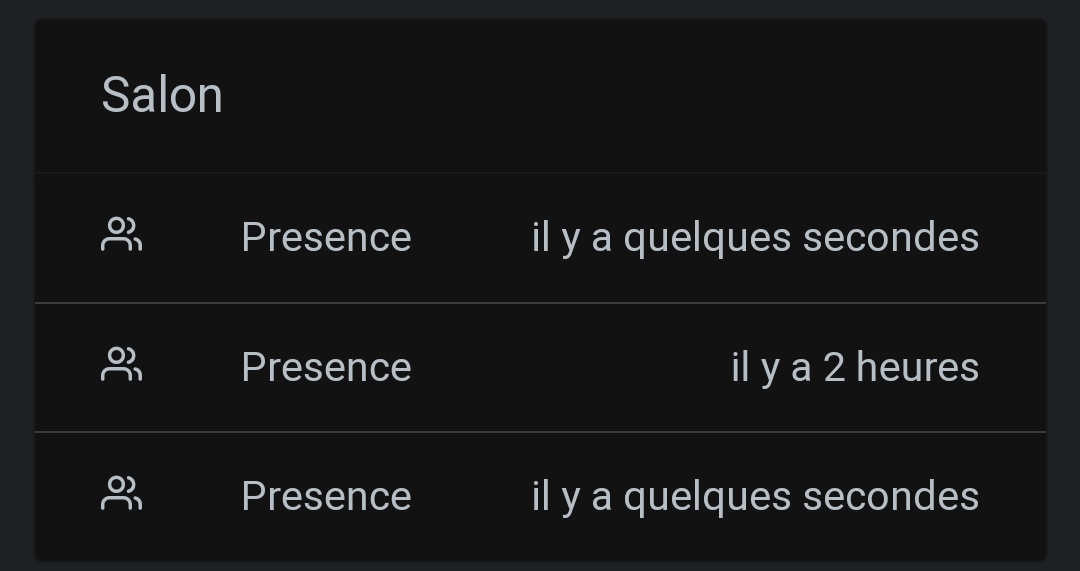
When you add, for example, several devices (in the image below 3 phones) it’s hard to tell which is which!
Would it be possible to edit this part or to display the name you give when adding?
2nd point regarding detection: my devices are correctly detected when I do a scan but afterwards the timing shown on the dashboard corresponds to when I added them in Gladys.
So if I disconnect them from the network or reconnect them there is no change in the timing, so we can’t use it in scenes!
EDIT
There was an update to the detection and it found it even though my phone is not on the network because I’m not at home.
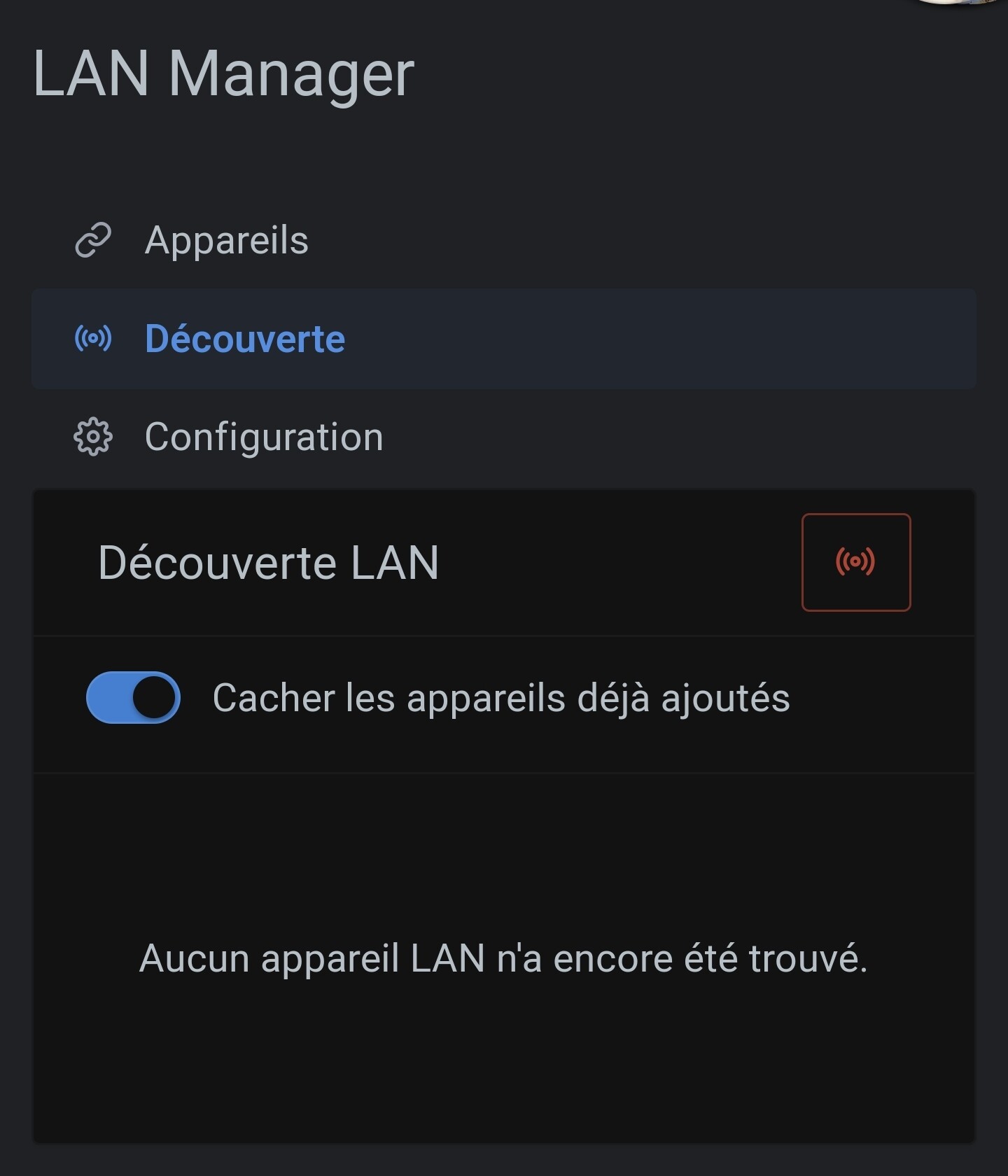
@spenceur, I have my production installation on a Synology, and indeed, no device was reported, or more precisely, the network discovery never finished.
In the « Configuration » tab of the LAN Manager, I then see no fewer than 8 network interfaces, on IPs in 192.168.x.x (my local network), but also on 172.x.x.x (Docker).
Disabling the Docker interfaces allowed discovery to work, with results in a few seconds.
After changing the configuration, if the button in the « Discovery » tab is red, I then advise you to restart Gladys.
If that works, we’ll make a change to disable the Docker interfaces by default (and stop the never-ending discovery).
@_Will_71 be careful with « smartphone » devices, they change their MAC address for security reasons, and the LAN Manager service relies on the MAC address to identify a device.
So it’s possible that the device changes identification, and therefore Gladys won’t find it.
For the « dashboard » area and the « Presence » display, indeed, it’s not great.
I think @pierre-gilles won’t mind if we change the display to show the device name rather than the feature name for presence features.
@Hizo sorry for not replying.
Maybe the answer given for @spenceur (1st paragraph) can help you.
I’m open to your feedback.
Thanks already for those
PS: I might have missed some information among all the messages.
On my side, it’s no better locally, because my problem is that it’s trying to scan the Docker networks (172.x.0.1/16), i.e. 65,536 IPs, across 5 Docker interfaces… 5 * 65000… anyway, it’s very, very, very long. I don’t even know if it will finish…
Do you also get an error message after the scan? Even if it worked?
Thanks for your reply @AlexTrovato, the MAC address is fixed; I changed the setting on the smartphones.
But what’s strange is that the phone is being detected several times during the day even though I wasn’t at home!


 I left a quick review on GitHub.
 Big thanks again to