This will change you @Tlse-vins 
That’s the case. I just set everything up and it’s great!!!
I installed Ubuntu with the desktop, then Docker and Gladys.
No problems with the installation and it’s super smooth.
I recommend you switch to a mini PC. I found mine for €100, barely more expensive than a new Pi 4 8GB (when you can get one).
Following Pierre-Gilles’s tutorial, it’s easy: just switch to superuser before running a docker ps and setting up Gladys.
Do you use z2m?
In other words: is it feasible to migrate my installation that uses z2m?
Yes, I use Zigbee2MQTT (z2m), but I couldn’t test the migration of the devices because I had a bug earlier caused by my keys.
I had to put them back; it also allowed me to take stock
Ok
Since I don’t have any bugs… I can’t imagine having to reinstall everything, there are too many devices!
How many do you have?
I’m 44.
I’ve also passed 40.
You had the courage to start everything from scratch!! 
I shared this post on Twitter because it’s super interesting 
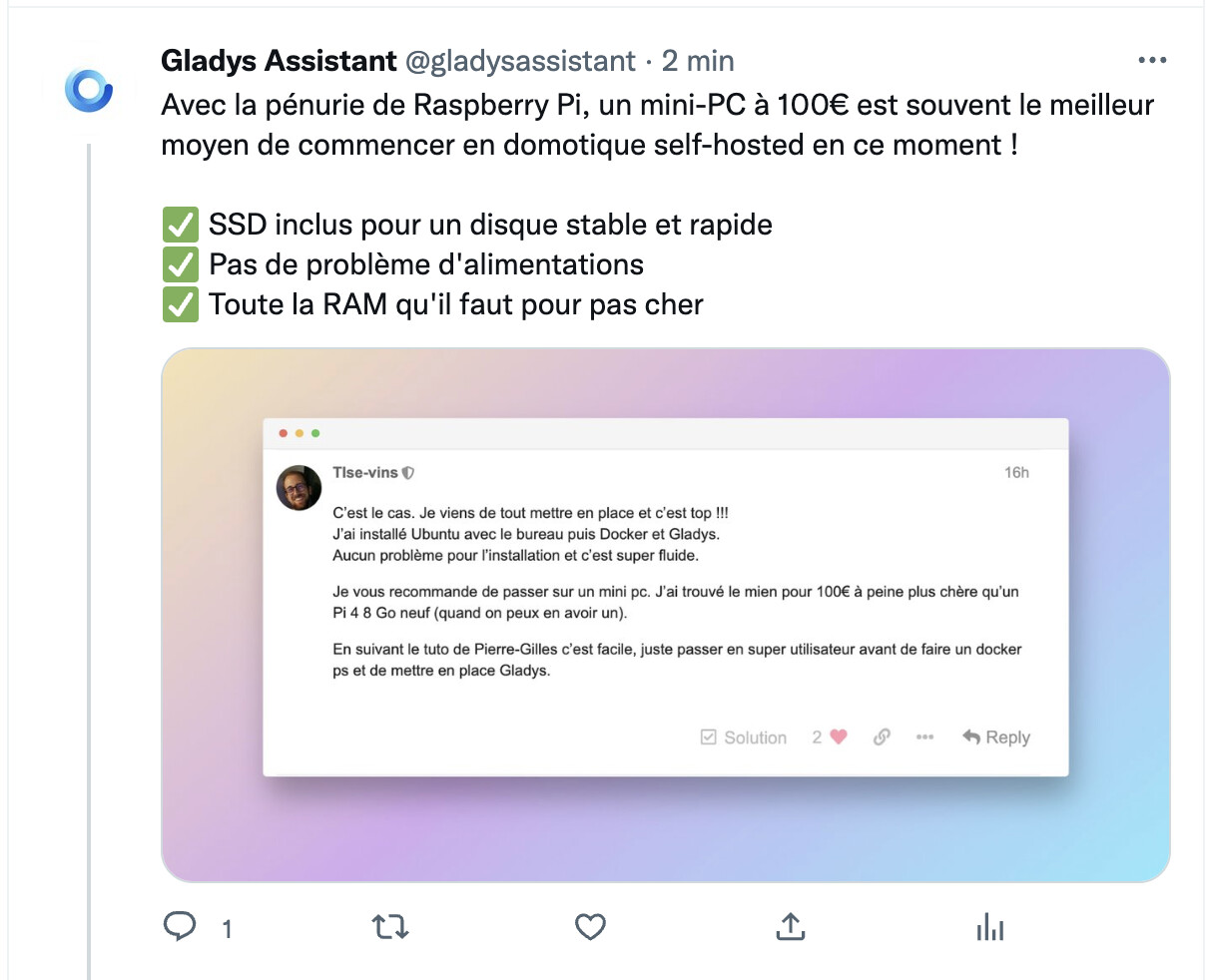
https://twitter.com/gladysassistant/status/1599299799492481024
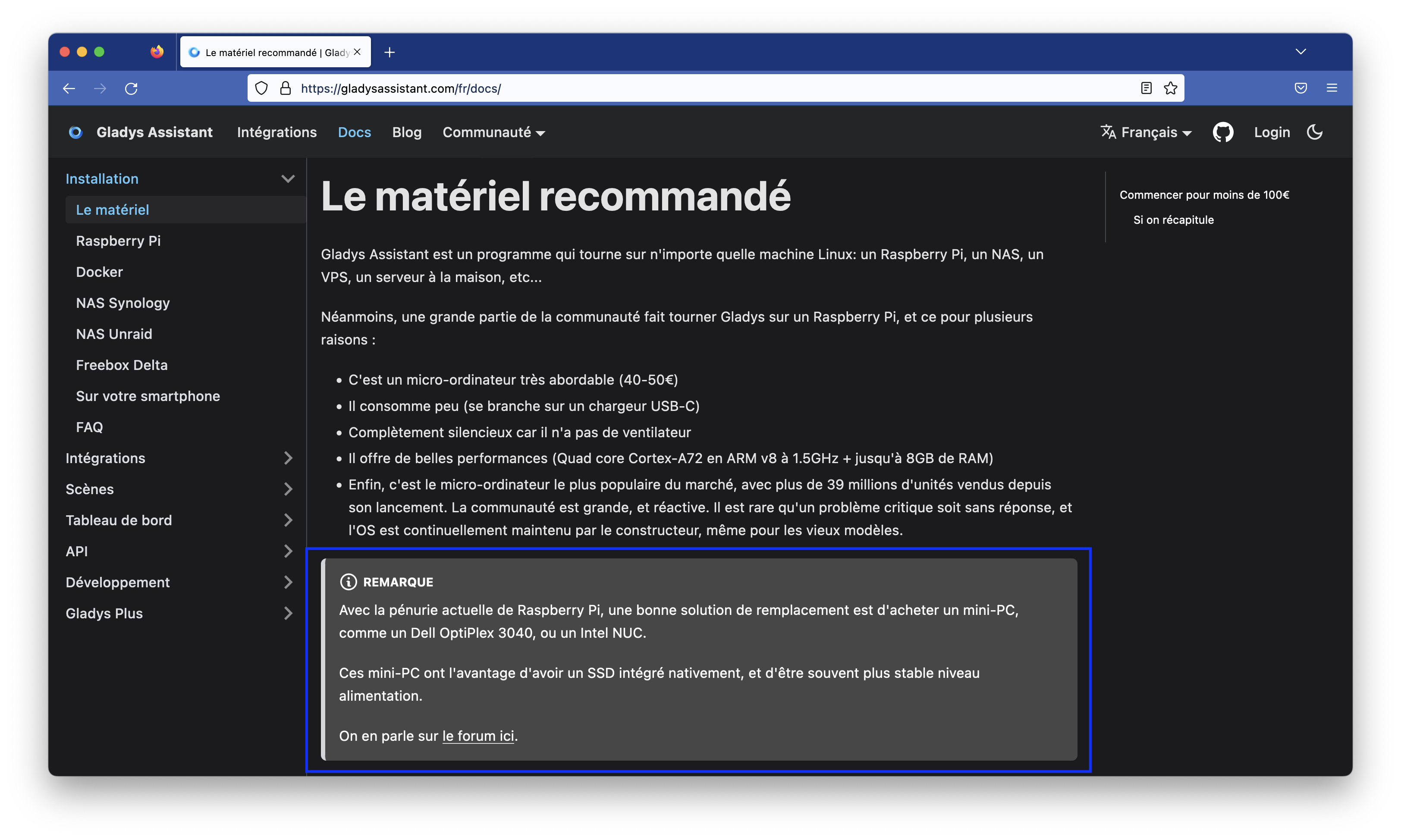
I think it would be good to add a new category in the docs, « Install Gladys on a mini-PC », include some mini-PC references with their prices, and explain in the Raspberry Pi docs that right now, with the Raspberry Pi shortage, a mini-PC is the best option available!
I found a Dell OptiPlex 3040 mini for 100€.
We can also use a Dell OptiPlex 3070 mini which is a bit more powerful.
There are also Lenovos but I don’t know the model numbers.
The discussion continues on Twitter:
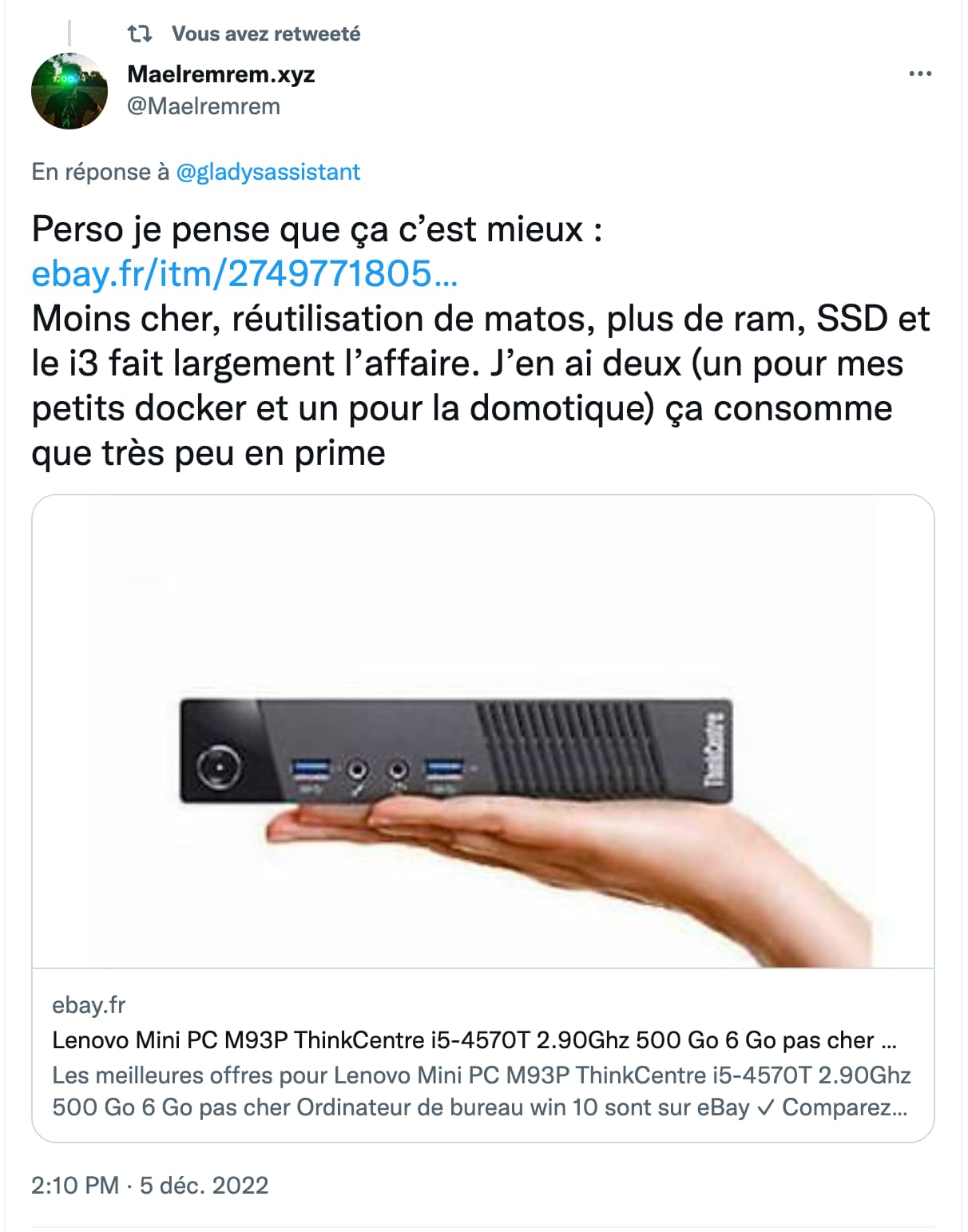
Twitter: https://twitter.com/Maelremrem/status/1599662409307721729?s=20\u0026t=Vn2D54y9ht1X_olmZQ2HxQ
Amazon link Lenovo (Lenevo) Mini PC ThinkCentre : Amazon.fr : mini pc lenovo thinkcentre\u0026rh=n:13829938031\u0026__mk_fr_FR=ÅMÅŽÕÑ\u0026linkCode=ll2\u0026tag=gladproj-21\u0026linkId=5f34bfc07f1f671f79437d53e5bc9d95\u0026language=fr_FR\u0026ref_=as_li_ss_tl
I was looking for one with an HDMI port so I could plug it directly into my TV and this one has neither that nor an integrated Wi‑Fi card.
It all depends on how you intend to use it and the connections you want.
I maintain that a mini PC, given the exorbitant prices of Raspberry Pi, is much better in terms of quality / price / performance.
Power consumption may be a tad higher, but it doesn’t make much difference and it’s worth it.
I just came across this article:
I read it yesterday and thought I’d post it here… and I forgot ^^
I also saw this week that Xiaomi is getting into the production of mini-PCs (which seem kind of overkill, though), but this sector is very competitive!!
I also find the mini-PC idea very relevant.
For my part I use a Korean alternative to the Raspberry Pi.
The Odroid M1.
https://www.kubii.fr/nano-ordinateurs/3608-odroid-m1-3272496309661.html#/437-version_g22030814274x-8_gb
And you can also go for fanless PCs like this if you have an instance that’s not too resource-hungry.
https://fr.aliexpress.com/item/32863038886.html
At one point I was aiming for fanless ones, but the mini PC option on leboncoin is much cheaper. And above all, my mini PC is totally silent, even though it’s not fanless.
Here is a very interesting ad if you want to have a more stable solution.