Hello everyone!
New version of Gladys Assistant today 
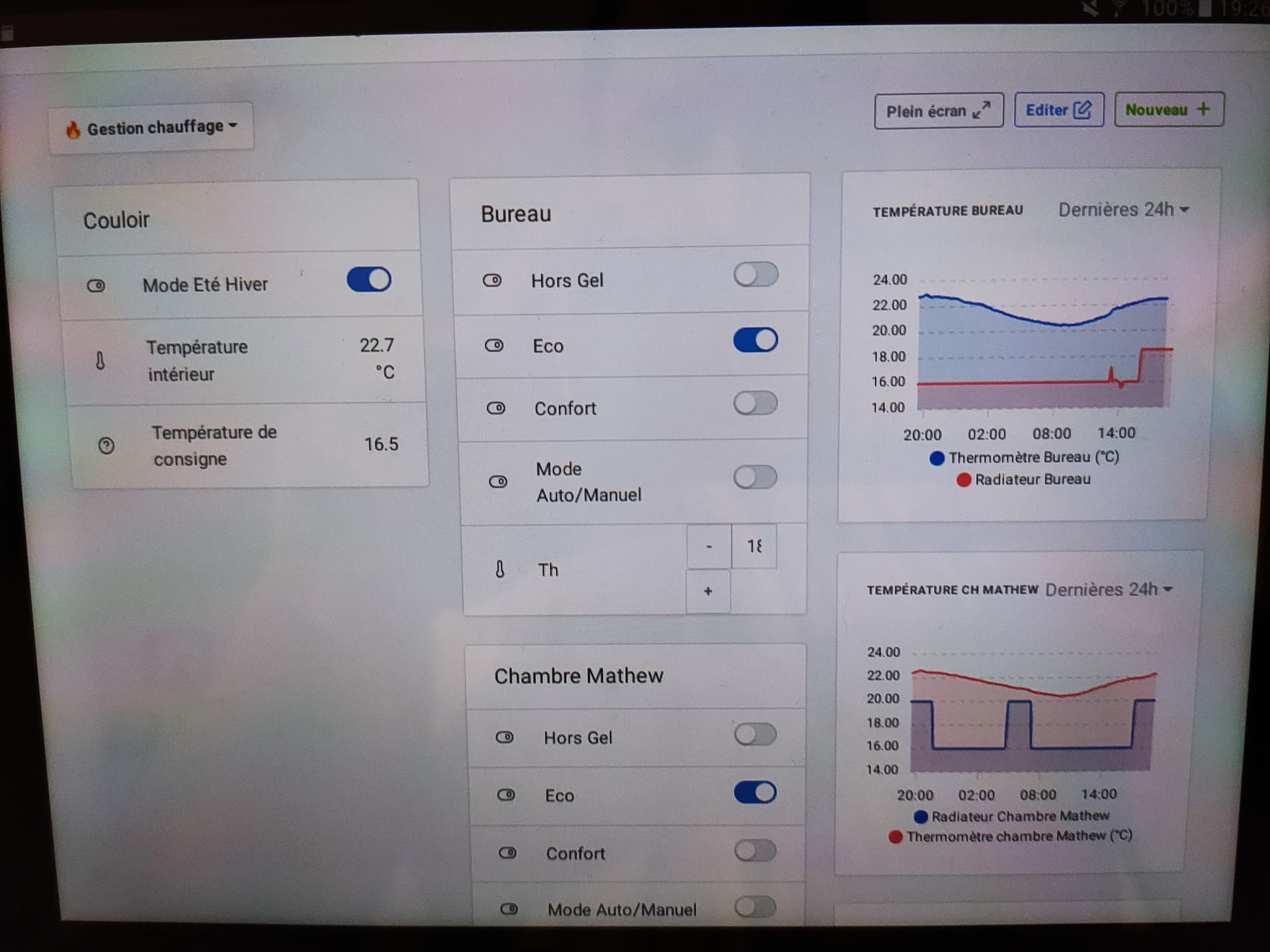
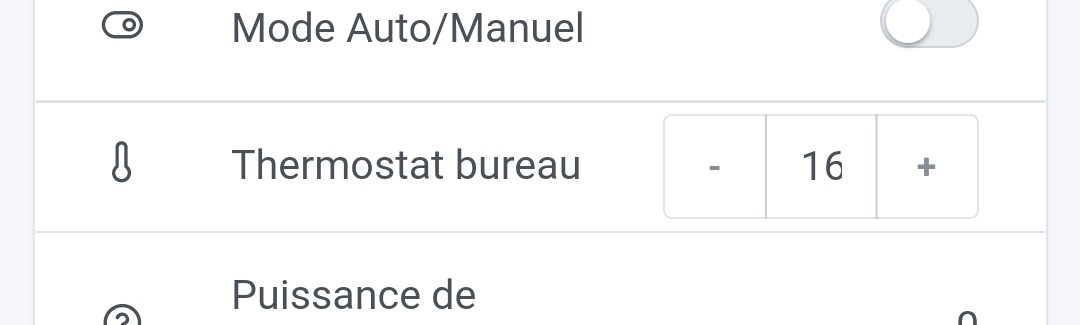
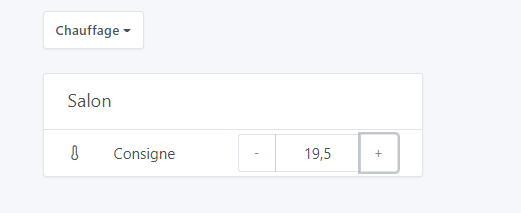
Today I’m releasing a long-awaited new feature: heating control 
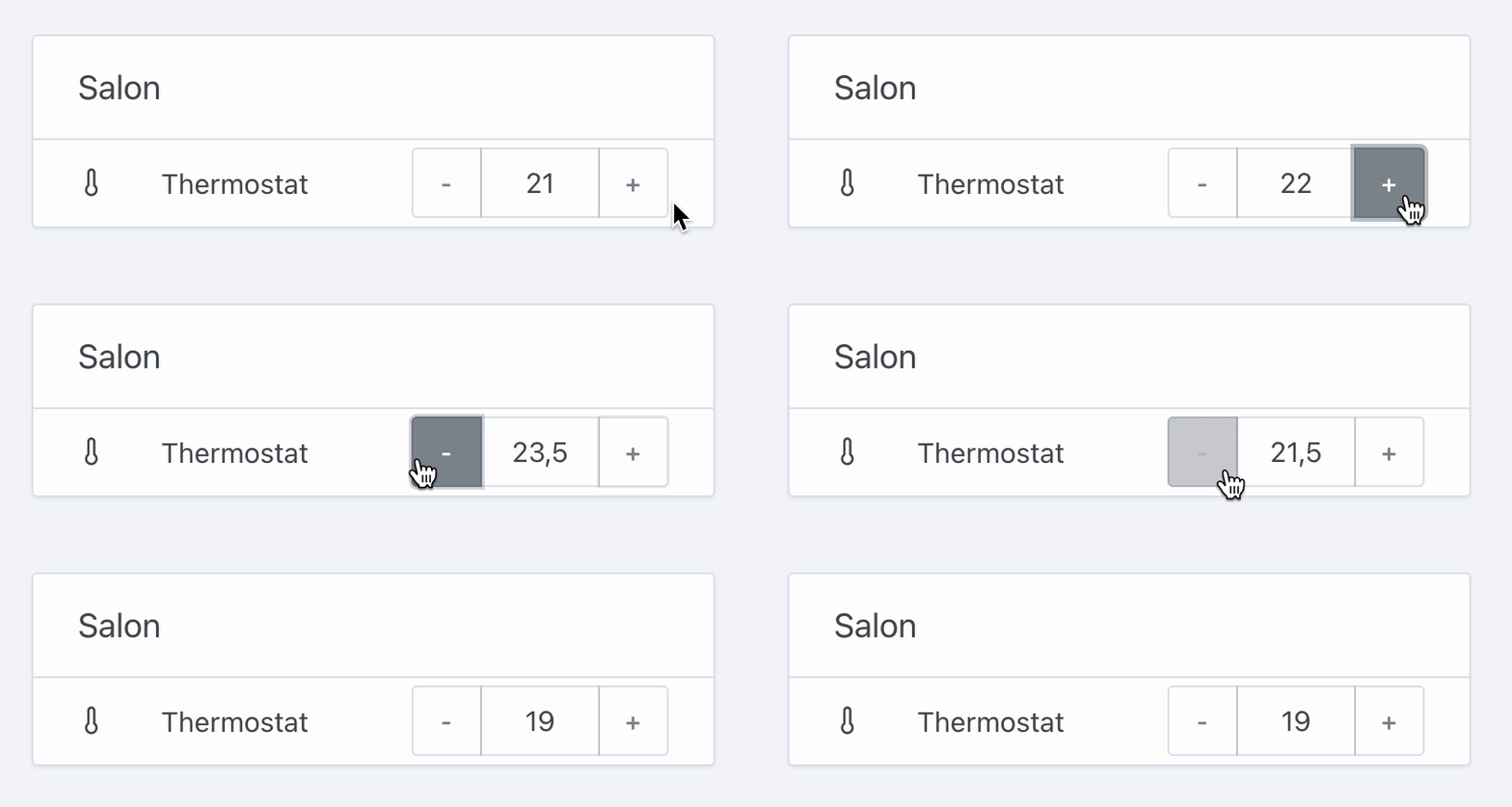
For now it’s only the first step of this iteration: the native type « Target temperature » is now available for use, in the MQTT integration only.
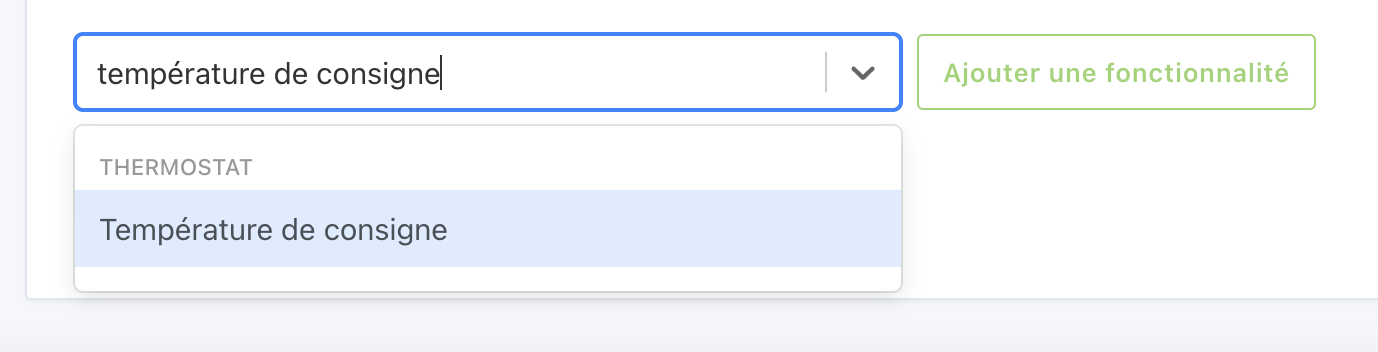
Now I’m calling on all integration developers: it’s possible to integrate these devices into Gladys by assigning them the category THERMOSTAT and the type TARGET_TEMPERATURE
Feel free to ask if you have any questions.
No more freezes when deleting a device
Many of you have noticed that when you delete a device in Gladys, Gladys often becomes unavailable following the deletion.
The explanation is simple: when deleting a device in Gladys, Gladys must delete the entire state history of that device.
For very verbose devices, these states can number in the millions, and occupy one or several gigabytes on your disk.
Deleting millions of rows in the database, sometimes on a slow disk (like a micro-SD card), takes time and saturates these users’ disk bandwidth, causing the Gladys interface to become unresponsive…
Not great in terms of user experience!!
From now on, Gladys will detect when a device has too many states to be deleted « all at once », and will display the following message:
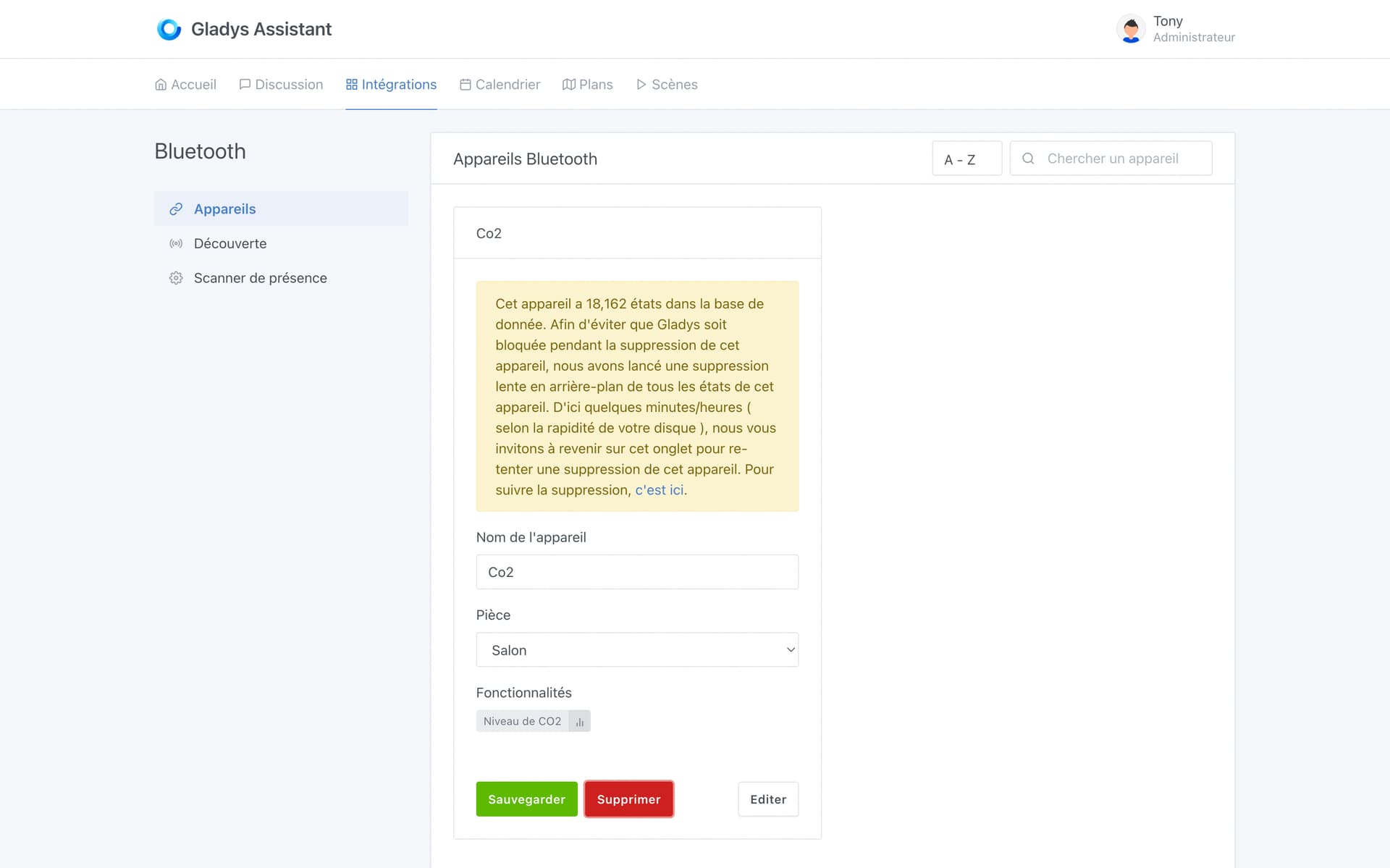
Gladys will meanwhile delete the states in the background, small block by small block, to avoid the freezes we’ve seen in the past!
Once the deletion is finished, the user can return to this screen and delete the device for good.
The full CHANGELOG is available here .
How to update?
If you installed Gladys with the official Raspberry Pi OS image, your instances will update automatically in the coming hours. This can take up to 24 hours — don’t panic.
If you installed Gladys with Docker, make sure you’re using Watchtower (See the documentation )





 ), so it’s the longest name that decides the size of the left part, that makes sense!
 .
.