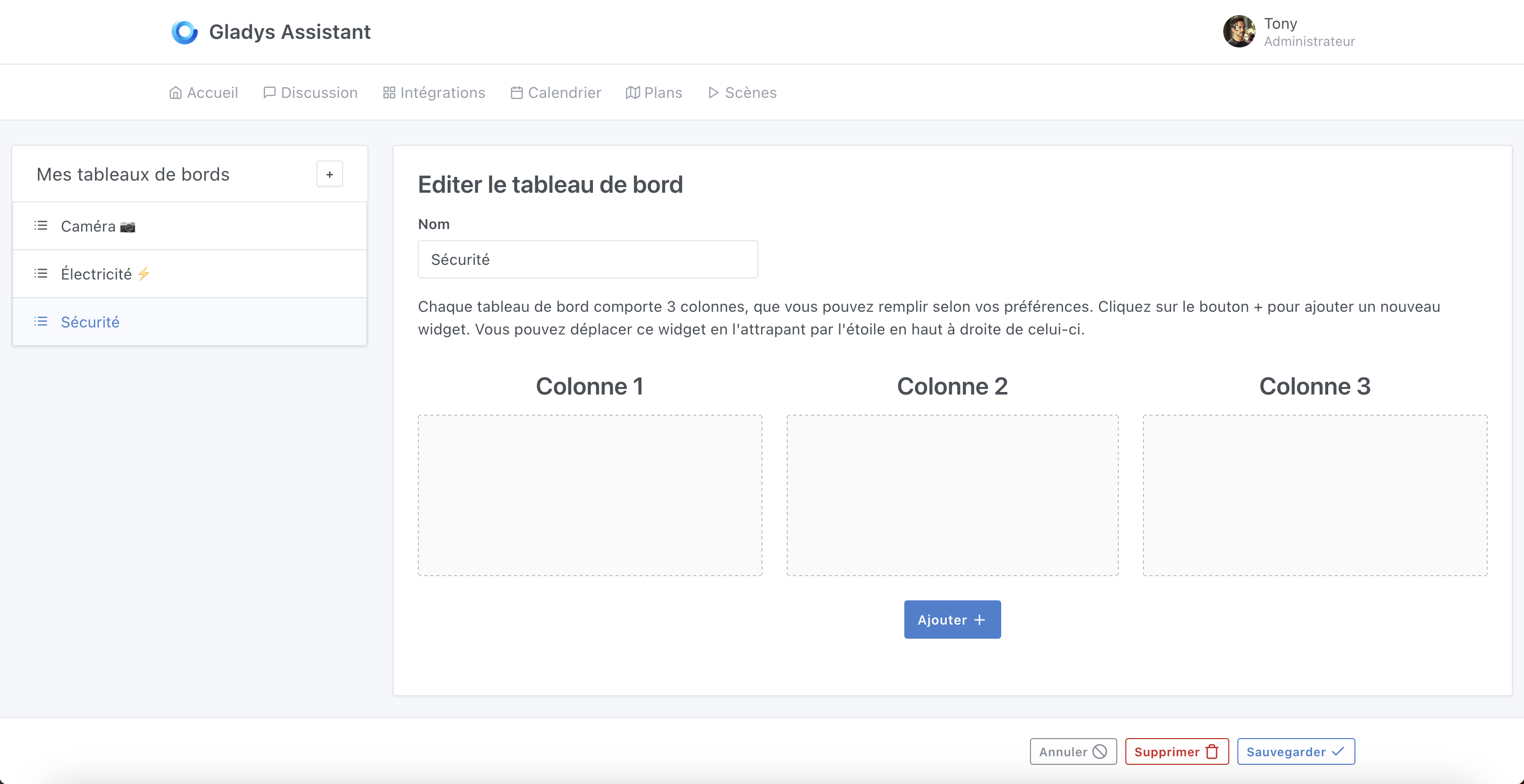
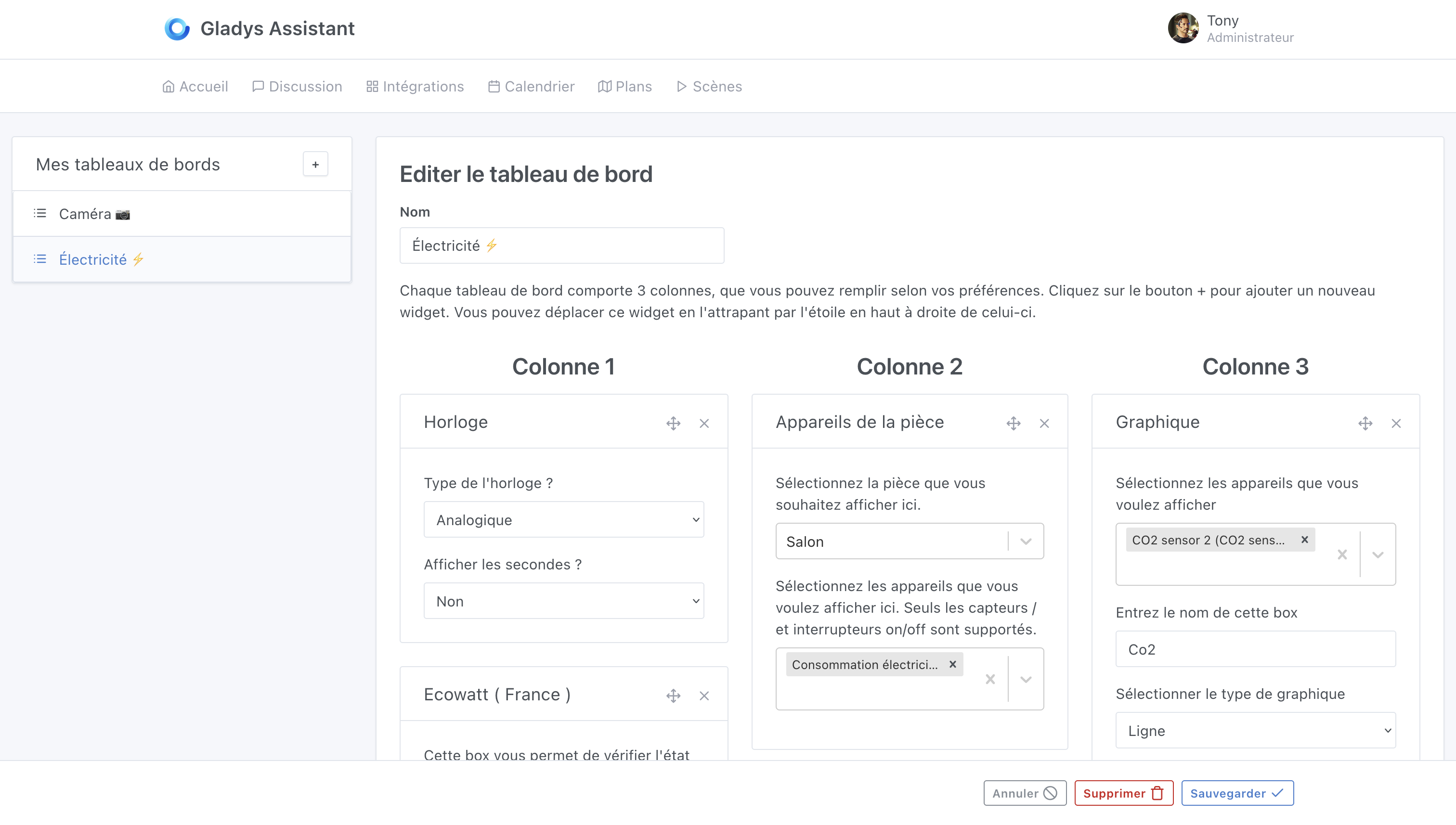
I mentioned it at the start of the year: one of my short-term goals was to do a « user experience » pass on Gladys to make it easier to use.
I’ve worked a lot on the dashboard this past week to address the various feedback that was often given: impossible to re-order dashboards, impossible to move a widget from one column to another, mobile button not very convenient, etc…
I’m happy to present…
The new dashboard
The list of dashboards is now re-orderable via simple « drag and drop »
Widgets within columns are easily re-orderable, also via « drag and drop »
The mobile display is more compact and more « polished »
The user flow has been redesigned for new users
When the dashboard selector is open, clicking outside closes it
The Zigbee2mqtt integration will now launch containers with an option to limit the size of logs kept locally, to avoid overloading your instances. Existing containers will be restarted with the option. Thanks @AlexTrovato for the PR and @cicoub13 for the real-world testing
The « Background Tasks » tab will no longer display dates as « NaN » on Safari and Firefox. Thanks @cicoub13 for the PR
Fixed a bug in the Caldav integration if a user added a calendar during a sync. Thanks @bertrandda for the PR
The « Sharing » tab of the Caldav integration now better explains what calendar sharing means in Gladys.
Important note
Upon releasing Gladys v4.16.0, I quickly realized there was a regression on the « Full screen » button which had disappeared (this was my mistake during testing).
I immediately released Gladys Assistant v4.16.1 which fixes this issue.
If you installed Gladys with the official Raspberry Pi OS image, your instances will update automatically in the coming hours. This can take up to 24h, don’t panic.
If you installed Gladys with Docker, make sure you’re using Watchtower (See the documentation )
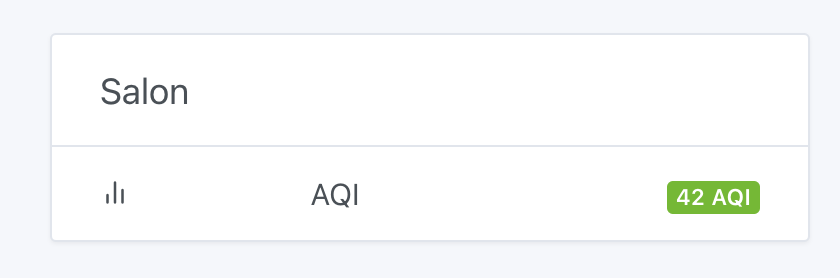
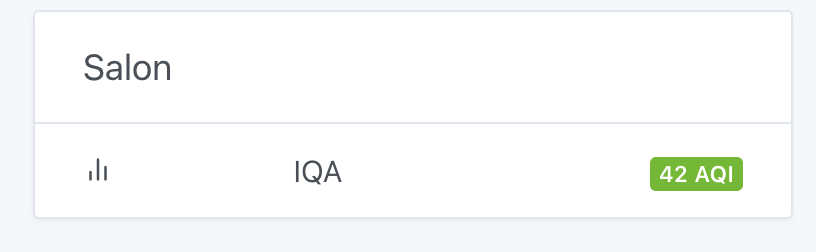
You can connect a Zigbee sensor of the IQA (Air Quality) type or create an MQTT virtual device of type « Air Quality Index » and feed it however you want
Thanks @pierre-gilles for the changes made to the DB. It’s very handy for organizing the elements.
Would it be possible to do the same for the scenes?
As for the symbols, I use them without knowing whether they really correspond to a standard. They suit me, but is there a list with their standardized meanings?
Great — these improvements greatly enhance the user experience.
Another nice step forward in Gladys — I’m really glad to have discovered and joined this community.
Thanks @pierre-gilles and everyone who develops.
Indeed, however, changing from column 2 to column 1 works.
This must be because the three columns on a smartphone are not represented the same way as on a large screen.