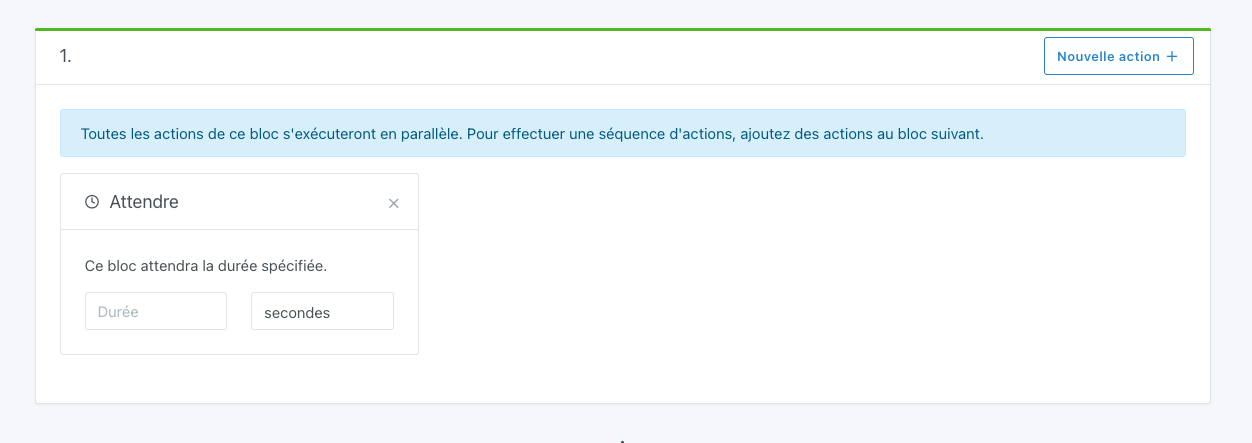
I’m starting to have scenes with around ten actions, or even more.
When I reach the eleventh, I tell myself « Ah I could add that…, but I’d need to put it in second position. »
At the moment, we have to delete actions in order to add one and re-enter them.
If we had the ability to move them up or down in the same way as the boxes when editing the dashboard, that would be great.
I don’t think you can count the « fake » votes
It would be a mess otherwise ^^.
I think it’s better to prioritize those votes by removing them and revoting like @_Will_71 did
Exactly, I advise everyone to do a little « review » of their votes to re-prioritize them. Removing less crucial features to put the vote on another one helps a lot
The number of votes per person is intentionally limited, otherwise everyone would vote for everything and we’d be back to square one: impossible to prioritize
If it’s the 1st option, the goal would be to move an action from one « big » box to another « big » box, so I understand the use of a drag-and-drop library.
If it’s the 2nd option, I would rather see an « arrow » system to move the actions. And
Personally, I’d say the first.
For a house-check scenario, I request the latest status of the openings; there are about ten of them in the same box.
If I forgot an action before checking the status, I have to re-enter everything.
Ultimately, both solutions can be justified.
It’s a bit of both for me: you need to be able to move actions via drag and drop between action blocks, and you need to be able to create/delete action blocks.
If you want to work on it, I’ll dump here the state of my research since I’ve already started experimenting on the topic
I tested all these things (originally it’s for the dashboard to re-organize the boxes Trello-style):
React-DND looks really good, supports multiple drag-and-drop input sources (mouse on PC and touch on mobile), and it works very well with Preact — I think it’s a good solution!


 )
)