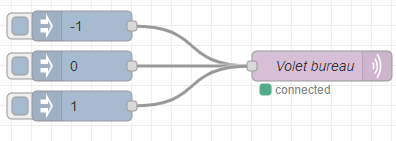
For some of my shutters with a 433MHz module, I use Node-RED which is subscribed to the different topics and which, depending on the value, sends the 433 code that corresponds to the values/shutters.
Here is an excerpt of my Node-RED flow:
For two others using the Somfy sub-protocol, I use an ESP8266 that is subscribed to the topic and which, depending on the received value, sends the code that corresponds to the values/shutters.
No image except the ESP code.
Testing the buttons for these two types of shutters does nothing at all.
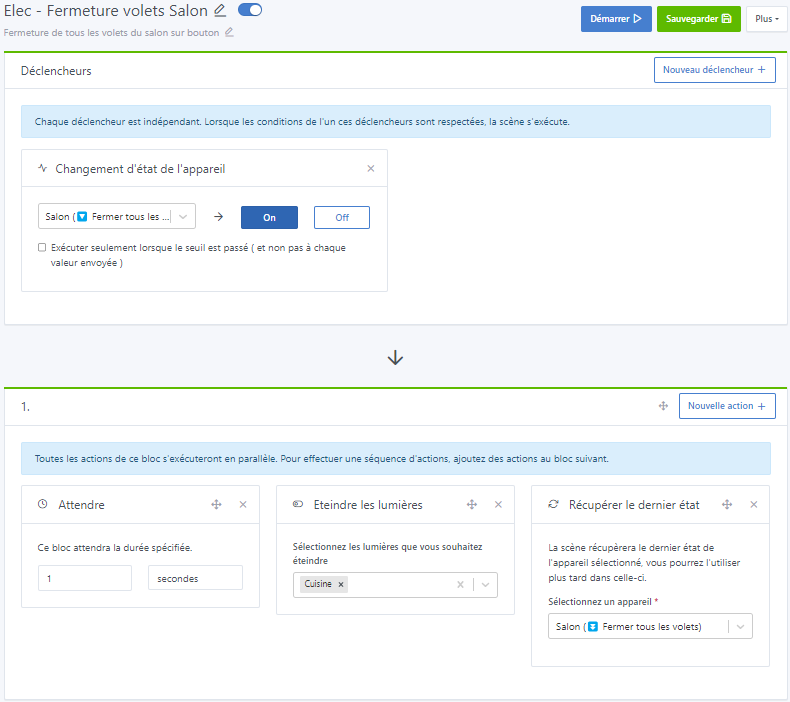
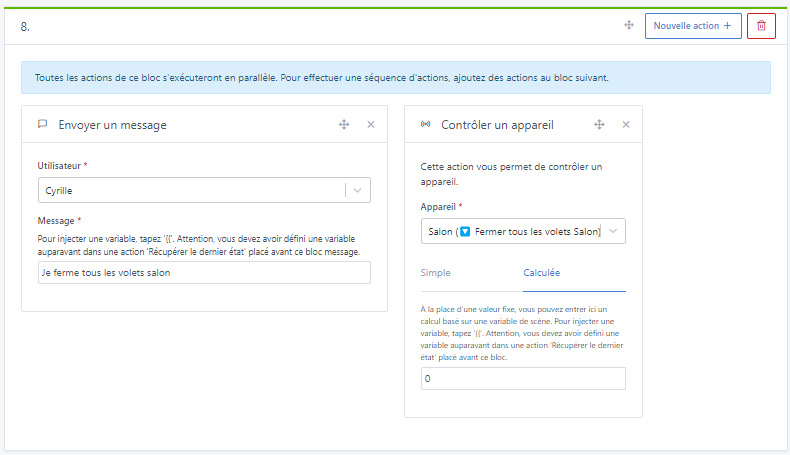
However, with my scene examples, for example closing the living room shutters, the relevant shutters do close properly.
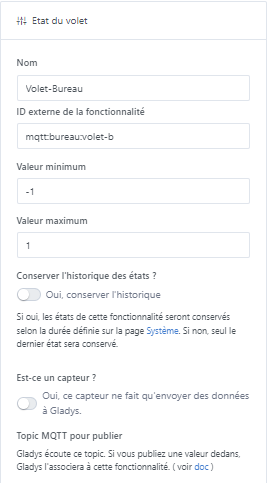
A test of injecting a value into the MQTT button topics also makes them react.
Node-RED flow injecting value into button topic:
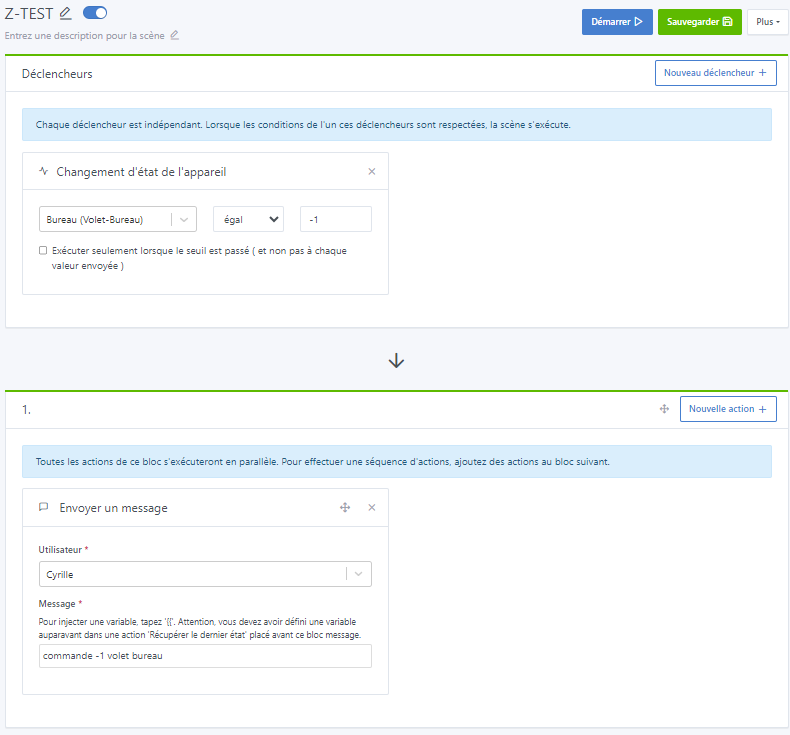
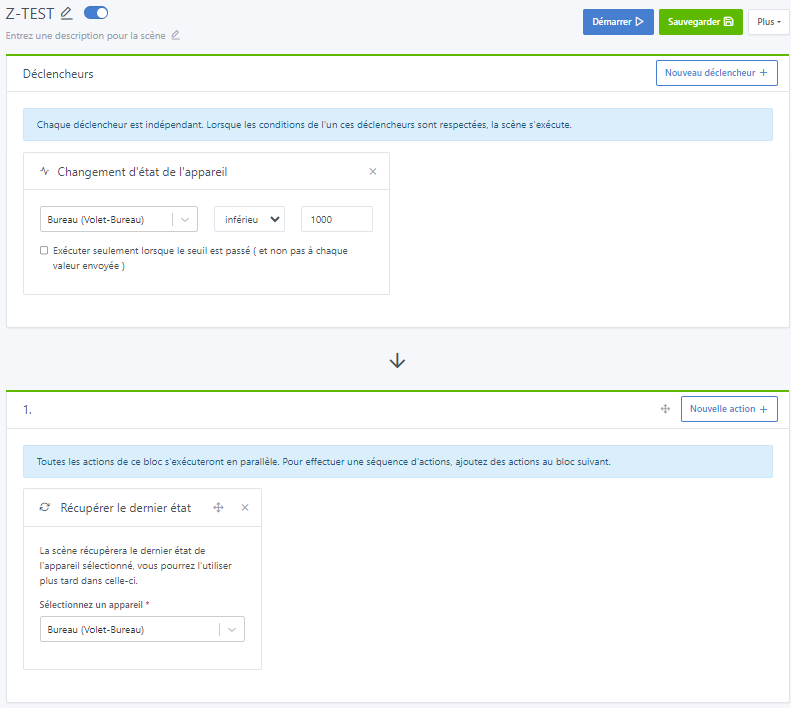
Did you run tests without any condition (« bureau (volet-bureau) < 1000 » for example, something bogus) to see which value was sent when you click the button?
When I press the buttons, nothing happens and I don’t receive any message.
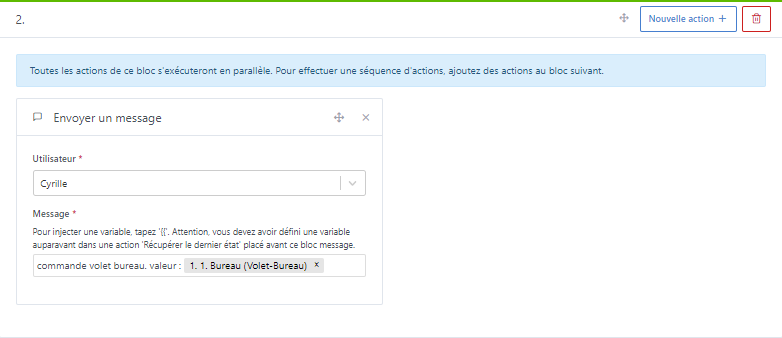
If I press the scene’s start button, the message shows the value 0 each time, regardless of which button remains checked :
or
or
I also tested a return to Node-RED with display of
I found the source of the issue, the bug comes from the new « Devices » widget, it simply never worked If you use the old « Room devices » widget, it works normally
It’s true that this coincides with my widget setups that replaced my old boxes.
I’ll revert to my old widgets.
I didn’t fully understand the code but thanks a lot.
@Lokkye The bug was only present with « shutter » devices. We use a debounce so that if you move the slider gradually, it doesn’t send 15 requests, but only 1 when the user has finished moving the slider
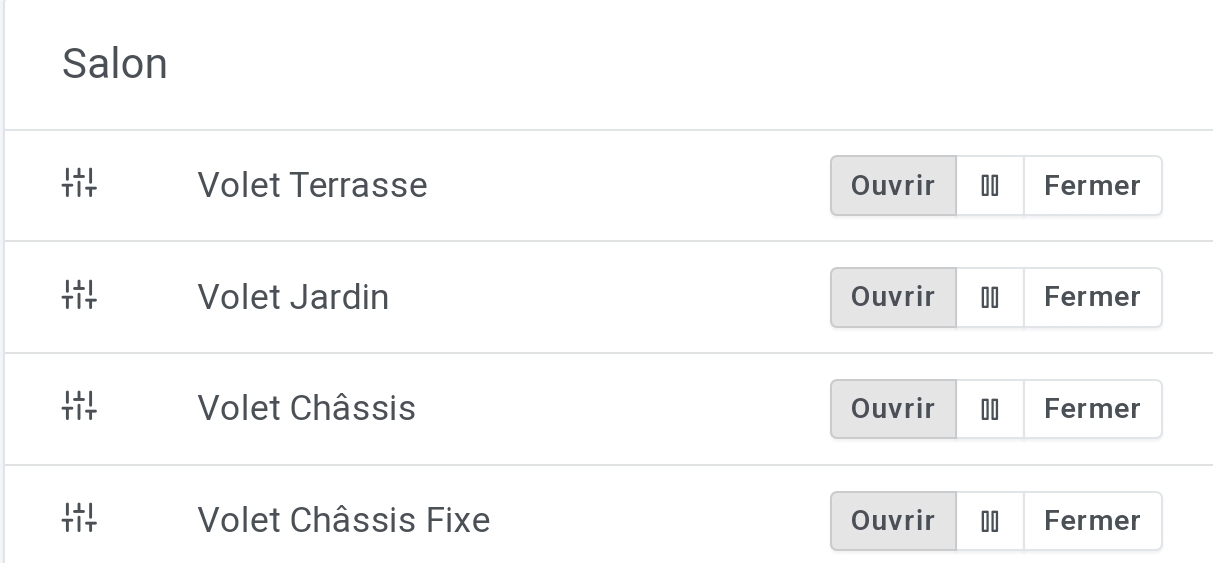










 If you use the old « Room devices » widget, it works normally
