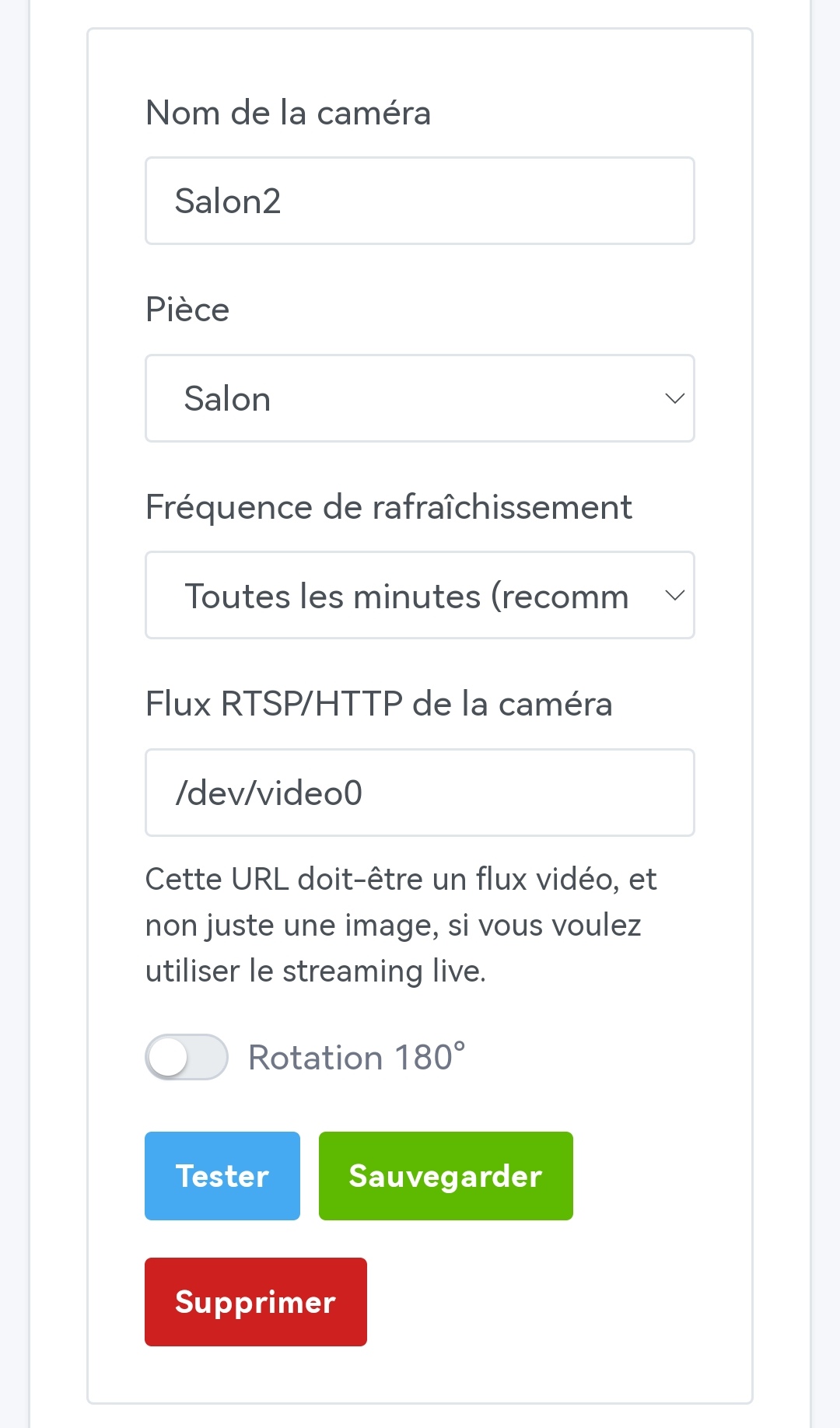
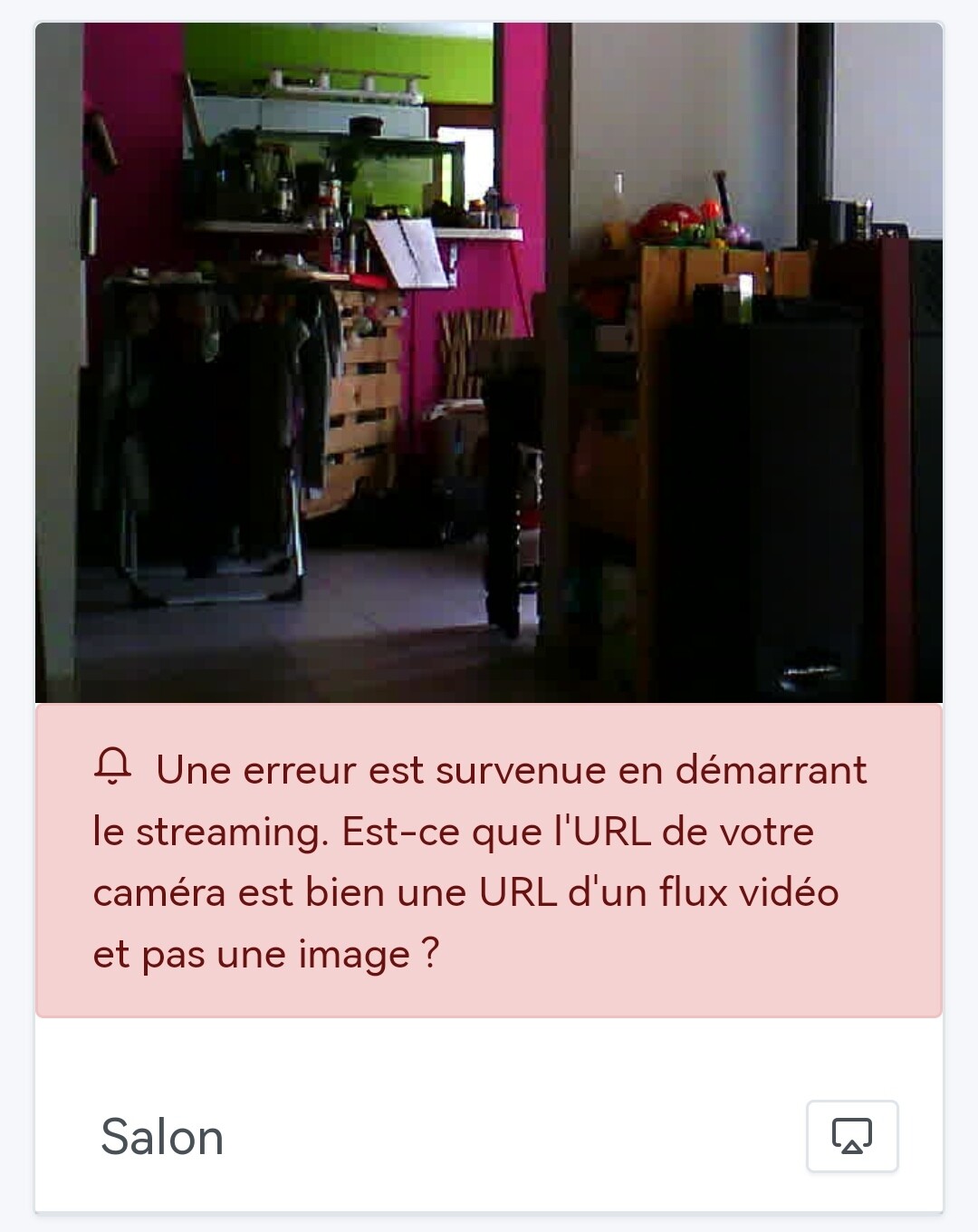
Is it possible to access the live stream of a webcam connected to the Pi running Gladys? (/dev/video0)
On my setup, it doesn’t work but I don’t know if there’s something to enable…
I don’t know if this topic has been addressed/discussed.
But following the last update, I realized that my scenes no longer worked. Having had other things to do, I only just checked a bit and it turned out the issue was with Zigbee2MQTT.
The interface ****:8080 was no longer reachable. The logs indicated that it was looping. To resolve the problem, you absolutely must select the dongle type in the configuration (new parameter to facilitate future setups).
Is it normal that it didn’t automatically pick up this parameter for people who already had it configured and working? Or am I the only one who had this problem?
Have a nice evening and a good first day back tomorrow!
Normally yes, are you sure that this USB port is visible from inside Gladys?
Ok, interesting that it’s « only » 1080p, because for the record you’re the only one having these errors. Are you on « low » latency?
In fact the size of each chunk depends on what the stream displays. If the stream doesn’t change much, the video size can shrink and be accepted by Gladys Plus; it’s a bit of luck in your case.
I’ll see what I can do to limit the stream size.
That’s a regression! Not normal. What dongle do you have? Did you have to do any specific configuration?
That said, I only have one stream out of the six cameras that works, but I put that down to the poor performance of the other host RPis (it works with the RPi 2 but not the RPi Zero or the Orange Pi Zero)
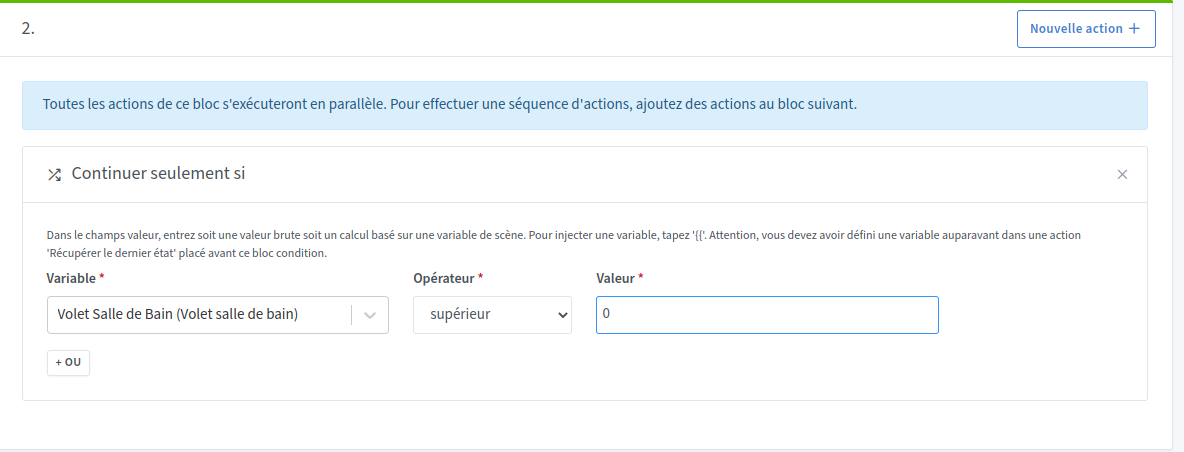
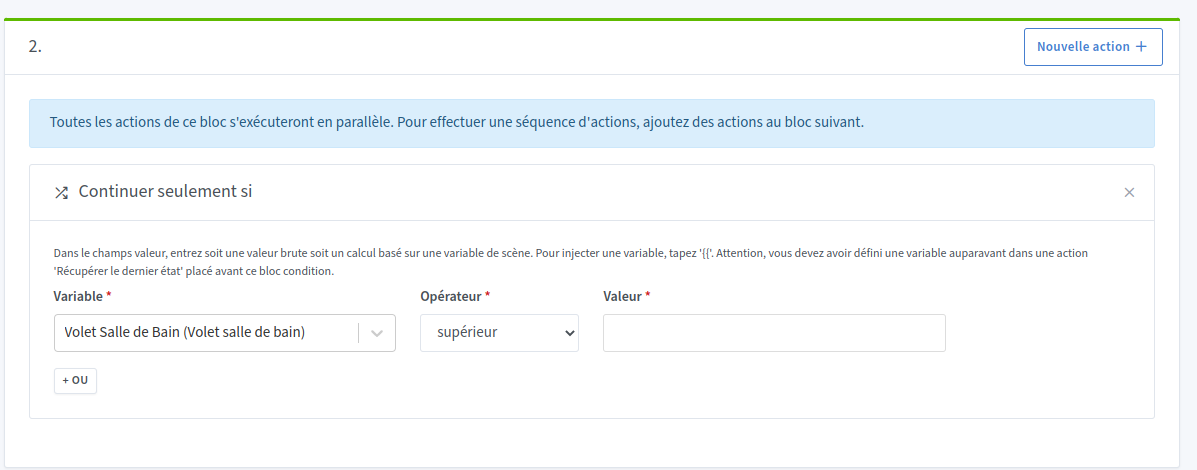
No problem for me either, Tube’s USB key on RPI3 64 disk SSD. Par contre j’ai constaté que dans les scènes avec « Continue only if » si la valeur est définie sur zéro, celui-ci a disparu, sur certaines scènes cela n’a pas d’incidence sur d’autre elle ne fonctionnait plus.
Are you talking about existing scenes? Can you describe how to reproduce the bug?
Re-reading the frontend code, indeed I have the impression there are places where implicit conversions create bugs! It’s my fault, I didn’t pay enough attention during the review of this feature.
cc @bertrandda be careful with implicit conversions, I hadn’t paid attention in the frontend but for example at this line:
At this line too:
At this line too:
If the value is 0, the condition is therefore false and the UI doesn’t perform the expected behavior!
Ok, I admit I’ve never tested this possibility in real life. Do you have some experience with ffmpeg?
You should basically test directly on your Pi to fetch the video stream and save it as an mp4 file, to see if it works or if it’s not supported…
Example tutorial to do that:
We use ffmpeg on the Gladys side so that’ll give an idea of if it works or not at all
That’s for sure it will never work; live video streaming requires a somewhat beefy CPU to decode/encode/compress/encrypt the video stream. If the CPU is underpowered, it can’t keep up ^^ I also think it’s a question of the « video function » available in the CPU
@PhilippeMA I just deployed performance improvements on Gladys Plus that allowed me to increase the size limit per chunk (while waiting to see how to reduce these chunks)
Can you re-test and tell me if it works this time?
Yes, on an existing scene — notably one with a Sonoff push-button to turn the light on or off. Two identical scenes with « Continue only if » = 0 and the other « Continue only if » = 1.
In the scene with the 0, the zero had disappeared.
I could turn it on but not turn it off.
So I took the opportunity to migrate to the new light
What hardware are you using to run Gladys? If you run « htop » in the command line while you start a live, what do you see? (CPU/RAM, is everything okay?)
Is your network good? (Fiber/ADSL?), what is the ping and what speed?
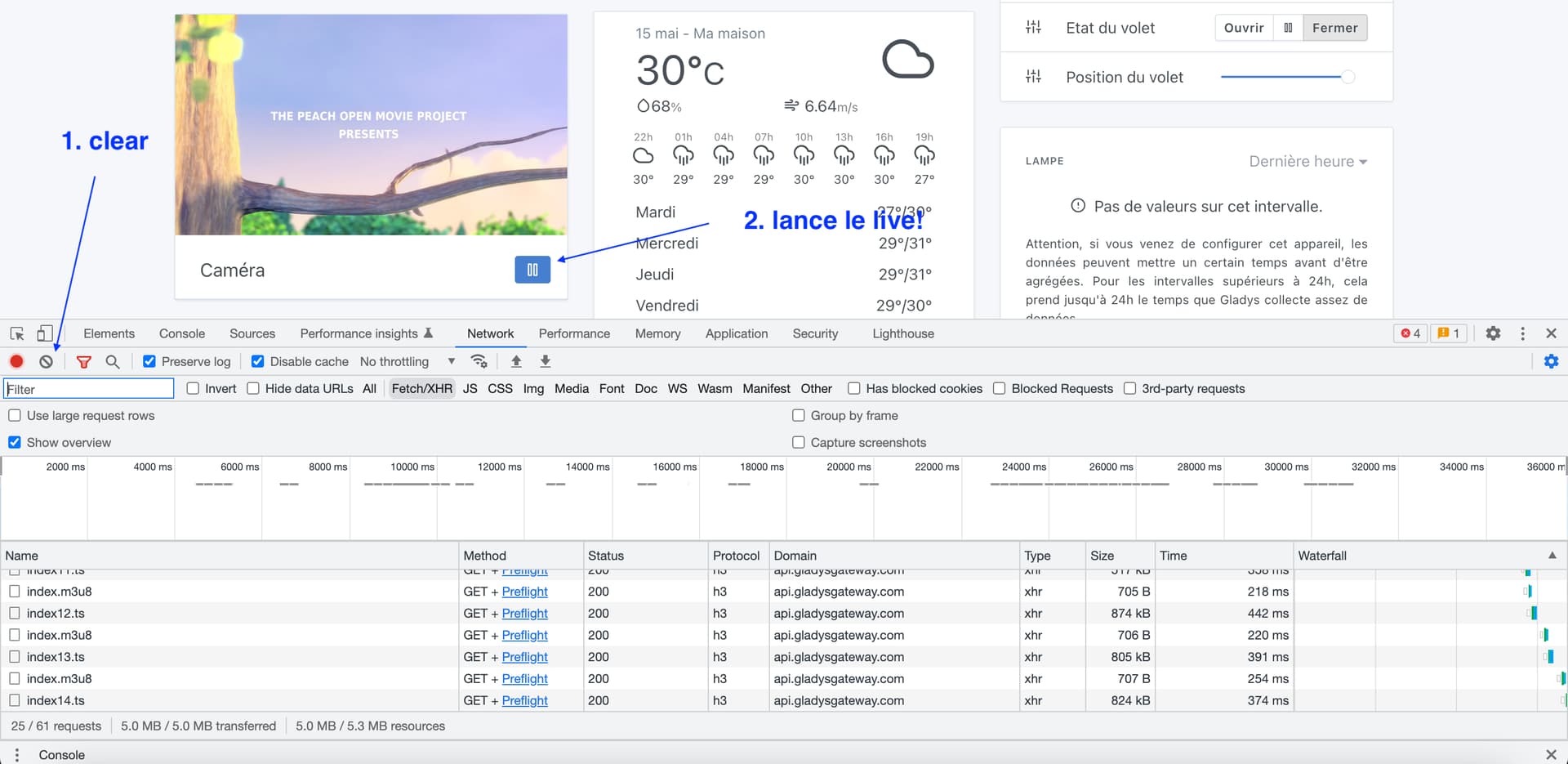
If you open the inspector (right-click on the page → inspect element), « Network » tab, then « Fetch/XHR ». You clear the view then start a camera live, what do you see?
I also have a scene that tests a value at 0 and the zero disappears after saving the scene.
I noticed this because my scene to close a shutter stopped working after the update!