[Need you] A new dashboard display of device names for complex devices?

Hi everyone!

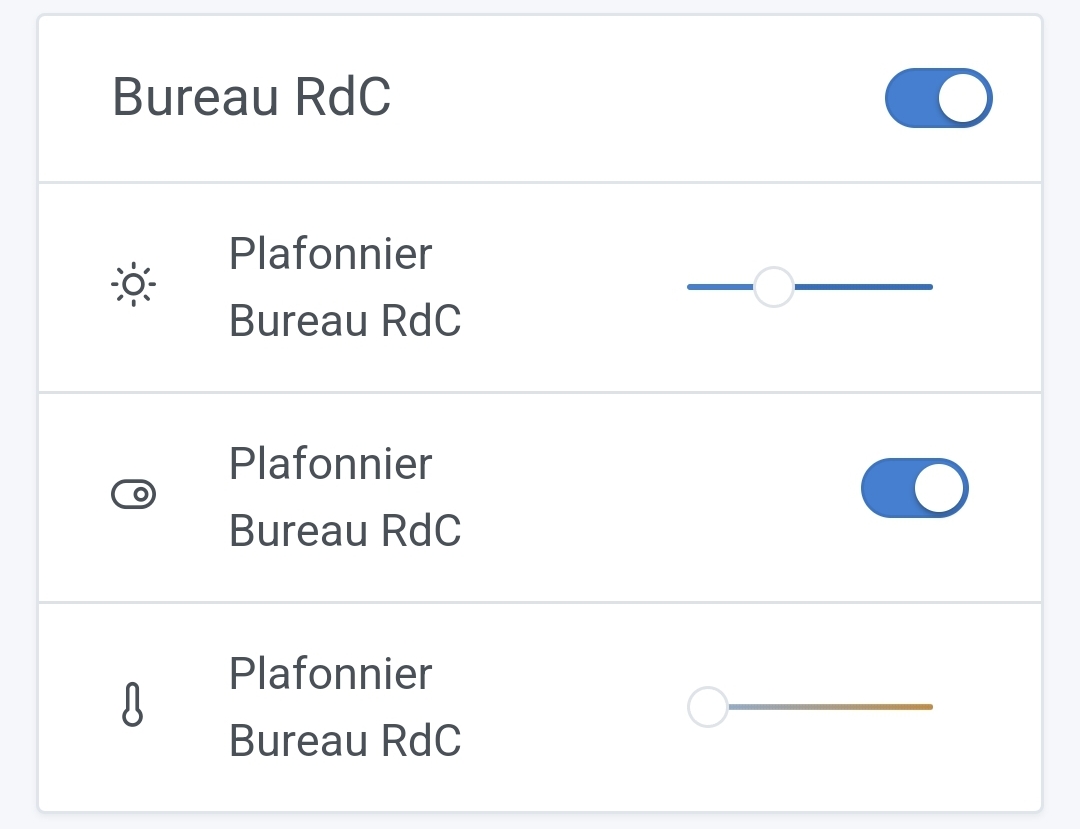
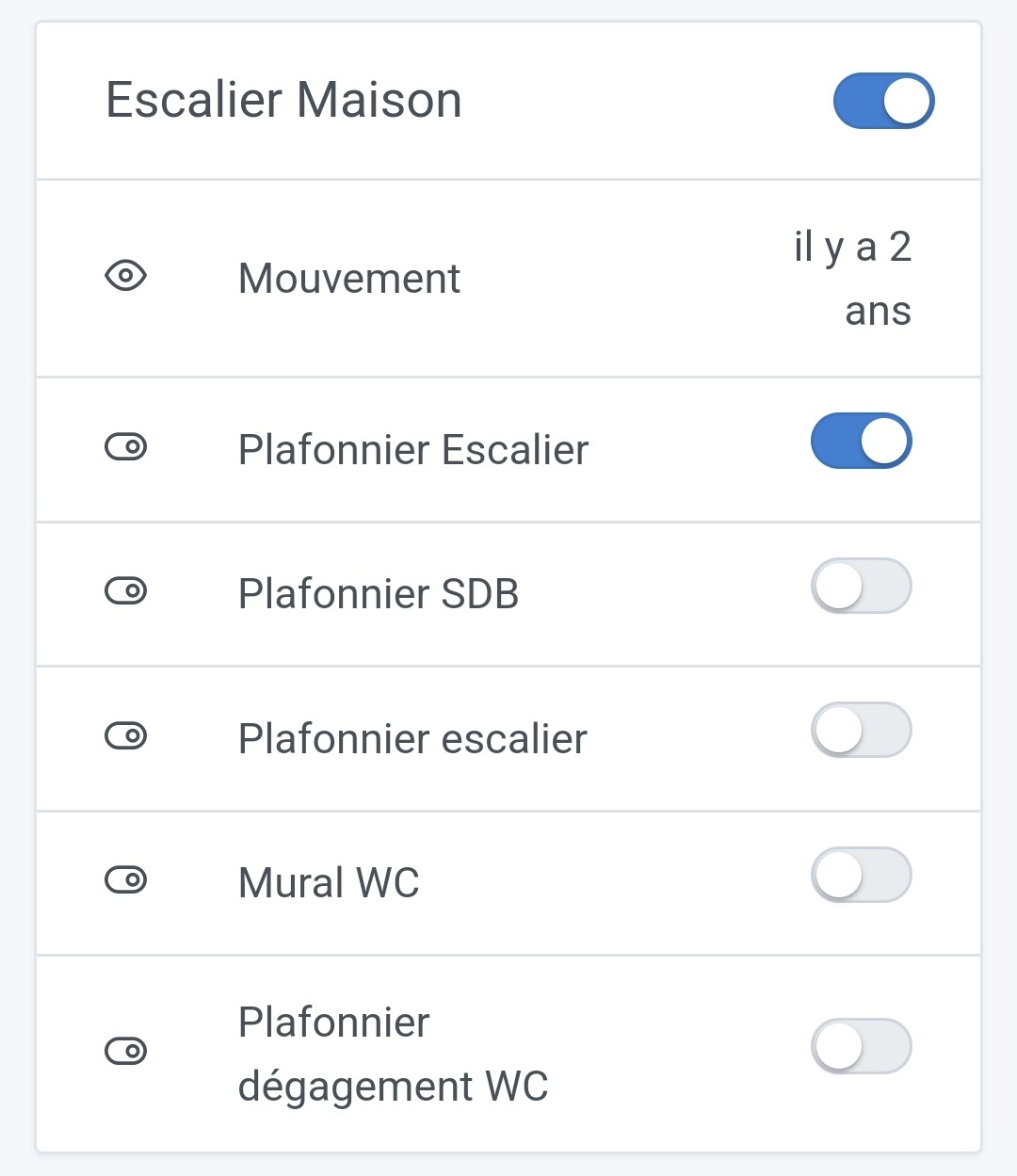
So far on the dashboard, except for the MQTT integration, we display the name of the « device » and not the name of the feature:
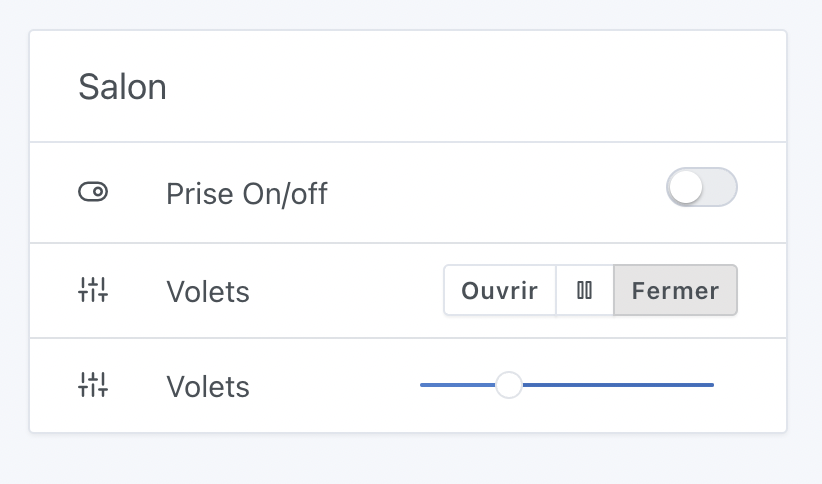
However, for some « complex » devices, this display prevents the user from really knowing which feature it refers to, because a complex device can have multiple features of the same type.

Example: in the case of @VonOx, we’re trying to add compatibility with the Lixee TIC to read consumption information from a Linky meter. The Lixee has many features of the same type, and the display is therefore quite unreadable!

We therefore want to change the display for these devices, but without making it complicated for all devices.

@AlexTrovato made a proposal that takes the best of both worlds: in the case of a « simple » device, the device name is displayed; in the case of a « complex » device, the feature name is displayed. The same applies to the display in scenes — selection is simplified.

I built a Gladys Plus frontend with these changes, and I’m open to feedback and before/after screenshots to see if it improves the display or degrades it. Same for the selection in scenes.

The frontend is available at: gladys-new-device-name.netlify.app.

Your credentials are the same as production Gladys Plus, and this frontend will simply connect to your production :slight_smile: This poses no risk to your prod, as it’s just a small front-end display change.

I’m looking for feedback from large installations, like @lmilcent, @Terdious, @VonOx!
2 Likes

Hello @pierre-gilles
Along the same lines, will this handle the cameras? Here, so it should use the camera’s name rather than the function and the room. This lets you distinguish the garden cameras when you call them with Telegram, for example.
Have a good day everyone

Do you speak when you chat on Telegram? No, this PR only changes the display of devices on the dashboard.

If you want a new sentence with the camera’s name, why not—could you create a feature request?

Yes, that’s it — we had already talked about it, I think there is already a request, but with other things. I can’t find my messages, but I’ll file a dedicated feature request for that
Thanks for your reply

1 Like

Hello
Is the link accessible/usable only for Gladys Plus subscribers?

Hi @Titou43, indeed it’s only available to Gladys Plus subscribers :slight_smile:

Magnificent !! Finally, it’s much better !!

Thank you for taking it into account.

Also I’m taking the liberty of putting this here since it remains within the dashboard display theme :

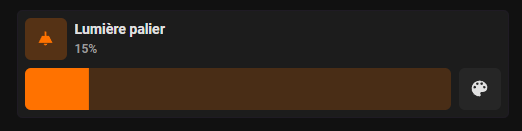
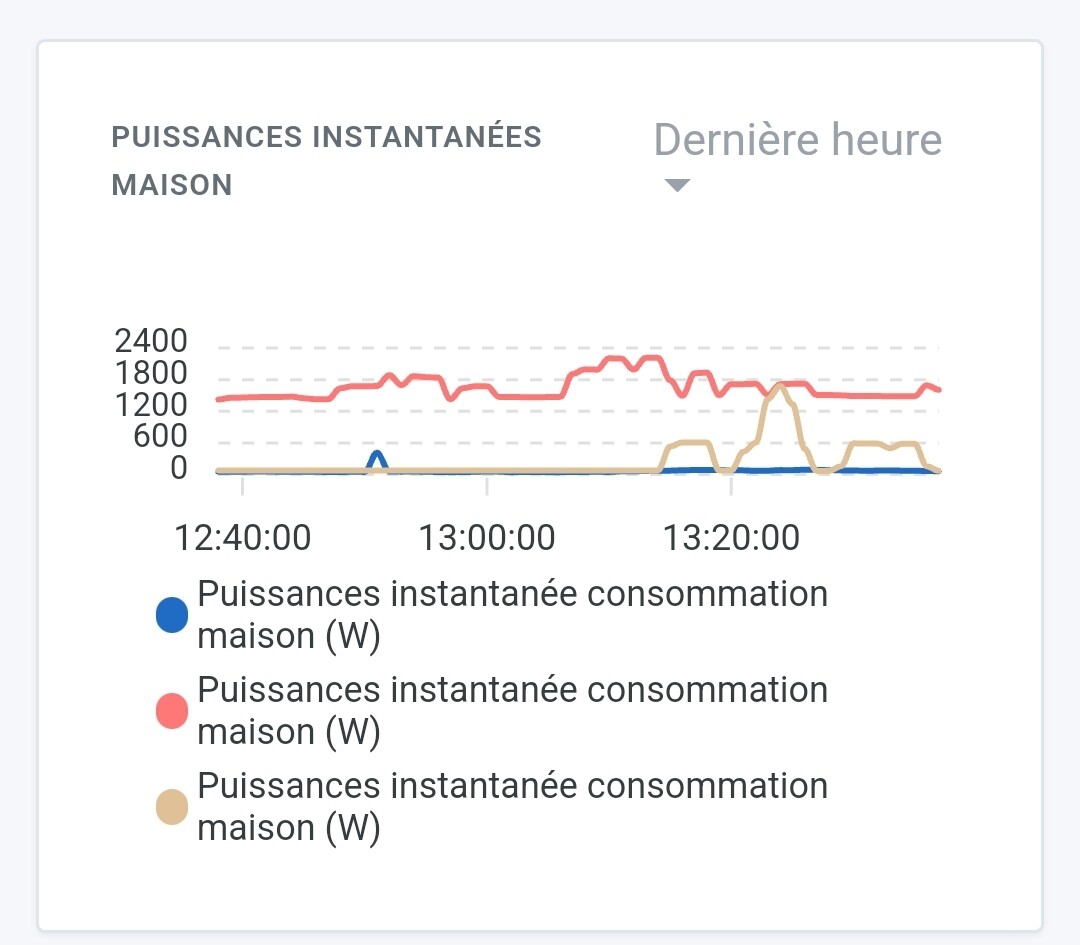
  1. Do the same for the charts when multiple identical features are on the same device :

  2. Is it also possible to plan for merging the features of a single device to avoid repeating the device name, for example the Philips Hue :


    Gather everything into one tile with only one device name displayed.

@Terdious

Do you mean something like this? All the features on one line?

On my end, I’ve gone over everything:

  • Regarding your current change, unfortunately I don’t have any « complex » devices to give you feedback on

  • Regarding the recent database change, updating a device in Zigbee is now ultra fast! It used to be 10 minutes of blocking before :slight_smile:

Thanks again and congrats on your performance changes in particular, it’s a real strength of Gladys Assistant!

2 Likes

@VonOx, in a way yes, let’s say that with a quick-and-dirty image edit it would look like this :sweat_smile: :


As for the rest it’s design and I’ll leave it to the designers to make the decisions that would be needed!!^^ but the idea is there yes you’re right!!^^

1 Like

I agree, it would simplify the display because sometimes it’s confusing.
But I think the development work behind it is much more complex :sweat_smile:

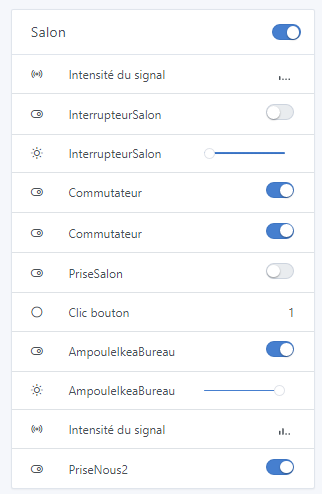
Here there are several devices:

  • Wall switch
  • Thermostatic head
  • Wall socket
  • Wireless button
  • Light bulb
  • Wall socket 2

Good catch, I agree!

[quote=« Terdious, post:7, topic:7559 »]
Is it also possible to plan the union of the features of the same simple device to avoid the repetition of the
[/

1 Like

Hello,

Tested on my setup; it seems I don’t have any complex equipment.

At least, I can say there are no regressions.

Thanks to the devs :wink:

1 Like

Yes of course, I totally agree and am well aware that this is quite a major change. I was just taking advantage of the thread to start (or restart?) the topic ^^

To get back to the specific subject of the post :
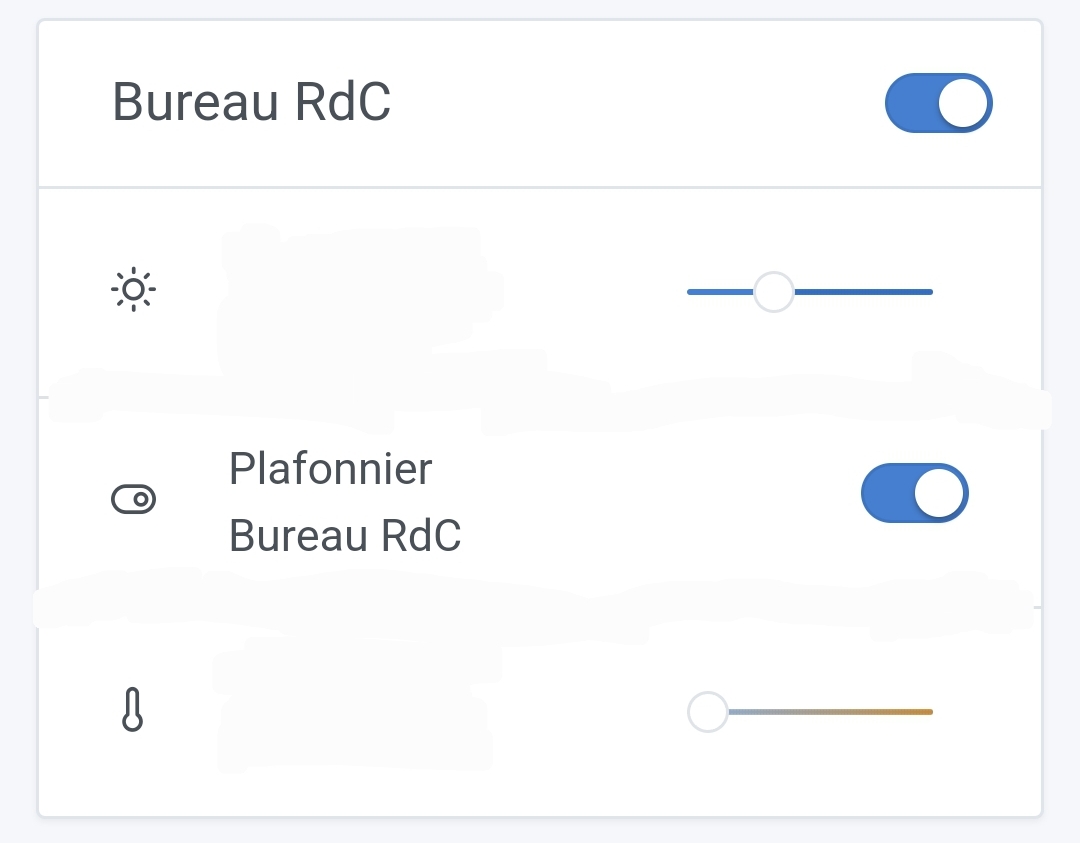
Before :


After :

It’s perfect!! A big thank you to you.

@lmilcent, from your previous post I see that you have 2 « Switch » on your imp screen, wouldn’t that be a device with 2 contacts? If that’s the case it’s one of the so-called « complex » devices with 2 binary-category functionalities.

1 Like

If I may, would it be difficult to swap the information in the bubbles for device state choices?


Put the feature type last. What do you think?

I totally agree!!!

We’re moving from this:
![Screenshot_20221003213944|690x457](upload://qb5gJkoCKfPJQw3gFcS93sbUNuB.jpeg

1 Like

Indeed, but it’s not yet supported by Gladys (smart thermostatic heads). Switch 1 = turn on the heating, Switch 2 = enable the protection.

1 Like

[quote=« Terdious, post:14, topic:7559 »]
That’s perfect

1 Like

@Terdious I pushed a new version to gladys-new-device-name.netlify.app/ fixed by @AlexTrovato that should have the charts showing distinct names! Let us know how it looks :slight_smile:

That didn’t change anything on the graph side on my end.