I didn’t have this file, I created it by following a tutorial.
I’ll send you the contents of my file tonight.
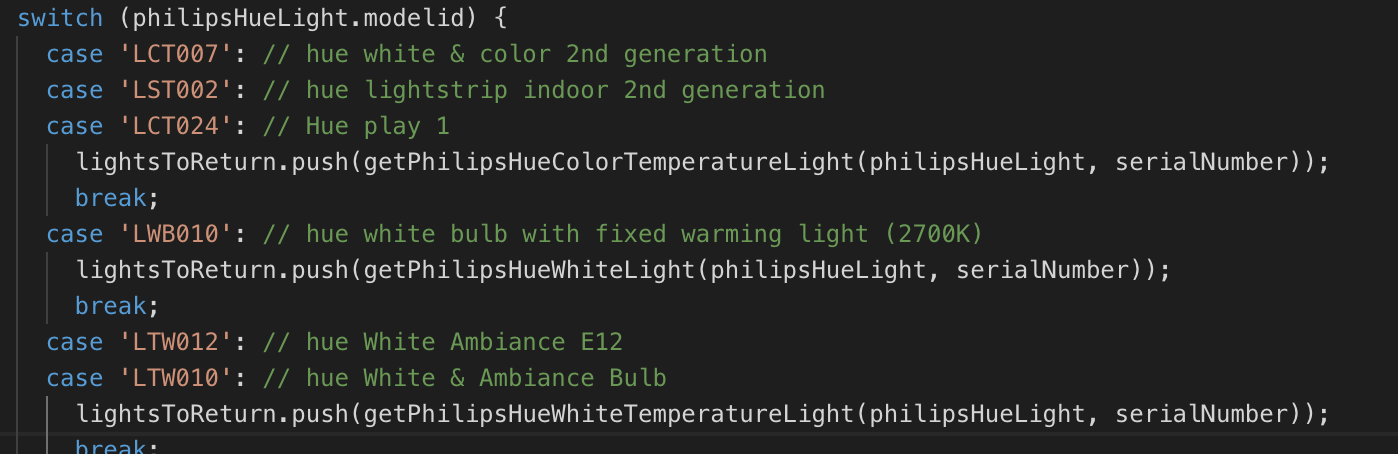
Oh yes, fast, thanks Pierre-Gilles :-).
For now I have tested the Xiaomi integration, it works perfectly it’s really simple.
Small feedback on the « integration » part: You have to click on the photos to go to the sub-parts. I don’t know if this is the intended behavior or a bug but I find it a shame that we cannot click on the title in addition to the photo.
PUSH PUSH PUSH !!!
Well, no joke, thanks for the work, you’re on the right track, this v4 is set to be a reference in home automation among the biggest (there’s work to catch up on integrations but we believe in it!)
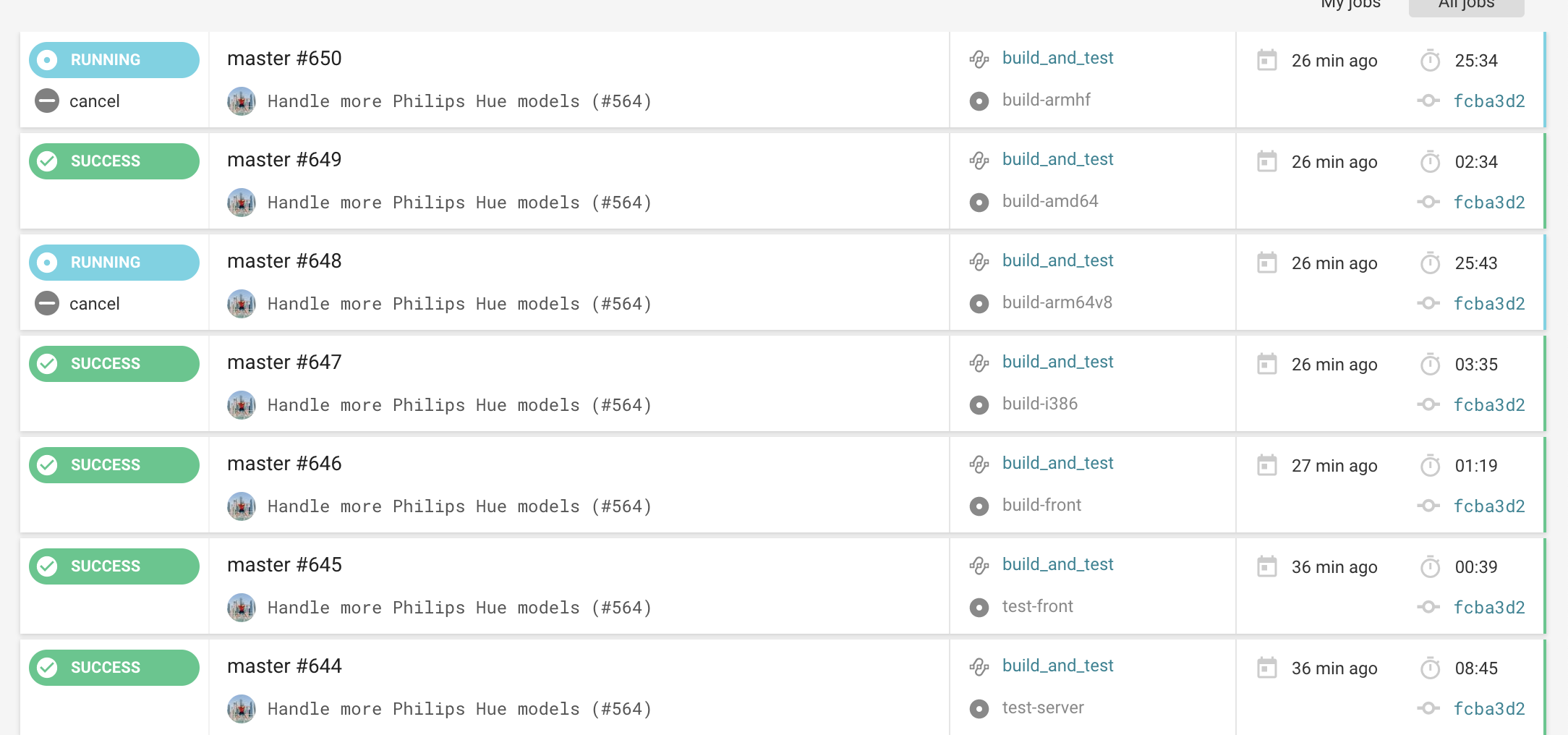
I finished at 7 PM to go eat 
It has been building since. The builds take about 30-45 minutes. Your installations will update automatically as soon as the build is sent!
Edit: See CircleCI here to view the build status → https://circleci.com/gh/GladysAssistant/Gladys
I hope so, that’s the goal!
For the richness of integrations, I am convinced that for many users, even a few « basic » integrations to start with, like we did there (Philips Hue, Xiaomi, Z-Wave, Cameras..), is already great. I choose quality over quantity for this v4, and if we achieve ultra-stable services that are the best integrations on the market, we will build a solid user base!
@pierre-gilles: I confirm that the « arm64v8 » image is fully functional on my Rock64, thank you very much! I will now see what I can do with Gladys 
Hello @New,
For MQTT, you need to follow the documentation at A privacy-first, open-source home assistant | Gladys Assistant
However, a Sonoff integration service is currently being validated, it will take the default topics of the Tasmota firmware.
HTTP communication is not yet planned but I am adding it to the list of TODOs
Super weird! It looks like a Z-Wave network where all the information has not yet been reported to Gladys… Can you try pressing « Heal Network » and waiting a bit?
Did you connect these devices via Gladys, or had you configured your key outside with another box?
Yes indeed, the name of a room must be unique throughout Gladys. This is to ensure that all commands can work without ambiguity (« Turn on the living room light » => which living room should be lit if there are two?). Did the UI give you a clear error or not? It needs to be well explained, if not, I will add it.
Do you really have two complete houses where you use Gladys? I would be interested in learning more about your use case
Indeed, in the dashboard I only display the name of the room! To be honest, I haven’t really thought about multi-homes in v4 yet, no one has multiple homes among the users I’ve visited/who have tested v4 
Hmm okay.. On my end in this service I don’t do much, it’s Open-Zwave that returns the data to me, so I have a hard time seeing where it’s stuck like this remotely.
Could you check the logs? (docker logs gladys on the Pi) and see if you see anything related to Z-Wave that’s stuck?
Ok, that’s not great. I’ll fix that.
Referenced:
https://github.com/GladysAssistant/Gladys/issues/571
Ok, but how are you going to handle it technically? I mean, if the Pi is at your place, how do you plan to manage their equipment?
If that’s the case and there’s 1 RPi in every home, there will be 2 instances of Gladys, so no duplicate part issues…  Or maybe I didn’t get it.
Hello,
yes, the services that are in development are those you find in the integration part. The serial module is not yet implemented.
Yes it’s a beta and Gilles Pierre says he has a lot of work
Indeed, the services are gradually being migrated, it takes forever
I’ll redirect you to the Raspberry Pi Foundation documentation →
https://www.raspberrypi.org/documentation/linux/usage/users.md
You can change it without any problem, it doesn’t affect Gladys
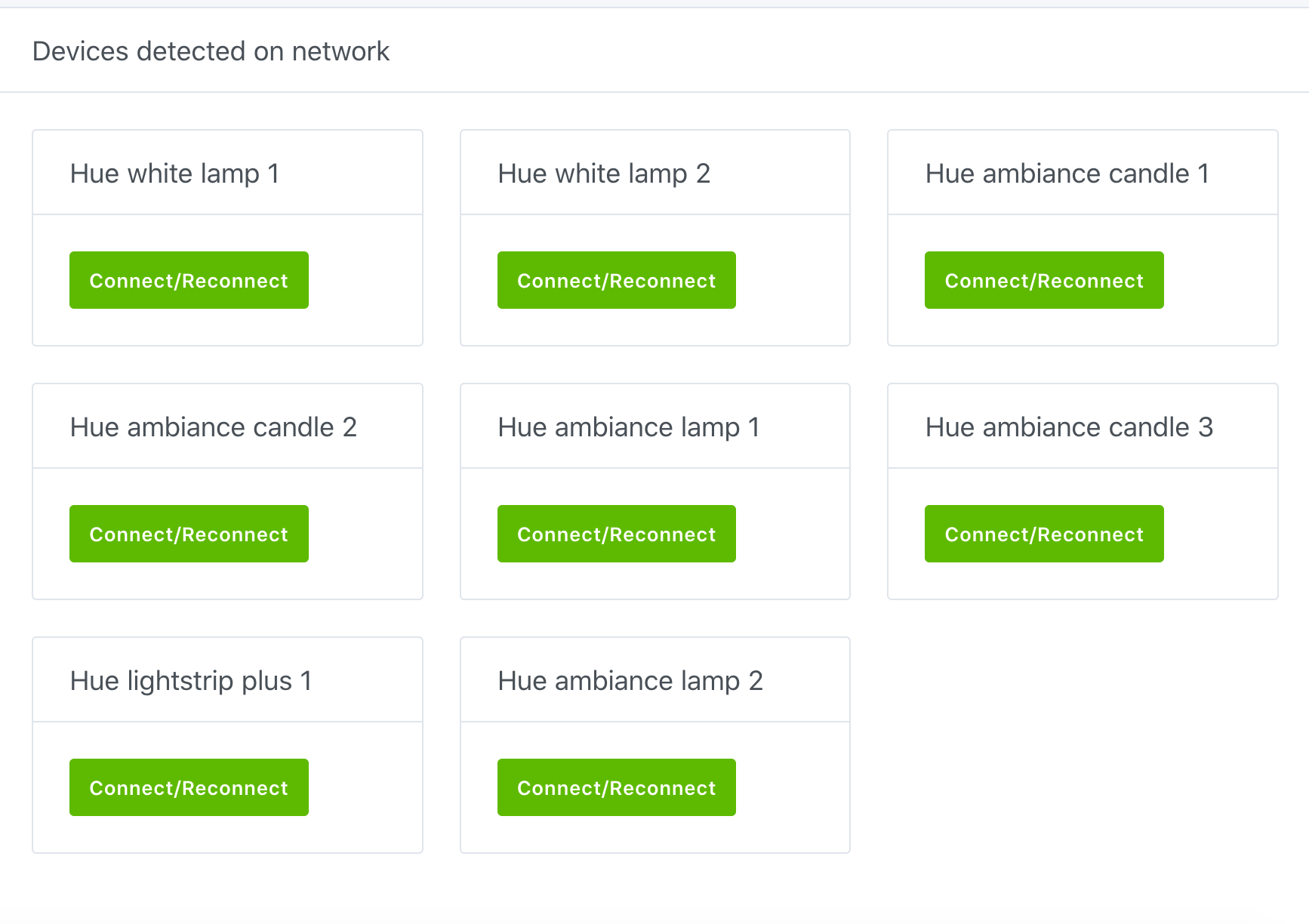
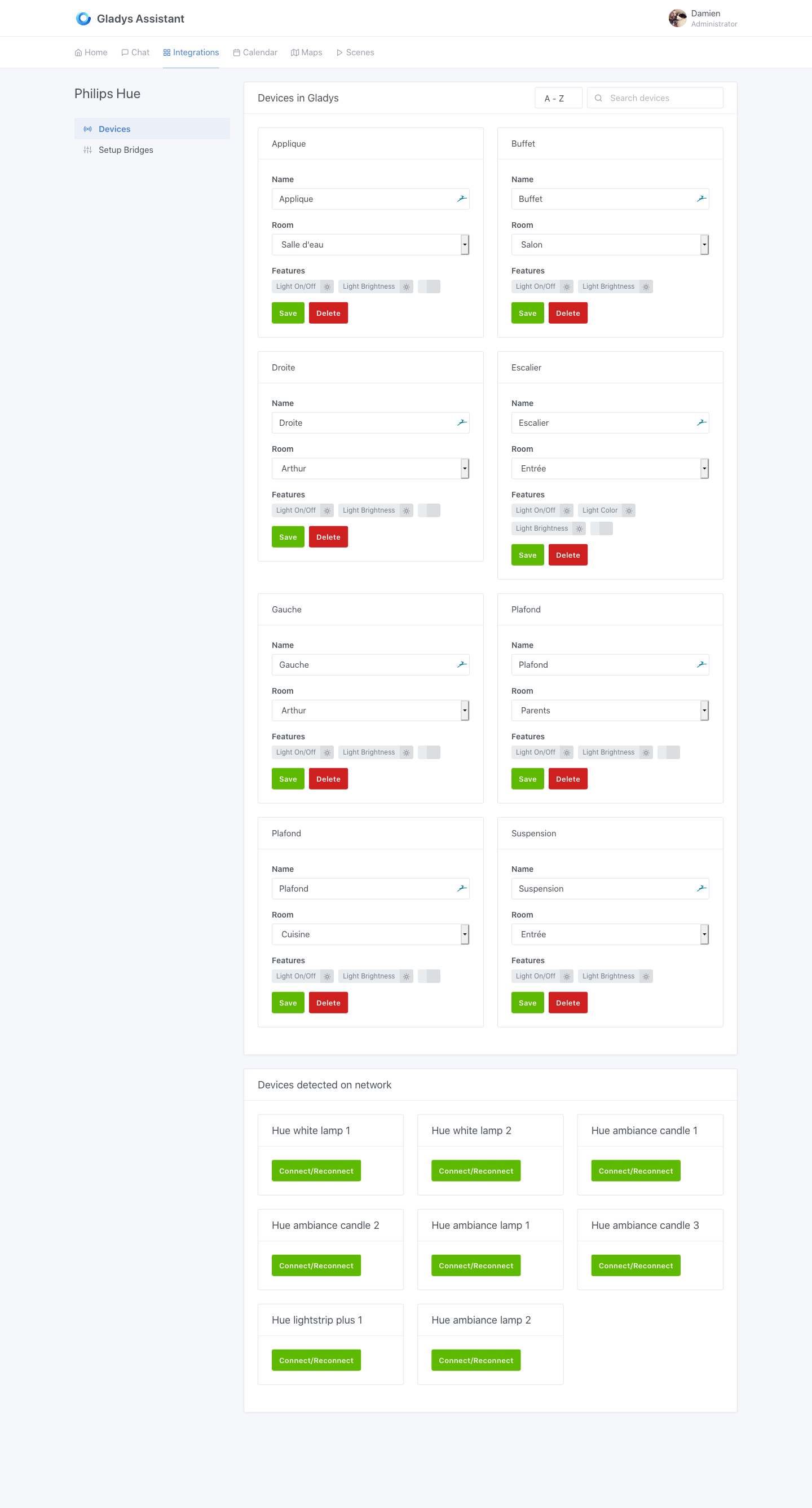
Awesome! Happy with the Philips Hue integration?
Don’t hesitate if you have any issues (UI bug, text, misunderstanding, etc.), the goal is to have a perfect product on v4, every bug reported helps the entire community
It’s somewhat possible, well yes but with a big hack…
Let me explain: Philips hue does not provide an API for these sensors, because unlike light bulbs where the API is in the direction « Gladys sends a request to Philips hue », in the case of a presence sensor, it’s the other way around, the « Sensor sends a request to Gladys » would be needed.
However, Philips hue has not set up anything for that.
There is, however, a solution (quite dirty), which consists of periodically asking the sensor for its status. But then, if you want a fairly good response time, you have to ask very very frequently (like every second), and even then it means there will be a one-second delay from movement to action… all this while quite violently saturating your network.
So yes, it’s possible, but it’s not a great integration.
Cool! Be careful, for now Z-Wave is much less well integrated than Philips Hue. There are still a few UX points to fix. The Z-Wave API is much more complex (and capricious), not all states are managed yet, it’s a titanic task.
Hop, another new feature on Gladys 4, track your position with Owntracks:
Minor error or oversight, this morning there was a small internet connection issue, so Gladys 4 told me via the weather service:
The request to DarkSky API failed. Is your Gladys instance connected to the internet? Please go to the DarkSky configuration panel to troubleshoot this problem. Click here to access the DarkSky configuration panel.
But the URL redirects to the chat interface instead of the service ==> http://mon_ip/dashboard/integration/weather/darksky