Gladys Assistant 4.65: AI Agent / MCP Server

Hello everyone :waving_hand:

I am very happy to announce today the great work of @bertrandda: the arrival of AI agents in Gladys! :robot:

Thanks to this new integration, Gladys can now act as an MCP server and thus receive commands from any AI client compatible with external MCP servers.

It is possible to retrieve sensor values, control plugs/lights, trigger scenes, and retrieve a camera image.

:light_bulb: To test right now, I recommend LeChat by Mistral: our French AI champion :france:

I tested on Web and mobile (iOS) and it works very well.

A huge thanks to @bertrandda for this wonderful contribution :raising_hands:

:backhand_index_pointing_right: To learn more and find out how to use it, go to:

5 Likes

I’ve just released Gladys Assistant v4.65.1, which fixes an issue with the MCP integration that was getting confused when the instance had a device without an assigned room!

Just a reminder that you can update Gladys with one click in « Settings → System » :slight_smile:

Great for this development!!!

But

Did you enter the Gladys Plus URL correctly?

I

Can you show me a screenshot on the Mistral side (mask the API key)?

Thank you for the development :slight_smile:

I’ve tested on my side and it’s ok :wink:

2 Likes

Ok, my mistake… I was using the local API key :expressionless_face: I need to learn to read!!

It works!

2 Likes

I celebrated too soon.

Sorry for spamming the conversation.

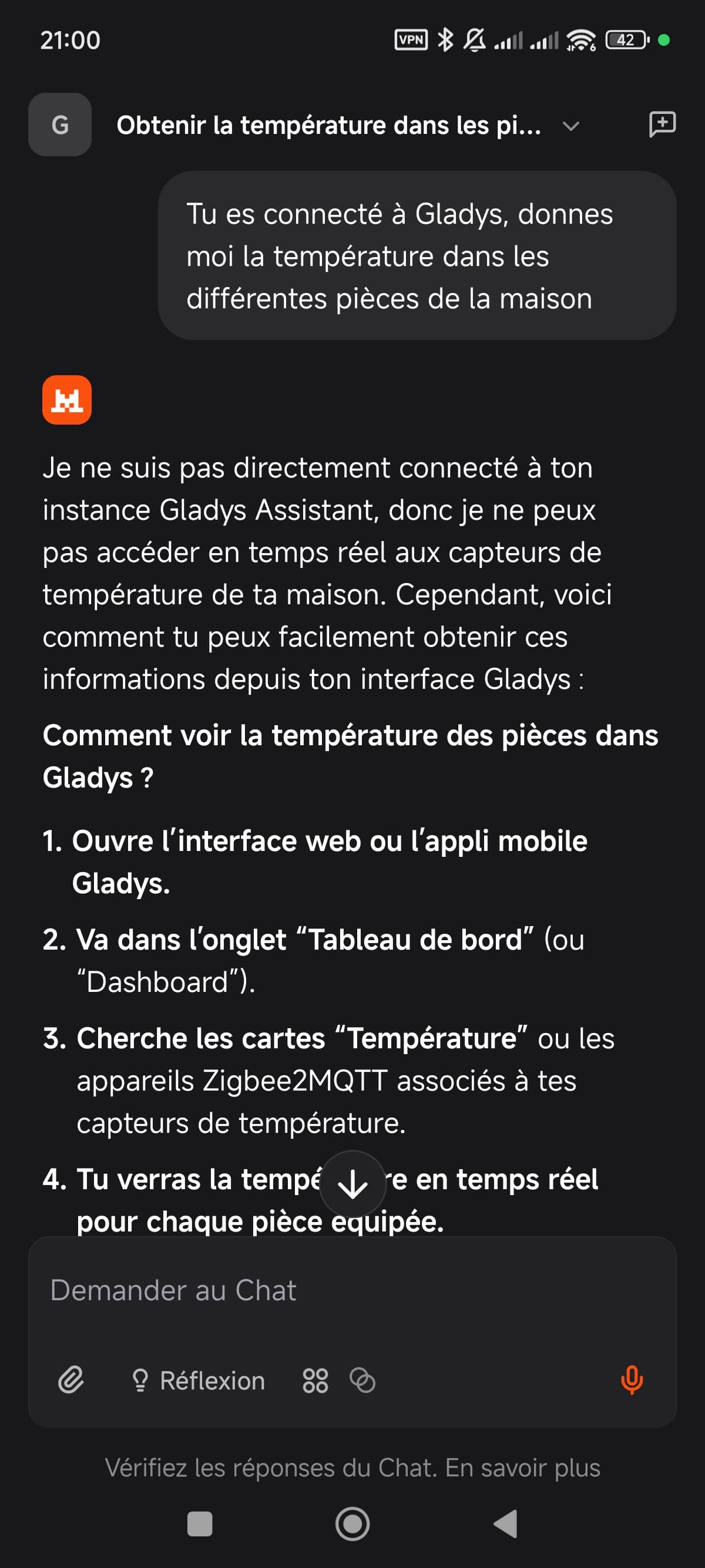
Gladys is connected:

Yet I’m getting:

I tested the same command as you and it works.

As Pierre-Gilles requested:

Can you show us a screenshot on the Mistral side (mask the API key) please?

Which part of the interface would you like me to take a screenshot of? :thinking:

The connector configuration. :slight_smile:
However, I just noticed that once it’s configured you can’t modify it.

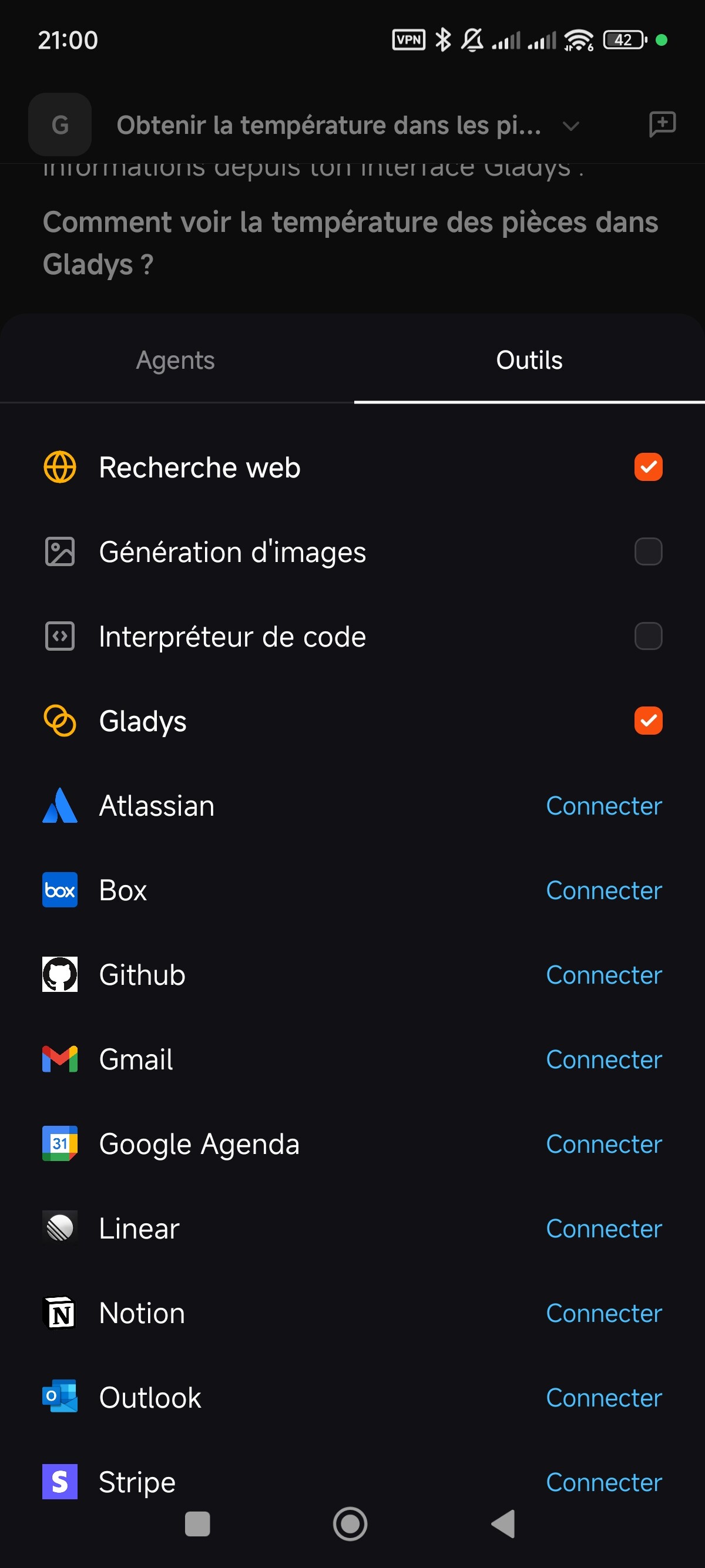
I have this in the connector section:

And after these options:

At worst, try deleting it and recreating it, taking a screenshot of what you entered while masking the API key

For info, I had to create the API key via Gladys Plus

@guim31 on mobile it’s a bit annoying but you have to activate the Gladys connector for each new conversation

On the web, no need

I didn’t catch that subtlety because I have indeed only tested the web version so far
Thanks :slight_smile:

Okay, I didn’t change anything — I went to the web version and it worked. So, we should be good; I think it struggled a bit because I switched from web to mobile and back.

Thanks, I’ll have fun with it now!!

3 Likes

The integration works perfectly for me with Le Chat, thanks to @bertrandda

I may have missed something, or I didn’t understand everything, but I can’t analyze a live image from a camera (show me what you see…) with Le Chat

1 Like

Thanks for your feedback.

Yes, it’s possible that it doesn’t work on Mistral. As stated in the Gladys docs, not all clients are compatible with image reading. In the tests I ran, it works with Claude Desktop and GitHub Copilot with Claude Sonnet selected as the model.
Mistral notes that the mcp connectors are still in Beta, so we can hope they’ll add the functionality soon

1 Like

Thanks @bertrandda I understand better now, and it seems that DeepSeek, on its side, hasn’t implemented MCP yet?

I’ll try the ones you tested.

Have a good day and congrats again, this is a great step forward in the development of Gladys.

1 Like

Yes, that’s very possible — on this page you have a list of MCP-compatible clients, regularly updated.

Regarding the supported features (the columns of the table on the page above), on Gladys’s side the MCP integration implements Resources and Tools, but the most important is Tools; if you choose a client without Resources it’s not a big deal

1 Like