A new version of Gladys is available with several nice improvements
New Voice Assistant Widget
You can now add a Voice Assistant widget directly to your dashboard.
Practical on a wall-mounted tablet, a smartphone
I’m open to your feedback, it’s primarily a first proof of concept that could evolve to include more voices in Gladys if you find it useful!
I wonder if it wouldn’t be practical to have an open route in the Gladys Plus API to also trigger this mechanism from a Tasker on Android / Shortcuts on iOS.
Gauge Widget: Customizable Color Thresholds
Thanks to the contribution of @Terdious, the Gauge widget becomes even more flexible.
It is now possible to define customizable color thresholds to instantly visualize if a value is in a low, normal, or critical range.
The assistant can’t pronounce temperatures correctly. Every time I ask, it displays the right value, but the voice says something barely understandable.
I think the widget’s UI looks a bit out of place (I think the blue background is intentional) but what bothers me is the gradient of the button to speak, it looks like an Apple icon while the rest of the design is rather flat.
That’s it for my first tests!! Great job, this feature is really a added value. Both a very practical thing, but also a good marketing tool in my opinion!
I’ve also noticed that the TTS API regularly gets the units wrong (ppm, °C, etc.). I think it’s because I’m using a « flash » model that’s optimized for latency:
My computer doesn’t have an activated microphone, and when I click to speak, the AI goes into standby mode and I can no longer interrupt the process. After a few minutes, the AI provides various tips in English to try to capture the message.

 New Voice Assistant Widget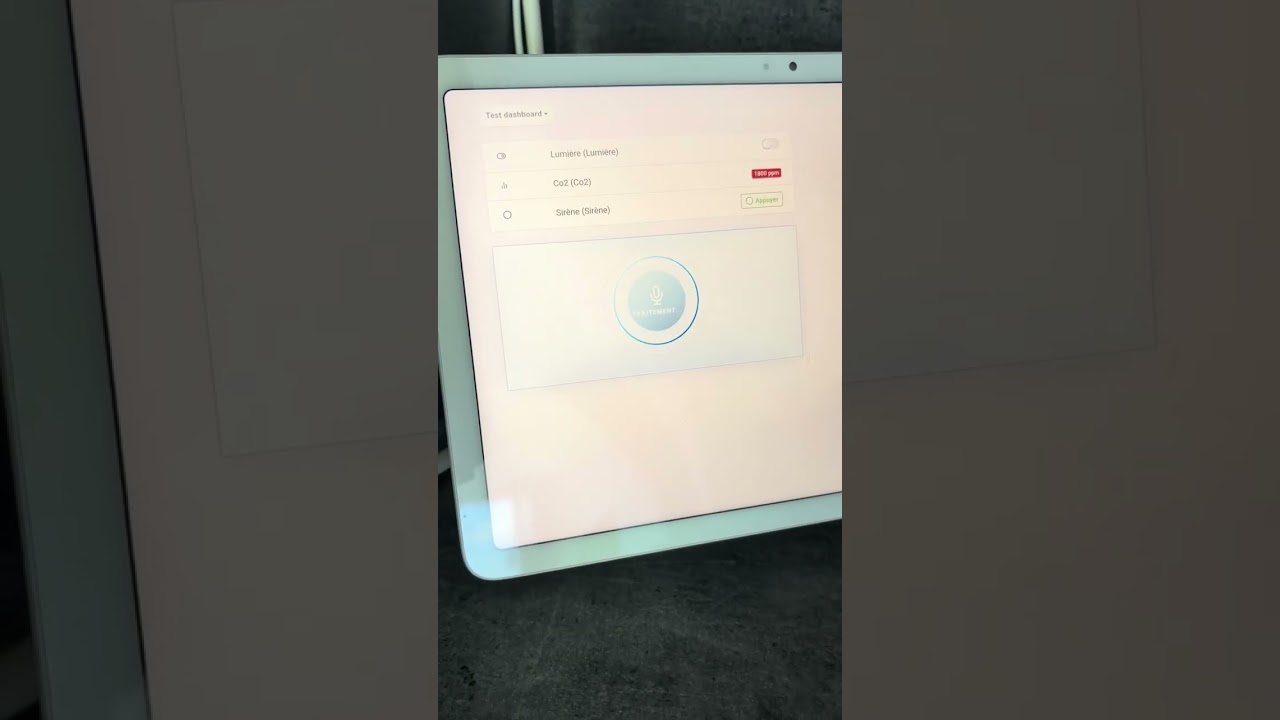
 Gauge Widget: Customizable Color Thresholds

 System Log Download
 Tuya Integration Improvements
 Full Changelog