Hello everyone!
Gladys Assistant v4.10.2 is available, an update that improves the way state history deletion works.
Background deletion of state history
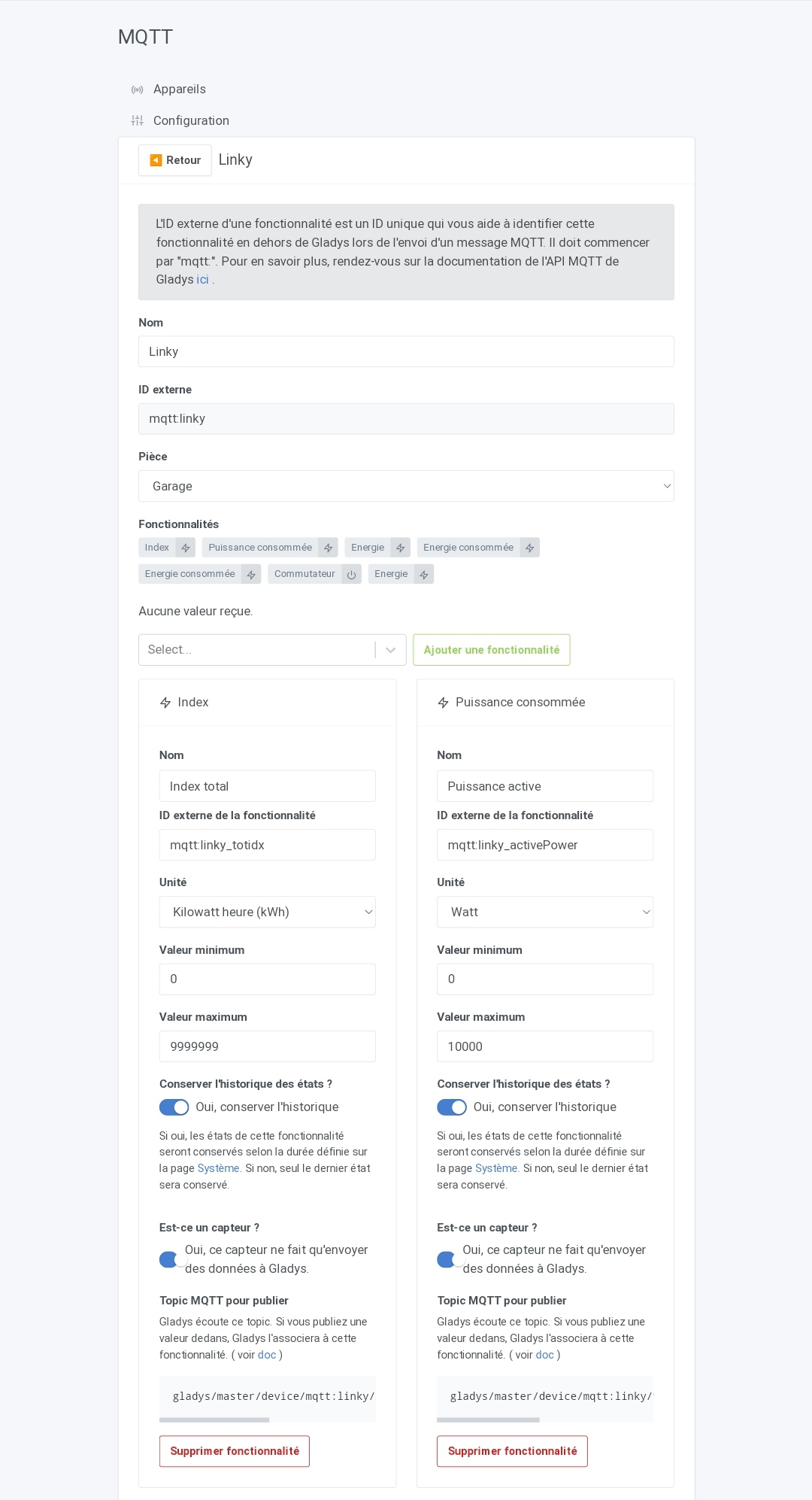
Concretely, now when you save a device with the « Yes, keep states » button unchecked, Gladys will no longer be « stuck » for several minutes/hours if you have a lot of history to delete, because Gladys will delete states bit by bit in the background, in a non-blocking way.
To learn more, I detailed here how all that works:
Ability to run a manual database cleanup
Gladys uses SQLite as its database, and like many database systems, SQLite offers a VACUUM command (in French: le vide!) which will clean the database and remove from disk rows that are no longer used.
This allows reducing Gladys’s disk usage by rebuilding the database.
This is an operation that can be useful from time to time to save space, but it is slow to perform on large databases, and above all it is blocking: the DB is not accessible during the cleanup, and consequently Gladys isn’t either.
For this reason, I decided to add a « Clean the database » button in Gladys’s system settings, to allow those who wish to perform a manual cleanup whenever they want.
For now, I didn’t want to set up a scheduled cleanup, for the good reason that I want to avoid Gladys being unavailable at your place for 1 hour if you happen to have a very large database and a fairly slow disk (an SD card for example!), without knowing why. For the user, this would be seen as a crash!
This might be an evolution, but I think the cleanup must be able to be disabled if it is implemented, for those who seek high availability.
In the meantime, it’s manual and available in the system settings:

To learn more:
The full CHANGELOG is available here .
How to update?
If you installed Gladys with the official Raspberry Pi OS image, your instances will update automatically in the coming hours. This can take up to 24h, don’t panic.
If you installed Gladys with Docker, make sure you are using Watchtower (See the documentation )