Hello everyone,
I’m opening a thread (another one…) about my Gladys installation on a mini PC. I want to build a “pilot” setup in an outbuilding of a large house, before possibly extending it to the whole house (alarm, lighting…). Not very familiar with Linux systems and coding, I’m giving it a go!
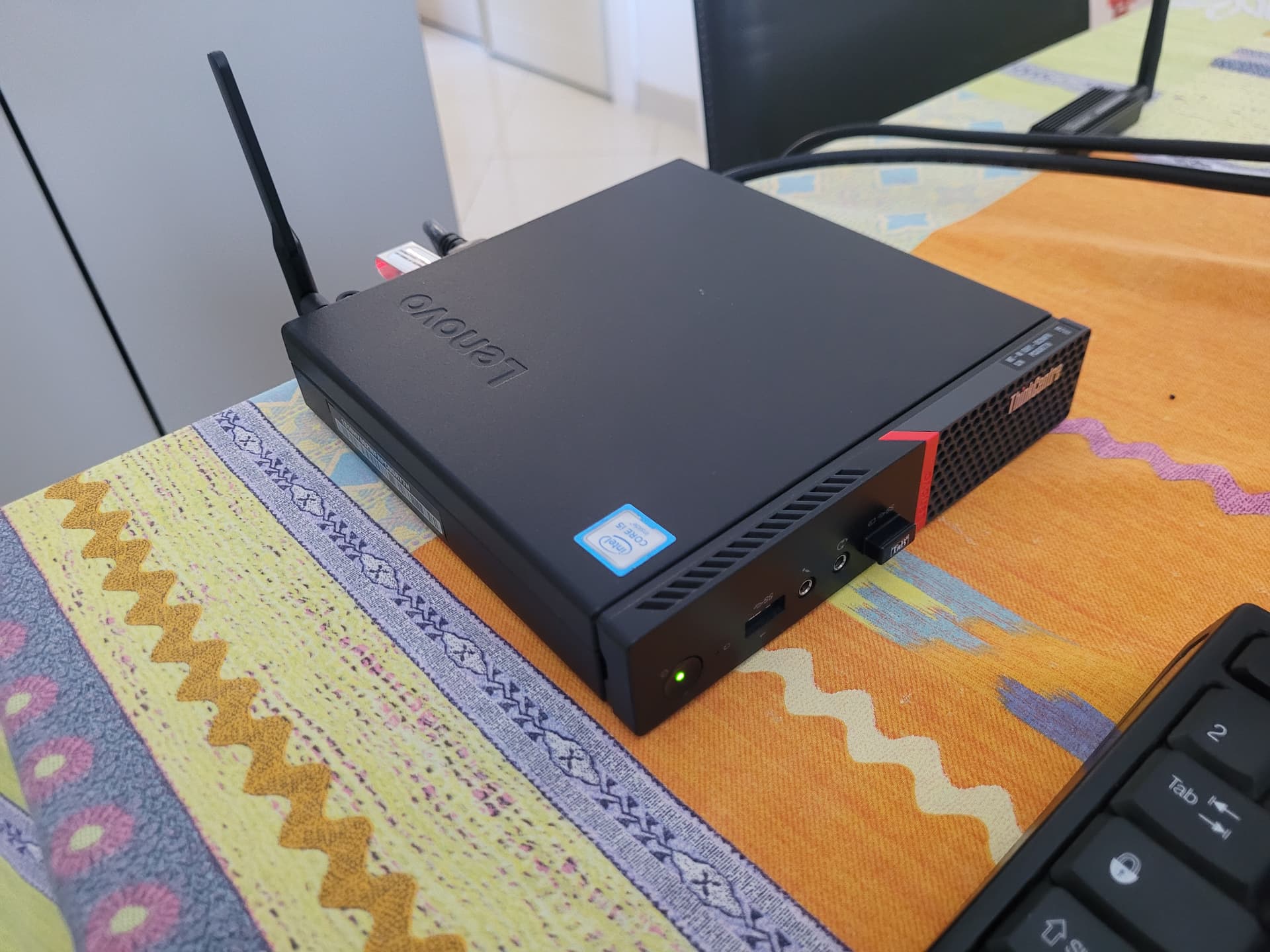
I bought a Lenovo ThinkCentre M700 mini PC on Leboncoin (4GB RAM, some i5, 250GB SSD) and a Sonoff Zigbee dongle. Very energy-efficient and not heating up, it will be installed in a closet.
For installing Ubuntu Server 24.04 LTS, I based myself on this excellent video https://youtu.be/zs2zdVPwZ7E?si=Dk7-02h-jmhxb88k. The image is written to a small USB stick using Rufus. The installation must be done without plugging in the Sonoff dongle!
After reboot, I lock the IP on my Livebox’s control panel and connect to my server from my Windows computer using Powershell: ssd user@gladys.
Ubuntu by default suggests updating preinstalled packages: apt list --upgradable sudo apt-get update sudo apt-get upgrade.
Then I start following @pierre-gilles’s excellent tutorial on the site and YouTube. curl -sSL https://get.docker.com | sh
Setting up non-root access for my user: sudo apt-get install -y uidmap sudo apt-get install docker-ce-rootless-extras dockerd-rootless-setuptool.sh install sudo loginctl enable-linger user sudo systemctl enable docker.service sudo systemctl enable containerd.service
Then continuing the tutorial with the two big installation commands for the Gladys & WatchTower containers. Then… nothing… I try to access Gladys at its IP in my browser: nothing!
What could be some ways to get it working?
Thanks in advance for your help, I hope the beginning of my approach can help beginners!
Hello cicoub13, thanks for your message.
To my knowledge, there was no error during the installation.
Here is the output of the commands: docker ps -a
CONTAINER ID IMAGE COMMAND CREATED STATUS PORTS NAMES
4d810c80d507 gladysassistant/gladys « docker-entrypoint.s… » 2 days ago Exited (255) 2 days ago 80/tcp jovial_agnesi
46f395860381 hello-world « /hello » 2 days ago Exited (0) 2 days ago determined_shannon
6ba731e5e6c4 containrrr/watchtower « /watchtower --clean… » 2 days ago Up Less than a second (health: starting) 8080/tcp watchtower
e6df1476485e hello-world « /hello » 2 days ago Exited (0) 2 days ago peaceful_keldysh
202d1f85d4a6 gladysassistant/gladys:v4 « docker-entrypoint.s… » 2 days ago Created gladys
So I deduce that there are two images in Docker: gladysassistant/gladys and
gladysassistant/gladys:v4? Watchtower is there as well.
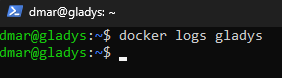
However the command docker logs gladys outputs nothing…
Removing the other Gladys version worked. I ran docker ps -a to check and it no longer appears.
The restart command doesn’t work:
Error response from daemon: Cannot restart container gladys: error while creating mount source path ‹ /var/lib/gladysassistant ›: mkdir /var/lib/gladysassistant: permission denied
I don’t have the rights…? I thought I had taken the necessary steps to configure my docker daemon profile. As a result the logs command still doesn’t work.
I tried running the command as root (I’d rather avoid that access, I’m not proficient enough to venture into anything that could break everything). sudo docker restart gladys
Error response from daemon: No such container: gladys
You do have the rights to run docker commands
I think that creating the gladys container didn’t work because mounting the volume is impossible (lack of permissions).
Can you make sure that the folder /var/lib/gladysassistant belongs to you (or that you have permissions on it)?
(Since you started the container from your user, root doesn’t know it, that’s normal)