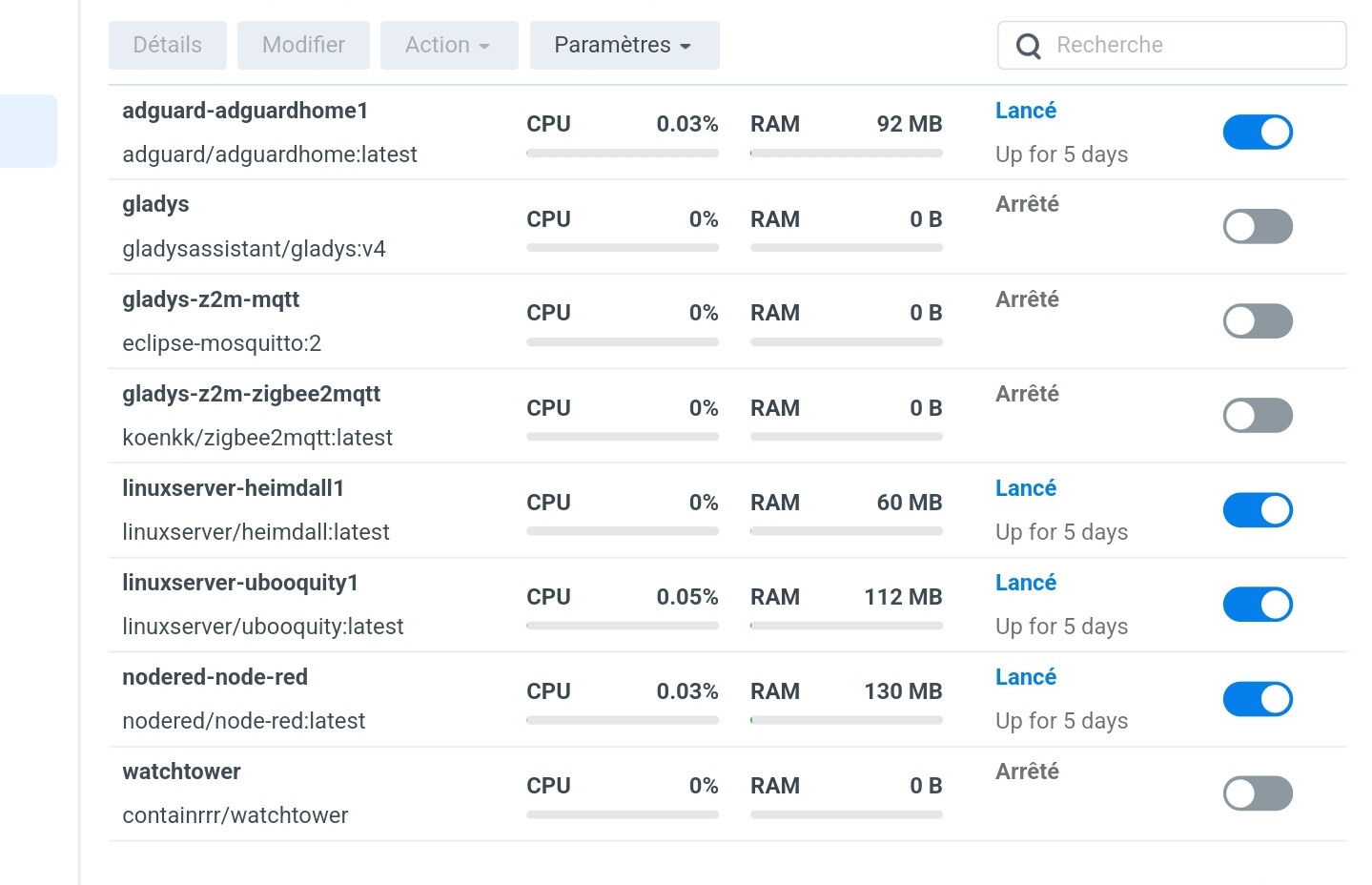
I’m going to migrate Gladys to my Synology NAS soon.
I already have quite a few containers on it:
Heimdall
AdGuardHome
Node-RED
Ubooquity
I installed Gladys to run a few tests (restore Gladys plus [which works perfectly], support for dongles [I need to check for a Bluetooth dongle]…). In short, I’m convinced.
But then I thought to myself, I need Watchtower to take advantage of updates!
So I installed it and that’s when the drama started.
I lost all my Node-RED configuration due to an update.
Is there a way to exclude containers? Because I don’t want to end up with my non-Gladys containers crashing every morning?
And your watchtower container must be launched with --label-enable
If you need to [include only containers with the enable label](https://containrrr.github.io/watchtower/arguments/#filter_by_enable_label)
pass the `--label-enable` flag or the `WATCHTOWER_LABEL_ENABLE` environment variable on startup and set the *com.centurylinklabs.watchtower.enable* label with a value of `true` for the containers you want to watch.
I recommend Portainer to manage your containers, you can easily edit your containers
I don’t necessarily recommend using labels for that, because some containers that you don’t launch yourself won’t have the label (Zigbee2mqtt for example), and above all it requires you to restart containers.
There is another, simpler way to tell watchtower which containers to launch: pass it as a parameter the list of containers to update: