the nextcloud solution seems nice to me, indeed and can do a bit more
So, after looking into it, Nextcloud seems pretty nice, especially since I have room for another hard drive in my Gladys PC, so if I want to turn it into a photo server or something else it’s feasible.
Can I add a Nextcloud container in addition to Gladys?
So in the docs I found an installation proposed as follows :
# For Linux and without a web server or reverse proxy (like Apache, Nginx, Caddy, Cloudflare Tunnel and else) already in place:
sudo docker run \
--init \
--sig-proxy=false \
--name nextcloud-aio-mastercontainer \
--restart always \
--publish 80:80 \
--publish 8080:8080 \
--publish 8443:8443 \
--volume nextcloud_aio_mastercontainer:/mnt/docker-aio-config \
--volume /var/run/docker.sock:/var/run/docker.sock:ro \
nextcloud/all-in-one:latest
Is there a port conflict with Gladys?
Yes, on port 80; you need to switch to something else!
so do I have to change the 80:80 thing to something like 800:800 ??
No, for example: 8081:80
The container exposes port 80 internally so you need to keep that.
The port on the left corresponds to the port on the machine
Also I’m not a Nextcloud expert (never used it), I’m just giving generic Docker advice 
Rather 800:80
But I’m not sure if 800 is recommended. Put 8000 instead!
I struggled quite a bit because SFR no longer provides NAT for IPv4.
So I was forced to configure access to my machine over IPv6, which in itself isn’t the most bothersome since both work in parallel.
But now I’m hitting a snag: although I can reach my machine, I end up directly on the Gladys server and not on the Nextcloud one.
The latter refuses to finish the installation because, I quote:

In short, I can access Gladys from anywhere on the planet but not my Nextcloud.
If anyone has an idea for accessing Nextcloud from the outside, otherwise never mind, I’ll resort to a free but limited hosting provider.
Hi @Prof_Techno
It’s a port issue.
I don’t know what you ended up doing for Nextcloud, but if you exposed it on port 8081 as we said earlier, you need to tell your internet router that port 8081 should be forwarded to the internet.
I should warn you: if you expose this instance to the internet, it’s important to secure it properly, because there are bots that continuously scan the internet to find poorly secured instances.
 I second that. Secure AND keep up to date AND make sure you know what you’re doing
So, for security there’s only Gladys exposed for now
However, I haven’t configured the port anywhere on the router, I just enabled DynDNS
So I ended up abandoning my personal Nextcloud on the same machine as Gladys
It was too annoying getting port 443 to open, so I’m switching to a free external host for the calendar. We’ll see later about possible improvements when my Gladys + Linux skill level has improved.
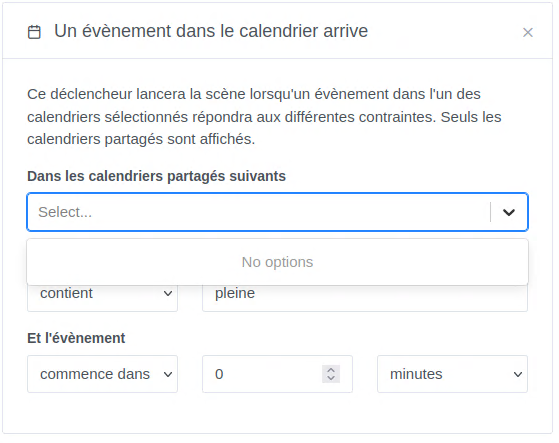
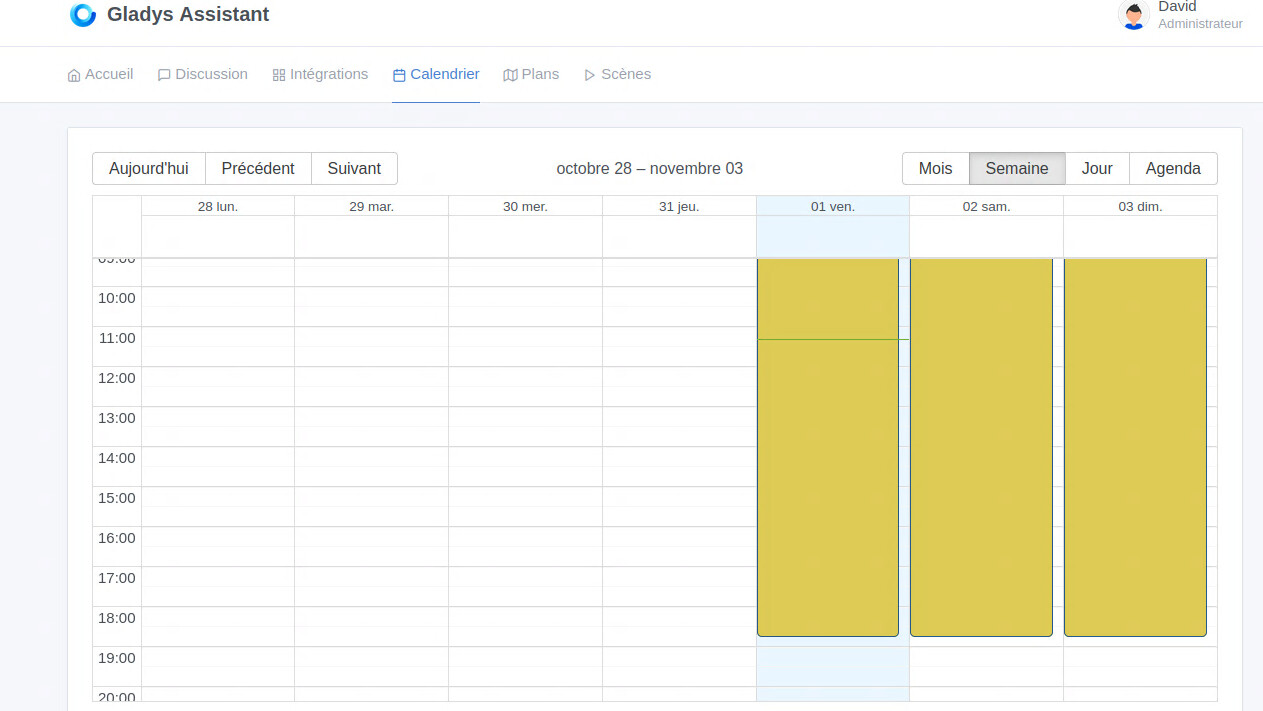
look here :
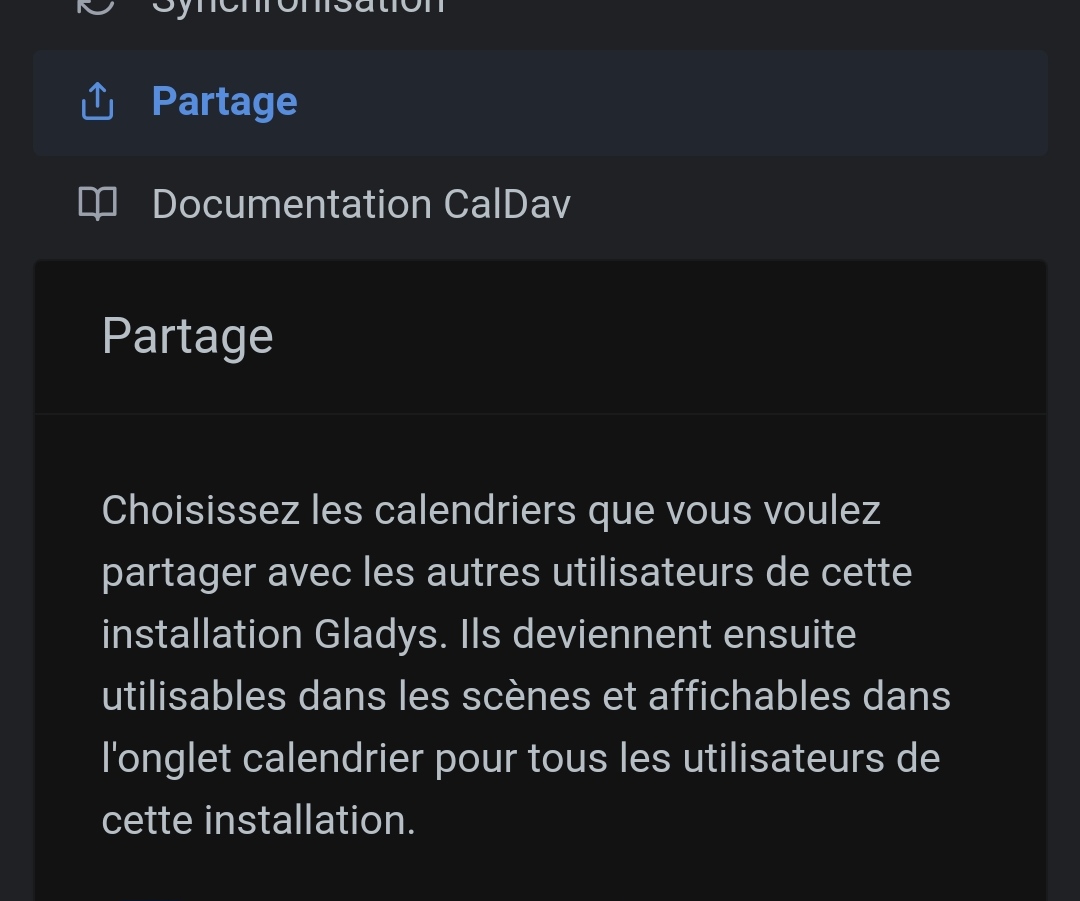
Thanks
I hadn’t seen that
I’ll get back to scene management after lunch
I continue with my questions
I program the start of my heating with the calendar: as soon as it detects the number 20, hop it starts the heating
if it detects the number 17, hop it switches to night mode
but I would like there to also be a forced off or on
how can I do that? I suppose with a button that allows me to create a variable I think but I don’t know how to go about it
same in the comparisons of the if function — and only if we can’t have two variables
like if temperature is lower than another temperature then I continue???
I also take the opportunity to ask about scenes — do you need a lot of them because I have the impression that they can quickly increase?
sorry for asking lots of questions
Part of your thinking could take into account this way of operating, in place at my home.
To be adapted, of course
For example, you only need to replace my timers with calendar events…
This message is being edited multiple times as I manage to do more or less nice things
ok I’m starting to get the hang of it
but I would need a button in Gladys where I can retrieve the variable — someone told me about it but I don’t remember where??
The night gave me advice: I need a 3-position button: on / auto / off
Someone gave me leads on another topic, problem almost solved — I do have 3 variables but the resulting display is sleepy — not great
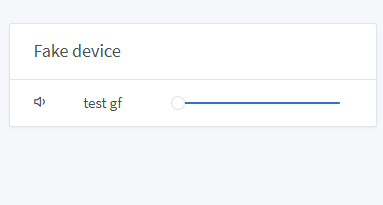
While searching I came across this — this is what I would need with 3 buttons
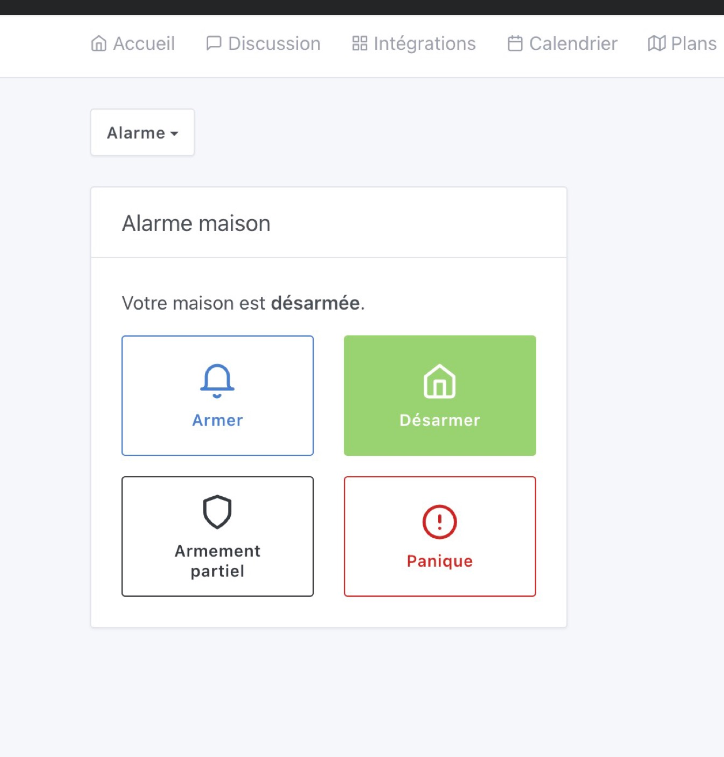
Forced on
auto
Off
So I’ve managed to display the heating’s state with a bar
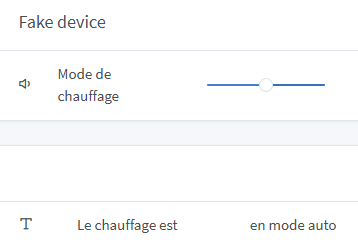
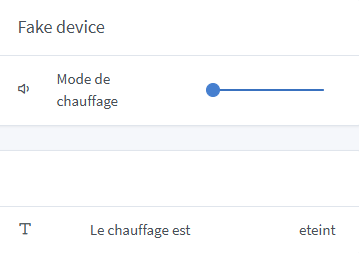
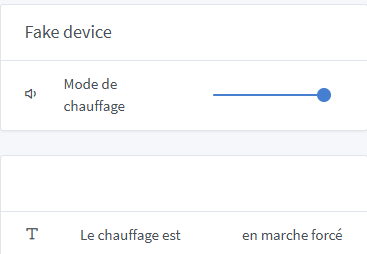
Now I’m going to use that to make my first heating scene
but clearly, graphically it’s a disaster
So a small tip for the calendar: if you add an event without a title it won’t show up in the Gladys calendar
Hello, small update on my installation — I’m sharing my heating scene configuration with you and would appreciate some feedback
![Capture d’écran_25-11-202
Nice! Very good use of the calendar for that.