Hello everyone
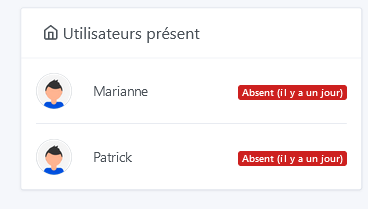
I often have Bluetooth problems, on the presence: one day everything works fine two users present (some absences of the order of 2 to 3 minutes) and days like today: users absent and no refresh (there absent for 1 day).
Moreover in the discovery of Bluetooth objects, when I start a search (in the integration), it searches permanently (I left it searching for 1 hour and if I don’t stop it it would still be searching). I no longer have control to trigger the presence scanner either.
Do you have any idea where this might come from?
thanks
Bluetooth was indeed blocked the search ran for at least 2 hours (I forgot it )
After restarting all containers, Bluetooth started again, until next time
For Bluetooth, we use a library called Noble, which is known to be unstable. We do our best to make it work with what we have
If you have specific error logs, we can help. Don’t hesitate if it happens again to inspect the logs and come back here with the error message if there is one.
Hello Pierre Gilles,
the problem has happened again, what should I look for in the logs? There are lines I understand, but others I don’t. It’s to avoid sending 5 pages of logs.
Thank you.
This log has nothing to do with the Bluetooth integration (it’s the Xiaomi integration), but it means that you potentially have multiple instances of Gladys running on the same machine? Is that the case?
For Bluetooth, you can’t have multiple programs using it at the same time, so if you have any other program running at the same time that uses Bluetooth, it prevents Gladys from using Bluetooth
However, when you say « Bluetooth scans for 1 hour non-stop », how do you know that?
I no longer have anything on the Xiaomi integration. How can I check if I have multiple Gladys instances?
When I do a docker ps, only one Gladys instance is displayed.
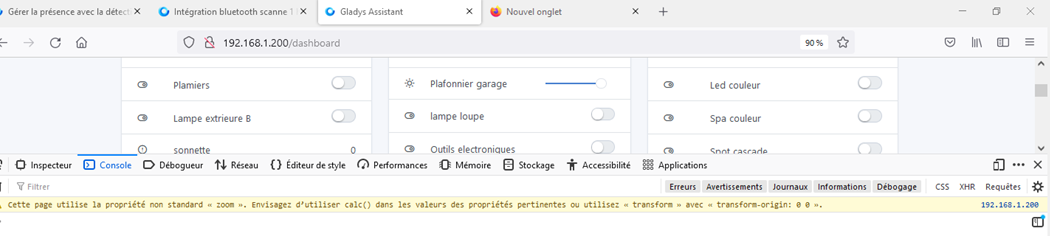
When I start a Bluetooth search, the search circle keeps spinning without finding anything (I say more than an hour, because the other day, I left it searching and an hour later, it was still running) and moreover, the presence scanner no longer reacts. On the dashboard:
docker ps is sufficient. I just wanted to check if you accidentally launched other Gladys containers to test dev versions, for example.
Ok, actually, Bluetooth has a 5s timeout in the integration, so anyway after 5 seconds if it’s still running it’s just that it didn’t work, it doesn’t run for 1h
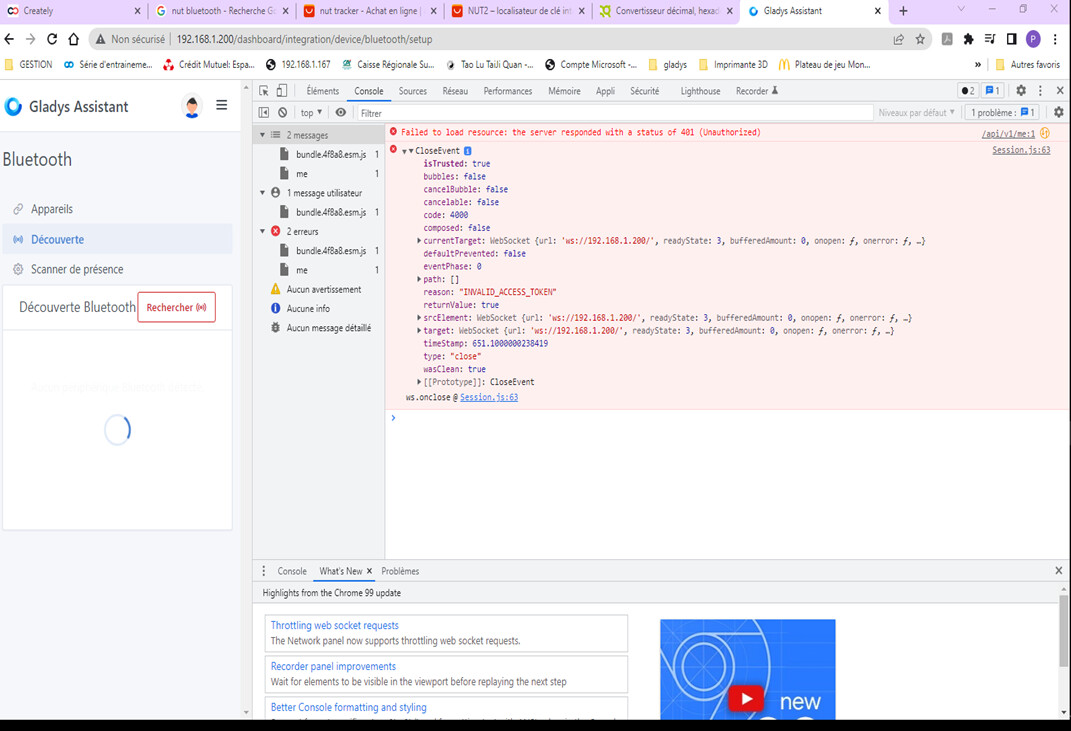
On the browser side, you can check the browser logs when you do the faulty scan if you have a specific error? Right-click on the page => Inspect element => Console / Network.
I ping @AlexTrovato, he’s the one who coded this integration!
Hello Pierre-Gilles
I will try to dig deeper, see if, when I connect objects, the fault occurs or not. If I find something, I will repost.
Thanks for your follow-up
Have a nice day
 )
)