Hello,
I’m trying to integrate my Philips Hue bridge into Gladys, but even when I press the hub button, Gladys can’t find it on the network. Do you have any idea? Thanks
I think it depends on the version. I personally never managed to restore it in Gladys after an update. There’s a discussion about that.
If you have a zigbee2mqtt USB stick, use that — it will be better.
If you ever use an app like Network Analyzer on Android or iOS, does the bridge show up properly on your network?
The only thing Gladys does is scan the network; if the bridge isn’t visible on the network (or available on another network), it won’t work..
I didn’t know it was still the case for you! Unfortunately we’re desperately lacking a maintainer for this integration 
I use the bridge for bulbs that are not integrated into Gladys.
Until now (if it’s the same problem) this only affected me, as far as I know.
But since I use a Zigbee dongle the problem is circumvented.
Hello
I just ran the scan; the network appears, of course.
Oh darn…
For your information, we’re using a library for the Philips Hue integration (node-hue-api), and we’re not the only ones with the issue:
There are some suggested fixes, but the maintainer apparently doesn’t have much time to dedicate to the library.
On our side, there are 2 possible solutions:
- Implement the N-UpnP search + local search combo
- Allow the user to manually add a bridge by its IP address
If anyone who has Philips Hue and knows how to develop happens to see this, we’re looking for a maintainer for this integration!
@dakouri_karim, FYI I had the issue last year when installing a second Hue bridge in my building, I had to try again more than 5 times (I no longer have the exact count) but it worked after a while. From now on it sees them fine permanently when scanning
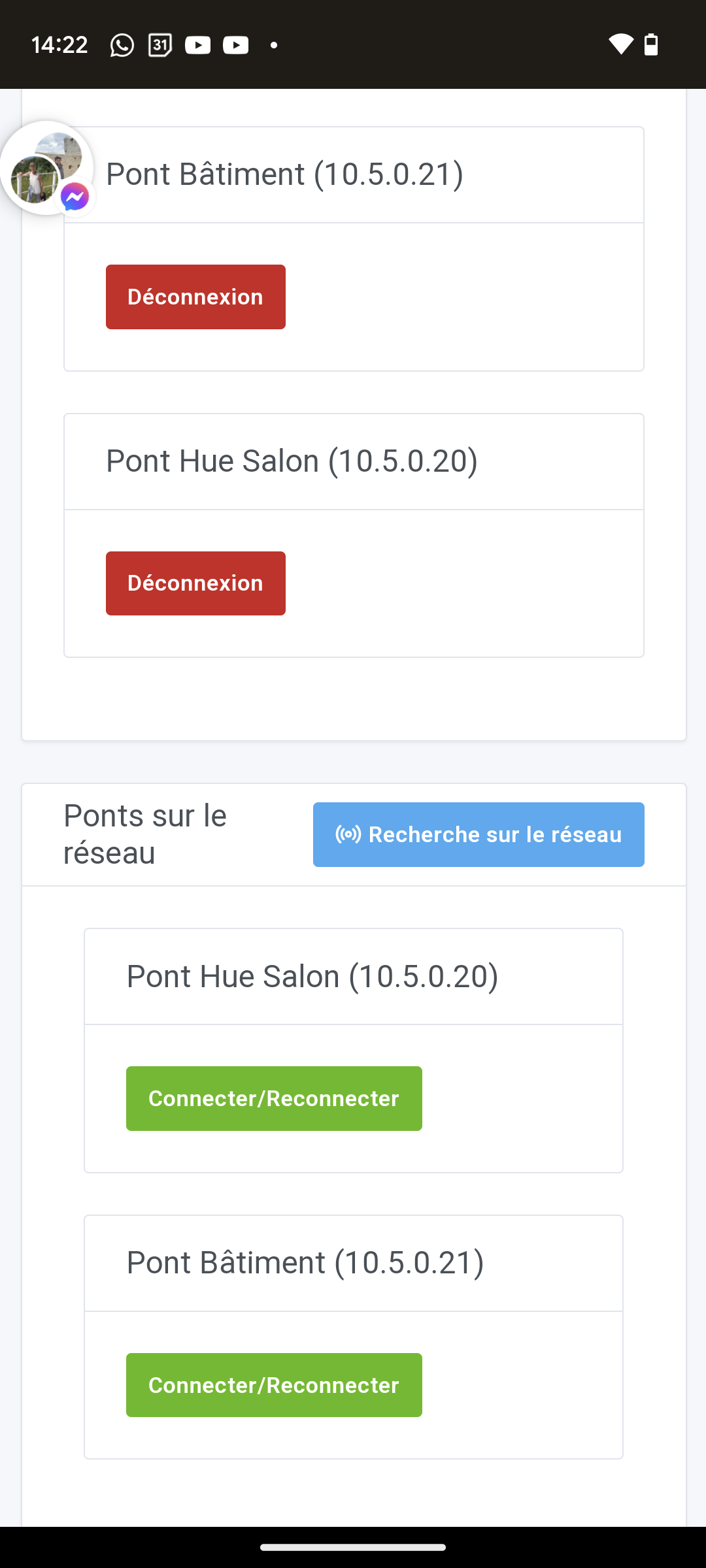
So we must insist then.
Attention !! The problem may also be different, it seems that others didn’t have that luck, I don’t know if they persisted that long.
Let’s say it’s worth a try !!^^