Here's my personal home automation setup! šŸ”

Hi everyone :slight_smile:

As announced on YouTube, I very recently bought my primary residence, and of course I will fully connect it :grin:

This installation will push the limits across many areas — practically everything will be connected, not a single light bulb, not a single room will be left unconnected!

I’ll present my entire setup in a course in the form of a series of episodes available on this platform:

https://formation.gladysassistant.com/

The idea is to show concretely how to get started in home automation, and to provide new users with very comprehensive, professionally produced tutorials to begin.

I can’t wait to show you all of this!! :slight_smile:

If there are topics you’d like me to cover, don’t hesitate to tell me!

6 Likes

I filmed the first chapter of this series on Monday!

![Screenshot 2024-02-06 at 17

2 Likes

Launch of the first chapter of the course tonight at 8 PM!

Sign up quickly here → https://formation.gladysassistant.com/

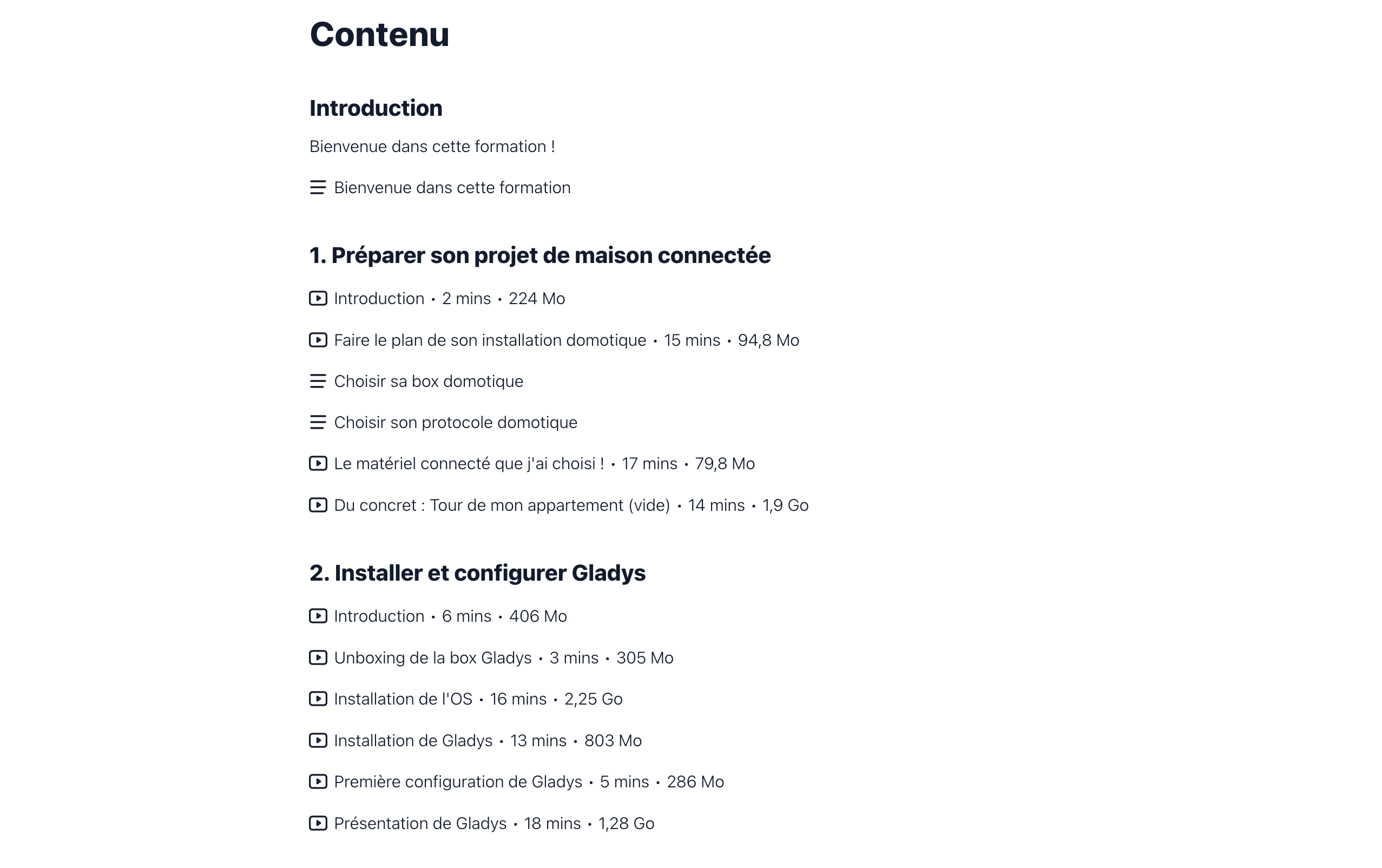
On the agenda:

  • Planning your home automation setup: I’ll show you the floor plan of my apartment and explain what I plan to do: I’ll talk about budget and devices. The idea is to help you organize your connected home project.
  • Choosing your home automation hub: I’ll go through the different options and show you what I chose for my setup!
  • Choosing your home automation protocol: How to make sense of the myriad of protocols, and choose a coherent range of devices for your setup.
  • The connected hardware I chose: Concrete stuff: a complete Notion document, room-by-room, of all the equipment I will install, presented in a video.
  • Tour of my apartment (empty): Again, concrete: I’ll show you my completely empty apartment, with the different devices I want to place in each room. There’s already some equipment that I’ll show you :smiley:

This is, of course, only the first chapter of the course — there will be plenty more coming very soon!

See you on the course!

2 Likes

The first chapter of the training is LIVE !! :fire:

→ https://formation.gladysassistant.com/

3 Likes

Hello everyone!

The series continues, and this week I’ll explain how to install Gladys:

  • What’s the best hardware to run Gladys efficiently, with equipment that’s built to last for years?
  • How to install the operating system that will run Gladys?
  • How to install Gladys?
  • I’ll show you the initial configuration of Gladys
  • I’ll give you a tour of the Gladys interface

This second chapter is available now on formation.gladysassistant.com :tada:

The current total content:

I can’t wait to present the rest of the course: lighting installation, sensors, my favorite scenes… :slight_smile:

2 Likes

Hi everyone!

I worked at 400% all day to get this out today, and I’m happy because I made it: the first part of chapter 3 Ā« Managing connected lighting Ā» is available :partying_face::partying_face:

On the agenda, I present my Ā« connected lighting Ā» stack, and I tested in particular a millimeter-wave presence sensor that is

2 Likes

Awesome detector :+1:, at least it will be able to detect Drax the Destroyer!!! :joy:
And nice excerpt…a good preview is always a promising sign of a good dish! :wink:

1 Like

It definitely makes you want to…

One question (not aggressive), do you have a lot of people watching the videos?
Personally I’m interested but €90 seems huge to me.

2 Likes

Hi @Hizo :slight_smile:

Thanks for your feedback!

On the contrary, I don’t find the price very high — in fact, with this course I’m trying to take on a Ā« technical expert Ā» role that educates on the subject and enables a user starting from zero knowledge to take charge of their connected home project and save time :slight_smile:

Where a home automation installer would charge at least €55 excl. VAT per hour to offer a client a connected home project, here the user will get a complete course with dozens of videos, articles, purchase links, on many topics for only €89 incl. VAT.

In the long run I’d like to move to a slightly higher price, but for now I’m starting more slowly while the videos are being released as a Ā« series Ā»!

I understand that if you already have an installation and know what you’re doing, it might seem expensive to you — maybe you’re not the target audience :slight_smile:

Yes! I’m happy with the launch; it motivates me to create all this content. It’s a huge investment in time and money, and I’m glad the content is finding its audience.

For now it’s mainly within the community, but I’m in talks with other blogs to form partnerships and showcase this course beyond the Gladys sphere.

I’ve worked on an affiliate program that allows me to compensate these partners for the sales they generate via their sites; it gives them a real incentive to promote Gladys, which they didn’t have until now :slight_smile:

6 Likes

Thank you for this detailed and interesting response.

I’m far from mastering everything, but I think above all that I have a bit of trouble visualizing what the videos might actually look like.

In any case, that’s great if the launch suits you :slight_smile:

1 Like

You can find the full plan here:

https://formation.gladysassistant.com/gladys-starter-pack-2024

Maybe I should publish more clips to entice people :grin:

5 Likes

I also think we need teasers! :+1:

2 Likes

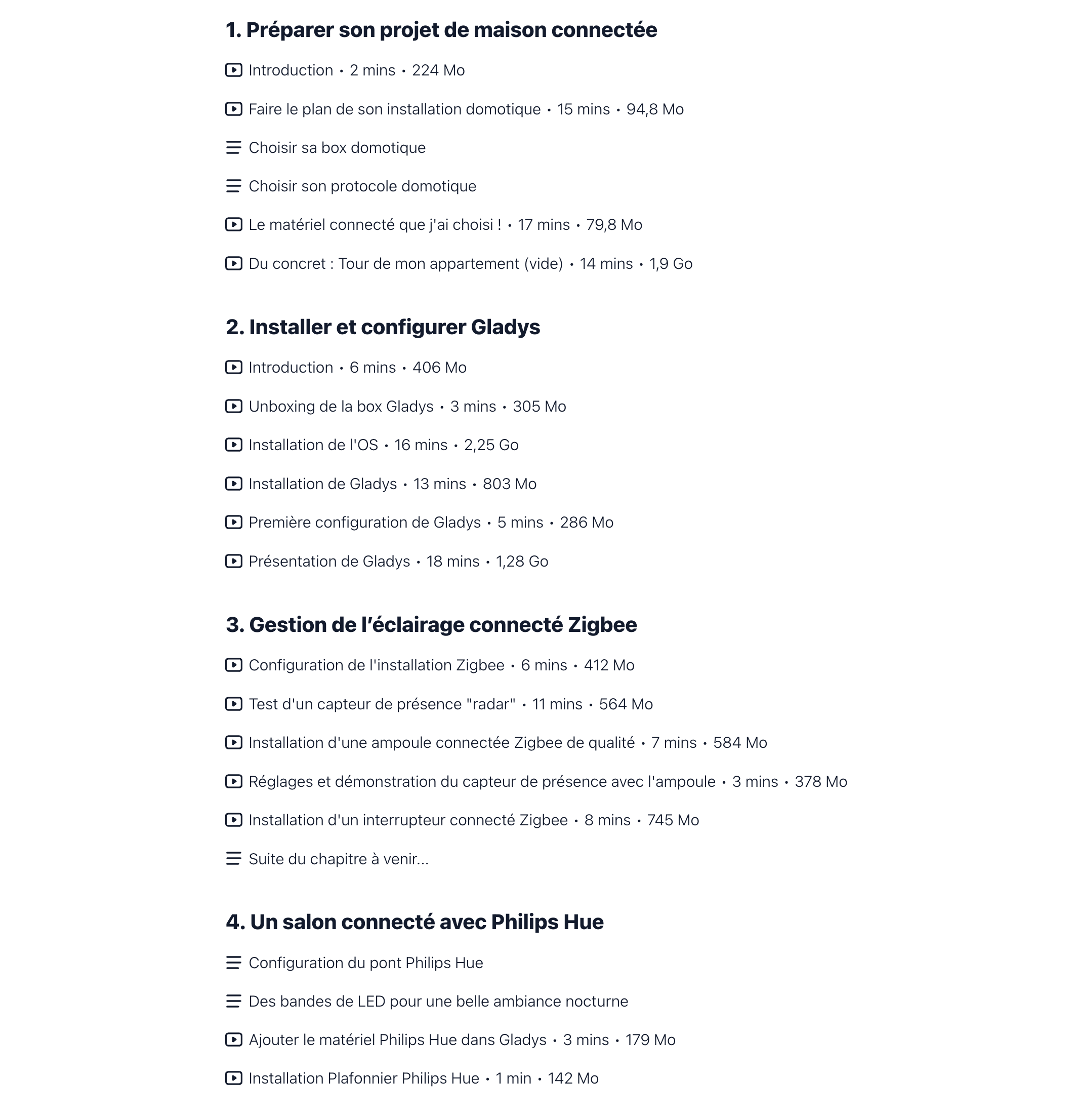
New chapter available : A connected living room with Philips Hue :light_bulb:

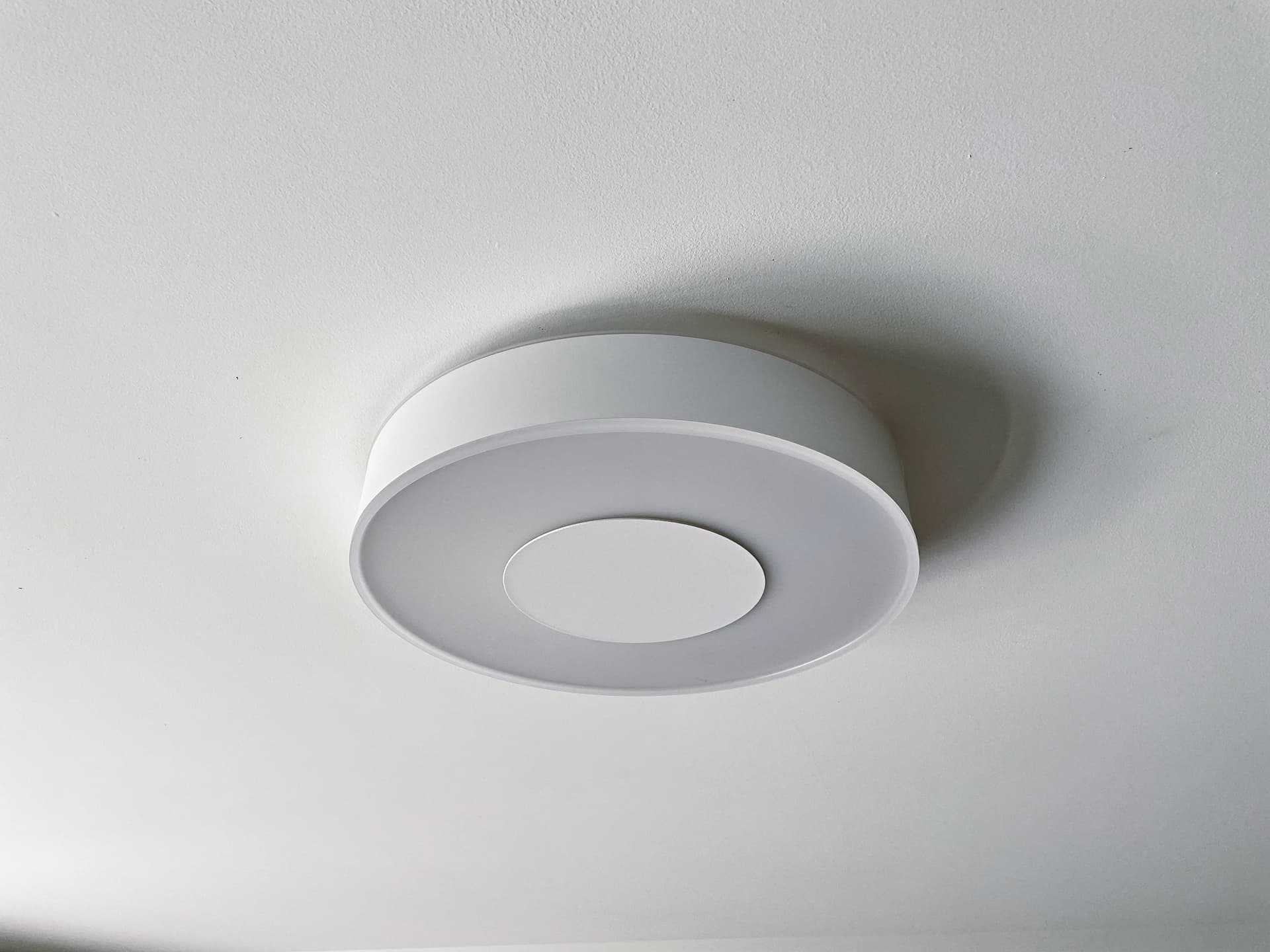
I now have a flying saucer in my living room :joy:

The training plan :

Available now here : formation.gladysassistant.com

3 Likes

I’ve just bought the course :wink: a little support for your work @pierre-gilles

4 Likes

Thank you @guim31 :raising_hands:

I hope you’ll like the content!

1 Like

Very nice article on www.framboise314.fr — in my opinion this will boost the sales of your course.
I’ve already reshared the tweet on X

1 Like

Thanks for re-sharing @bjm !

Indeed, I contacted FranƧois about a partnership :slight_smile:

For those hesitating to take the course, he shared a few screenshots of it in the article, that might give you an idea!

New videos available :partying_face:

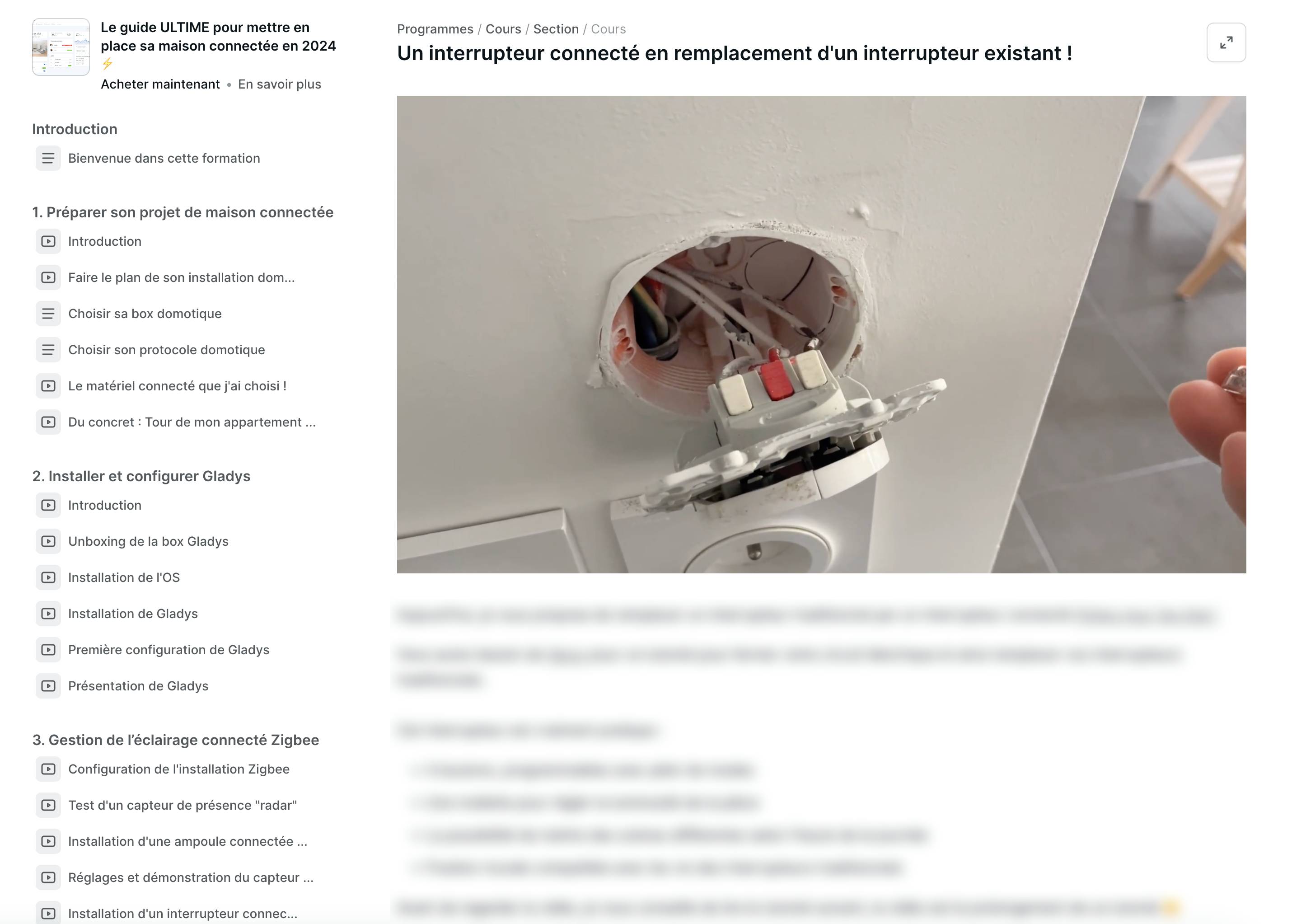
Are you tired of your friends turning off your smart bulbs using the Ā« old Ā» switches? Me too!! :smiley:

Today, I show you how to replace a traditional switch with a smart switch!

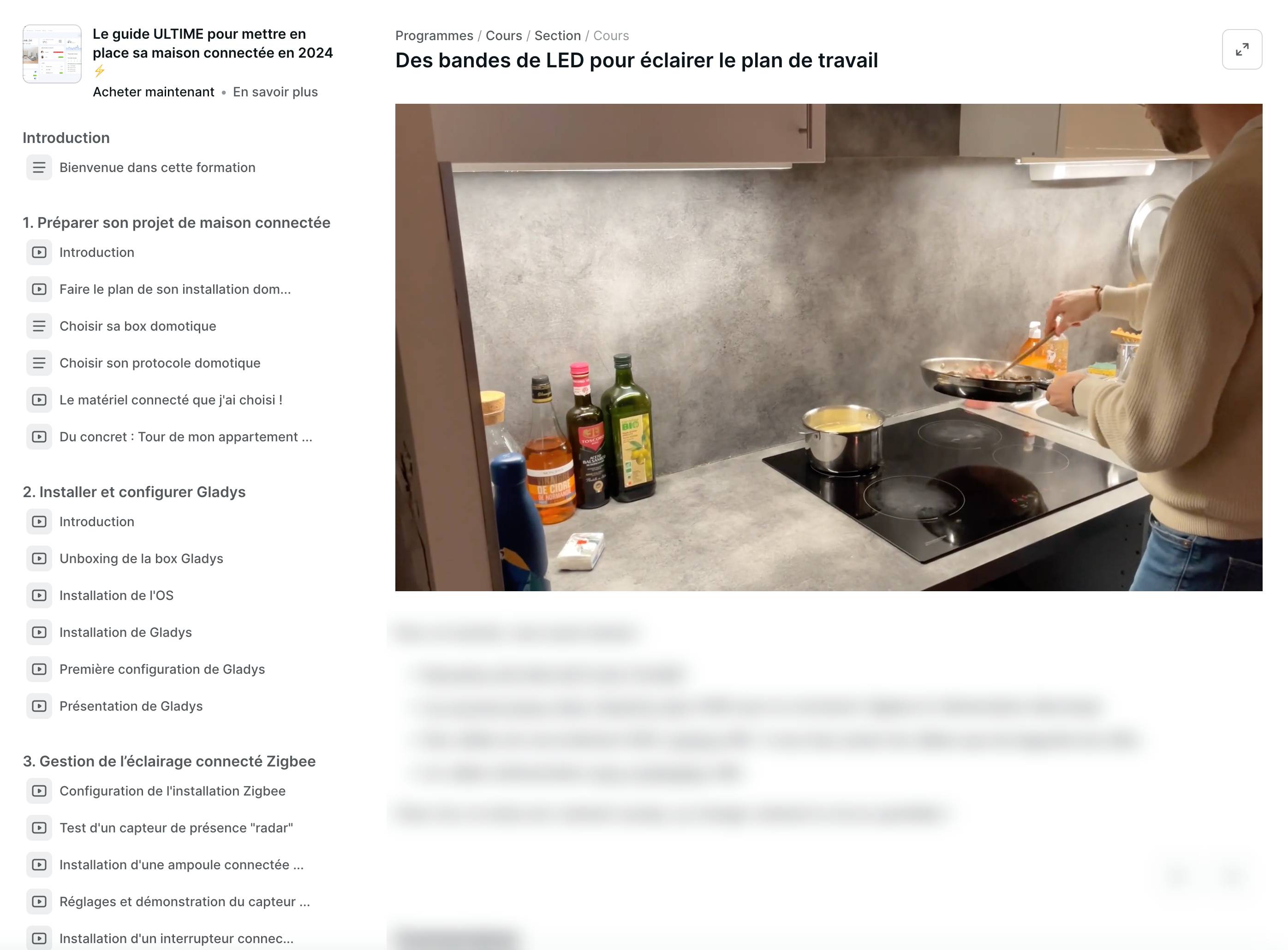
In the kitchen, I show you how I made my kitchen brighter thanks to special kitchen LED strips (and they’re insanely bright!!)

You can find all of this in the course: formation.gladysassistant.com

Thanks to everyone who follows it and helps me create this content :raising_hands:

I hope you enjoy these two new tutorials.

The next videos will be released in 2 weeks because I’m off starting tonight to take a week of vacation :slight_smile:

3 Likes

Thanks for these two new videos. The IKEA equipment looks nice anyway :star_struck:

I’m disappointed — I was expecting to get the recipe for the detox juice and the carbonaras in the course :stuck_out_tongue:

4 Likes