The Docker/Docker Compose tutorials have been updated to better reflect the reality of an installation in 2025.
More international documentation
The homepage and all the installation documentation in English are now designed for an international audience, with a particular focus on the United States.
I also migrated all links to Amazon US, and removed references specific to France (e.g., Freebox Delta).
Your feedback?
If you find that some parts of the documentation lack clarity, let me know!
I’m open to concrete feedback, especially from beginners who have trouble getting started with Gladys. Your opinions are valuable to continue improving the user experience.
@bjm The scrollbar appears automatically at the moment of the click, so the user sees that there is an element below.
Adding an element below won’t change anything, the same effect will occur.
Honestly, I don’t think there’s a real problem. The site uses Docusaurus, an open-source platform widely adopted by thousands of sites. It’s not an internally developed tool, so I don’t have control over this behavior.
hi @pierre-gilles, I’m revisiting the docs and I have an existential question: who is your audience?
I mean: you start with the formal « vous », then switch to the informal « tu », then back to « vous », etc.
The goal would be to harmonize and use either « vous » or « tu » consistently.
So I’m old-school and on a website I clearly prefer the formal « vous » (even though in real life I tend to use « tu » pretty quickly).
There you go, that was tonight’s question
Quick note about choosing the home automation box: I’d put the beelink Gladys offer first (rather than at the end), before Amazon, and indicate that purchasing via Gladys helps support and advance the project (even if there’s an affiliation with Amazon).
EDIT: I just visited the Installation on mini-PC page and you do highlight the Gladys offer nicely
Good point! Since there have been several authors (and a bit of AI here and there), the harmonization isn’t always perfect. I’ll take a look.
Using ‹ vous › gives a more « pro » feel, but it also creates distance and can give the impression that Gladys is run by a large team, whereas it’s a modest, human-scale open-source project.
Using ‹ tu ›, on the other hand, is more friendly, but can seem less formal.
Personally, I prefer ‹ tu ›, so I’ll reread and see what feels most natural to me!
It’s always a balance to find: in open-source, many users don’t like it when something seems too « commercial ».
My idea here was first to explain which platforms are best for running Gladys, before mentioning my offer, without giving the impression of being pushy. But that’s a good point; I’ll see if I can present it better!
Hi @pierre-gilles
I have Node-Red installed on a Docker external to Gladys.
I had to go back and watch your video.
In the docs you only talk about Node-Red integrated with Gladys.
It seems to me you could add at the end of the page « As a supplement for those who have or want to install Node-Red outside Gladys the link to the blog video » Intégrer Node-RED avec Gladys Assistant en MQTT | Gladys Assistant
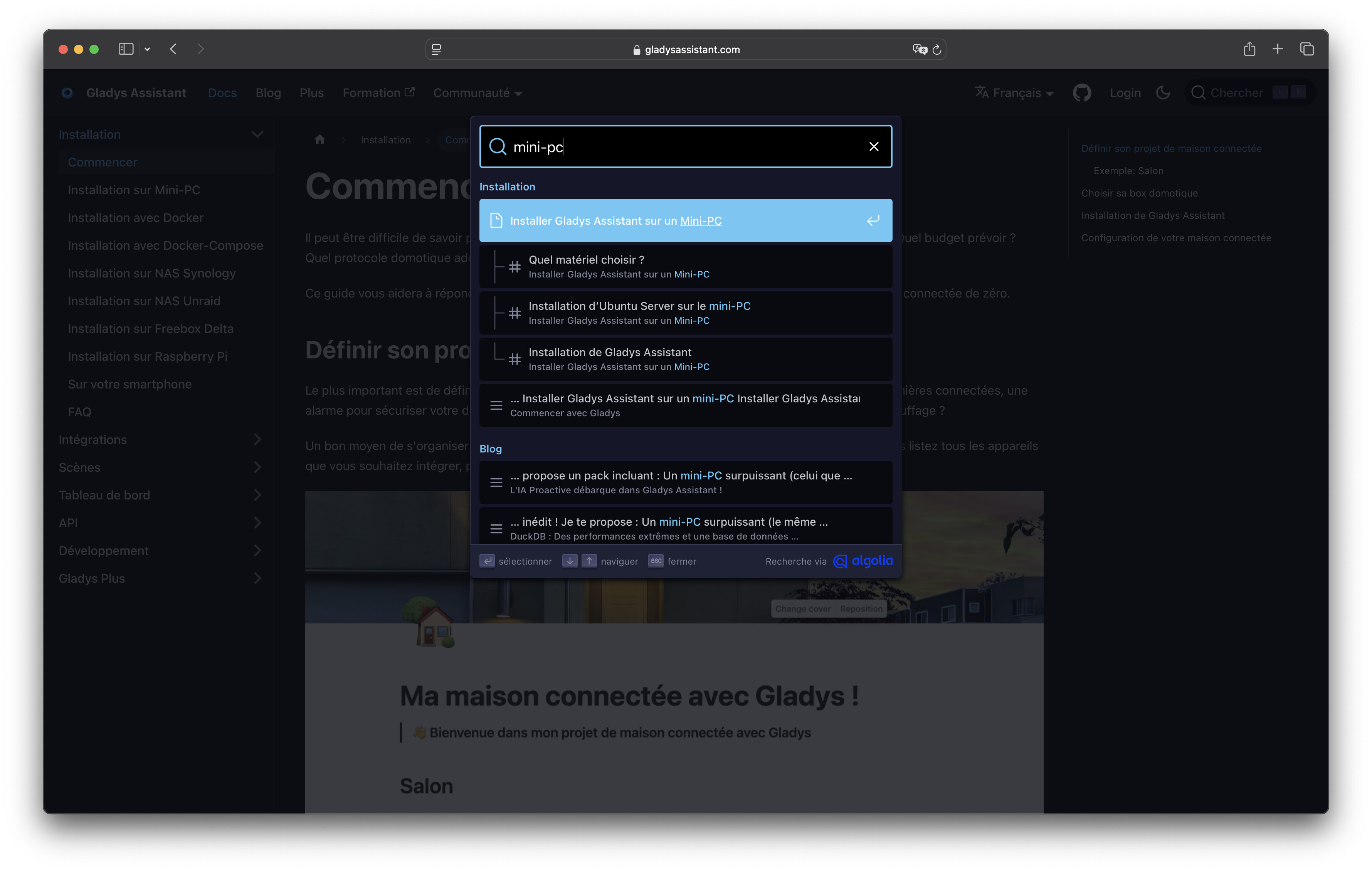
Another remark, if you could add a « search » feature to the site, that would be nice.
The video by @pierre-gilles on installing Node-Red is very well made.
apart from adding the command sudo chown -R 1000:1000 /var/lib/node-red
that you gave in your post Rflink, Node Red et Gladys - #77 par Psoy for those who are on mini PCs.
and adding -v /home/pi/.ssh/id_rsa:/home/node-red/.ssh/id_rsa:ro \\
For those who, like me, want to use their SSH key to control another device via SSH from Gladys with node-red-contrib-ssh-v3.
In my opinion there’s no need to reinvent the wheel, unless you want to go further later in explaining how to use Node-Red.
 Simplified navigation

 New tutorial: Install Gladys Assistant on a mini-PC

 Install Gladys on a mini-PC
 Improved Docker/Docker Compose installation documentation
 More international documentation
 Your feedback?




 New articles:
 Updated articles: