Hello everyone!
Here it is, the new website for Gladys 4 is online 
 And it has a dark mode!
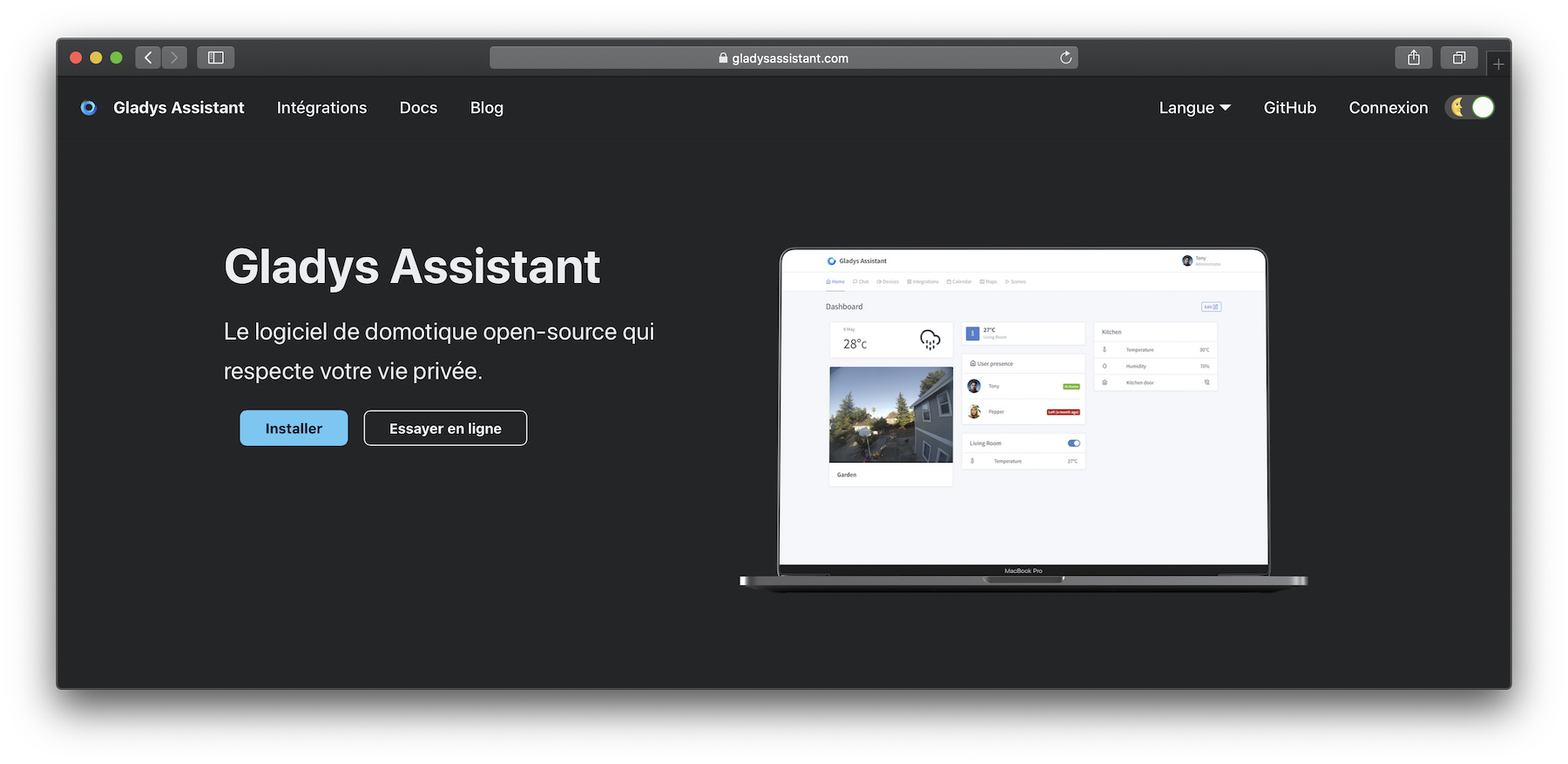
The site is available as before:
Don’t hesitate if you have feedback, I’m all ears 
Hello everyone!
Here it is, the new website for Gladys 4 is online
And it has a dark mode!
The site is available as before:
Don’t hesitate if you have feedback, I’m all ears
It’s beautiful!
Minor bugs (on mobile):
The design is a bit broken on the « Docs » page. The text block is not 100% of the screen width.
Home page: the description of the different integrated devices is cut off. It would also be cool to have clickable images with Amazon links (affiliate?).
Edit: the links are on the « Integrations » page, I just noticed. However, there too, the description text of each device is cut off.
Thanks for your feedback  I’ll take note and I’ll fix all that!
Oh dear,
In “Xiaomi Home”, I forgot to tell you to add the “s” to cher s
In the docs, it’s odd to have « Previous » and « Next » in the French version.
Similarly, « Getting Started » instead of « Pour commencer »
In the Getting Started doc:
In MacOS/Windows:
In Freebox Delta, even though I’m not concerned, I read it ,
,
In the Xiaomi Home doc:
In the doc Philip Hue, Connectez… Addez
In the Owntracks doc, Checkez that the integration works
In the Z-Wave doc, in « Select the USB port in Gladys »:
In the Doc\API\ Develop a Gladys service the page is in English.
If you click on Subscribe, then on Back, you arrive on the homepage in English.
In Try online, in Integrations:
Great idea!
What information do you miss to better understand what it’s about? I’m interested
Thanks!
@gaetanb76 Thanks for your feedback! I’ll integrate all that.
Hello,
A modification that might be interesting:
When you click on « Need help » in our profile, it would be great to open the page in a new tab.
I understand the idea I’ll think about it!
In Gladys, are we in agreement? Good idea
Yes, that’s it, in Gladys