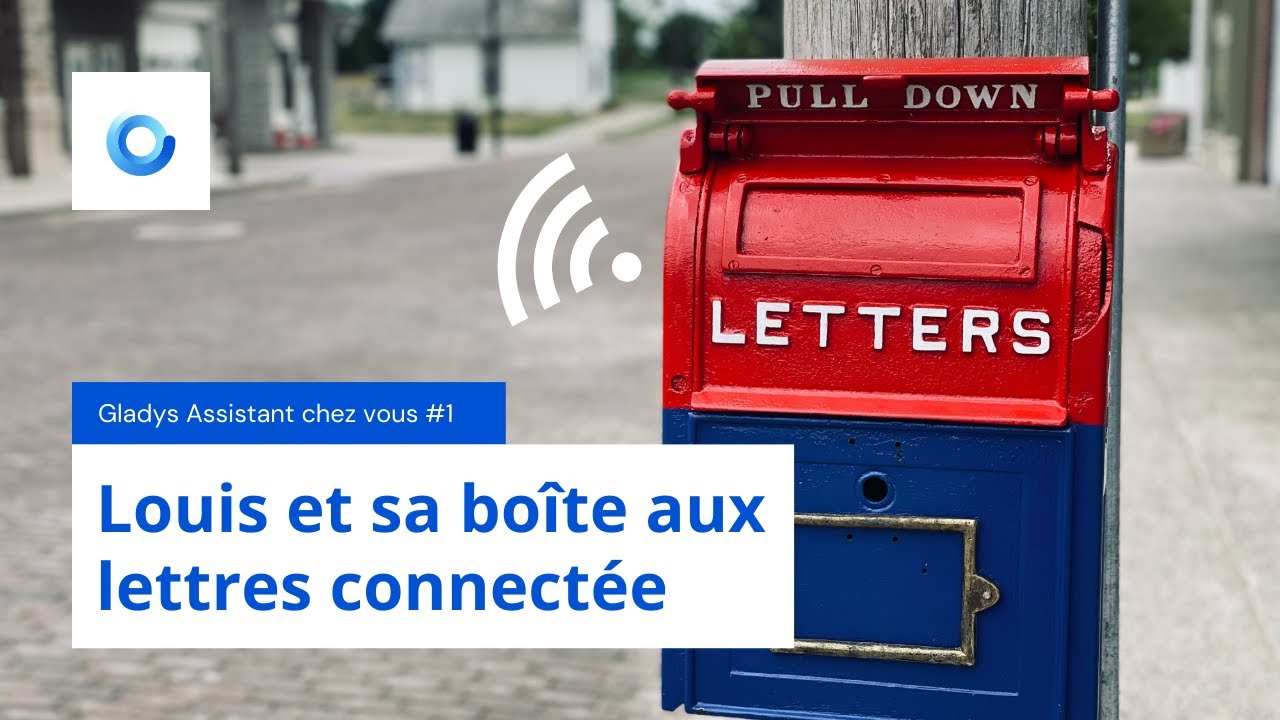
New video: Gladys Assistant in your home #1, Louis and his connected mailbox!

Hello everyone!

I’ve wanted to do this for a long time, and I’m happy to launch this concept with a 1st episode with @lmilcent:

Gladys Assistant at your place

The idea is a series of videos that I will post on YouTube where a community member presents their setup.

The goal is to inspire you and give you ideas for interesting scenarios!

The 1st video is already on YouTube:

If you’re interested in presenting your setup in a future video of the same format, you can reply to this message or send me a DM :slight_smile:

Thanks to @lmilcent for this great conversation, it was a pleasure talking to you!

Didn’t you already do that on v3?

In any case, it’s very interesting to see the installations and use cases of everyone, I approve :grinning_face:

I had done that once at @MathieuA’s place, back when I was studying physics :slight_smile:

But it was more like a filmed video montage rather than an interview. Here, the format is different; it’s more like a podcast.

Yes I saw that indeed!
It’s not bad as a format anyway we’ll know everything about @lmilcent :smiley:

I was watching other videos and I came across this.

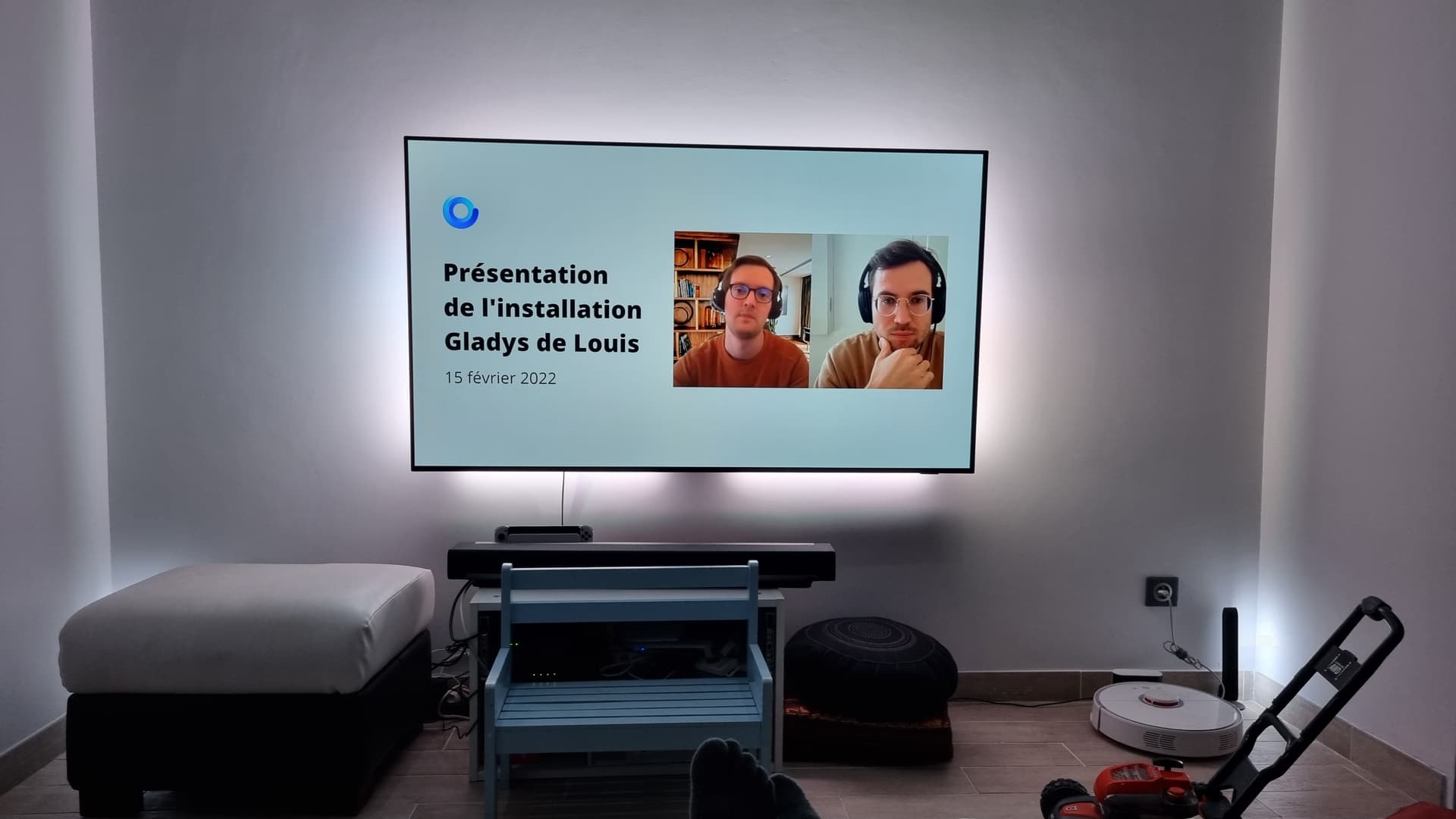
You made a big mistake, there’s a lawnmower in your living room :grin:

Nice lights, they look great!
Well, nice to meet you @Tlse-vins, now you know what I look like :wink:

We have almost the same dashboards; I also had an alert via scene for the refrigerator, but without a time condition. I will apply your method because I have false positives (my daughter has the bad habit of staying in front of the open door for 10 minutes to choose a yogurt :sweat_smile:)

ah ah huge :slight_smile:

Looking forward to the presentation of the other installations, I feel like it’s going to be super interesting for everyone.

Thanks @pierre-gilles for the idea, it’s great.

Hello everyone
Thank you for sharing your setup with us, it gives us ideas (the TV wall lighting is nice :wink:) Thank you also to Pierre Gilles for starting this series. And as you say, the greatest contribution is to put a face to the people who help you.
Have a nice day

This TV setup! :sunglasses:

If any of you would be interested in presenting your setup, don’t hesitate it takes about an hour to film and it’s really not complicated :wink: We recorded this in an hour yesterday at lunchtime with @lmilcent

And yes, I have 2 boys at home.

It’s not finished yet in the living room (TV furniture, box for Gladys, …)

I just found my box with all my opening, motion and temperature detectors. Thanks Domadoo.
I’m eagerly awaiting the installation by another user @VonOx?

Hello @lmilcent, great installation,
Could you share a bit the references of the sensors and objects you used?

Thanks in advance

Socket outlets might interest me :-D!
After that, in the video description, you have domadoo links

Yes when I have availability, let’s try to coordinate with @pierre-gilles as soon as possible.

@lmilcent: For your connected plug, there is the one from Lidl with an integrated on/off button, so even if Gladys is down, you can still turn it on. (By the way, it will be back on sale on 24/02). However, there is no power consumption management (at least with Zigbee2MQTT).

Thanks, I saw that you can turn off the lights via Telegram! (What actions can be performed via the chat or Telegram? Maybe put this in a FAQ)
Here is the list of equipment I currently have at home:

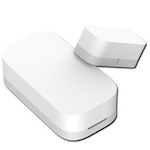
Opening Sensor


Xiaomi MCCGQ11LM

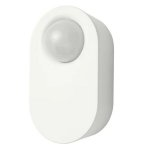
Motion Sensor

Xiaomi RTCGQ11LM (motion, temperature, brightness)


Ikea E1525/E1745, this is the one in my mailbox, which is much more sensitive than the Xiaomi one.

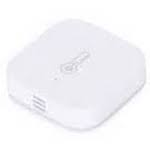
Temperature Sensor

Xiaomi WSDCGQ11LM (temperature, humidity, and pressure)

Smart Plugs


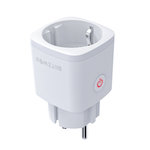
TuYa TS0121_plug (current measurement and On/Off)


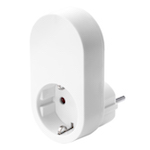
Ikea E1603/E1702/E1708 (On/Off)

Wireless Switch


Xiaomi WXKG06LM (short/long/double click)

Wall Switch

TuYa TS0011 (no neutral, directly replaces my built-in switches).

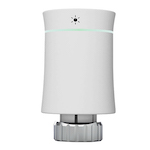
Thermostatic Heads


Moes BRT-100-TRV (to control a radiator type heating with hot water pipes)

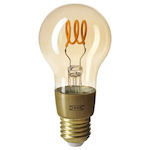
Bulb

Ikea LED1934G3_E27 (brightness variation)

The ones from Ikea do not have an integrated button, but the others do. In the worst case, you just need to unplug them and plug them back in.

Hello!

I’m responding a bit late, but I remember that day when we were a bit in « promotional clip » mode :stuck_out_tongue:

Great job anyway!