Indeed, it’s the same for me, but I prefer that state, because to me it’s more consistent to have the icon crossed out when the door or window is closed. When my Xiaomi contact sensors were managed by the Xiaomi integration, they appeared as above, but when I switched to the Zigbee integration they ended up reversed. I think in Zigbee2MQTT they were configured the other way around.
Hmmm
So I see that if the contact is made, then we have « true » as the value, but Gladys doesn’t talk about « contact » but « opening ».
The notions are therefore reversed.
Contact sensor = checks that it’s closed
Open sensor = checks that it’s open…
Good evening @ Alex Trovato
At the risk of being booed, seeing the icon crossed out when the door or window is closed is more intuitive (notion of a barrier). Moreover, leaving it like this brings us back to the same logic as the Xiaomi integration. Indeed, showing open or closed would solve the problem.
It’s true that these icons aren’t very clear; to me it made more sense the other way around, but that could be a long debate I think
Also, you really need to be sure about the returned value, because if we leave it like this I’ll have to redo all my scenes where I take these sensors into account
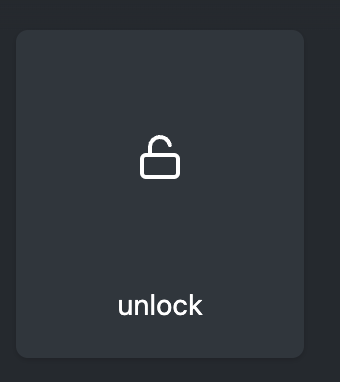
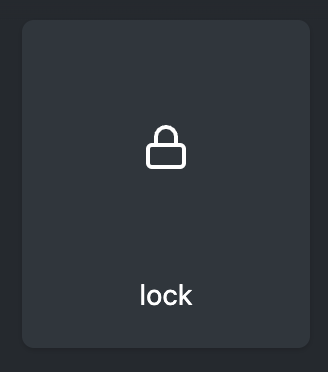
Aha don’t worry it happens, and besides it’s actually a good opportunity to change those not very clear icons, we could switch to a closed / open padlock?
Yes, that’s normal, the fix wasn’t in the frontend as I thought but in the Zigbee2mqtt service. Alex’s PR (pull request) was only there to fix this bug as quickly as possible My comment was just a suggestion.
Last night I started explaining how Gladys works to my partner, with the different tabs I’ve set up, …
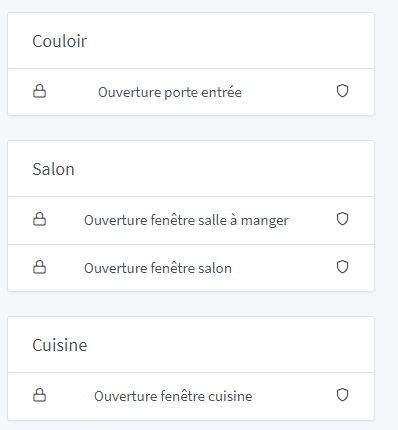
I showed her the tab about the open/closed status of windows and doors, explaining the meaning of the shield.
Her immediate reaction: « Wouldn’t an open or closed padlock be better?? Isn’t that more logical? »
I told her that there was some thought being given to this subject.




 Thanks @AlexTrovato for the fix and @_Will_71 for the tests