Hi everyone,
Since I integrated AI into Gladys, the promise was there but the reality remained limited: you asked a question, the AI answered. One input, one output. No intermediate reasoning, no real autonomy.

What I’m announcing today changes all that in depth!! 
Gladys can now « think » before answering
You may know Claude Code, Anthropic’s development agent that, faced with a complex problem, breaks it down, iterates, uses tools, adapts… until it finds the solution. It’s exactly this model that I’ve applied to Gladys.

From now on, when you ask Gladys a question, it no longer just tries to formulate an answer. It acts. It can chain several tool calls in succession to achieve its goals:
- What is the current CO2 level in the living room?
- Turn on the living room lights and turn off the fan
- Show me my energy consumption over the last month
- Create a scene that every morning at 7 a.m., sends me a message with the CO2 level in the living room, the kitchen, and the status of my doors.
- Create a scene that, when there is movement in my garage, sends a photo from my camera to the AI, and checks if the car is indeed my red Tesla Model 3. If so, the AI should not respond, otherwise the AI should warn me that an unknown car is there.
Requests that would have required several manual manipulations, or that simply didn’t work before!
This work is partly based on the MCP server developed by @bertrandda, which I’ve integrated into this new architecture! Thanks to him!
A redesigned interface to be really usable
I took the opportunity to completely overhaul the chat interface. Clearer, more fluid, really usable on mobile.


Each tool call is displayed in a readable way in the conversation, so you can understand what Gladys is doing, and you can easily diagnose if something is not going as expected.

Telegram, Nextcloud Talk: it works too
Do you use Gladys on the go via Telegram or Nextcloud Talk? The improved agent is also available on these channels. You therefore have access to all this power from your phone, without opening the web interface.

Try it now, it’s free
First, update Gladys to v4.76.0!
Then, you need Gladys Plus. And I’m offering you 1 month of full trial, no credit card 
Each account has 3,000 requests per month + 500 image analysis requests.
That’s more than enough to explore what the agent can do, and I’m curious to read your feedback on what works, what surprises you, and what you’d like to see next!!
For the AI model, I’ve reached the limits of Mistral Small 3.2 with this tool, and for now I’ve switched to Gemma 4, still at Scaleway, hosted in France, with your data entirely private 
Of course, there may be bugs and I’m open to your feedback


 ! Thanks to
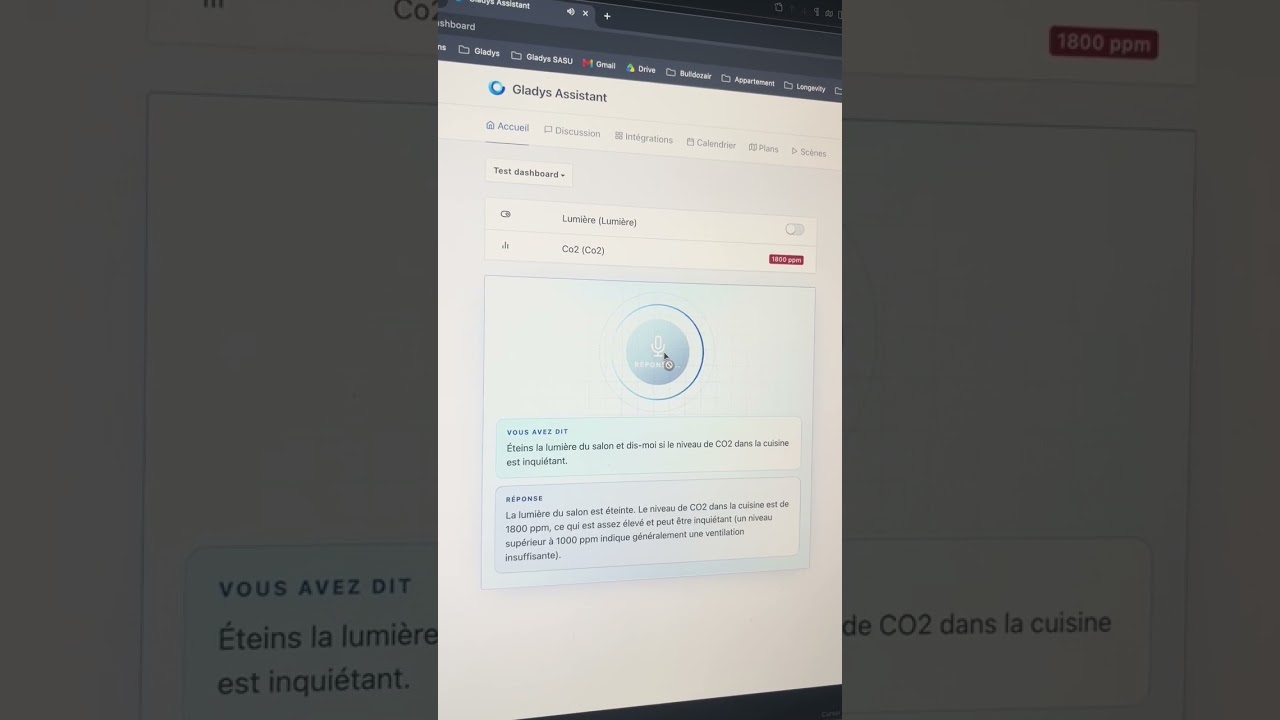

 (and I did other tests with the same kind of delay…)