Hello everyone!
Today I’m still working on the home screen boxes, and I’ve specifically worked on creating a « perfect » box.
The goal is to write guidelines in the documentation 
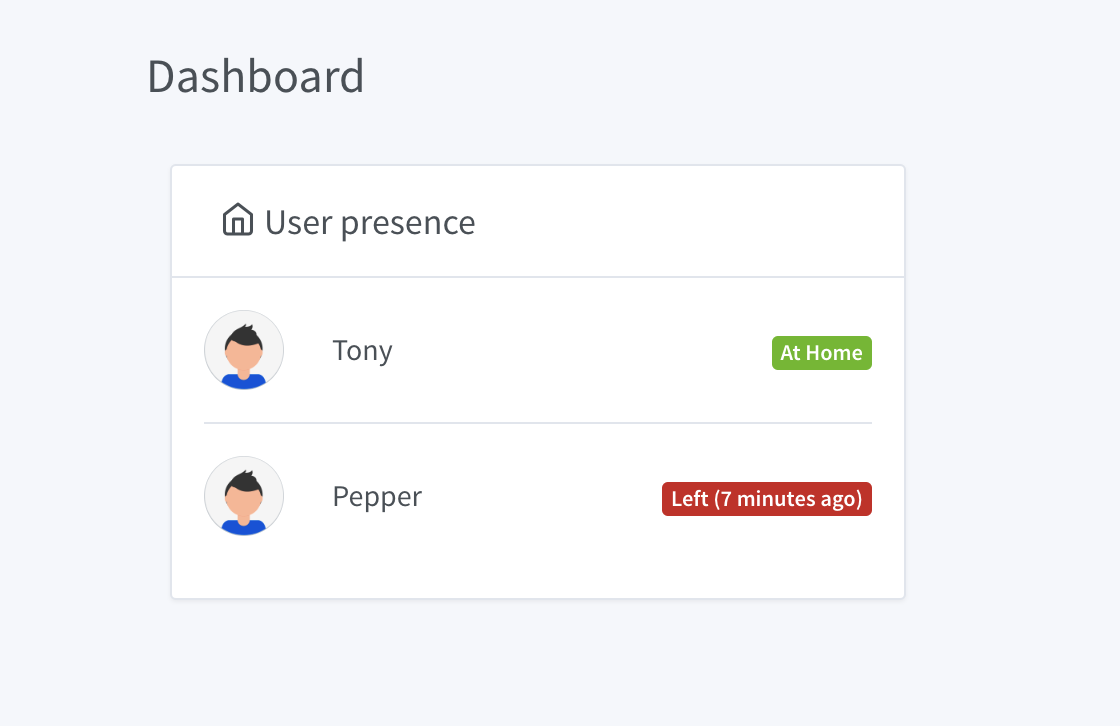
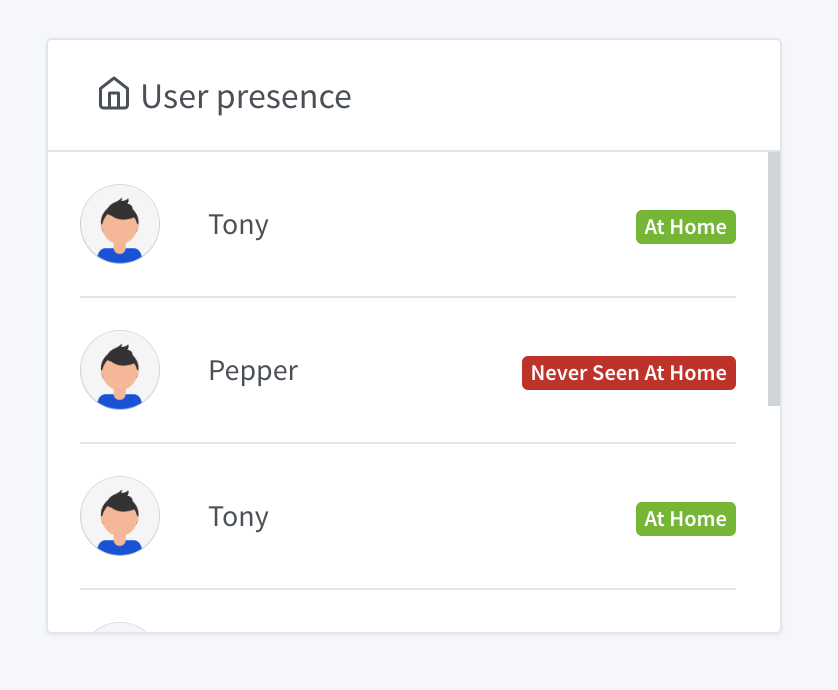
I took the « User Presence » box which displays who is at home and who is absent.
The box looks like this:
Here is the content I will put in the guidelines.
Error Management
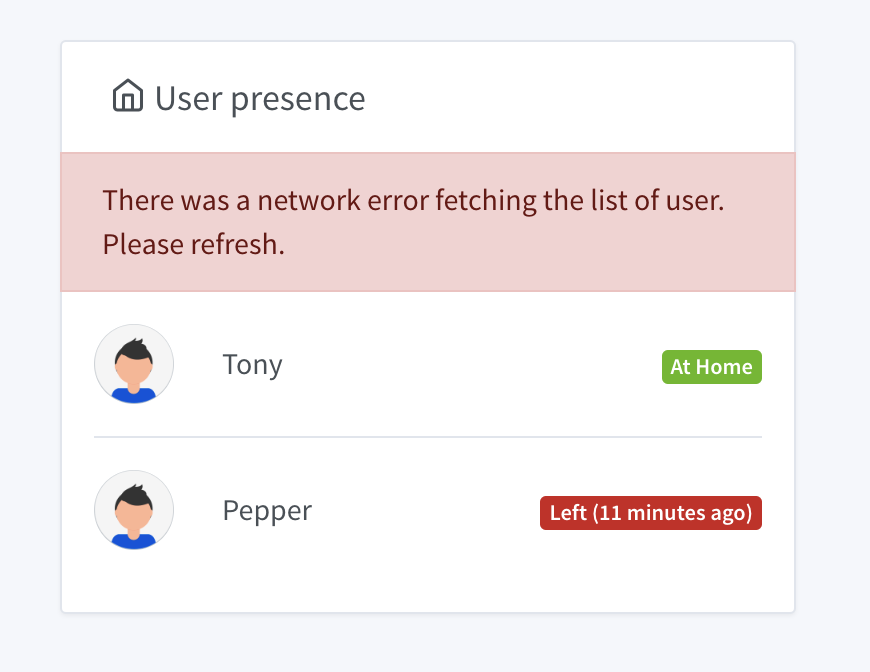
The box must handle errors and display an appropriate message:
- In natural language (no JS error dump)
- In the user’s language (via Gladys 4 native internationalization)
- The error message must be rich, for each possible type of error (network error, unavailable device, etc.)
- The error must indicate to the user how to resolve the issue: The steps must be clear, and must not lead the user to the logs or to technical manipulations. If the error is only temporary, and no action is to be taken, indicate it.
- The error must be displayed within the box, and not outside, so that the user understands the context of the error.
Example:
Loading Time Management
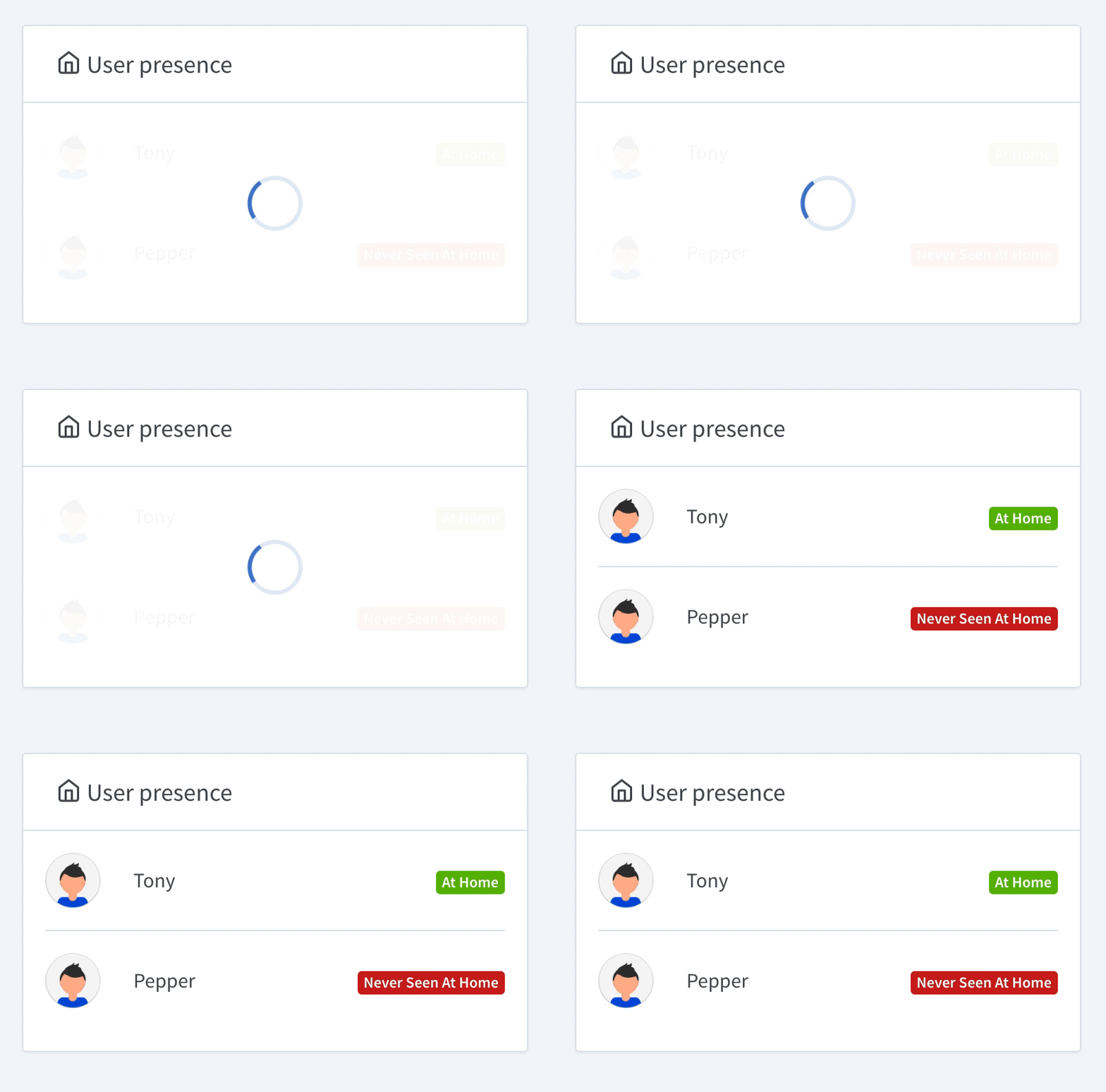
The user must know when something is happening in the background. If you launch a request, you must indicate it in the UI with the standard Gladys 4 loader.
- The loader must be in the box
- Be careful, the box must have a minimum size so that the loader is not compressed at the top of the box in small.
- Remember to remove the loader if the request fails. The loader does not replace the error message.
Example:
Live Management
A box must not only display data, but also ensure that it remains up to date throughout its lifecycle.
The Gladys dashboard aims to have a long lifecycle, so some boxes will remain displayed for several days/weeks/months if the user leaves the tab in full screen on a wall tablet.
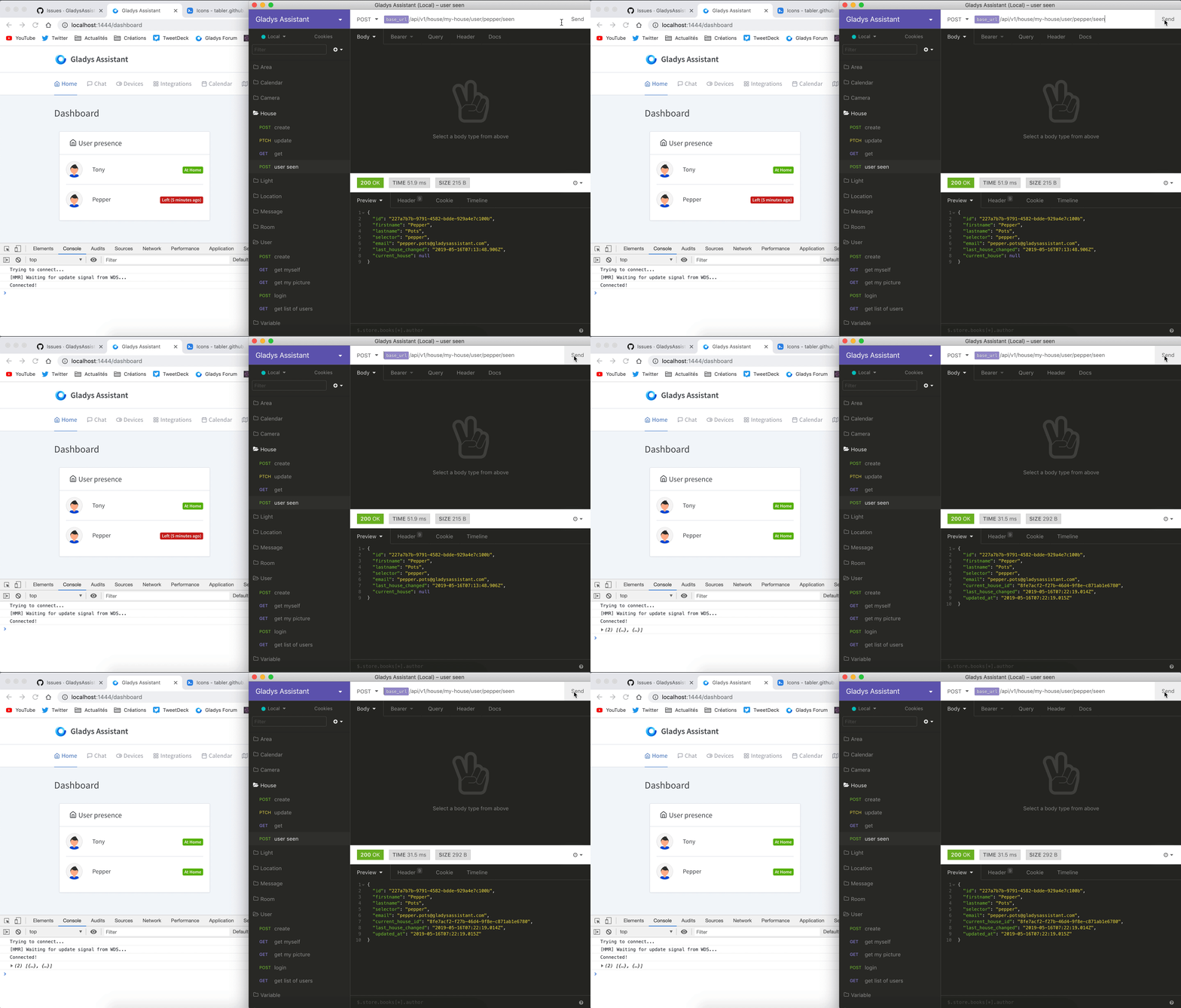
Each box must use web-sockets, or at least refresh periodically to stay up to date.
Example of live refresh:
Box Size
Your box displays a set of data that is probably dynamic. Pay attention to the minimum and maximum sizes of the data.
If you display a list, be sure to give a maximum size to the box and ask the browser to put a scroll bar if the list is too long. This will prevent your box from being gigantic if the user has a large installation.
If your box is systematically too long, think about changing the concept of your box, and for example allow the user to select a subset of the data in the box configuration.
Example of scroll bar:
Empty States
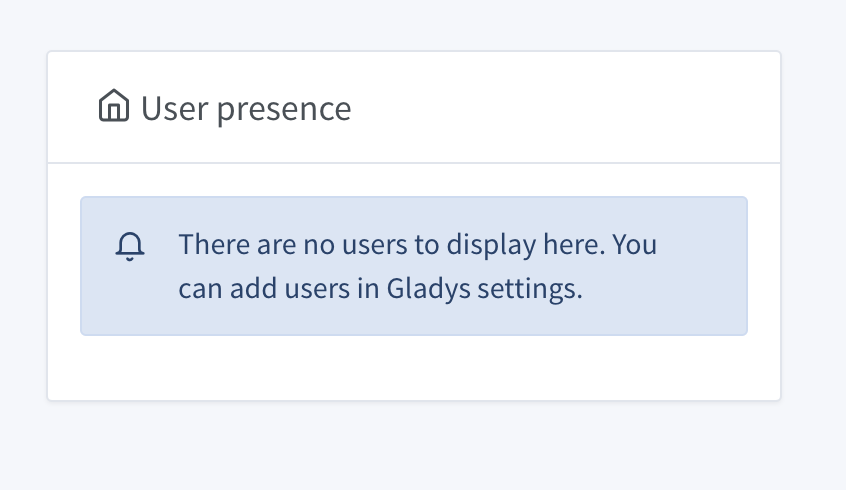
If your box can be empty, think about creating a special state indicating the steps to follow so that the box is filled.
Example:
That’s it, these are the guidelines I want to post in the developer documentation
In the end, these guidelines are valid for the entire Gladys, but well, the boxes are a good example.
Do not hesitate if you find any shortcomings in these guidelines!