Hello, I am taking back my official account @camille, the account @CamilleB will now be put to sleep 
@pierre-gilles We need to write specifications before starting development.
I don’t know what it’s about, but if you have examples and the expected formalism, I can try to move this point forward.
@pierre-gilles Let’s see if there aren’t even existing standards at the serial communication level?
Here’s what I know about serial communications …, if other people want to correct or enrich, I’ll be happy to receive your feedback …
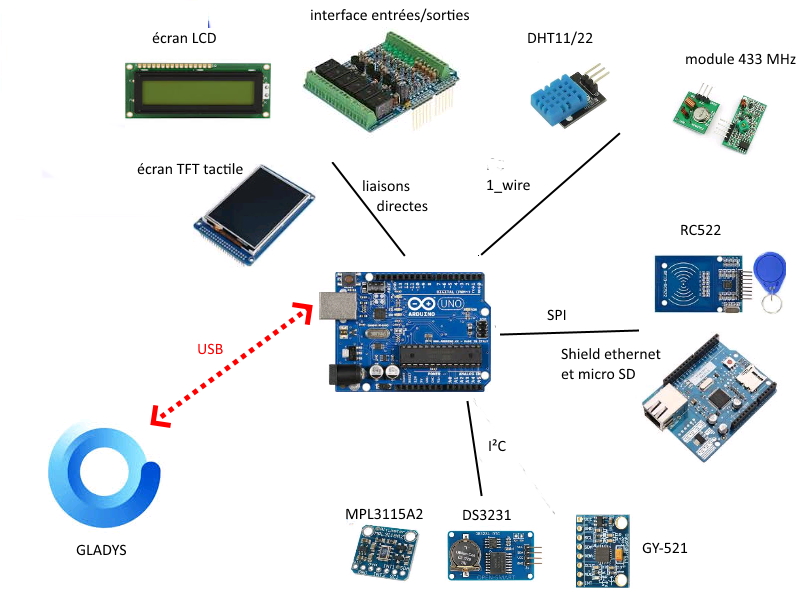
Among the most used « serial » communications by Arduino but also in industry, we can mention the famous RS232 protocol (1960s) which has been and still is in electronics a simple and widespread protocol to use, I²C (1980s) and its little brother 1-wire are also quite used in electronics to address peripherals (memory, A/D, D/A converters, bus expanders …), SPI (1980s) used like I²C in electronics for data exchange with peripherals, LIN and CAN for automotive and industry (not very suitable for our needs in my opinion) and USB (1990s) which needs no introduction and is now a computer standard.
Some examples:
- Temperature/humidity sensors DHT11 and DHT22, 433 Mhz modules use 1-wire
- RFID module RC522, W5100 Ethernet shield and its SD card reader use SPI
- Gyroscope and accelerometer GY-521, real-time clock DS3231, barometer MPL3115A2 use I²C
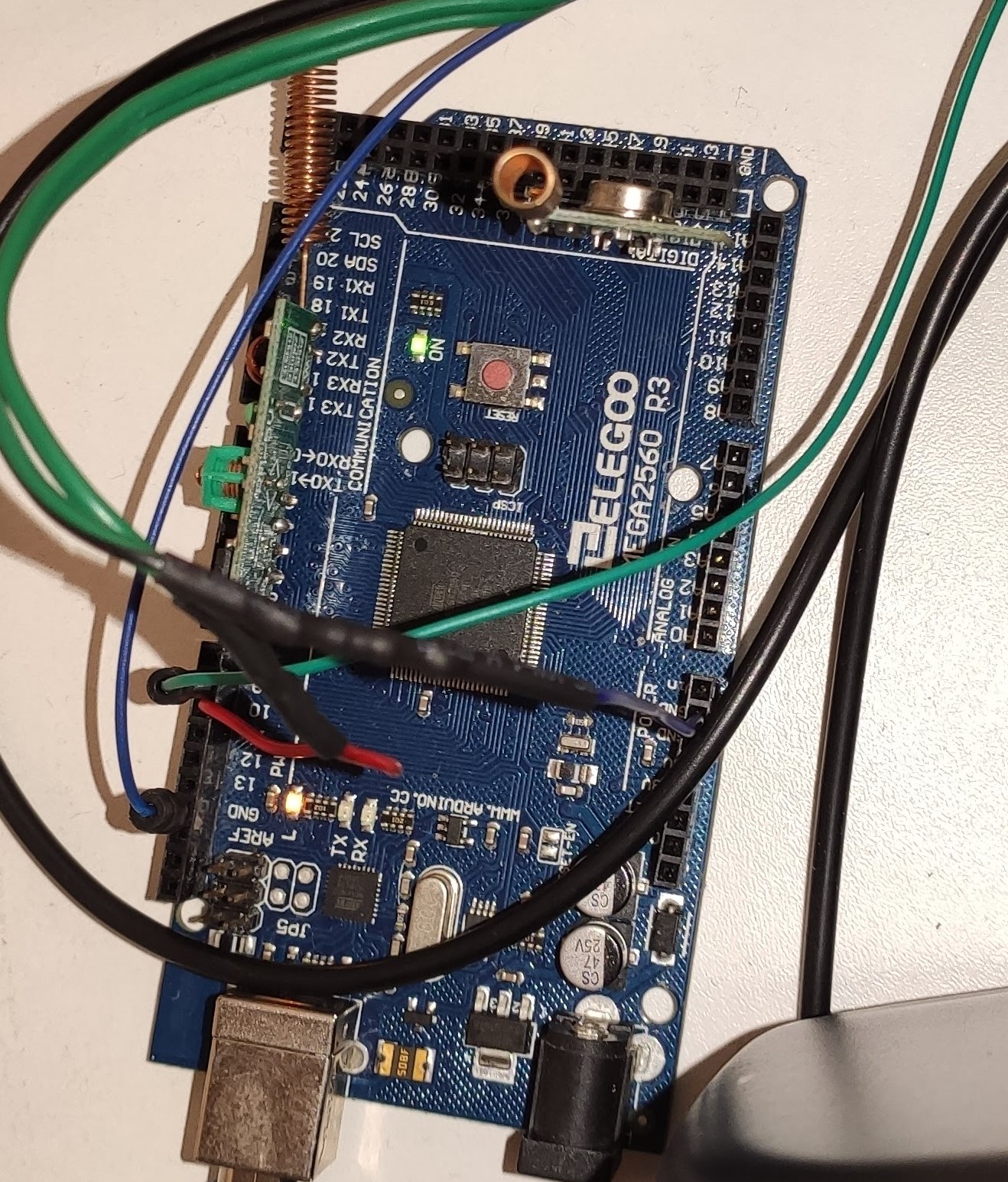
- Communication/programming with Arduinos use the RS232 link via a USB UART
It is this last link that is used to communicate between Gladys and the Arduino when it is connected via USB.
The other protocols are used by the sensors/peripherals managed by the Arduino.
As a serial standard, I only know the industrial world one, Modbus and its little brothers Profibus, Jbus.
The principle is simple, a master (Gladys) queries or commands slaves (Arduinos).
Messages are composed of the frame for the master: [slave address], [requested function code], [data], [CRC] and for the slave, the response frame if necessary: [slave address], [requested function code], [data], [CRC].
The function code and the CRC comply with a standard.
There are libraries that manage Modbus for Arduinos.
However, we need to program a Modbus master for Gladys, I don’t know if this is easy to do and especially desirable ???
My opinion:
-
This seems like a lot of work for something that might end up being complicated for a lenda user.
However, I am available to discuss the subject and see if someone else has ideas for existing serial standards to propose or if you think Modbus would be a good idea.
-
I am stuck on the simplicity of the topics used by MQTT. If we reuse the same ideas, it would be enough to broadcast/receive the topics with the data.
On the Gladys side, there is already something and the same on the Arduino side.
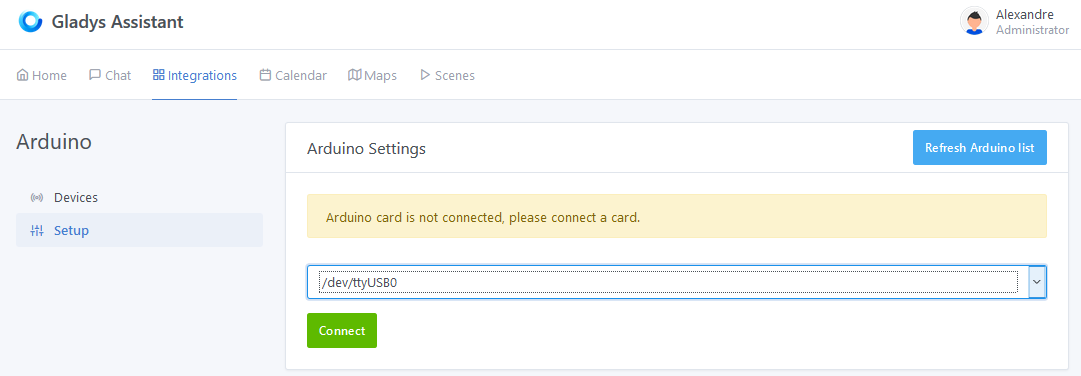
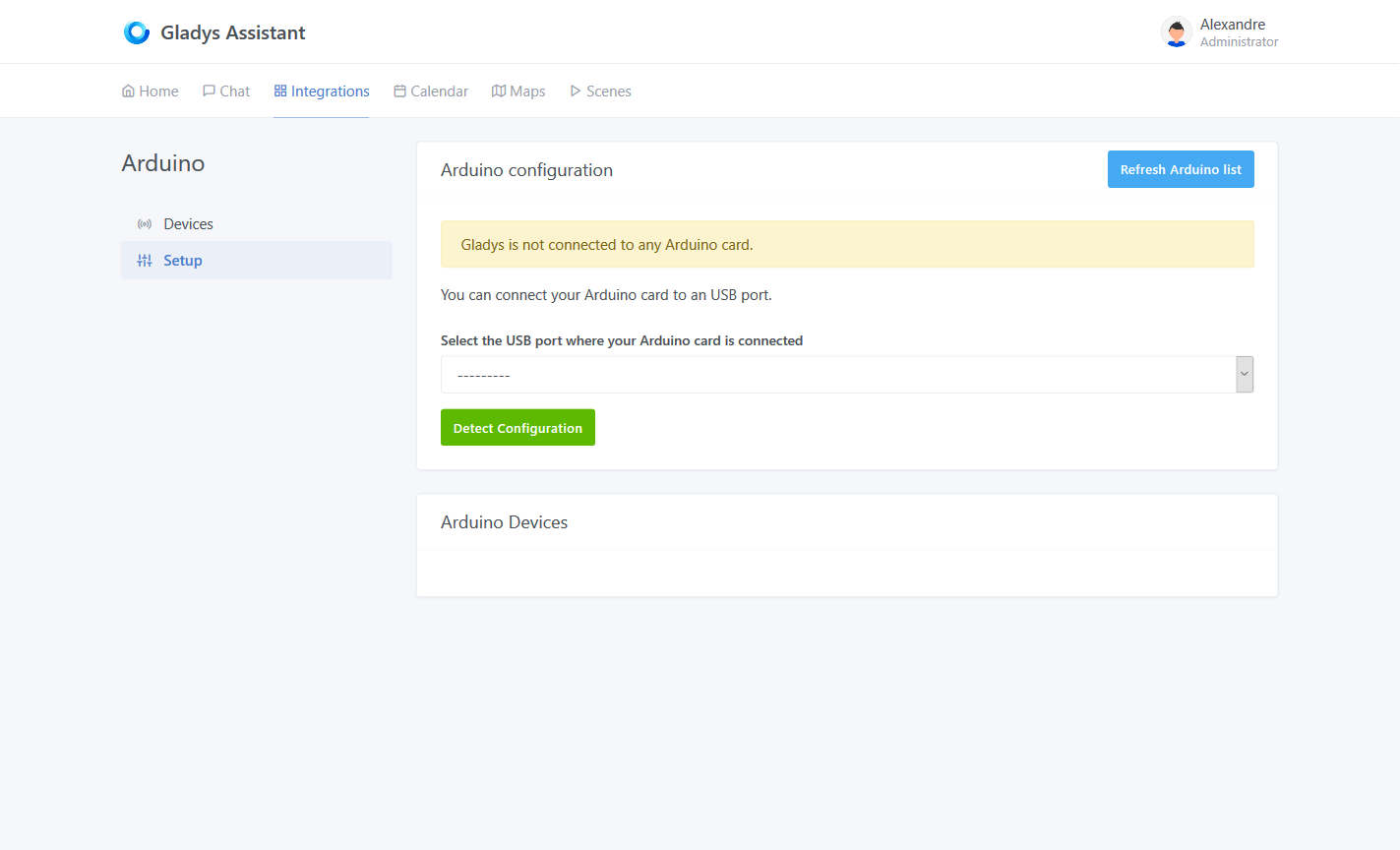
The « setup » tab could look like this with auto-detection of the Arduinos you connect
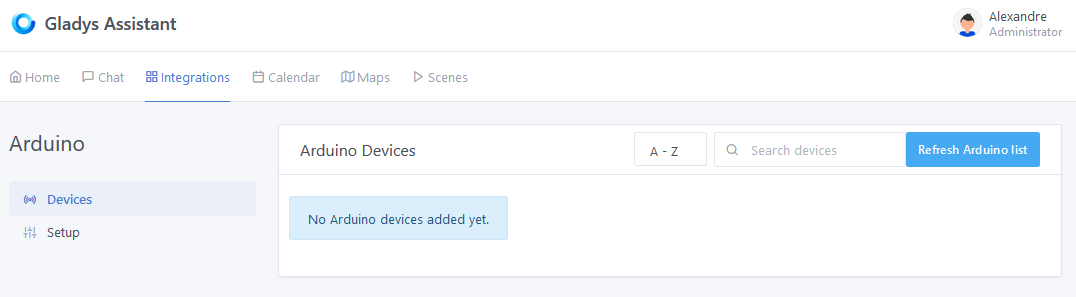
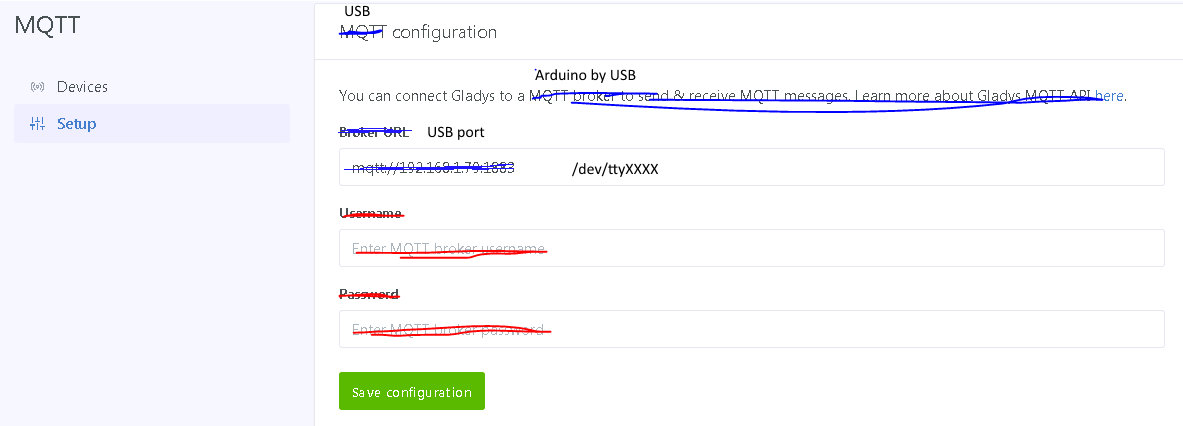
As for the « device » tab, there wouldn’t be much to change (keep the same structure as MQTT)
Same, tell me if I’m delusional or if it’s a good idea.
- Last point, I developed for one of my old jobs a project in which it was necessary to communicate several slave modules with relatively low data flows. I had used the RS232 support and I had simply used the Modbus philosophy but in a much simpler way. That is, I broadcasted frames with an identifier for each slave, the commands and queries and then each slave answered me.
There was no CRC because it was not necessary and it was very simple (the proof I could do it  )
)
So to finish, another solution could be to develop our own standard, what do you think?
@pierre-gilles Top  Don’t hesitate to make tutorials on what you have already integrated into Gladys (MQTT, camera)
I look at what already exists and I start …

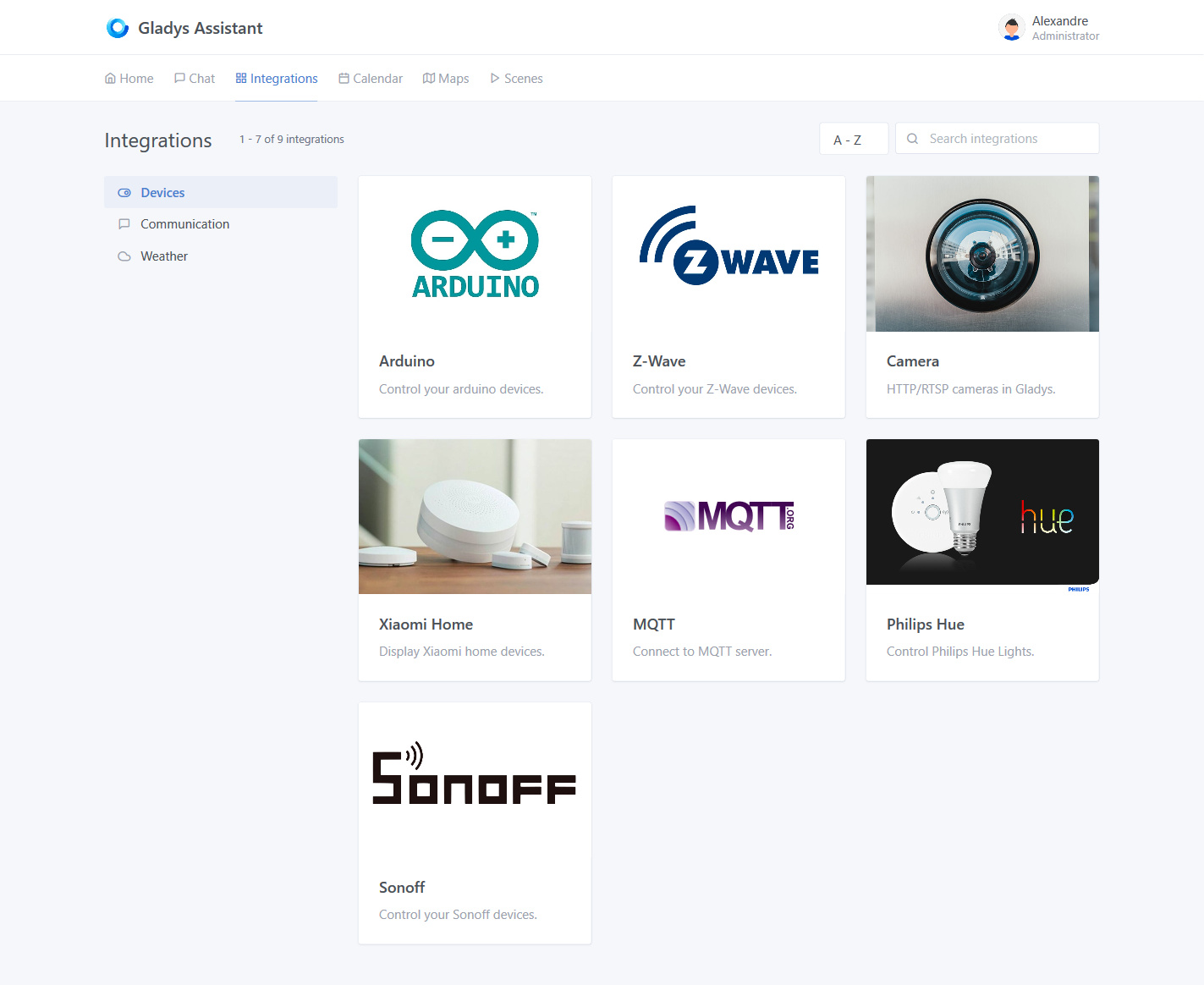
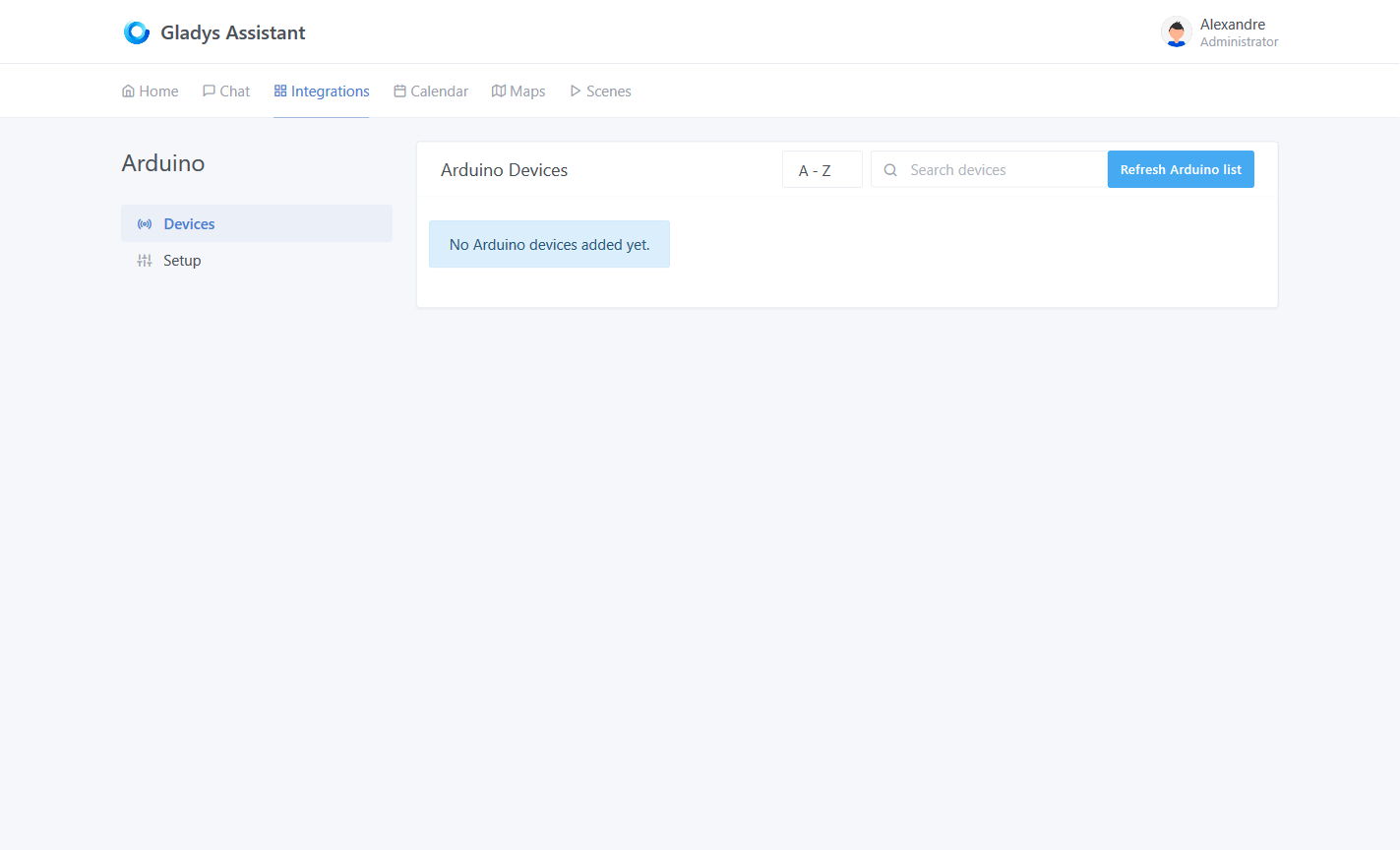


 ) I was able to make progress on the development. I am therefore writing this small message to describe all the points that came to my mind, I would like to have your opinion on the progress of this service.