Ahhhhh thanks I was wondering! Ok so I listen to my gateway continuously and as soon as I have a value I send everything to gladys.
I’ll check that out, thanks
Ahhhhh thanks I was wondering! Ok so I listen to my gateway continuously and as soon as I have a value I send everything to gladys.
I’ll check that out, thanks
Hi,
I also have a lot of Xiaomi devices at home if you want to use them for testing, including some weird stuff like the cube ^^ and more standard things: temperature sensor, door opening detector, leak detector, plug, flower care sensor and motion detector.
Yes no problem! On my side I’m making sure to have the temperature sensors working for now. When that’s good we’ll add the equipment one by one 
But I note
Hello,
Are there people on Windows who manage to do a working npm install?
Because I have the same problems as Windows users in the Developer Call video…
I did try to do an npm install -g windows-build-tools to try to solve the various problems such as missing Python, but it’s still the same ^^
Hello,
Indeed, you are not the first to report the issue, and if my memory serves me right, it’s stuck on the zwave part.
I’ve tried a lot of things to fix the problem, but I still don’t have a solution.
So it’s a useless message 
If someone finds a solution, we are interested.
Indeed, it is a problem with Z-Wave, I just need to set up a development environment under Linux in this case ^^
If you have a raspberry pi lying around, you can develop on Windows in your favorite IDE, and sync the deployment « on save » to the raspberry pi. One console for SSH for the front end, another for the back end. With hot reload, it’s pure bliss 
With Visual Studio Code Insiders, you can do everything in SSH on raps while staying on Windows.
Oh cool, I’ll try to do that then, thanks to both of you!
Yarn is the solution for me on Windows.
However, I haven’t tested it with Gladys 4
Where exactly is the issue under Windows with z-wave? Is it the installation of the z-wave system library, or the installation of the NPM packages related to z-wave?
By the way, Docker, I have a friend who is setting up a Gladys 4 dev config under Docker, he should share it here. (To make it simple, he puts the code in a volume and therefore the hot reload works as if he was running it directly on the machine, no need to rebuild the image)
This is what is used in many companies to simplify development! Generally, we do a docker and everyone has the same package version.
Hello @pierre-gilles, as for the error, it seems to be related to the zwave packages, I have these errors here:
2019-07-11T14:03:28+0200 <info> install_service_dependencies.js:17 (directories.forEach) Installing dependencies in folder C:\Users\user\Desktop\Gladys-master\server\services\zwave
gyp ERR! build error
gyp ERR! stack Error: `C:\Program Files (x86)\Microsoft Visual Studio\2017\BuildTools\MSBuild\15.0\Bin\MSBuild.exe` failed with exit code: 1
gyp ERR! stack     at ChildProcess.onExit (C:\Program Files\nodejs\node_modules\npm\node_modules\node-gyp\lib\build.js:262:23)
gyp ERR! stack     at ChildProcess.emit (events.js:197:13)
gyp ERR! stack     at Process.ChildProcess._handle.onexit (internal\child_process.js:254:12)
gyp ERR! System Windows_NT 10.0.17763
gyp ERR! command "C:\\Program Files\\nodejs\\node.exe" "C:\\Program Files\\nodejs\\node_modules\\npm\\node_modules\\node-gyp\\bin\\node-gyp.js" "rebuild"
gyp ERR! cwd C:\Users\user\Desktop\Gladys-master\server\services\zwave\node_modules\openzwave-shared
gyp ERR! node -v v11.9.0
gyp ERR! node-gyp -v v3.8.0
gyp ERR! not ok
npm WARN gladys-zwave@ No description
npm WARN gladys-zwave@ No repository field.
npm WARN gladys-zwave@ No license field.
npm ERR! code ELIFECYCLE
npm ERR! errno 1
npm ERR! openzwave-shared@1.4.8 install: `node-gyp rebuild`
npm ERR! Exit status 1
npm ERR!
npm ERR! Failed at the openzwave-shared@1.4.8 install script.
npm ERR! This is probably not a problem with npm. There is likely additional logging output above.
Ah yes that could be interesting!
Well, not exactly but almost! They will soon release a real native Linux kernel 100% compatible with Windows (for example, you will be able to see the devices).
But yes, I use this at work, it’s much better than using Windows for development
Personally, I use WSL to develop the front end of Gladys v4, for the back end, the devices are still missing
Hello everyone,
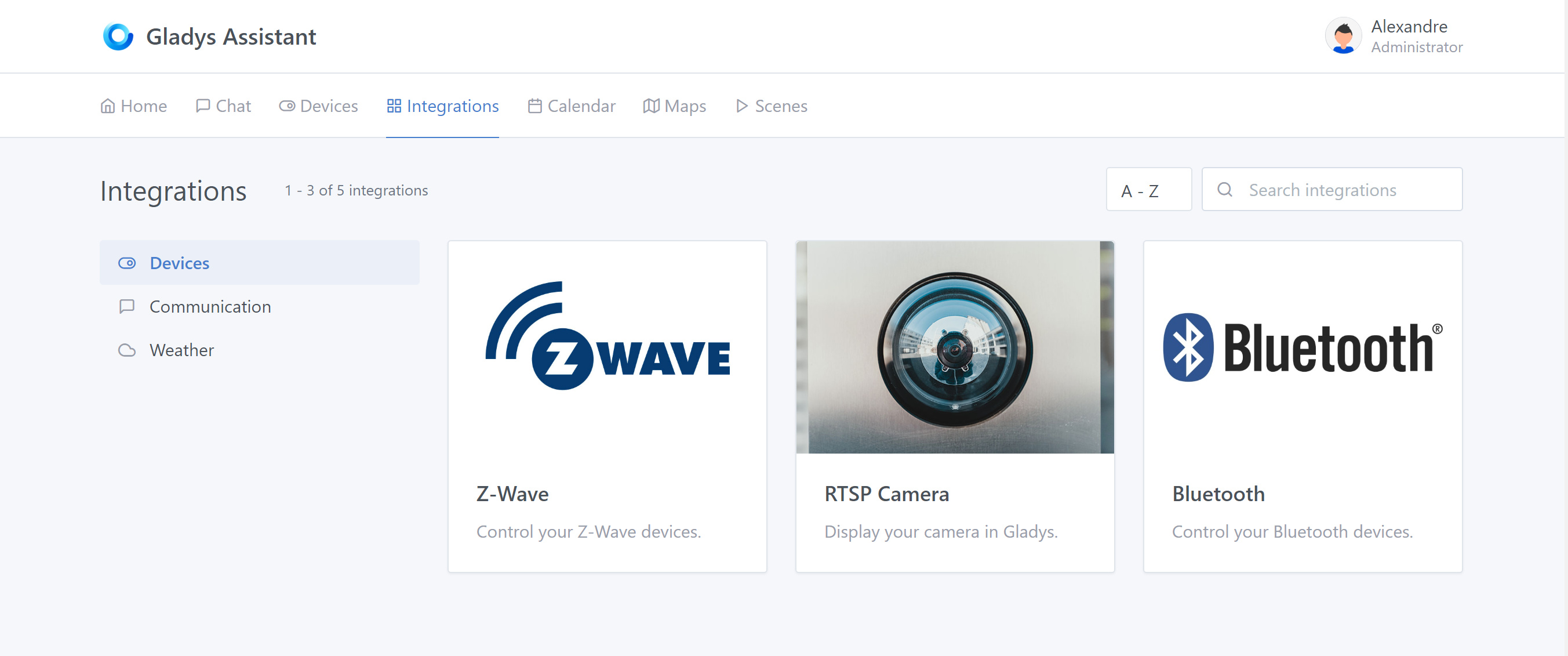
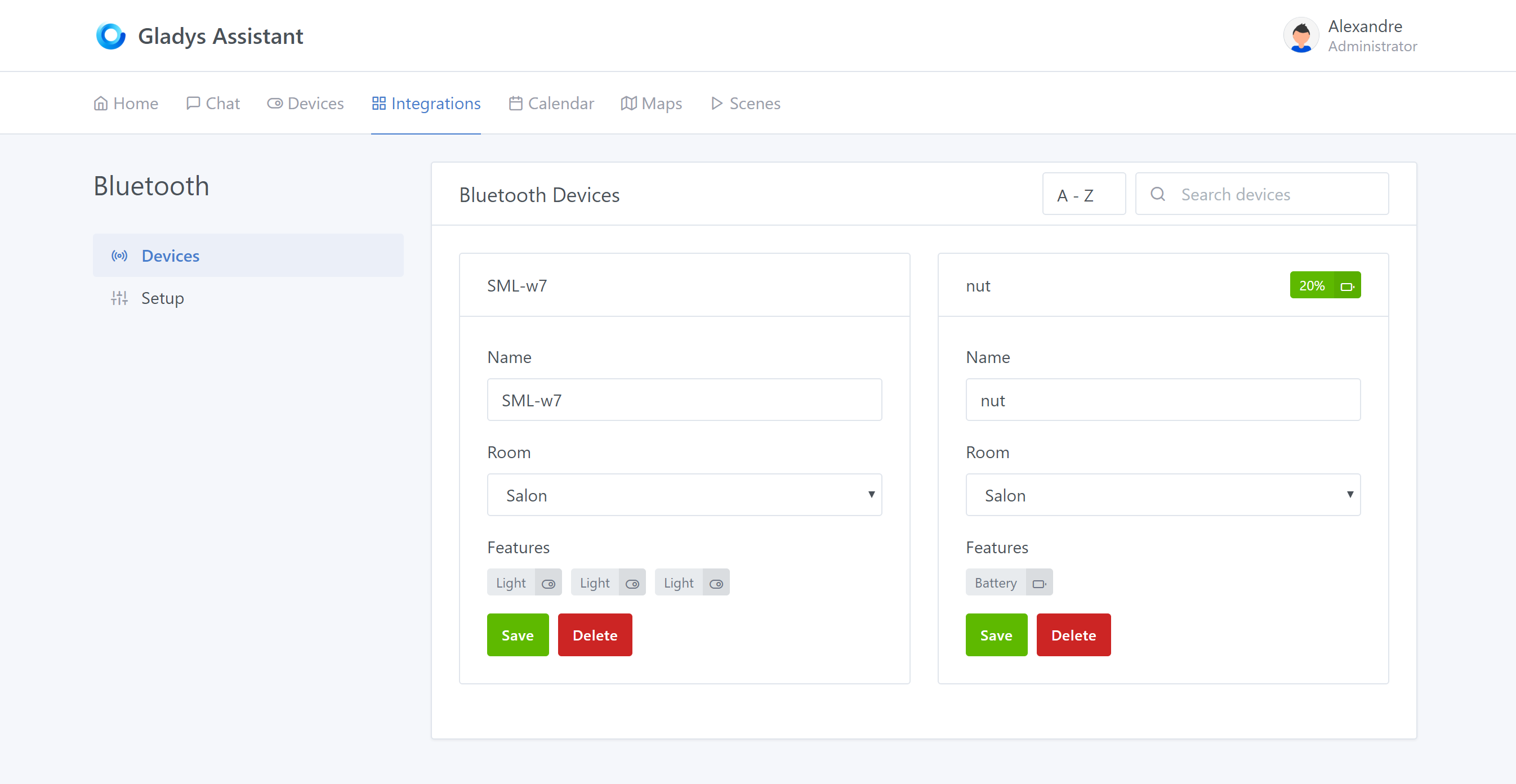
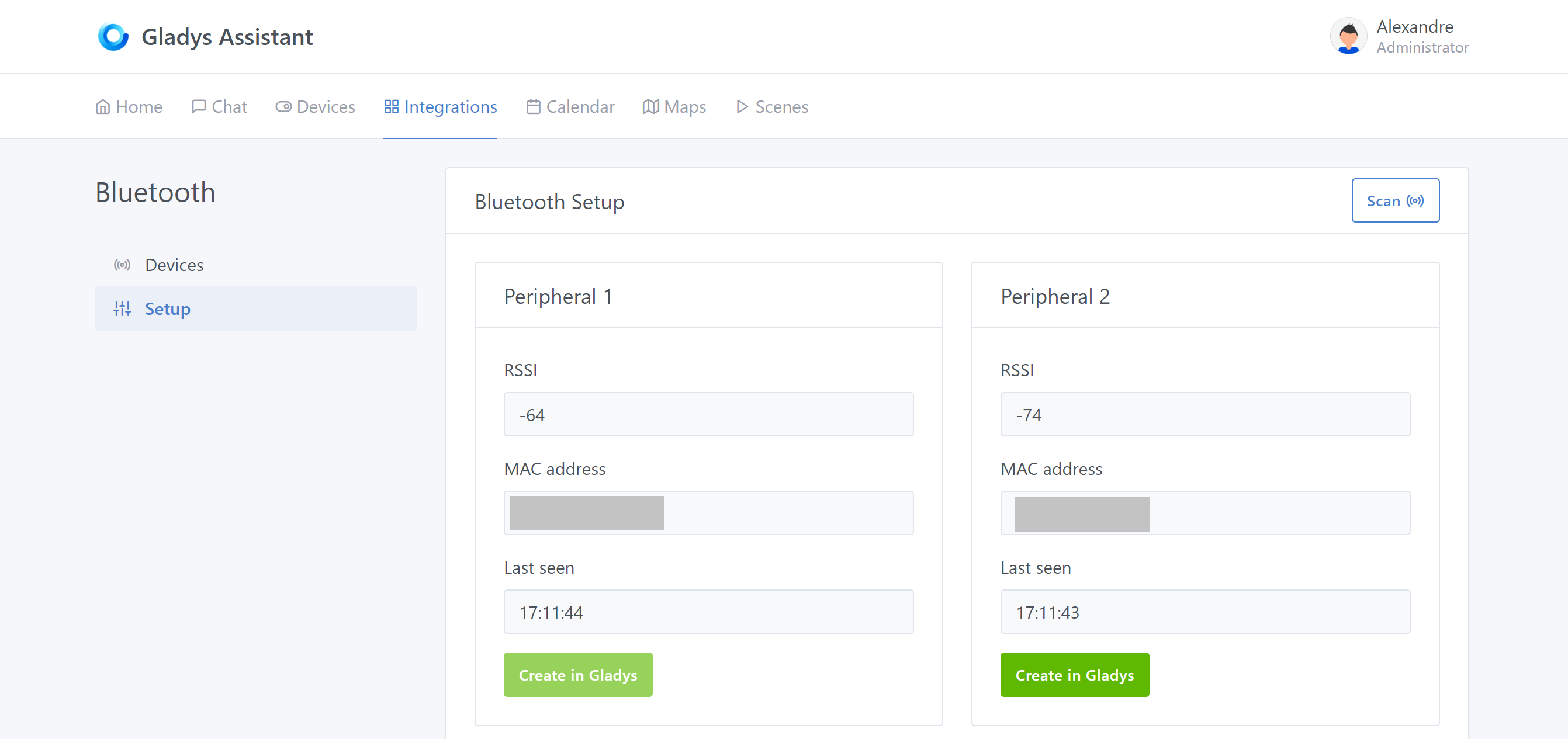
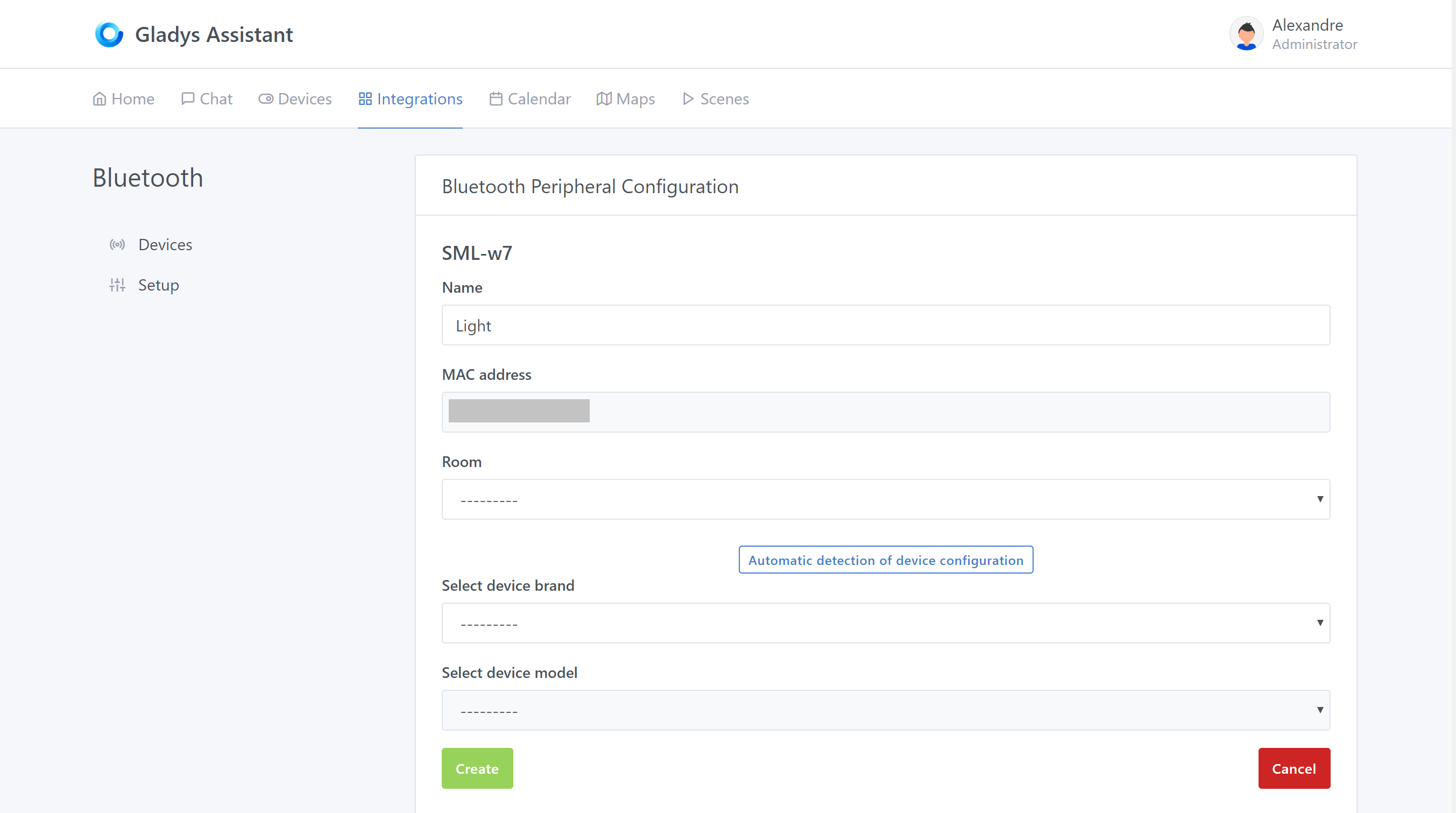
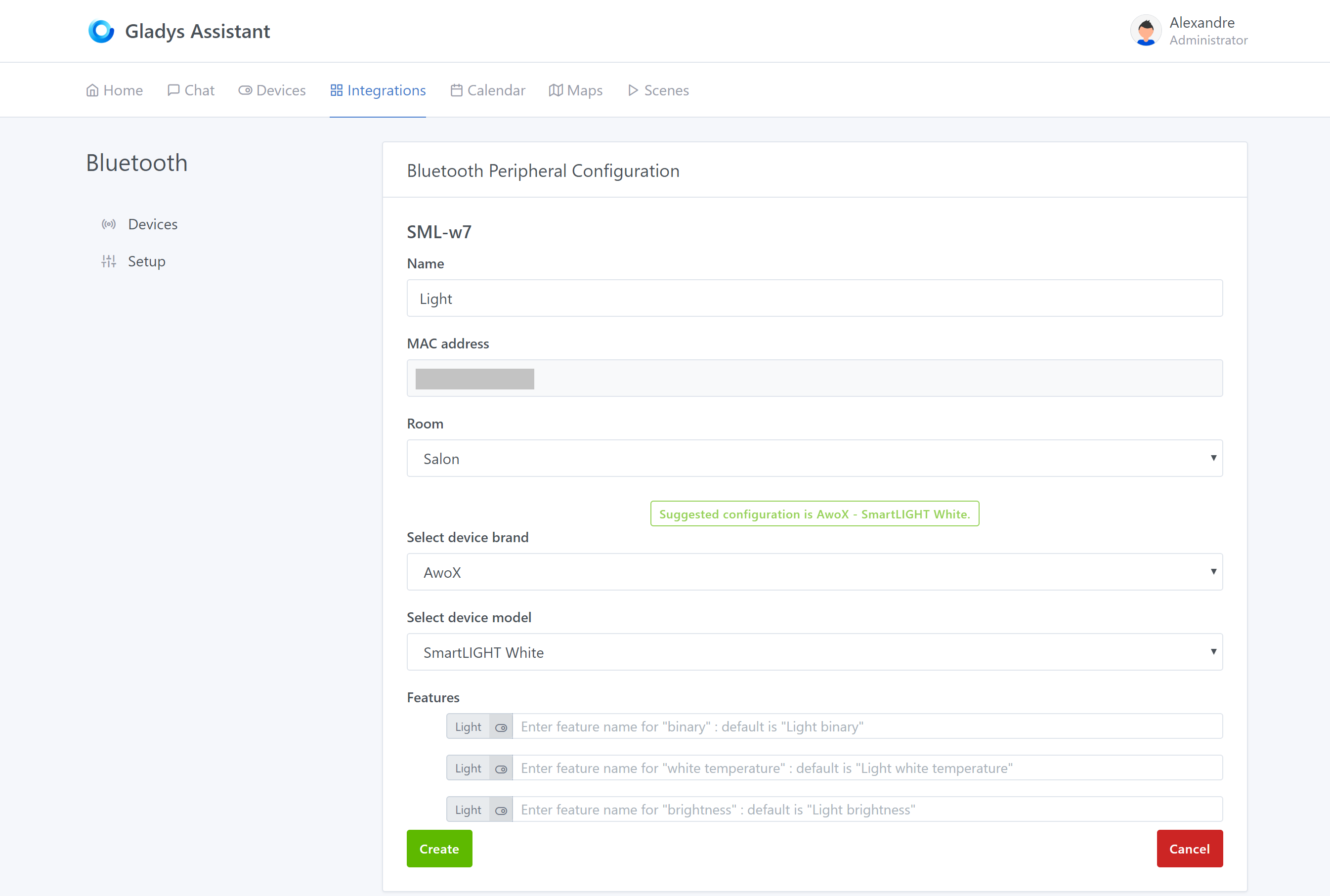
Some news about the progress of the Bluetooth service for Gladys v4:
@pierre-gilles I’m now trying to tackle the management of the bulbs, but I can’t find a way to call the « turnOn » method of my service.
I was inspired by the « example » service, but I’m stuck.
Do you have any information about the actions? I see in the scene.actions.js file that turnOn is called directly from the device… maybe a step is missing??
In short, I’m stuck.
Edit:
The call toinitof the LightManager is missing, and during this call, theparamsof the device are not returned.
I’ll make a PR ASAP.
Thanks
Here are some screenshots:
Magnificent! Great job!
So for the turnOn story, I admit we might go back to just one function like « setValue » on the service side.
This part hasn’t been done anywhere else in other services, so it’s all new, we have to design everything!
Thanks
I’ll check to use « setValue », but I still think I’ll move this dev to another PR so you can see it more clearly.
However, I’m starting to be limited with the icons from https://feathericons.com, for example for color / contrast…
There are many requests for creation on the git repo, but I find that the activity is low. Maybe think about changing the library?
I liked feather icons for its lightness!
Then when we talk about light, isn’t the icon the lamp icon regardless of the action we take?
For the lamps, a color picker pill for the color and the « sun » icon with a slider for the intensity will surely do the trick.
But in general, there are no special « home automation » icons. I don’t have any ideas in mind, but perhaps for some devices, this will be limiting? Heating, presence sensor, outlets…