When I configure an MQTT device for data reporting with the topic provided by Gladys, everything works perfectly: the sensor data is correctly received on the application.
However, when I disable the « is this a sensor » option to control the same device from Gladys, I cannot retrieve the MQTT message sent by the application (I am listening on the new topic provided).
Works like a charm, I had misconfigured the MQTT Topic subscription.
However, I find it confusing that the MQTT publication Topic of the device is no longer visible (in favor of the command subscription Topic of Gladys) when the « is it a sensor » option is disabled.
To fully understand, you need to go to the manual under the « API » and « MQTT API » sections, not under « Integrations » « MQTT ».
Can I make a feature request that would consist of adding a second line « MQTT Subscription Topic » in the MQTT device configuration page if the « is it a sensor » option is disabled?
Happy New Year to everyone and to the Gladys project.
I just created an issue on Github.
I take the opportunity to ask a new question: what is the command to send in the Gladys discussion to change the device state from 0 to 1 and vice versa?
I couldn’t find the answer in the documentation.
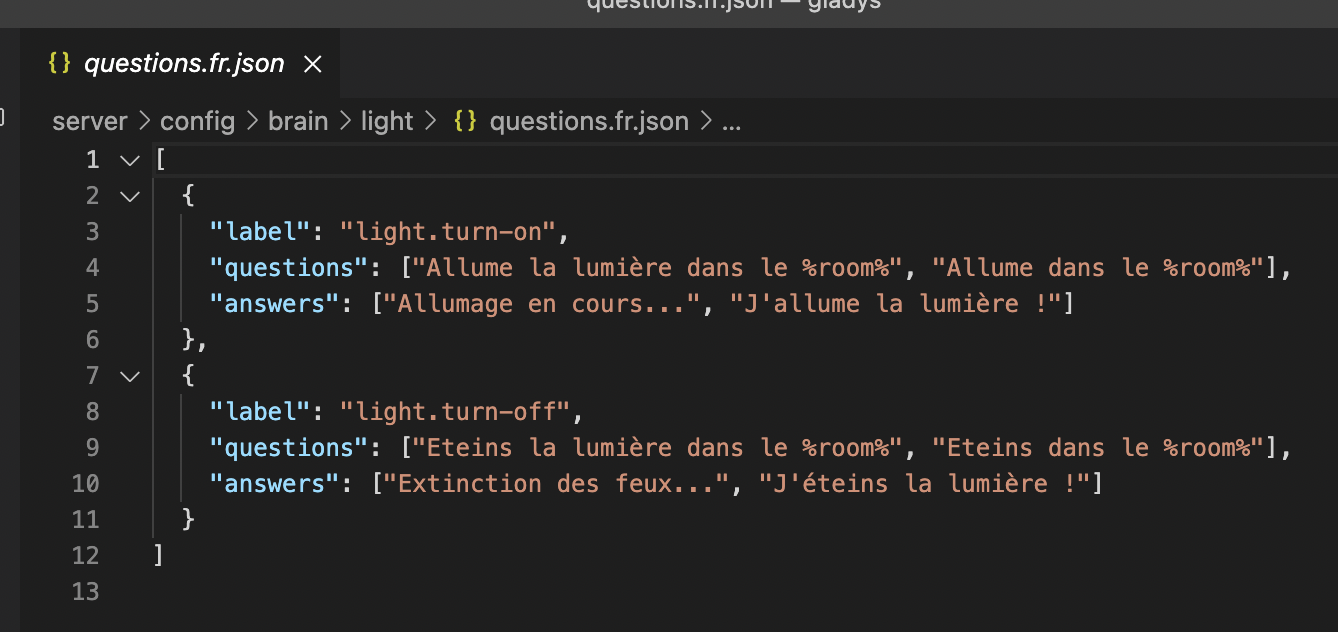
For now, we only have one way to turn on the lights in the chat, which is by room and not by device, so you have to say « Turn on the living room light », « Turn off the garden light », etc…
Then, when you say « turn on the living room light », what Gladys does is look for all the devices in the named room, of category « light » and with a « binary On/Off » functionality.
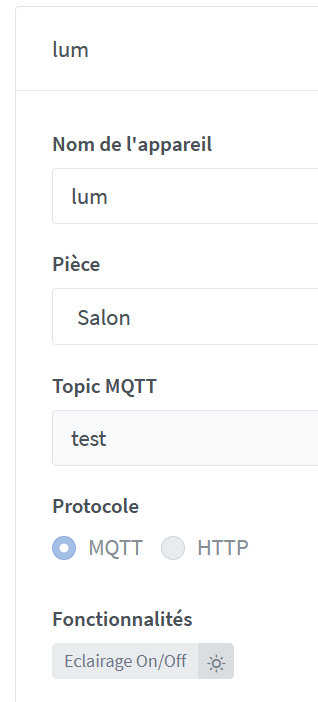
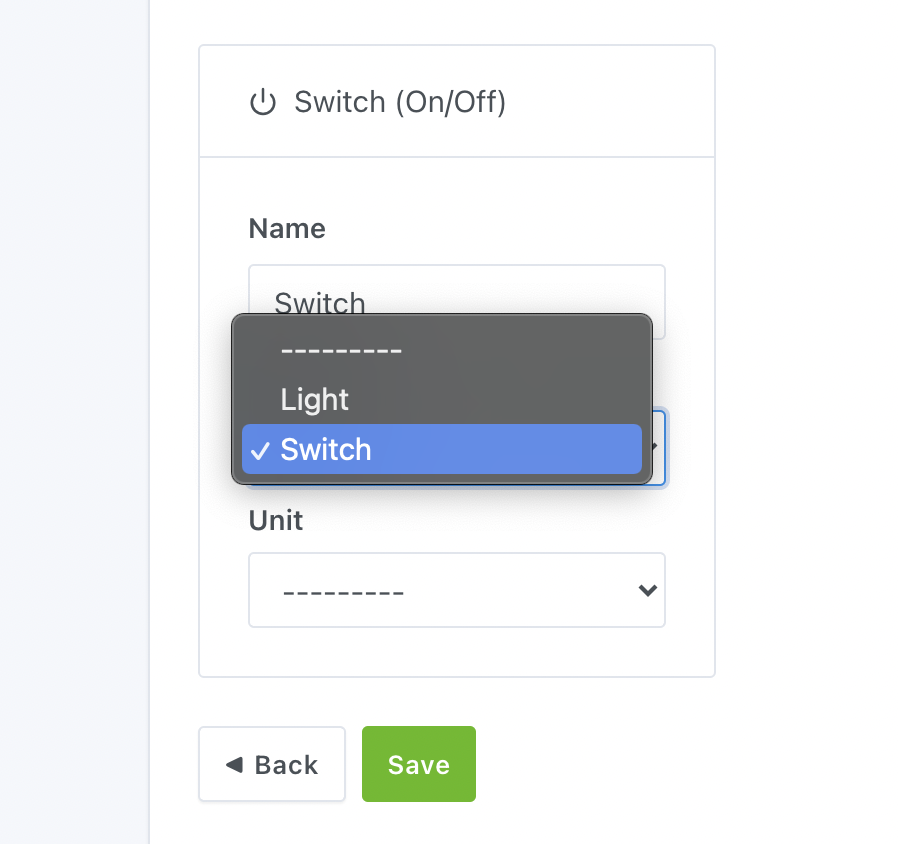
You should make sure that in this case, your device is well configured as a light?
This feature in the Tasmota Sonoff integration (being able to declare a plug as a light) is very new, so it’s not impossible that there are glitches, we’ll find them
Thank you for the detailed information, perhaps you can integrate it into the documentation (I take this opportunity regarding the Tasmota documentation, I initially entered the topic with « test/topic ». However, Gladys only discovers topics « tele/+/+ » so it is forbidden to use the / to avoid overloading the topic. I think a small « Warning do not overload the topic » in the documentation would prevent some not-so-bright people like me from not making mistakes)
I have correctly configured the Sonoff as « light », by the way when I manually switch the room button at the click the behavior is good.
I simulated an MQTT device as « lighting ON/OFF » (bulb) and everything works well with the discussion, but nothing to do with the Tasmota device!
So I have a question, can we program in the scenes a trigger on a term of a discussion? (ex: « open shutter » triggers action « shutter device goes to ON »)
However, regarding the logs, after running docker logs gladys on the pi, I get no output from the manual switch commands, regardless of the type (Tasmota, MQTT, Garage).
I have started the PR for the site’s French documentation. I hope to be able to send it to you before the end of the week, and if approved, I will do the English version.
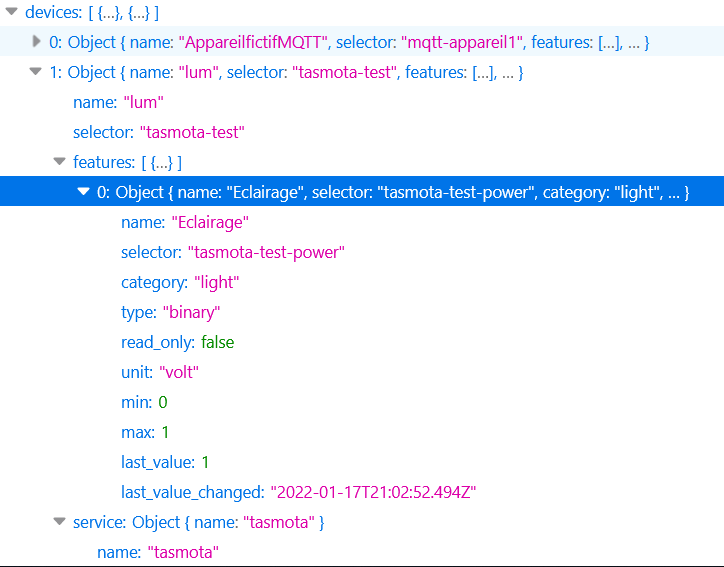
Your device seems fine (it is indeed a « light » category, and type « binary »)
No error logs
I don’t see why, whether in the UI or voice commands, it doesn’t detect that this light should be on…
Could the error not come from further up? Individually, everything works on the plug, right? When you click on the light, it turns on correctly, right?
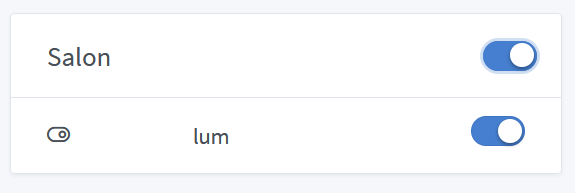
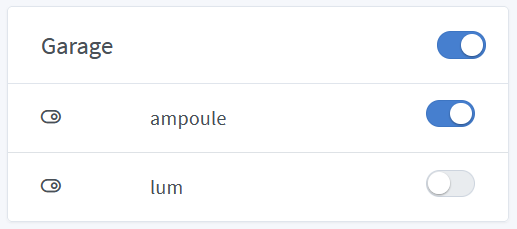
Yes, everything works perfectly when I click on « lum » or « garage ».
I really feel that it’s the Tasmota service that’s malfunctioning on this feature.
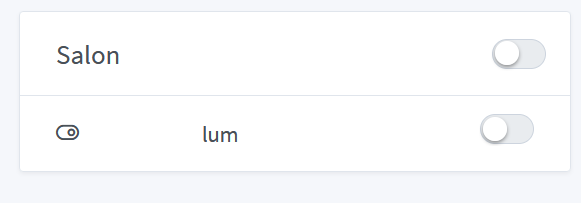
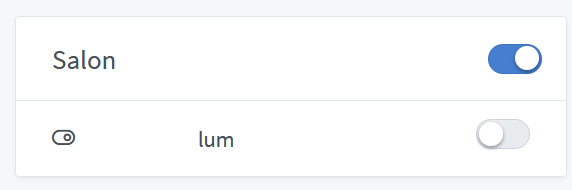
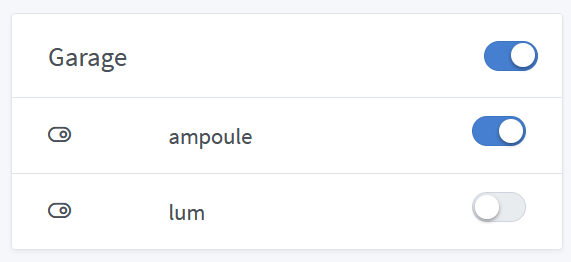
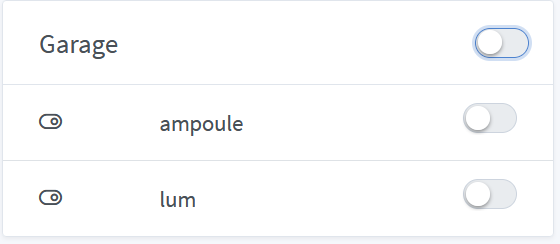
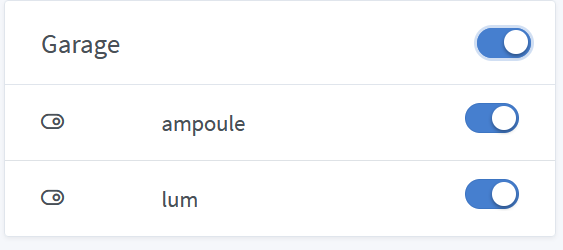
Here are the screenshots:
When I switch the garage switch from OFF to ON and vice versa at the click, everything works (the Sonoff clicks, the lamp turns on, messages are sent on the MQTT topics)
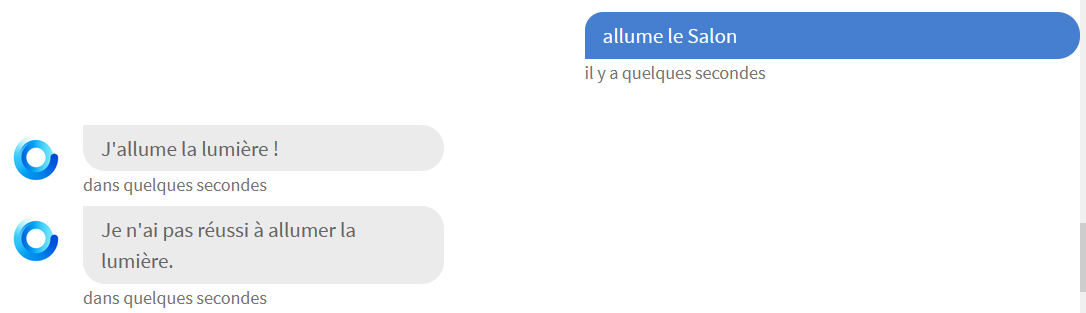
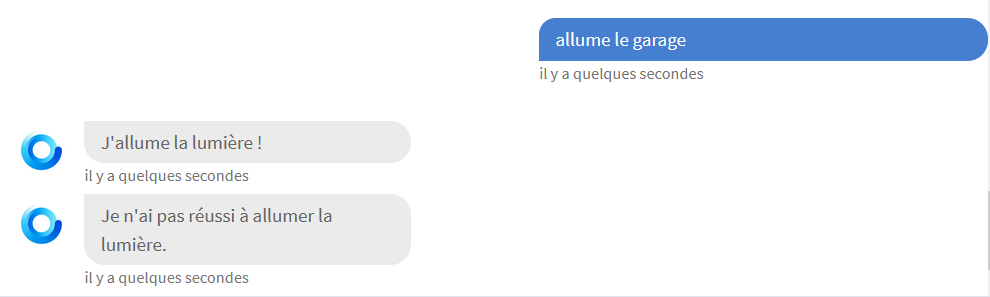
Gladys responds in the discussion that she failed to turn on the light, which is partially true as she turned on the MQTT device (message received on the MQTT device topic).
The Sonoff did not click and nothing on the Sonoff topic (normal, the lum switch remained on OFF).
So we know that Gladys knows she has a Tasmota switch problem thanks to the conversation, but I confirm, nothing in the logs.
Are you talking about the messages published by Tasmota when the relay clicks?
Eventually @Tlse-vins if you happen to be in the area, could you check that the behavior I describe between Tasmota and the light command via Discussion is identical on one of your Sonoff devices?
I am in the process of moving into my new house and I have not yet reinstalled everything.
I just reconnected the Pi with Gladys to update it.
I will check as soon as I can.